Unlock Smooth Smart Home Automation with Home Assistant
Home Assistant empowers you to unify all your smart devices, safeguard privacy, and automate every part of your connected home with ease.
Blog posts
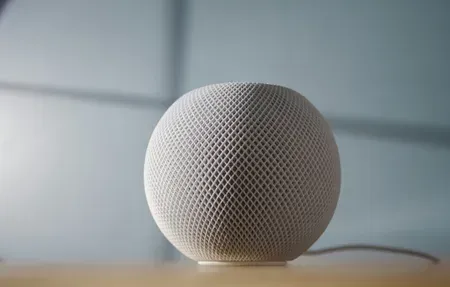
iOS 27 left beta on September 14, 2026. The Home app got...
The Connectivity Standards Alliance published a member video in late August titled...
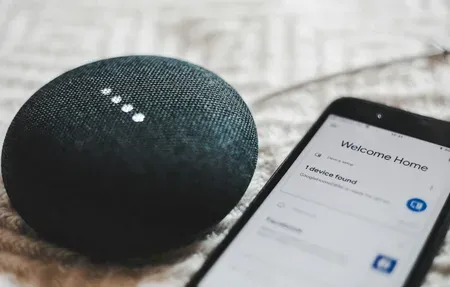
Setting up a Thread network for Home Assistant is a sequence of...
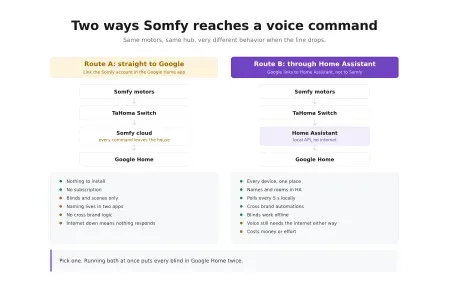
Two links, one decision. You can hand Somfy straight to Google Home,...

Every protocol comparison assumes you own the walls. Renting changes the question...
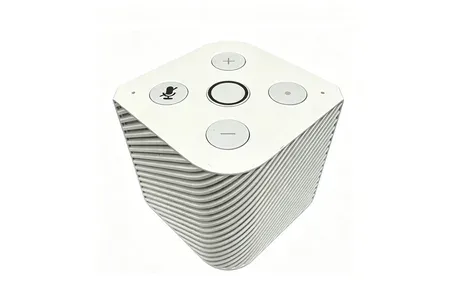
Pine64's PineVoice is a $50 RISC-V smart speaker with open firmware, local...
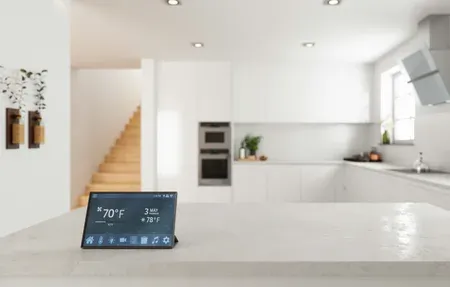
I buy the category leader in every room: iRobot, Somfy, Gardena, Fujitsu,...

Commercial smart sprinkler controllers want a subscription and a cloud account to...
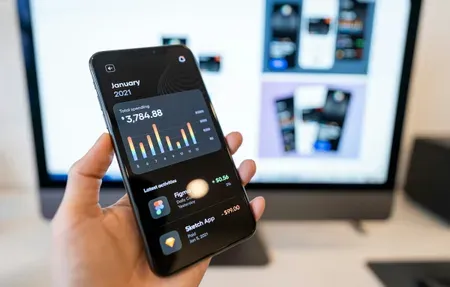
Home Assistant organizes everything around three building blocks: entities, devices, and automations....

One unrooted iRobot Roomba j7+ has run here for two years, which...

I've put a Z-Wave deadbolt, a Zigbee lock, and a Wi-Fi lock...
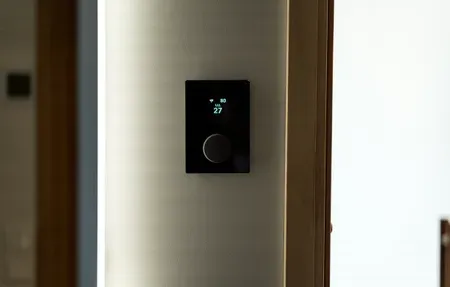
I've wired three thermostats into my own HVAC and lived with each...
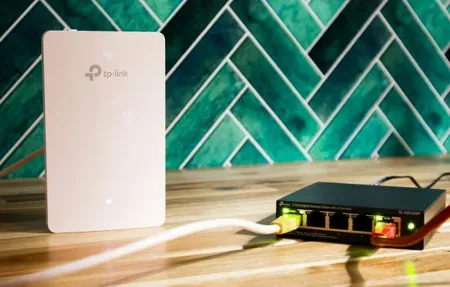
WiFi devices get a bad reputation in Home Assistant circles, but that...

I've swapped Zigbee coordinators three times in two years, and the biggest...

The Home Assistant Companion app turns your phone into both a control...

Picking the right hardware for Home Assistant in 2026 is trickier than...

FriendlyElec's NanoPi NEO3 Plus is a tiny $24 board with LPDDR4 RAM,...
Zigbee2MQTT bridges your Zigbee radio to Home Assistant through an MQTT broker...
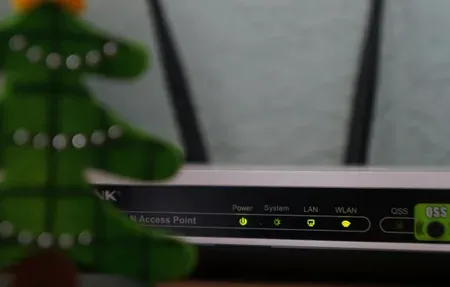
Nine times out of ten, a device Home Assistant won't discover is...

Securing Home Assistant comes down to one rule above the rest: never...

I've wired a dozen smart switches into my own panel and run...
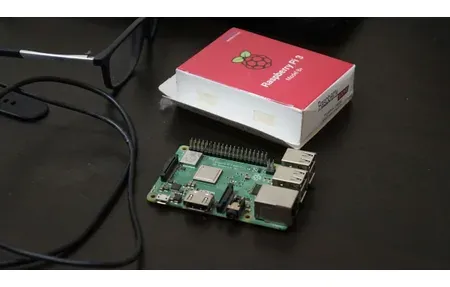
Home Assistant is free, local smart home software with 3,000+ integrations, and...

IKEA TRADFRI is one of the cheapest ways to build a Zigbee...

Aqara devices work with Apple HomeKit, Home Assistant, Google Home, and Amazon...
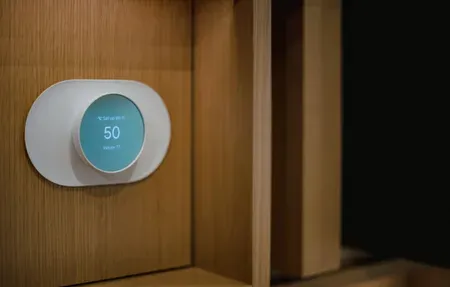
I've tested over 20 sensors in my Home Assistant setup since 2023,...

The default Home Assistant dashboard works fine for a handful of devices....

The default Home Assistant dashboard works fine for getting started. After a...

Your media setup and your smart home should talk to each other...

A wall-mounted tablet turns your Home Assistant setup from a phone app...
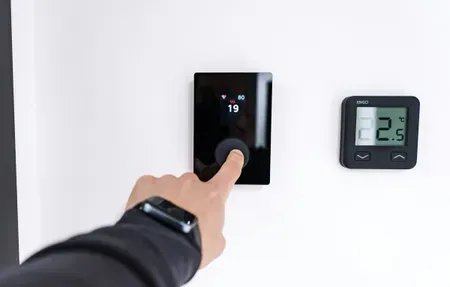
The right Home Assistant theme does more than look nice. It changes...

Running a local AI model inside Home Assistant means your bedroom light...

Kasa is one of the most popular Wi-Fi smart home lines you...

Home Assistant's dashboard uses cards to show entity data, controls, and history....

HACS has roughly 2000 community integrations. Maybe 30 of them are worth...

HACS opens Home Assistant to 2000-plus community integrations, custom Lovelace cards, themes,...

Home Assistant YAML automations get hard to read past 30 lines. Once...
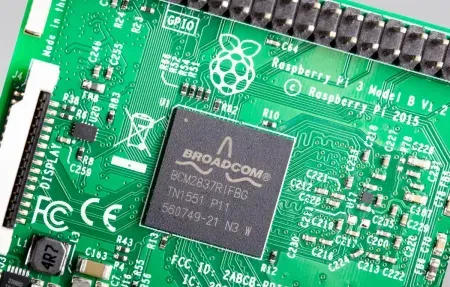
Home Assistant is the most capable local smart home platform available, but...
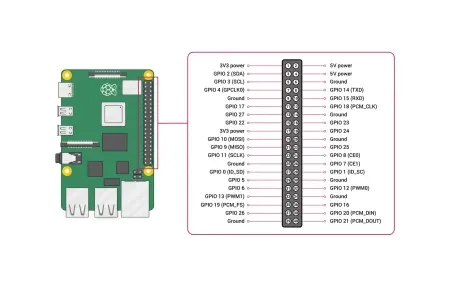
Home Assistant gives you full local control over every smart device in...

Home Assistant 2026.3 brings Matter 2.0 multi-admin support, a redesigned dashboard editor,...

Home Assistant installation takes about 30 minutes on a Raspberry Pi. Here's...
Products
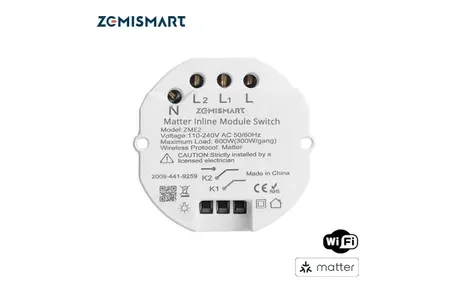
Zemismart ZME2 dual relay inline module with Matter over WiFi: 300W per...

The Aqara Camera Hub G5 Pro packs a 2.6K outdoor camera, on-device...
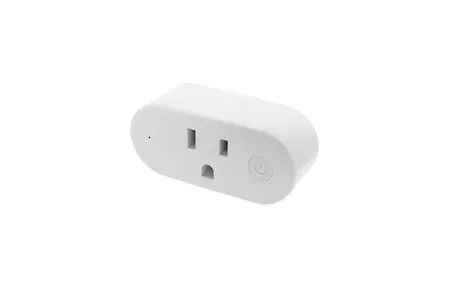
A close look at the Shelly Wave Plug US: Z-Wave 800 chip,...
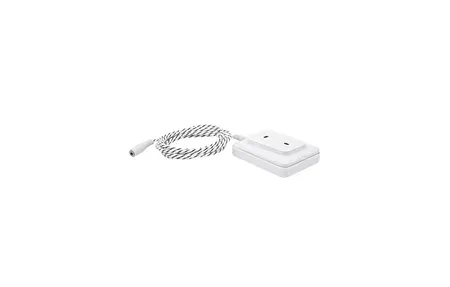
A look at the Shelly Flood S Gen4 water leak sensor: Matter...
The Sonoff D1 Smart Dimmer Switch controls dimmable lights via Wi-Fi and...
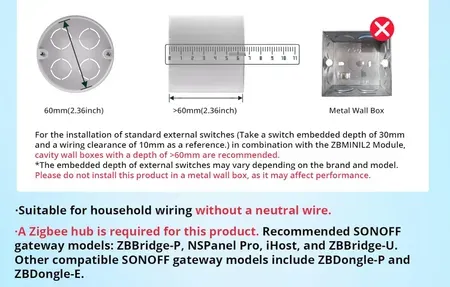
Sonoff ZBMINIL2 Zigbee mini switch fits in any EU wall box. No...

The Sonoff Zigbee 3.0 Pro Gateway is a smart home security gateway...

Aqara Hub E1 connects up to 128 Zigbee devices through a USB...

Monitor CO2, PM2.5, temperature and humidity with IKEA ALPSTUGA. Matter over Thread...

IKEA BILRESA dual button remote controls lights and scenes via Matter. Works...

Control any lamp or small appliance with IKEA GRILLPLATS smart plug. Monitors...

IKEA KAJPLATS decorative smart bulb brings white spectrum dimming and Matter support...

IKEA KAJPLATS GU10 Smart Spotlight delivers tunable white and vivid color with...

iRobot Roomba s9+ Robot Vacuum self-empties, boasts PerfectEdge® corner cleaning, smart mapping,...

Control up to 500 lights with faster automations and spatial scenes on...
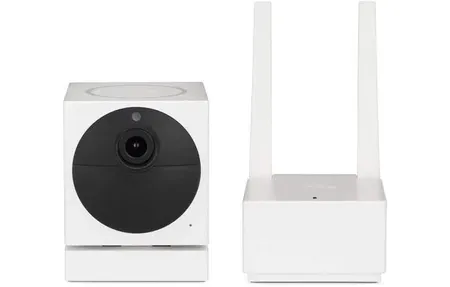
The Wyze Cam v1 offers 1080p Full HD video, motion detection, and...
This guide covers Home Assistant as the ultimate smart home automation hub and how it enhances your smart home setup. Home Assistant is a flexible, self‑hosted platform that turns scattered gadgets into a single, responsive smart‑home experience. As the ultimate smart‑home hub, it empowers you to unlock a smooth automation experience. Whether you're juggling lights, thermostats, cameras or door locks, the platform pulls them together under one intuitive dashboard while keeping your data inside your own walls.
What Makes Home Assistant a Smart Home Major Upgrade
If you crave total control without surrendering privacy, Home Assistant delivers. Because it runs locally, commands travel instantly from your phone to your devices-no detours through distant clouds. Open‑source code also means the software evolves quickly, powered by a vibrant community that adds new integrations every week.
Stand-Out Advantages
- Vendor independence-mix Zigbee bulbs, Z‑Wave sensors, Wi‑Fi plugs and more without brand limits.
- On‑site processing for split‑second response times and stronger privacy.
- Custom dashboards you can build with drag‑and‑drop widgets to show exactly what matters.
- Active community producing blueprints, themes and automations you can copy in seconds.
Because everything happens on your own network, firmware updates, routine triggers and status checks keep working even if your internet goes down.
Core Capabilities You Will Love
Beyond simple on/off toggles, Home Assistant offers deep automation logic. Conditions, schedules and device states combine like building blocks, letting you craft powerful routines without writing code.
1. On-Site Control
All automations execute on the hardware that you control-a Raspberry Pi, mini‑PC or server-so sensitive data such as occupancy or temperature never leaves your house.
2. Broad Device Support
More than a thousand integrations connect lights, vacuums, media players and HVAC systems. You can stream camera feeds, adjust color bulbs or lock the front door from the same interface.
3. Intelligent Automations
Use sunrise, weather, motion or energy price triggers to orchestrate complex scenes. For example, shut blinds during afternoon heat while dialing back the smart thermostat, then return to comfort mode when power rates drop.
Getting Up and Running in Minutes
Setting up Home Assistant is straightforward:
- Flash the installation image to a microSD card and boot your Raspberry Pi.
- Visit
homeassistant.local:8123in a browser to create an account. - Let the onboarding wizard discover devices automatically, then add any that are missed.
- Build automations with the visual editor or YAML for advanced users.
- Personalize the dashboard with graphs, buttons and floor‑plan views.
Within an hour you can check room temperatures, arm security sensors and dim living‑room lights from a single pane of glass.
Why Tech Enthusiasts Pick Home Assistant
Tinkerers appreciate that they can extend the system with custom add‑ons, REST APIs and voice assistants like Amazon Alexa or Google Home. At the same time, novices enjoy ready‑made blueprints that deliver value immediately. This rare balance of power and approachability is why the platform tops recommendation lists in smart‑home forums worldwide.
Using Energy Insight for Smarter Living
Thanks to the built‑in Energy dashboard, Energy Saving becomes more than a buzzword. Real‑time graphs show exactly when your oven spikes demand, helping you schedule chores and cut waste. Pair meters with IoT Devices such as smart plugs, and you see cost forecasts drop day by day while still enjoying comfort.
Practical Steps to Trim Costs
- Enable the Energy integration and add your electricity tariff.
- Group heavy‑load appliances, then stagger start times with Automation blueprints.
- Use SmartThings or ZigBee switches to shut down idle gaming consoles overnight.
With every tweak, colorful charts tell you how many kilowatt‑hours you gained. The payoff is lower bills and a greener footprint.
Security and Future-Proofing
Self‑hosting already boosts Privacy, but Home Assistant goes further. Two‑factor logins, end‑to‑end encrypted remote access and secure backups safeguard your data. Updates arrive weekly, and the Open‑Source nature means vulnerabilities get patched fast, ensuring long‑term Reliability.
Roadmap Highlights
Expect Matter, Thread and advanced machine learning to shift from beta to stable soon. You can preview features early in a sandbox build and decide when to roll them into your main system.
Community and Third-Party Support
One of Home Assistant's greatest strengths is the vibrant community surrounding it. Thousands of developers, enthusiasts and integrators contribute custom components, add-ons and automation blueprints that extend capabilities far beyond the core platform. This ecosystem means you can find pre-built solutions for almost any smart home need-from advanced presence detection to AI-powered voice commands. Community forums, GitHub repositories and documentation are comprehensive and actively maintained, ensuring newcomers find answers quickly and experienced users discover advanced features before they're even officially released.
The community's collaborative approach means new device support arrives rapidly. When a manufacturer releases a new smart device, community developers often create integrations within days or weeks. This contrasts sharply with closed platforms that must wait for official support from corporate teams. Home Assistant's open nature democratizes innovation. Users with different technical skill levels can contribute in meaningful ways. Beginners create visual automations and share helpful configurations, intermediate users develop custom integrations and helpers, and advanced developers write complex algorithms and optimization tools. This diversity strengthens the platform and ensures it remains responsive to actual user needs rather than being constrained by corporate product roadmaps. Regular updates keep the platform secure and compatible with emerging smart home standards.
Wrap-Up - Take Command of Your Connected Home
Expanding your smart‑home setup with Home Assistant also opens the door to long‑term flexibility that few platforms can match. As your household grows or your needs shift, you can bring in new devices without worrying about vendor lock‑in or subscription traps. Everything from advanced presence detection to multi‑room audio can be layered on at your pace. This freedom encourages experimentation, letting you refine routines until they feel natural and effortless.
Another advantage is how well Home Assistant adapts to different lifestyles. Families can build modes for school days, work‑from‑home routines or quiet evenings, all triggered by simple conditions. Renters benefit as much as homeowners, because most integrations work with plug‑in devices that move with you. Even energy management becomes more intuitive, helping you match comfort with cost‑effective habits day after day.
With each update, the platform grows more polished while keeping its core promise: local control, privacy and performance. Whether you start with a single sensor or a full suite of smart appliances, Home Assistant scales smoothly and rewards curiosity. The more you explore, the more your home becomes a space that supports you automatically-one where convenience, security and efficiency come together without compromise.
As the ecosystem around Home Assistant continues to expand, even newcomers can take advantage of turnkey integrations that once required deep technical skill. Modern add-ons, from advanced media controllers to rich notification engines, simplify daily routines with minimal setup. For families, this means lights that adjust gently at bedtime, reminders that trigger when doors stay open too long, and safer routines that help protect children and pets. For remote workers, automated comfort profiles, quiet‑hour modes and presence‑based adjustments create a workspace that adapts without constant tweaking. These thoughtful conveniences highlight how Home Assistant transforms a house into a responsive, supportive environment that grows with you.
Below you will find our latest guides and reviews on this topic.