Building a Smart House: The Order of Decisions, and Where Each One Is Written Up

This post may contain affiliate links. As an Amazon Associate we earn from qualifying purchases. Disclosure.
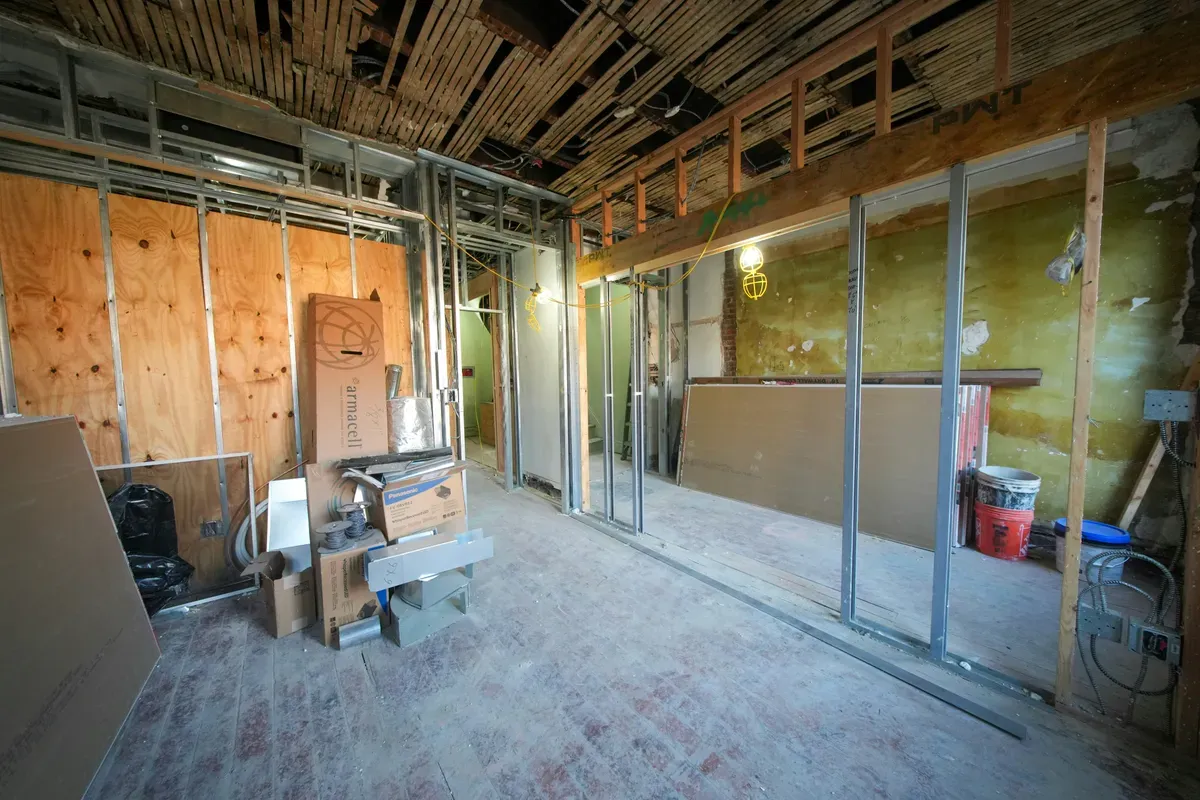
A smart house is built in a fixed order, and the early steps can't be undone. This page lays out that order for my own build: what got decided before plaster, before the windows, in the cabinet, and what still waits for someone to actually live here.
Most smart home advice is organised by gadget: best bulbs, best hubs, best sensors. Building a house doesn't work that way. It works by order, and the order is brutal. Every decision made early gets buried by whatever is built next.
TL;DR: Make the decisions in this order: copper and cable before plaster, motors before the windows arrive, the cabinet before the electrician leaves, and the devices last. This page walks that order using my own build, says honestly which parts exist and which are only plans, and points to the full write-up of each.
I'll say it once and then leave it alone: nobody lives in this house yet. Everything below is a decision made on paper and in the shell, not a year of daily use. Where a thing has been tested I'll say so. Most things haven't, and I'd rather mark that than dress it up.
What Does a Smart House Decide, and in What Order?
Think of four layers, from permanent to disposable.
- Behind the plaster: boxes, neutral wires, lighting topology, network cable, power feeds for blinds and heating.
- Around the openings: motors for external shutters, gates and the garage door, specified before the windows are even installed.
- In the cabinet: the machine that runs the house, its radio, its power, the network gear.
- On the surface: bulbs, sensors, switches, speakers, apps.
The further down that list you go, the easier it is to change your mind. That's why a build guide has to start where most gadget guides never go.
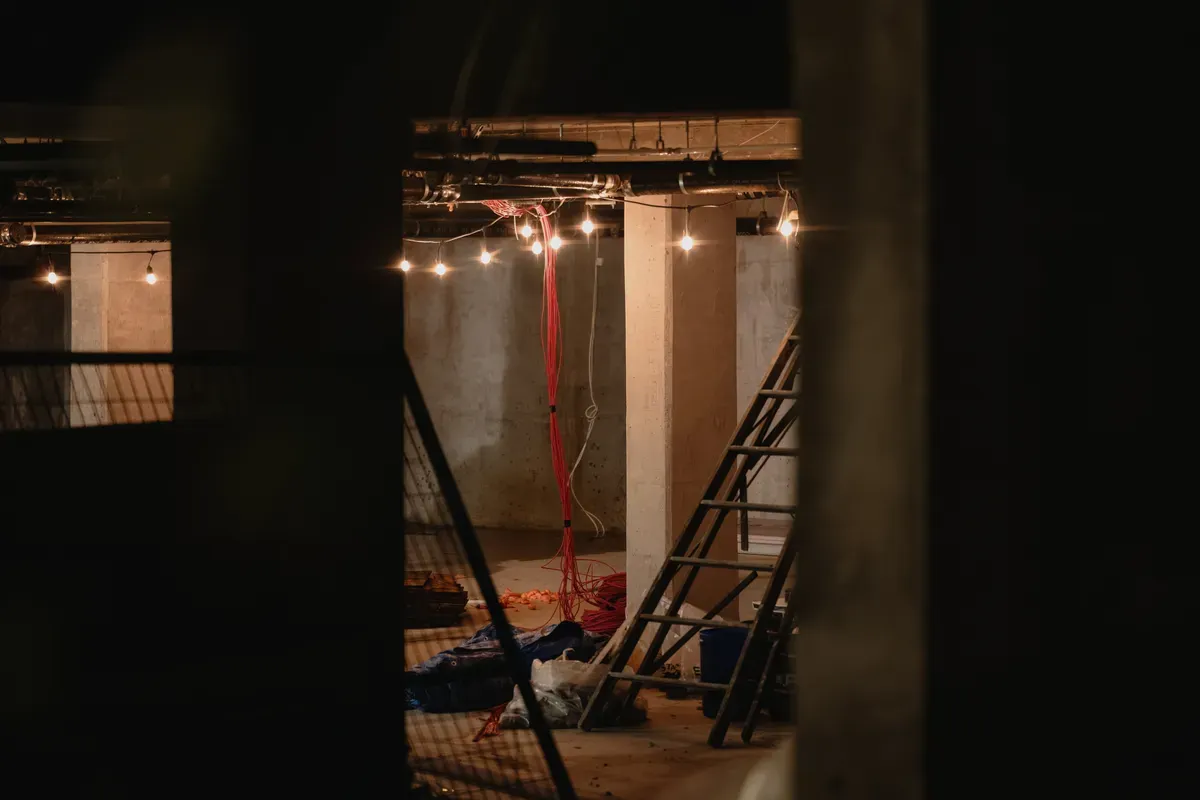 Photo by Eric Stoynov on Unsplash
What Gets Decided Before Plaster?
Every decision about things you can't reach later. In this house that meant deep boxes under every switch, a neutral in every box, bulbs that are never cut off by a wall switch, one switch per room, and network cable laid in the same pass as the electrics. Two separate network cables went to each data outlet, and positions for cameras and access points were fixed while it was still possible to choose.
There's also a decision that was made for me by a price. The electrical design mentioned that the installation could be switched to KNX. I'd never heard the word. It cost several times more per control point than the consumer gear Home Assistant talks to, and it needed its own bus cable, so it didn't happen. I can still add it later as a subsystem in one wing.
The long version, with the reasoning and the costs, is in the wiring plan I settled before plaster. It also says what the topology costs: with this design, if the controller is down, the wall keys stop doing anything. That's the price, and I accepted it on purpose.
What Had to Be Specified Before the Windows Arrived?
The blind motors. This house has twelve external roller shutters, all with Somfy io-homecontrol motors, and they were chosen while the windows were still holes in the wall. Power for each one is on the electrical drawings.
They currently run from a Somfy TaHoma box. They are not yet connected to Home Assistant. That sentence matters, because the popular example, "the sun closes the blinds before the air conditioning starts fighting", is a description of what the platform can do. It isn't what this house does today. I'll write it up when it's true.
One detail from planning rather than from living with them: for external shutters in guide rails, I'd worry about frost long before wind. Water freezes in the rails and the motor pulls against ice, so a temperature lockout is the automation I'd build first. For the reasoning behind picking this system at all, there's the piece on why io-homecontrol drives twelve external shutters. The practical side is covered in guides on connecting TaHoma to Home Assistant and Google Home and on wiring a garage door into a TaHoma Switch.
Where Does the Brain Live, and What Does It Plug Into?
In the electrical cabinet, on a DIN rail, next to the breakers. A Raspberry Pi 5 runs Home Assistant OS, fed by an industrial 5 V supply. A Zigbee coordinator, the Home Assistant Connect ZBT-1, plugs straight into it. A UPS sits under the machine, and a second internet line is designed in so remote access survives one provider going down.
The network side is planned as a rack: a wall cabinet, a gateway, a switch per floor, access points. Part of it is bought, part of it isn't, and the full write-up marks every item. You'll find it in where Home Assistant lives: DIN rail, rack and network.
If you're choosing your own hardware, two other pages are worth your time. How to install Home Assistant OS on a Raspberry Pi is the install, and the Yellow vs Green vs DIY comparison explains why a box that sits on a desk didn't suit a cabinet.
Which Radio Runs the Small Things?
Zigbee, paired straight to the coordinator with no vendor bridge. The lighting is the deliberate exception to the "buy the category leader" rule: for ceiling lights there's no leader worth a bridge of its own. I haven't bought the light controllers yet. The boxes are ready and waiting, and the direction is unbranded Zigbee relays, probably Sonoff-class. So this is a decision, not a running system.
Most of the Zigbee devices are mains-powered, which makes them routers, so the lighting builds its own mesh. I haven't tested range. For the wider choice between radios, Thread vs Zigbee vs Matter by scenario is the page I'd read first, and why I chose Home Assistant explains the layer above all of it.
What's Done, What's Planned, What's Unproven?
This is the table I'd want to see on somebody else's build page.
| Decision | State today |
|---|---|
| Deep boxes, neutral in every box, always-live bulbs | In the walls |
| Network cable, camera and access point positions | Laid before plaster |
| Light controllers (Zigbee relays) | Not bought yet |
| 12 external Somfy shutters | Installed, run from TaHoma, not in Home Assistant |
| Raspberry Pi 5 on a DIN rail, ZBT-1, UPS | In place |
| Rack, gateway, second-floor switch | Planned |
| Second internet line with failover | 4G router bought, failover is a design |
| Backups: configuration in Git, data in the cloud, every 24 hours | Running, never restored |
| KNX | Not used, possible later as a subsystem |
The rule that "nothing may wait for a person after a power cut" is a requirement too. I haven't switched off the main breaker on a finished installation, so I can't claim it holds.
What Can't I Tell You Yet?
A fair list of things only a lived-in house will answer:
- What comes back by itself after a power cut, and how many minutes it takes.
- Whether a restore from my backups actually works on a clean machine.
- How many access points the house needs.
- Whether the Zigbee channel and the IoT Wi-Fi get in each other's way.
- Which device talks to its cloud most, once the network statistics have a few months in them.
- How the shutters behave once they're finally inside Home Assistant.
Decide the things plaster hides first. Everything else you can swap on a Saturday.
Each of those gets written up as an article when the answer exists, not before. That's the deal this blog makes with you: if I haven't done it, the page says so.
What Would I Tell Someone Starting Today?
Spend your first week on the electrician and the network, not on the app. Put a neutral in every box. Keep lights permanently powered. Run two cables where you'd run one. Give the controller a proper place and a proper power supply. Then buy devices slowly, one irritation at a time, because the devices are the cheap, reversible part. The wiring isn't.
Frequently Asked Questions
In what order should you plan a smart house build?
Work from the decisions you can't reverse toward the ones you can. First the cables and boxes, because plaster closes them in. Then motors and other hardware that has to be specified before windows and openings exist. Then the cabinet that holds the controller and the network. Last come the devices themselves, which you can swap for years.
Which parts of a smart house can't be changed after plaster?
Box depth, a neutral conductor in each switch box, the routing of lighting cables, power feeds for blinds and heating controllers, and network cable to access points and cameras. Controllers, bulbs, sensors and the hub software can all be replaced later without opening a wall.
Do you need a smart home hub before building?
No. You need the wiring and the physical place for the controller. The hub choice can wait, because a house wired with permanent power, a neutral in every box and spare network cable will accept almost any controller you buy later.
Sources & References
- Home Assistant - Installation home-assistant.io
- Home Assistant - KNX home-assistant.io
- Home Assistant - Overkiz home-assistant.io
- Home Assistant - Matter home-assistant.io