Aqara Hub E1 Portable USB Zigbee Hub for HomeKit and Alexa

Product Details
🏭 Manufacturer: Aqara
🔌 Plug Format: USB-A (5V DC)
📄 Specification Met: FCC, CE, UKCA
🔖 Part Number: HE1-G01
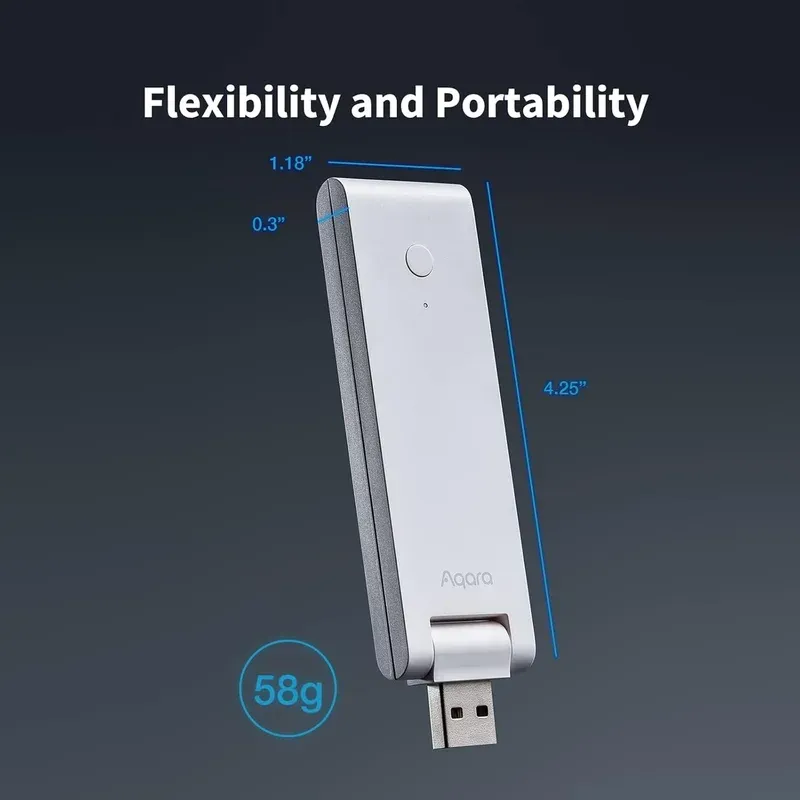
🏋️♂️ Weight: 58 g
📏 Dimensions: 108 mm x 30 mm x 8 mm
🆔 Model Number: HE1-G01
📐 Size: Compact
🎨 Style: Portable Controller
🧲 Mounting Type: Desktop or Wall Mount
🔧 Usage: Indoor Use
🧩 Included Components: Aqara Hub E1, User Manual
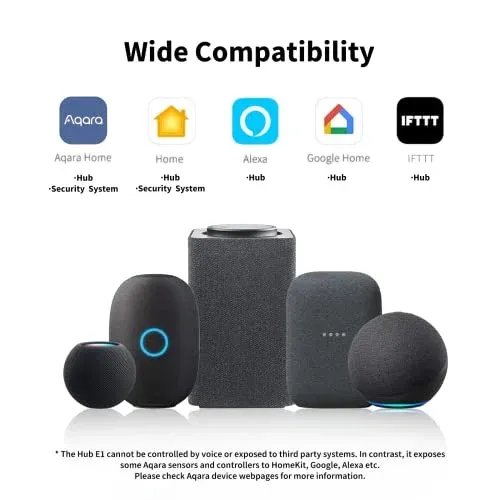
Sized like a USB flash drive, the Aqara Hub E1 (model HE1-G01) is a Zigbee 3.0 hub that pairs up to 128 smart home devices through one small controller, provided mains-powered Aqara routers such as plugs or neutral-wire switches carry the mesh. It works with Apple HomeKit, Amazon Alexa, Google Assistant and IFTTT, which is a lot of platform support for a hub this cheap: it launched at $29.99 in 2021 and still lists at 29.99 pounds in the UK, while European deals have pushed it under 20 euros in 2026. Aqara handles setup through its Home app, and Zigbee pairing is designed to finish in a few taps rather than a long wizard.
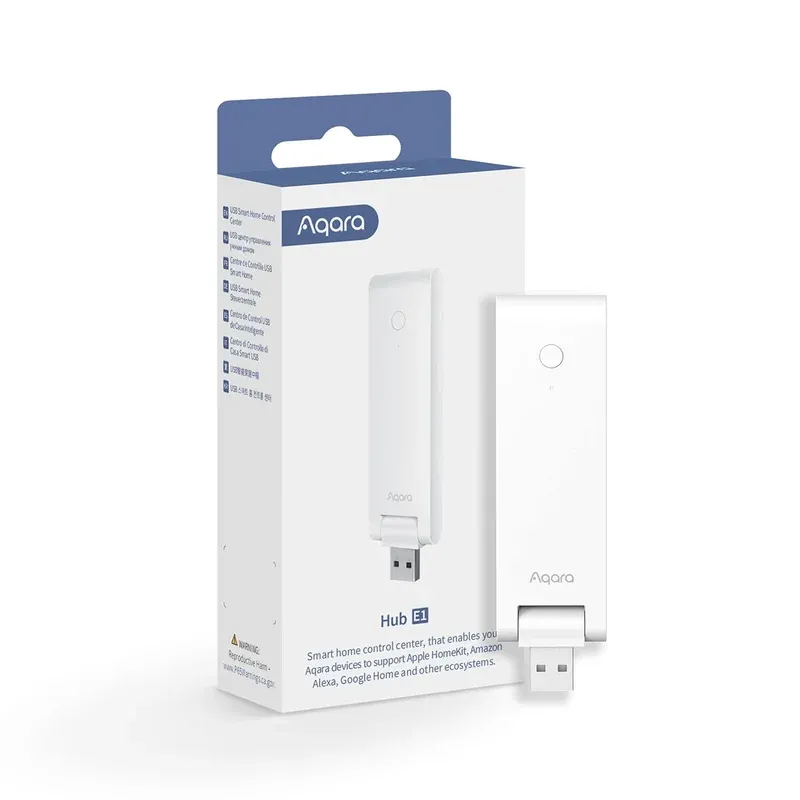
The Hub E1 plugs into any USB-A power source, drawing just 0.5A at 5V. This means you can power it from a wall charger, your router's USB port, or even a power bank for portable use.
Hardware and Zigbee Specifications
The Aqara Hub E1 measures just 108 mm x 30 mm x 8 mm and weighs 58 grams. Its USB stick form factor makes it the smallest Zigbee hub in the Aqara lineup. Despite the compact size, it runs Zigbee 3.0 with support for up to 128 connected devices on a single network. The spec sheet rates it for -10C to 40C, and the stick pivots through 210 degrees so it can stand upright from a flat USB port. There's also a small Wi-Fi repeater function that can carry up to two devices, which is more of a curiosity than a feature.
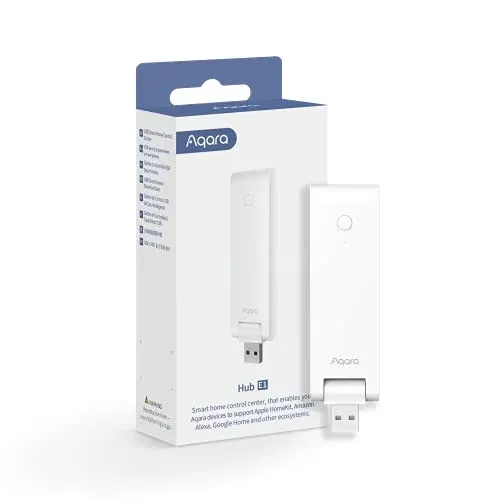
Zigbee 3.0 operates on the 2.4 GHz band separately from Wi-Fi, avoiding the network congestion that Wi-Fi-based smart devices often cause. The hub connects to your home network over 2.4 GHz Wi-Fi for cloud access and remote control while maintaining a separate Zigbee mesh for device communication.
The hub requires a Wi-Fi connection for initial setup and cloud features, but Zigbee automations run locally. If your internet goes down, sensor-triggered automations and schedules continue to function without interruption.
Platform Integration and Voice Control
The Hub E1 works with Apple HomeKit, Amazon Alexa, Google Assistant, and IFTTT out of the box. All connected Zigbee devices appear in each platform as individual accessories, so you can control an Aqara door sensor from the Apple Home app or trigger an Alexa routine from an Aqara motion sensor.
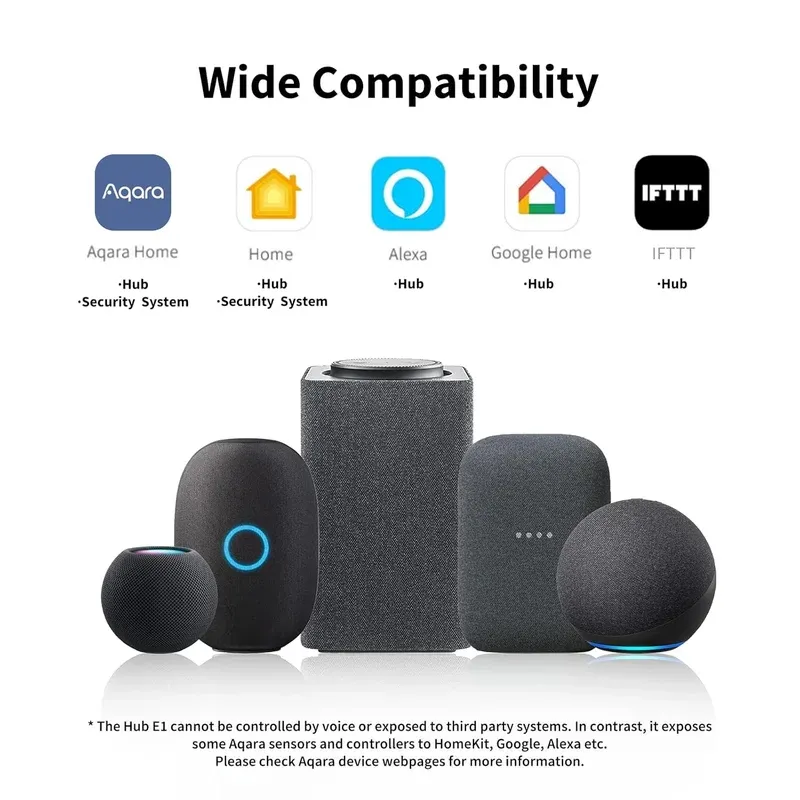
Home Assistant isn't on Aqara's compatibility list for the E1. What works in practice is Home Assistant's HomeKit Device integration, which discovers the hub on the local network and pulls in the sensors it exposes as HomeKit accessories, or one of the community integrations built for Aqara gateways. The Aqara Home app provides additional features including device grouping, automation rules, and firmware updates. Cross-platform support means you can run Apple HomeKit in the living room and Alexa in the bedroom using the same hub.
Use Cases for the Hub E1
The Aqara Hub E1 fits a range of smart home scenarios with its broad device support:
Key Points
- Connect door and window contact sensors for security monitoring and entry alerts
- Pair motion sensors to automate lighting when entering a room
- Control smart plugs to schedule appliances and track energy usage
- Link temperature and humidity sensors for climate monitoring
- Set up water leak sensors in bathrooms and kitchens for flood alerts
- Run local automations that work without internet for reliability
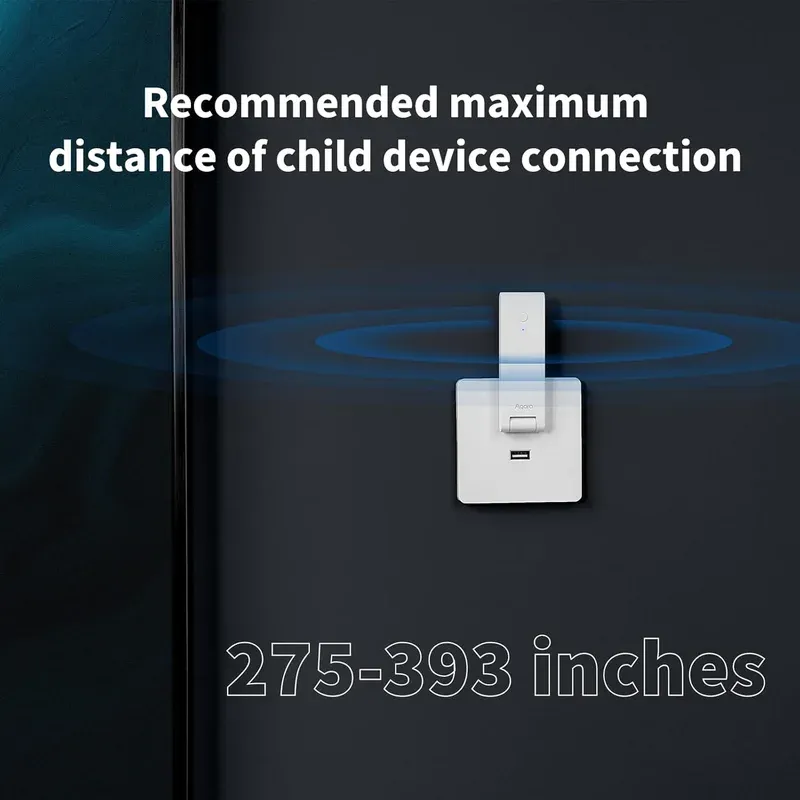
The portable design makes it useful beyond fixed home installations. Plug it into a power bank during travel to maintain a portable security setup with a few sensors in a hotel room or vacation rental.
Setup and Configuration
Getting started with the Aqara Hub E1 doesn't take long. Plug the hub into a USB-A power source, download the Aqara Home app on iOS or Android, and follow the on-screen pairing wizard. The app walks you through Wi-Fi connection and platform linking for HomeKit, Alexa, or Google Assistant.
Once the hub is connected, add Zigbee devices by putting them in pairing mode and tapping "Add Device" in the app. Most Aqara sensors pair within seconds. Create automations by selecting triggers (motion detected, door opened, temperature threshold) and actions (turn on light, send notification, activate plug).
For best Zigbee range, position the hub centrally in your home. Zigbee mesh networking means that powered devices like smart plugs act as signal repeaters, extending coverage to battery-powered sensors in distant rooms.
Who Should Buy the Hub E1?
As a budget Zigbee hub with broad platform support, the Aqara Hub E1 is tough to beat. That USB stick shape is genuinely unusual among smart home hubs, and it makes placement and power sourcing far more flexible than a boxy puck ever manages. The 128-device limit is generous for most households, and Zigbee 3.0 keeps latency low. One thing to know up front: unlike the pricier Aqara Hub M2, the E1 has no 360-degree IR blaster, so it can't stand in for your TV or air-conditioner remote.
The main limitations are the 2.4 GHz Wi-Fi requirement and the lack of Thread support. If you need Thread for Matter-over-Thread accessories, the Aqara M3 hub is a better choice. The Hub E1 also only works with Aqara-branded Zigbee devices, not third-party Zigbee accessories, which limits flexibility compared to a generic Zigbee coordinator.
For Apple HomeKit users who want an affordable way to add Zigbee sensors and switches, the Hub E1 is an easy recommendation. Its compact size, local automation support, and triple-platform compatibility make it a practical starting point for a smart home on a budget.
Replacement and maintenance costs are minimal since the hub has no moving parts and no subscription fees. Firmware updates arrive through the Aqara Home app and typically add new device compatibility and bug fixes. The hub consumes under 2.5 watts during operation, adding negligible cost to your electricity bill even when running continuously. If you outgrow the Hub E1, the same Aqara devices work on the M2 or M3 hub, but Zigbee devices belong to one coordinator at a time, so plan on pairing each sensor to the new hub again.
Running an Apple HomeKit or Google Home setup, you get a practical entry point into Zigbee automation without the price tag of larger hubs. Its compact USB format means it disappears behind a TV or into a power strip, drawing minimal attention while keeping your sensors and switches reliably connected. If you prioritize simplicity, local control, and broad platform compatibility on a limited budget, the Hub E1 earns its place at the center of a starter smart home setup.
Frequently Asked Questions
How many devices can the Aqara Hub E1 support?
The Aqara Hub E1 supports up to 128 Zigbee 3.0 devices simultaneously on a single network, including sensors, switches, plugs, and other Aqara accessories.
Does the Aqara Hub E1 work with Apple HomeKit?
Yes, the Aqara Hub E1 is fully compatible with Apple HomeKit. You can control all connected Zigbee devices through the Apple Home app and Siri voice commands.
Can the Aqara Hub E1 run automations without internet?
Yes, the Hub E1 supports local automations for Zigbee-based devices. Schedules and sensor-triggered automations continue to work during internet outages.
What power source does the Aqara Hub E1 need?
The Hub E1 plugs into any USB-A port. You can power it from a wall charger (minimum 5V/1A), a USB port on your router, a laptop, or even a power bank for portable use.
Does the Aqara Hub E1 support Home Assistant?
Not officially. Aqara lists HomeKit, Alexa, Google Assistant and IFTTT for the E1 and doesn't name Home Assistant. The usual local route is Home Assistant's HomeKit Device integration, which picks up the Aqara sensors the hub exposes as HomeKit accessories; community integrations exist too. If Home Assistant is the goal, a Zigbee coordinator on the HA box skips the hub entirely.


