Where Should Home Assistant Live in a New House? On a DIN Rail, Next to the Breakers

This post may contain affiliate links. As an Amazon Associate we earn from qualifying purchases. Disclosure.
Setup guides say "put the Pi somewhere in a cupboard". In a house you're building, that sentence hides four real decisions: power, radio, network and backups. Here's how I settled each one, and which parts are still plans.
Every Home Assistant tutorial has the same sentence: "put your Raspberry Pi somewhere in a cupboard". I used to nod at that. Then I started building a new house, and the cupboard turned out to hide four separate decisions about power, radio, network and backups.
TL;DR: Home Assistant is infrastructure, so I'm giving it infrastructure's treatment. A Raspberry Pi 5 on a DIN rail beside the breakers, powered by an industrial supply, a USB Zigbee coordinator, an isolated IoT network and a daily backup. Some of it runs. Some of it is still a plan, and I'll mark which is which.
That last point matters more than usual. The house isn't lived in. A lot of what follows is a design I believe in, not a system I've stress-tested, and a power-cut test I haven't done yet gets exactly one honest description: not done yet.
Why Not Leave the Pi in a Drawer?
You can. For a flat, I'd say go ahead. In a house, three things change.
First, the machine becomes the only thing between your family and a dark hallway, because lights wired to be controlled by software need that software to be up. Second, everything lives in one place: the mains, the network feeds, the routes to the rack. Putting the controller there costs you no extra cabling. Third, a drawer is a terrible place for a computer that you'll want to reboot at 6 AM when something goes wrong.
I wrote about why the wiring was settled before plaster. This article is the other end of those cables: where they come together and what they plug into.
What Is Running Home Assistant, and Where Does It Sit?
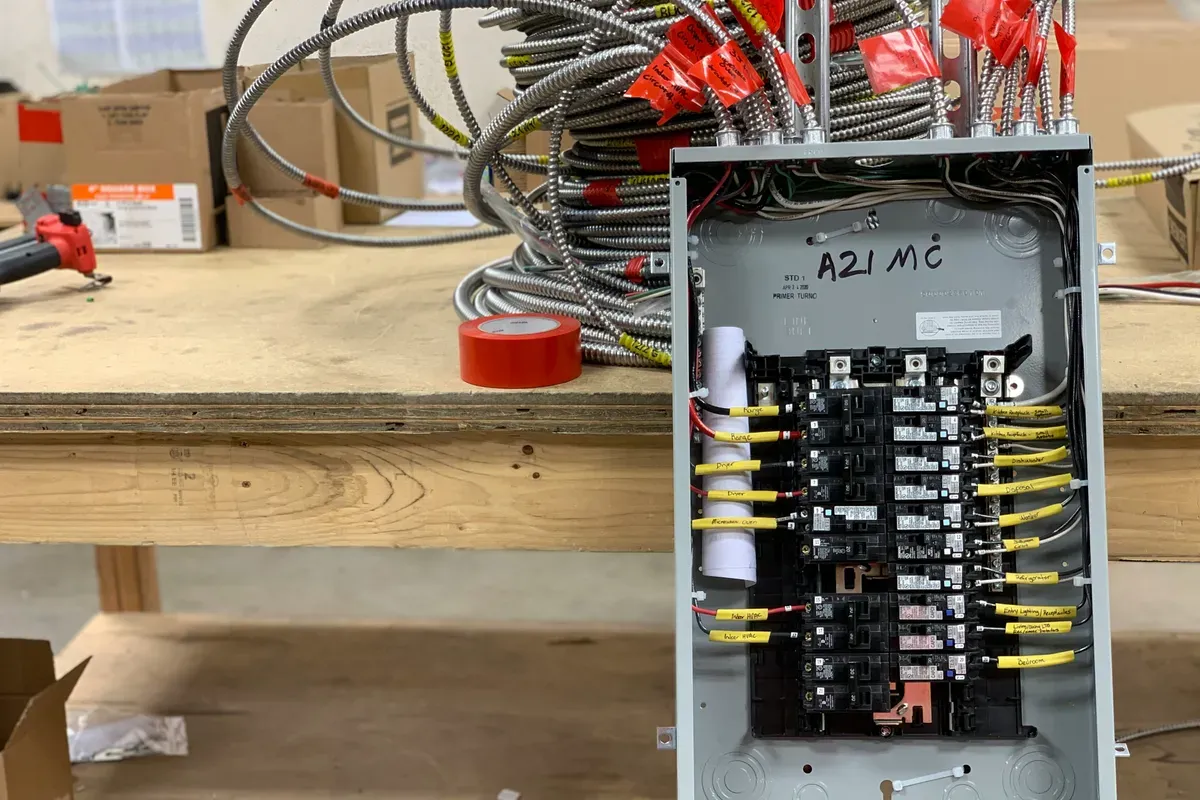
A Raspberry Pi 5, mounted on a DIN rail in a white ABS enclosure, next to the breakers. It's powered by a Mean Well MDR-60-5, a DIN-rail supply rated 5 V, 10 A, 50 W. A second one is on the shopping list.
Why bother with an industrial supply? Because the weakest link in most Pi installations is the phone charger on the end of the cable. It sags under load, it fails quietly, and nobody remembers which socket it was. A rail-mounted supply sits in the same enclosure as the thing it feeds and gets the same care as the breakers around it.
The operating system is Home Assistant OS, installed directly on the Pi. Not Docker on a general-purpose Linux. I know that's a debatable call, and plenty of experienced people run containers. My reasoning is simple: I want a dedicated appliance that does one job, with updates, backups and add-ons handled in a single place and no second operating system to patch. If you're deciding yourself, the official Raspberry Pi installation page lays out the supported route, and the Yellow vs Green vs DIY comparison below covers the hardware alternatives.
What I can't tell you is how many entities or integrations it's carrying. I haven't counted, and I won't make up a number.
Isn't a Metal Cabinet Bad for Radio?
It can be, yes. A Zigbee coordinator wants open air, not a steel box full of mains cables. So the plan is for the coordinator to sit on a short USB extension, away from the enclosure and from the Pi itself, because USB 3 ports on a Pi are well known for splashing noise into the 2.4 GHz band. That's general engineering knowledge rather than a measurement from my house. I'll test the signal quality after moving in and report what I find.
How Is the Zigbee Side Set Up?
The coordinator is a Home Assistant Connect ZBT-1, the official adapter, which can run Zigbee or Thread depending on the firmware you flash. It's plugged straight into the Pi. No bridge, no vendor hub.
The scale is a few dozen devices. I don't have an exact count, and I won't pretend to. What I can describe is the make-up: bulbs in several variants, leak sensors, presence sensors, ceiling motion sensors, soil and humidity probes, a rain sensor, a rotary knob and several switches and relays.
Here's the useful bit. Most of those are mains-powered, which means each one is a Zigbee router that repeats the signal. A house full of always-powered bulbs and relays builds its own mesh as a side effect. The battery sensors become leaves, and they attach to whichever bulb is nearest.
So the advice you often see, "buy repeaters", is back to front for a house like this. Buy the lighting and the network comes with it. The opposite also holds. If you build the lighting on classic dimmers and add only battery sensors, you end up with a network that has no routers in it and range problems you'll have to solve with extra hardware. For more on the radios themselves, the Zigbee coordinators guide in the related list below goes deeper.
I should say what I don't know. I haven't checked whether the Zigbee channel clashes with the Wi-Fi on the IoT network, and with dozens of nodes it's a realistic risk. That's a job for after the move.
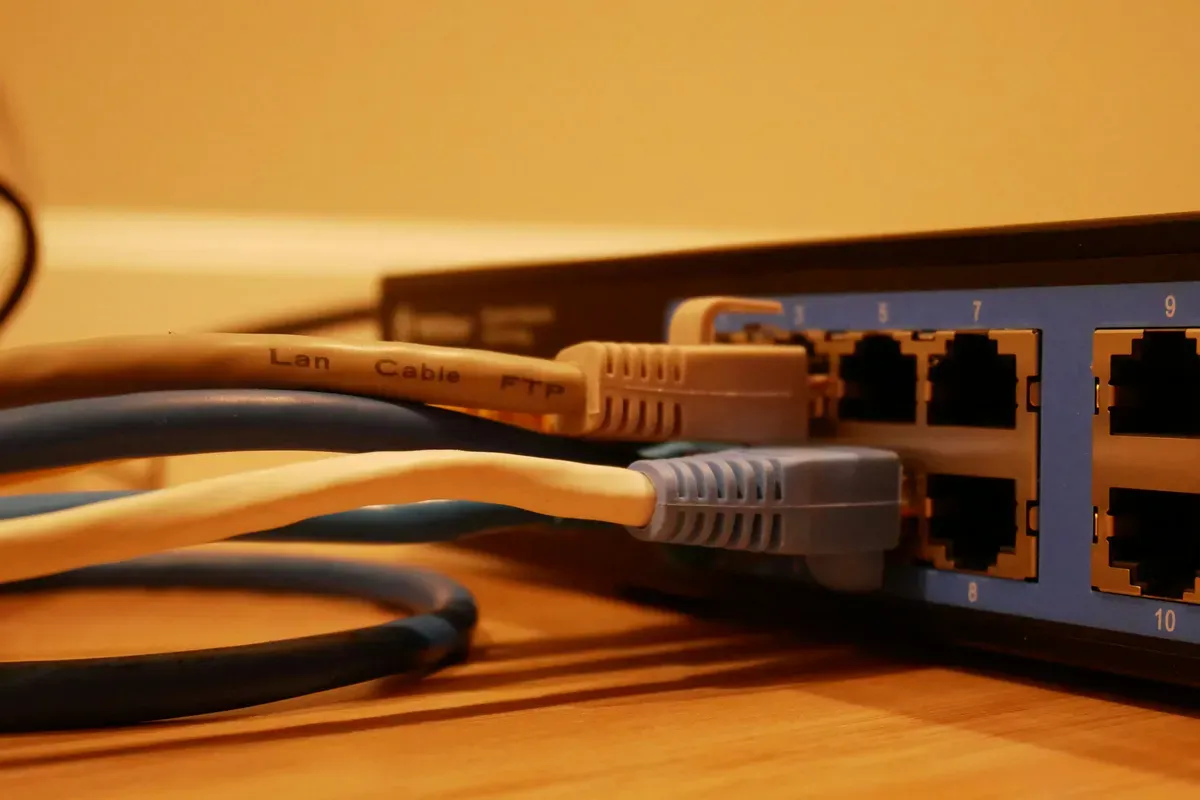 Photo by
 Why Is the IoT Network a VLAN and Not Just a Second SSID?
Because a second Wi-Fi name is cosmetic. Traffic still flows over the same segment, so a camera with dubious firmware can still see your laptop. A VLAN separates them at the network layer, and the gateway decides who may talk to whom. The house has a real VLAN for smart devices, running on Ubiquiti gear, which does this without much ceremony.
Now the part most guides get wrong. They say: block the IoT network from the internet. I don't. Outbound traffic is open, but watched, through the UniFi statistics.
Why? Because some of my kit simply stops working without its cloud. Tuya Wi-Fi breakers are the clearest case. Block them and half a DIN rail goes dark. So the split is isolation where it protects something (laptops and storage) and visibility where blocking would cost too much.
There's a side benefit I'm looking forward to. UniFi shows what each device talks to and how much it sends. That makes a claim like "this bulb phones a server every thirty seconds" checkable instead of rumoured. When I have a few months of data I'll publish a ranking of who talks most. Until I've got it, I'm not guessing which brand it'll be.
What Does the Rack Look Like?
Mostly this section is a shopping list, so read it as one. Here's what exists, and what doesn't yet.
Already bought: one Ubiquiti U6-LR access point, a USW-Flex-Mini switch for the ground floor, and a Cudy LT400 outdoor 4G router, which is the second internet line.
Still planned:
- a 9U wall-mounted 19-inch cabinet, 450 mm deep, with a glass door
- a 120 mm fan with a 0 to 60 degree thermostat, so it only runs when it has to
- a 1U power strip, 16 A with nine sockets and its own switch
- the Ubiquiti router itself
- a second USW-Flex-Mini for the upper floor
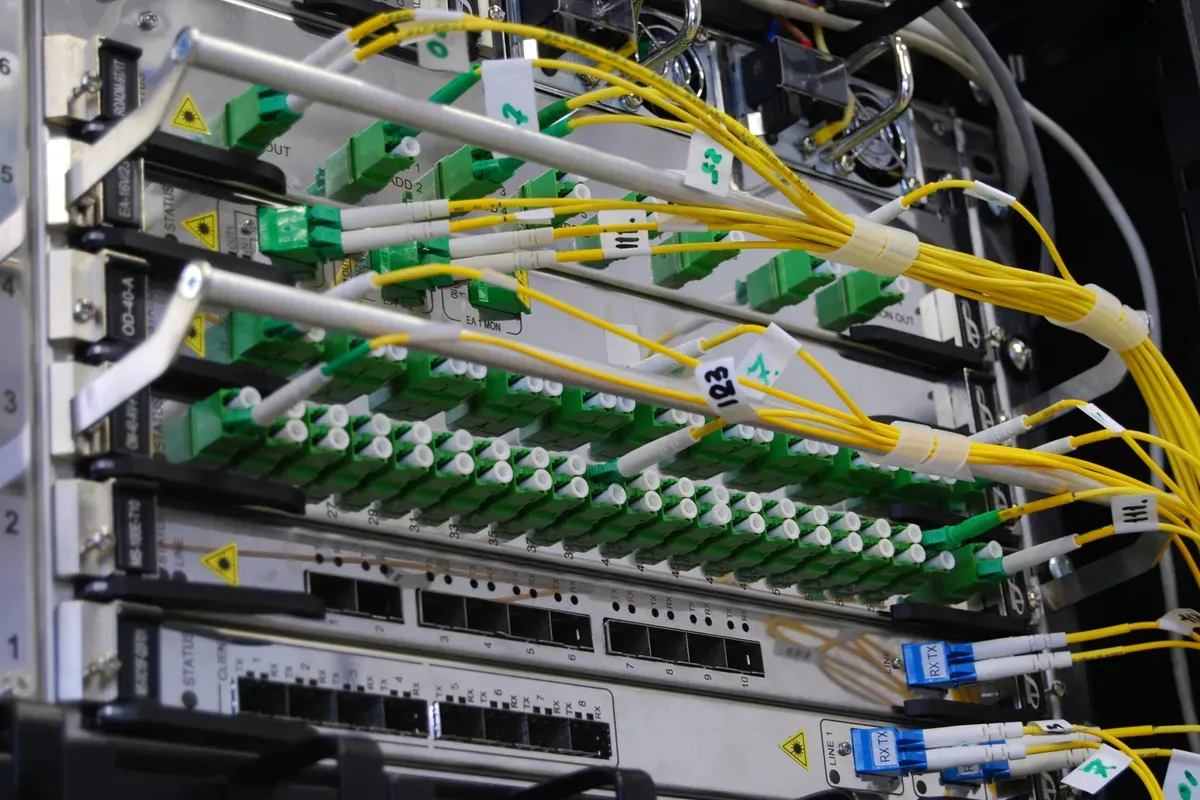 Photo by Kirill Sh on Unsplash
Cable positions for access points and cameras were fixed before the plaster went on, and the PoE cable was laid together with the electrical installation. How many access points the house really needs, I'll decide after moving in. One router and two or three APs is the plan, and I'd rather measure first than buy a set per square metre.
What Happens When the Provider Goes Down?
This is the failure most "local smart home" guides never mention. Remote access, push notifications and cloud-based voice commands all die with one internet line, even if every automation keeps running inside the house.
So the design has two lines with automatic failover at the gateway: the fixed connection and the 4G router. The 4G unit is bought. The gateway that will do the switching isn't installed, so as of today failover is a design, not a behaviour. The Home Assistant machine also sits behind a UPS.
How Do I Back It All Up?
Two tempos for two kinds of risk.
Configuration lives in a Git repository on GitHub. Every change is a commit, so when I break an automation I can see when and why, and roll back one change instead of restoring the entire system. Secrets stay out of that repository. Anyone who's seen a configuration file pushed to a public repo with a cloud token in it knows why.
Data, meaning the database and the larger files, goes to Google Cloud storage once every 24 hours. A pattern like that means the worst case after a dead disk is one lost day of history.
And now the confession. I have never restored from either of these.
A backup you've never restored isn't a backup. It's a hope with a timestamp.
I intend to restore onto a clean Pi and write down what goes smoothly and what needs hand-assembly. Cloud integrations, for instance, usually need re-authorising after a restore. Until I've done it, I'll keep calling this arrangement a plan that has been written down and automated, not a plan that has been proved.
What Is the Rule After a Power Cut?
Nothing in the house may wait for a person. Server, switch, gateway and endpoints all have to come back by themselves, and any device that stays off until someone taps an app is a reason not to buy it. As a buying filter it's brutal, and I think it should be.
It's a requirement, not an observation. I haven't cut the main breaker on a finished installation, so I can't tell you what came back and when. When I do the test, I'll note the start time, the order things wake up in and what needed a hand. The list of failures will be the useful part.
What Would I Tell You to Copy?
- Put the controller where the power and network already meet, and give it a proper supply.
- Pick one operating system layer, not two.
- Isolate IoT on a real VLAN, then watch the traffic rather than blocking it.
- Split configuration (Git, every change) from data (cloud, daily).
- Restore at least once, before you need to.
The rest, which brand of gateway and which model of access point, can wait. The wiring is the part you can't swap in an afternoon.
Frequently Asked Questions
Can you run Home Assistant on a DIN rail in the electrical panel?
Yes. A Raspberry Pi 5 fits in a DIN-rail enclosure, and a DIN-rail power supply such as a Mean Well MDR-60-5 delivers 5 V at up to 10 A. That keeps the controller next to the breakers, on industrial power rather than a phone charger. Leave the radio dongle on a short extension so the metal cabinet doesn't shield it, and check the enclosure's temperature limits.
Should Home Assistant OS run on a Raspberry Pi or in Docker?
For a dedicated box, Home Assistant OS is the simpler choice. It treats the Pi as an appliance with updates, backups and add-ons handled in one place. Docker on a general-purpose operating system gives more flexibility but adds a layer you have to maintain yourself, which is worth it only if the machine does other jobs as well.
Is a separate Wi-Fi network enough to isolate smart home devices?
Not by itself. A second network name on the same network segment still lets devices see each other. A VLAN separates them at the network layer, and the gateway then decides what each group may reach. Cloud-dependent devices still need internet access, so most homes watch outbound traffic rather than block it entirely.
Sources & References
- Home Assistant - Installation home-assistant.io
- Home Assistant - Zigbee Home Automation home-assistant.io
- Home Assistant - Common tasks for Home Assistant Operating System home-assistant.io