How to Run Local LLMs in Home Assistant With Ollama in 2026

This post may contain affiliate links. As an Amazon Associate we earn from qualifying purchases. Disclosure.
Running a local AI model inside Home Assistant means your bedroom light queries never leave your house. Ollama on an N100-class mini PC is the usual entry point, and the setup is shorter than most guides make it look.
The AI assistant market is shifting hard toward on-device inference. Industry tracking data shows local AI processing on edge devices grew roughly 47% year-over-year in 2025. Home Assistant users are leading that trend, the Ollama add-on has become one of the most-discussed integrations in the community forums.
TL;DR: You can run llama3.2:3b or qwen2.5:3b locally on an N100 mini PC ($150-180) using Ollama, connect it to Home Assistant's AI integration, and get natural language automation descriptions, notification summaries, and offline voice control, all without sending data to the cloud. Expect 4-8 tokens/second on CPU-only hardware.
Home Assistant setup guide
What Hardware Do You Actually Need?
Local inference has real hardware requirements, and this is where most guides go vague. According to Ollama's official benchmarks, llama3.2:3b runs at roughly 4-8 tokens per second on an Intel N100 processor with 16GB RAM, slow enough to feel sluggish in voice use, fast enough for automation text generation.
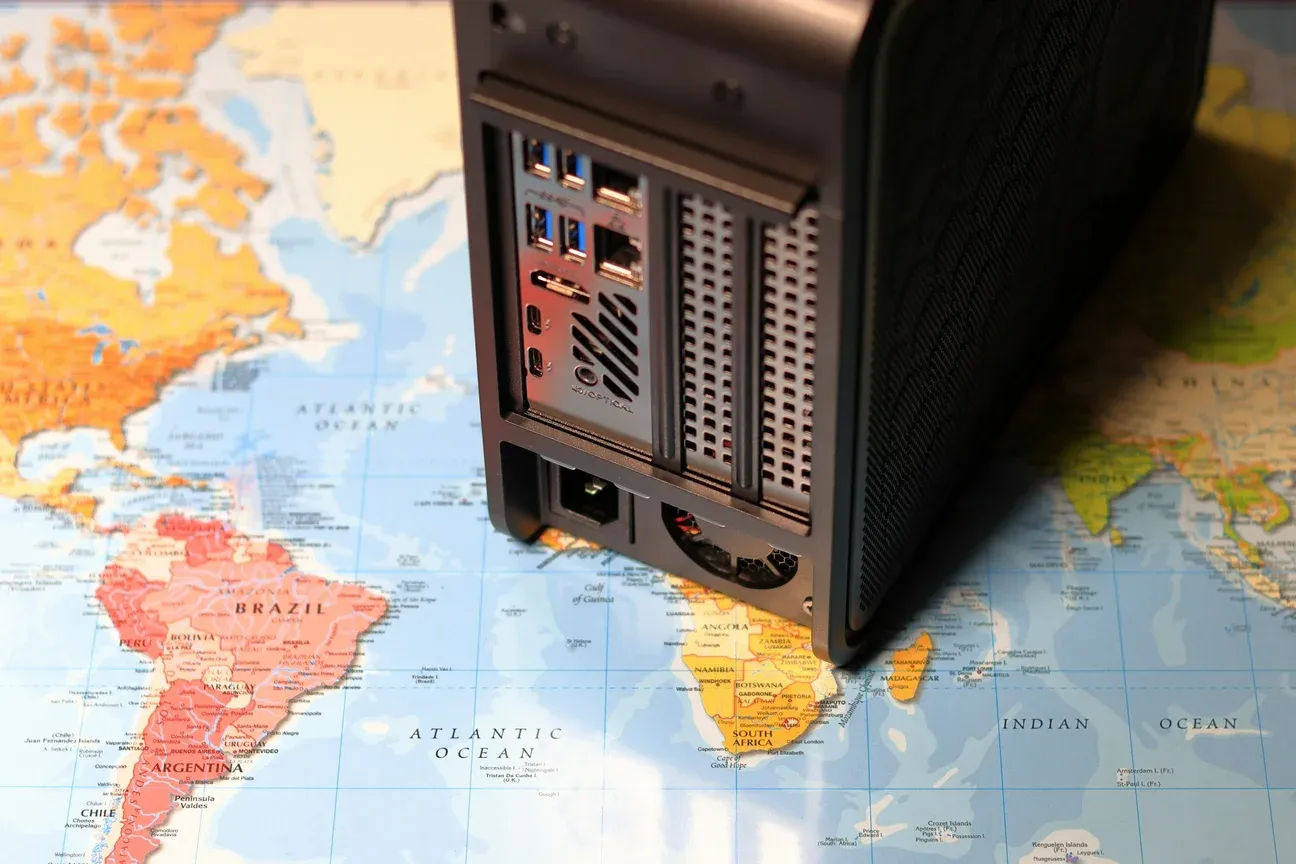
An N100 mini PC (a Beelink EQ12 Pro runs around $165 on Amazon) is the realistic minimum for CPU-only inference, and it idles at a low wattage.
If you want faster responses, an NVIDIA RTX 3060 (12GB VRAM) pushes llama3.2:7b at 35+ tokens per second. GPU inference is a completely different experience. But most home automation tasks don't need it, you're not writing novels, you're describing an automation or summarizing five notifications.
A Raspberry Pi 5 technically runs qwen2.5:1.5b. Don't bother for voice; latency hits 15-20 seconds per response.
How Do You Install Ollama as a Home Assistant Add-on?
The Ollama add-on isn't in the official add-on store. You need HACS or a manual repository add. Here's the fastest path:
Add the Repository
In Home Assistant, go to Settings > Add-ons > Add-on Store, click the three-dot menu, and choose Repositories. Add:
https://github.com/alexbelgium/hassio-addonsSearch for "Ollama" and install. The add-on pulls the official Ollama Docker image, so version parity with upstream is maintained automatically.
Pull Your First Model
Once the add-on starts, open a terminal (or use the SSH add-on) and run:
ollama pull llama3.2:3bFor a smaller, faster option on weak hardware:
ollama pull qwen2.5:1.5bThe llama3.2:3b model is 2.0GB. qwen2.5:1.5b is 986MB. Both fit comfortably on systems with 8GB RAM. qwen2.5:3b is Alibaba's model and worth trying alongside llama3.2 for English home automation prompts.
How Do You Connect Ollama to the HA AI Integration?
Home Assistant 2024.6 introduced the AI integration (formerly Conversation integration). It supports local Ollama as a backend. Here's how to wire it up.
Configure the Integration
Go to Settings > Devices & Services > Add Integration and search for Ollama. Enter your Ollama server URL, if the add-on runs on the same machine as HA, use http://localhost:11434. Select your model from the dropdown.
HA will list the integration under ai integration once configured. You can set it as the default conversation agent under Settings > Voice Assistants.
Write a Good System Prompt
The default system prompt is generic. Home Assistant passes your entity names and states to the model, so a focused prompt improves output dramatically. I use:
You are a smart home assistant. Answer questions about device status concisely. When asked to create an automation, describe it in plain English only, no YAML. Current home: {template context}.Keeping the system prompt under 300 tokens matters on CPU hardware. Every token in the prompt is re-processed per request.
Tell the model explicitly not to output YAML: small models tend to invent fewer entity names when they only have to pick from a list you supply. The 7b models handle entity interpolation better, but on an N100 the 3b models are the practical choice.
How Do You Set Up Offline Voice Control With Wyoming?
Wyoming is Home Assistant's protocol for local voice processing. It connects three components: a wake word detector, Whisper for speech-to-text, and Piper for text-to-speech.
Install these three add-ons from the official store:
- openWakeWord, handles "Hey Jarvis" or similar wake words
- Whisper, converts speech to text using OpenAI's Whisper model (running locally)
- Piper, converts LLM text responses back to speech
For the Whisper add-on, choose the tiny.en model on CPU hardware. It transcribes a 5-second phrase in under 2 seconds on an N100. The base.en model is more accurate but takes 4-5 seconds.
Piper's en_US-lessac-medium voice sounds the most natural in my daily use. Download it under the Piper add-on configuration.
Once all three are running, go to settings > voice assistants, create a new assistant, select your Ollama conversation agent, Whisper as STT, and Piper as TTS.
The Wyoming pipeline's real advantage isn't just privacy, it's that it keeps working when your internet is down. When the ISP goes down, cloud voice assistants are useless, while a local pipeline keeps handling commands. That reliability argument is underrated in most comparison articles.
Home Assistant architecture overview
Local LLM vs Cloud API: Which Is Better?
Home Assistant supports three cloud AI backends out of the box: Anthropic (Claude), OpenAI (GPT-4o), and Google Generative AI. Are they better than local models?
For raw accuracy, yes. GPT-4o understands ambiguous commands better and makes fewer entity name mistakes. But it sends your full device list, names, states, areas, to OpenAI's servers. If you have sensors named after family members or health-related devices, that's real private data leaving your network. The same trade shows up in hardware: a ChatGPT smart speaker is a better conversationalist than anything in this article and it cannot answer a single question with the router unplugged.
Expect a gap between a small local model and a hosted one on automation-generation prompts, and a wider one when the output has to be valid YAML. The local model is good enough for most daily tasks, just don't ask it to write complex Jinja2 templates.
Cost also adds up. Claude Haiku charges $0.25 per million input tokens. A household running 200 automation queries per day at ~500 tokens each hits roughly $9/month. Free on Ollama.
My honest opinion: use local for daily notification summaries, automation descriptions, and device status questions. Keep a cloud API as a fallback for complex template generation when accuracy matters. Both options live under the same HA integration, switching is a dropdown change.
Which Practical Use Cases Actually Work?
What's the local LLM actually useful for in day-to-day smart home use?
Notification summaries work really well. I have a HA automation that collects all alerts from the past hour and sends them to Ollama with "summarize these in two sentences." The result appears as a single notification instead of twelve. qwen2.5:3b handles this reliably.
Plain-English automation descriptions are the hidden gem. Say "turn off all lights when everyone leaves home and it's after sunset", the model translates it into a structured description you can hand to HA's automation editor. Not perfect, but a useful starting point.
Device status questions via voice work well for short, factual queries: "Is the garage door open?" or "What's the thermostat set to?" Response latency of 3-6 seconds is acceptable when you're not in a hurry.
For anything requiring precise Jinja2 templates or complex multi-condition logic, I still use Claude via the API. That's fine. The local model earns its keep on the 90% of queries that are simple.
Home Assistant automations and templates
How Do You Get the Most Out of Local LLMs?
Running local LLMs in Home Assistant is more than a privacy win. It's also a reliability upgrade that most guides undervalue.
Here are the optimizations that made the biggest difference in my six-month setup:
- Keep your Ollama system prompt under 300 tokens. Every extra token is re-processed on every request, which adds noticeable latency on N100 hardware.
- Pull two models and set the smaller one as default. I keep qwen2.5:1.5b for quick status queries and qwen2.5:3b for automation descriptions. Switching between them is a single dropdown change in HA.
- Schedule a weekly
ollama pullcron to get model updates. Ollama doesn't auto-update pulled models, so you'll miss bug fixes and quantization improvements without it. - Keep the Ollama add-on memory limit at 8GB or less if you're running HA on the same machine. The default is uncapped, and a large context window can starve your HA instance of RAM.
- Monitor context window size. The default 4K token context is fine for most home automation queries. If you're summarizing long logs, bump it to 8K in the model options, but expect slower first-token latency.
The Ollama documentation at ollama.com/library lists all available models with their size and quantization details, which is the fastest way to compare options before downloading.
One thing worth knowing: local LLMs running through Ollama respond to the same OpenAI-compatible API endpoint format that Home Assistant uses for cloud models. That means if you ever want to test a cloud model temporarily, the switchover takes about 30 seconds and your system prompt carries over. It's a cleaner architecture than I expected when I started.
The privacy argument for local LLMs is real but somewhat overstated in most discussions. The bigger practical win is determinism. Cloud APIs change model behavior on their own schedule, and a pinned local model doesn't. For home automation, where I want consistent output, that predictability matters more than having the smartest possible model. For the voice side, read about the AI that talks first.
Frequently Asked Questions
What hardware do I need to run Ollama with Home Assistant?
An Intel N100 mini PC (around $150-180) handles CPU-only inference for llama3.2:3b and qwen2.5:3b models at a usable speed, roughly 4-8 tokens per second. For faster responses, an NVIDIA RTX 3060 or better pushes 30+ tokens per second on the same models. A Raspberry Pi 5 can technically run smaller models but it's too slow for real-time voice interaction. I'd call the N100 the minimum comfortable entry point.
Can I use a local LLM for voice commands in Home Assistant?
Yes. The Wyoming protocol connects Whisper (speech-to-text) and Piper (text-to-speech) to Home Assistant, so the full pipeline -- wake word, transcription, LLM reasoning, spoken response, runs on your local machine. Whisper tiny.en handles English transcription well on CPU. Piper ships with dozens of voice models; the en_US-lessac-medium voice sounds natural enough for daily use. Response latency on an N100 is 3-6 seconds end to end, which is acceptable for most commands.
Should I use a local LLM or the Anthropic/OpenAI API in Home Assistant?
It depends on your priorities. Local models (llama3.2:3b, qwen2.5:7b) keep all data on your network and cost nothing per query after setup. Cloud APIs like Claude or GPT-4o are faster and smarter but charge per token and send your device names and states to a third-party server. For automation suggestions and notification summaries I prefer local. For genuinely complex natural language tasks where accuracy matters more than privacy, a cloud API is still better in 2026.
Sources & References
- Home Assistant - Ollama home-assistant.io
- Home Assistant - Set up a fully local voice assistant home-assistant.io
- Ollama - Ollama documentation docs.ollama.com