The Best Zigbee Coordinators for a Home Assistant Setup

This post may contain affiliate links. As an Amazon Associate we earn from qualifying purchases. Disclosure.
The right Zigbee coordinator depends almost entirely on the gear you already own and the software stack you pick. Here's how the main options compare, based on vendor specs and the Home Assistant and Zigbee2MQTT documentation.
Zigbee2MQTT lists more than 5,000 supported devices (Zigbee2MQTT, 2026), and none of that matters without a solid coordinator plugged into your Home Assistant server, which is why picking the right Zigbee hub matters so much. Most of the hubs below are really USB coordinators, and the words get used interchangeably. The right pick almost always comes down to what you already own, not which spec sheet looks best. One note on method: I haven't run every stick below myself. The comparison rests on vendor specs, the Home Assistant and Zigbee2MQTT documentation, and the radio chip inside each device. The only one I run is the ZBT-1 in my own house.
Home Assistant overview
TL;DR: For a new setup running ZHA, start with the official Home Assistant Connect ZBT-2 ($49). The Sonoff Zigbee 3.0 USB Dongle-E is the cheaper, well-tested alternative, and a good fit for Zigbee2MQTT. The ConBee III only makes sense if you want deCONZ. Skip the discontinued HUSBZB-1 for anything new. (Home Assistant, 2026)
What Is a Zigbee Coordinator?
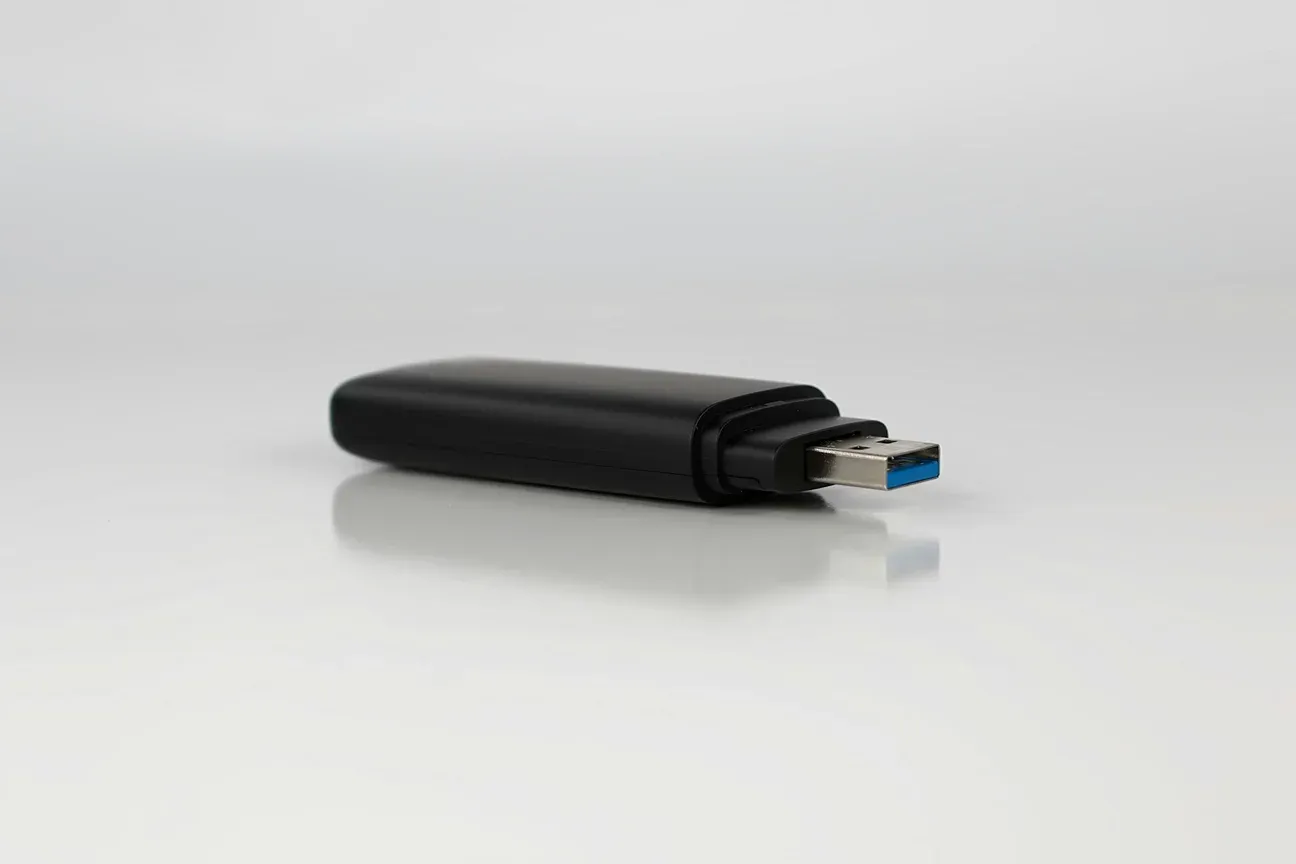
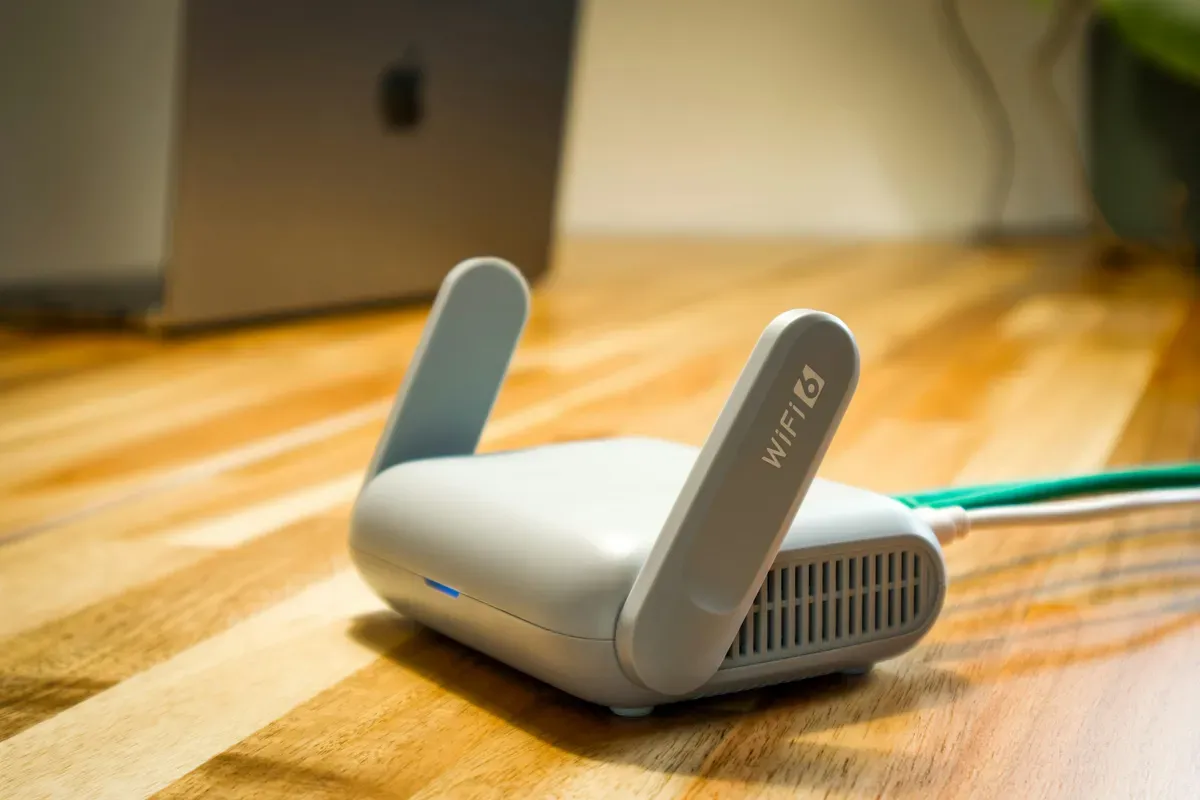
A Zigbee coordinator is the radio that builds and manages your Zigbee mesh. Home Assistant has no built-in Zigbee radio, so you need one. Every Zigbee sensor, switch, or bulb you add connects through it.
Home Assistant supports Zigbee via two software stacks: ZHA (built into HA, no extra setup) and Zigbee2MQTT (a separate add-on requiring an MQTT broker). Both talk to the same physical coordinator. Your choice between them shapes which hub makes sense. Leaning toward Zigbee2MQTT? The Zigbee2MQTT setup guide covers the broker install and channel tuning that most first-timers get wrong.
HA setup on Raspberry Pi
The chip inside the hub matters. Older coordinators used chips like the CC2531 or the EM3581, with tight device limits and aging firmware. The current sticks here, the Home Assistant Connect ZBT-1, the Sonoff Dongle-E and the ConBee III, all use the Silicon Labs EFR32MG21. The newest official stick, the ZBT-2, moves to the MG24, which Nabu Casa says brings more processing power and better sensitivity to weak signals.
Are the ZBT-2 and ZBT-1 Best for ZHA Users?
Nabu Casa, the company behind Home Assistant, makes the official stick. The first generation was called SkyConnect and was later renamed Connect ZBT-1. Nabu Casa has since ended production of the ZBT-1 and replaced it with the Connect ZBT-2, which starts at $49 (Home Assistant announcement). The ZHA documentation now names the ZBT-2 as the first choice for new networks (ZHA docs).
The appeal is the lack of fuss. Home Assistant OS recognizes the stick when you plug it in, ZHA offers to set it up, and you never touch a /dev/ttyUSB0 path. The ZBT-2 also ships with a 1.5 m USB cable, so you can move the radio away from the server, which was a real weak spot of the ZBT-1.
Thread is the catch. The ZBT-2 speaks Zigbee 3.0 or Thread, but only one at a time, so it won't be your Zigbee coordinator and your Thread border router in the same breath.
The coordinator in my own house is a ZBT-1, the stick that used to be called SkyConnect. A good part of the Zigbee gear there is mains-powered bulbs and switches, which matters more for range than any dongle choice, as the placement section below explains.
Verdict: Buy the ZBT-2 if you're starting fresh, running ZHA, and want zero configuration hassle. A used ZBT-1 or SkyConnect is the same MG21 radio as the Sonoff stick and still works.
Is the Sonoff Dongle-E the Best Value Overall?
The Dongle-E (ZBDONGLE-E) uses the same EFR32MG21 chip as the ZBT-1. On paper the radio is the same. The gap is price, which is usually lower than the official stick, and the software it grew up with.
The ZHA documentation lists the Dongle-E among the well-tested EmberZNet radios, and Zigbee2MQTT's own network guide even mentions it as a dedicated router option. If you're pairing unusual or newer devices through Zigbee2MQTT, a widely used adapter means more people have hit, and fixed, the same quirks.
Setup in Zigbee2MQTT follows the usual routine, and our Zigbee2MQTT setup guide walks through every step. Install the add-on in Home Assistant, set the serial port to the dongle (the stable /dev/serial/by-id path beats a bare /dev/ttyUSB0 or /dev/ttyACM0 that can change on reboot), and start the add-on. The web UI lists paired devices as they join.
Verdict: Low price, a modern chip, and a large user base. This is the one I'd point most Zigbee2MQTT users toward.
Is the HUSBZB-1 Zigbee and Z-Wave Combo Stick Still Worth It?
The HUSBZB-1 from Nortek does something no other coordinator here does: it puts a Zigbee radio and a Z-Wave radio in one USB stick. One port, two mesh protocols. It is also discontinued.
The Zigbee chip (EM3581) is older than the EFR32MG21 in the other sticks, and Silicon Labs has moved on from it. The Z-Wave half is a 500-series radio on the 908 MHz band used in North America, so it's no use on a 868 MHz Z-Wave network. The stick isn't among the radios the ZHA documentation recommends.
Z-Wave support runs through the Z-Wave JS add-on in Home Assistant. Both radios appear as separate serial ports and operate independently, so you can run ZHA for Zigbee and Z-Wave JS at the same time.
Verdict: Only worth keeping if you already own one and it works. For a new network, buy a current Zigbee stick and, if you need Z-Wave, a separate Z-Wave stick for your region.
Is the ConBee III a Niche Fit?
The ConBee III from Phoscon (dresden elektronik) uses the same EFR32MG21 chip and is built around deCONZ, Phoscon's own Zigbee management software. deCONZ is mature and well-regarded. The hardware is capable.
Phoscon lists compatibility with Home Assistant through both the deCONZ integration and ZHA, and Zigbee2MQTT supports it through a deCONZ adapter mode. So it isn't locked out of the other stacks, but it's a more roundabout route than the Dongle-E. The ConBee III makes real sense if you plan to use deCONZ as your primary interface, either standalone or alongside Home Assistant.
Phoscon quotes up to 30 meters indoors and 200 meters in open field (Phoscon). Walls and interference decide the real number, so treat those as ceilings, not promises. It can also run OpenThread border router firmware, which the vendor offers as an alternative.
Verdict: Choose the ConBee III if you're in the deCONZ ecosystem already. For a pure Home Assistant setup the Dongle-E or the ZBT-2 is simpler.
ZHA or Zigbee2MQTT: Which Should You Pick Before Buying?
The coordinator hardware matters less than which software stack you run. Pick the stack first, then buy the matching hardware.
ZHA is built into Home Assistant. No extra services, no MQTT broker, just click through Settings > Integrations and you're done. It's the right choice if you want something simple and don't need advanced device settings. Once devices pair, they show up as entities you can wire into automations, and the entities, devices, and automations guide explains how those pieces fit together.
Zigbee2MQTT runs as a separate add-on and publishes everything over MQTT. Its supported-devices list is huge, new gadgets tend to land there quickly, and it exposes detailed per-device settings. The price is slightly more setup up front. If you only run a handful of common devices, the difference will barely show.
Whichever you pick, message delivery depends far more on your router density and interference than on the logo on the stick.
How Do the Top Picks Compare?
| Coordinator | Chip | Software fit | Best for |
|---|---|---|---|
| Home Assistant Connect ZBT-2 (from $49) | MG24 | ZHA, zero config | Fresh install, simplest setup |
| Home Assistant Connect ZBT-1 (discontinued) | EFR32MG21 | ZHA | Existing owners, second-hand |
| Sonoff Zigbee 3.0 Dongle-E | EFR32MG21 | ZHA and Zigbee2MQTT | Best value, wide community use |
| HUSBZB-1 (discontinued) | EM3581 (older) | ZHA + Z-Wave JS | Existing owners needing Zigbee and Z-Wave in one stick |
| ConBee III | EFR32MG21 | deCONZ, also ZHA | Already in the deCONZ ecosystem |
Which Hub Should You Actually Buy?
Here's how I'd choose, based on the specs and the docs rather than hands-on time with every stick:
- New HA install, want simplest setup: ZBT-2, ZHA finds it automatically.
- Best Zigbee2MQTT compatibility at a low price: Sonoff Dongle-E.
- Need Z-Wave too: a Zigbee stick plus a separate Z-Wave stick, not the discontinued HUSBZB-1.
- Already using deCONZ: ConBee III. Stay in the ecosystem you know.
Don't overthink the choice. Any current coordinator here can run a solid Zigbee network in a typical home. The real question is ZHA vs Zigbee2MQTT. Decide that first, then pick the hardware that fits.
Where Should You Place the Coordinator for Best Range?
The coordinator you pick matters less than where you put it. Zigbee runs on 2.4GHz, the same crowded band as Wi-Fi, so a few inches of separation changes everything. The Zigbee2MQTT docs list the usual suspects: Wi-Fi routers, SSDs and other radios sitting right next to the stick.
Three placement rules come straight from the ZHA and Zigbee2MQTT documentation:
- Use a USB extension cable to get the coordinator away from the Pi or mini-PC. The Zigbee2MQTT docs say 50 cm already reduces interference, and ZHA recommends a long one.
- Use a USB 2.0 port, not USB 3. The ZHA documentation calls USB 3 peripherals known sources of radio interference.
- Add mains-powered routers early: smart plugs, bulbs and switches double as Zigbee repeaters. A coordinator only holds about 32 direct children, so routers are what grow the network past that. ZHA's docs give an example of a coordinator plus three routers reaching 77 devices.
How do you know if range is your problem? Watch the link quality (LQI) values in Zigbee2MQTT or ZHA. A weak link to a device sitting right next to the coordinator points at interference or a bad coordinator position, not a weak end device. Move the stick first, buy hardware later.
Channel choice is the other quiet culprit. Zigbee2MQTT defaults to channel 11, which overlaps Wi-Fi channel 1, and its docs suggest the channels 11, 15, 20 or 25. If your router sits on Wi-Fi channels 1 through 6, a higher Zigbee channel such as 25 keeps clear of the busy end of the band. ZHA takes a different line: it scans and picks a channel for you, preferring 15, 20 and 25, and its docs advise against changing it by hand. Some devices don't follow a channel change, so pick the channel before you build out a large network rather than after. The Zigbee and Wi-Fi channel planner takes your Wi-Fi networks and suggests a channel in the 11-26 range.
None of this requires new hardware. It's the free half of getting Zigbee right, and it's the half most guides skip. Skip it, and the most expensive dongle on the market still won't save you.
Whatever you buy, keep the firmware current and back up your Zigbee network settings. In Zigbee2MQTT, changing the network key means re-pairing every device, so protect that config file. A dead coordinator is far less painful when the network settings survive.
Not sure which Home Assistant board to pair these with? See the Yellow vs Green vs DIY guide for the hardware decision.
Frequently Asked Questions
What is the best Zigbee coordinator for Home Assistant in 2026?
The official Home Assistant Connect ZBT-2 ($49) is the easiest starting point, and the ZHA documentation names it as the first choice for new networks. If you plan to run Zigbee2MQTT or want to spend less, the Sonoff Zigbee 3.0 USB Dongle-E, which uses the same EFR32MG21 chip as the older ZBT-1, is a well-tested alternative that the ZHA docs also list.
Can I use a Zigbee hub with Zigbee2MQTT and ZHA at the same time?
No. A Zigbee coordinator can only run one stack at a time -- either ZHA or Zigbee2MQTT, not both. Zigbee2MQTT publishes a very large supported-devices list and exposes detailed per-device settings. ZHA is the better choice if you want something that just works without extra add-ons and an MQTT broker.
How many Zigbee devices can one coordinator handle?
The coordinator itself only holds about 32 direct children, according to the ZHA documentation. Mains-powered devices like smart plugs and bulbs act as mesh routers and carry the rest, so a network of several dozen devices is normal when many of them are plugged in or wired. Battery sensors at the edges depend on those routers for coverage.
Does the HUSBZB-1 still work with Home Assistant in 2026?
It can still work if you own one, but it is discontinued and no longer on the radios ZHA recommends. It packs Zigbee and Z-Wave into one USB stick, which was its selling point. The Zigbee chip (EM3581) is older than the EFR32MG21 found in the Dongle-E, and the Z-Wave radio is the North American 908 MHz version. For a new network, buy a current Zigbee stick instead.
Is it worth buying the ConBee III over the Sonoff Dongle-E?
For most Home Assistant users, probably not. The ConBee III shines in the deCONZ ecosystem, and Phoscon lists Home Assistant support through deCONZ and ZHA. It uses the same EFR32MG21 chip as the Dongle-E, so the radio isn't the deciding factor. It makes sense mainly if you specifically plan to use deCONZ as your primary Zigbee management layer.
Sources & References
- Home Assistant - Zigbee Home Automation integration home-assistant.io
- Zigbee2MQTT - Supported adapters zigbee2mqtt.io