How to Build a Thread Network for Home Assistant, and What Latency to Expect
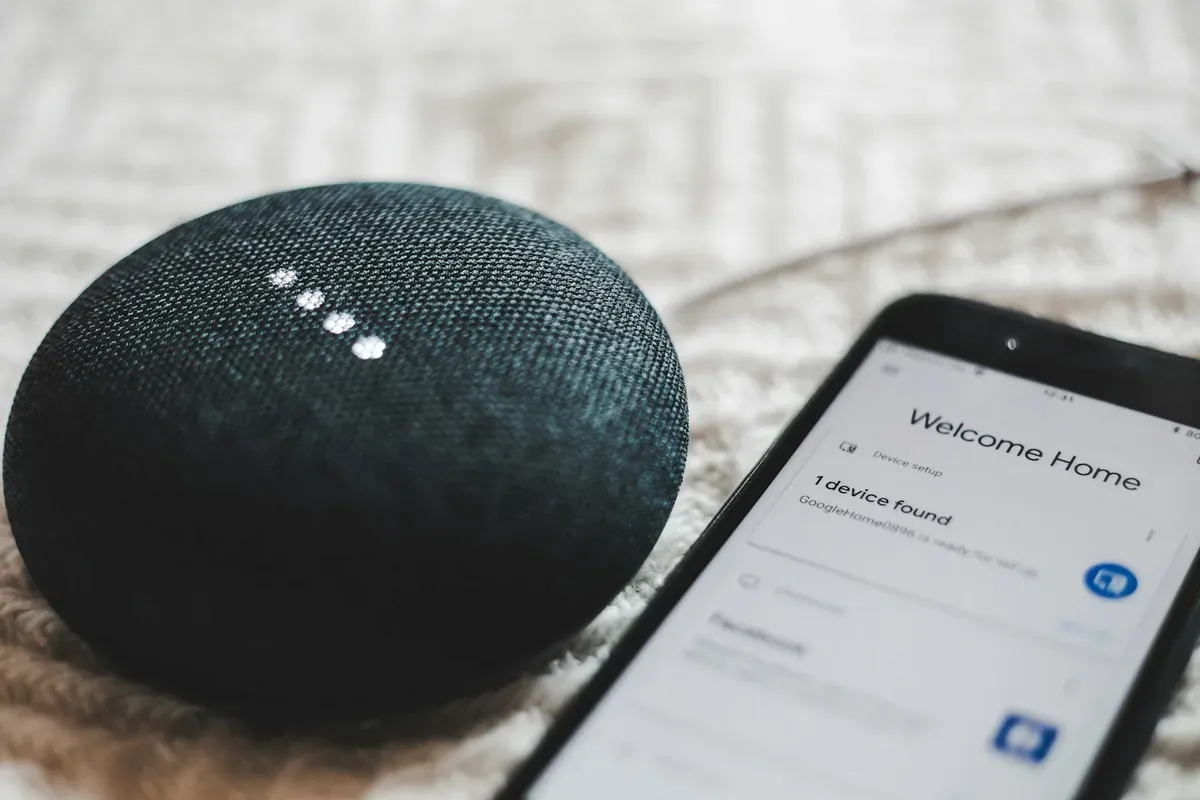

This post may contain affiliate links. As an Amazon Associate we earn from qualifying purchases. Disclosure.
Setting up a Thread network for Home Assistant is a sequence of small decisions, and the first one matters most: which device becomes your border router. Get that right, form one network instead of three, and the mesh mostly runs itself. This guide walks the setup in order, from radio to first paired device, and closes with the latency numbers published benchmarks actually support, not the ones marketing implies.
The comparison articles have been written, the protocol has won its seat at the table, and at some point your house needs an actual Thread network instead of an opinion about one. This is the setup guide: what hardware to buy, how the mesh forms, what pairing the first device looks like, and what latency you can reasonably expect once it's running. Everything here was checked against the current Thread integration docs in September 2026. For what to do when it breaks, we keep a separate Thread troubleshooting guide; this piece is about getting it right the first time so you need that one less.
Bottom line: Buy one dedicated radio, form one network, and commission everything onto it. A Home Assistant Connect ZBT-2 in Thread mode plus the OpenThread Border Router add-on gives you a mesh Home Assistant fully controls. Latency will not be your problem. Network count will.
What Hardware Can Be Your First Border Router?
A Thread mesh needs at least one Thread border router, the device that bridges the low-power radio mesh onto your LAN. You almost certainly own a candidate already. That's the trap.
The Dedicated Route: Connect ZBT-2 Plus OTBR
The official path is the Home Assistant Connect ZBT-2, a USB stick built on the Silicon Labs MG24 chip, announced in November 2025 at $49 USD and 45 EUR MSRP. Nabu Casa's launch post is upfront about the constraint that shapes this whole guide: the stick runs Zigbee or Thread, one at a time, never both. Flash it with Thread firmware, install the OpenThread Border Router add-on, and Home Assistant becomes the owner of a brand new Thread network, credentials and all.
Why does ownership matter more than specs here? Because Home Assistant can only commission devices onto a mesh it holds the dataset for. A network formed by your own OTBR is one you can inspect, back up, and re-key. A network formed by someone else's hub is a black box with a nice logo.
The predecessor ZBT-1 still works for this too. The ZBT-2 quadrupled the internal link speed, from 115,200 to 460,800 bps, which Nabu Casa says shows up as snappier device response. Nice, not essential.
The Ecosystem Route: Apple TV and Nest Hubs
An Apple TV 4K, a HomePod, or a Google Nest Hub each contains a border router and will happily start a Thread network the moment it's plugged in. That's precisely the problem. Each vendor forms its own network with its own credentials, so a house with a HomePod, a Nest Hub, and an OTBR add-on is running three parallel meshes before you've paired a single sensor.
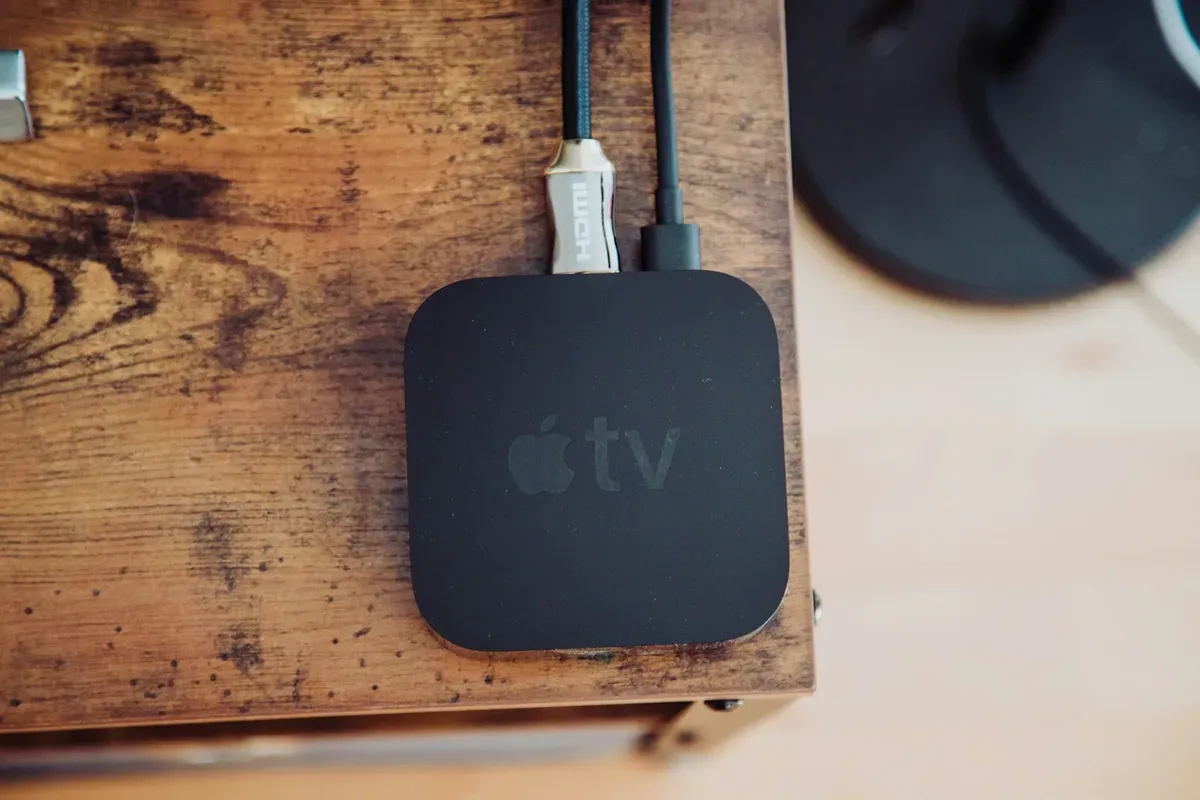
Photo by Nicolas J Leclercq on Unsplash.
My take, and you can disagree: if Home Assistant is your controller, the ecosystem hubs should never be the network owners. Let your OTBR form the network, then treat any Apple or Google border router that later adopts its credentials as bonus coverage. The reverse arrangement leaves your automations dependent on a streaming box. The same caution applies to cameras with a Thread radio, such as the Aqara G350, which one reviewer saw join an existing Apple network and could not stop acting as a border router.
How Do You Form the Mesh in Home Assistant?
The actual setup is shorter than the shopping decision. Before you start, check three things:
- IPv6 is working between Home Assistant and your LAN. Thread is IPv6-native, and the integration docs single out VMs, Docker network settings, and routers filtering ICMPv6 as the classic silent killers.
- mDNS crosses your network. Border routers advertise themselves over mDNS, per the OpenThread border router guide. If you've segmented VLANs the way our Home Assistant hardening guide suggests, add the mDNS reflector rule now, not after a failed evening.
- The radio sits on a USB extension cable, away from USB 3.0 ports and SSDs. Same advice as Zigbee, same physics.
Then: flash the Thread firmware onto the stick, install the OTBR add-on, and let it start. The add-on forms the network and hands its dataset to the Thread integration, which lists it in the Thread panel under Settings. Mark it as the preferred network. That single click decides where future devices land, and our troubleshooting guide exists largely for houses that skipped it. The docs describe Thread credentials as working like a Wi-Fi password for the mesh, which is exactly the right mental model: one network, one secret, shared deliberately.
What Does Pairing Actually Look Like?
Here's the part that surprises people coming from Zigbee: for Matter-over-Thread devices, your phone does the commissioning, not your hub. You scan the QR code in the Home Assistant app, the phone talks to the device over Bluetooth, hands it the Thread credentials, and the device joins the mesh and appears as a Matter device.
Two practical notes from that flow. First, the phone needs the preferred network's credentials synced, which the companion app handles when the Thread panel is set up correctly. Second, expect commissioning to take noticeably longer than a Zigbee pair, tens of seconds of spinner while four layers of handshake complete. That's normal. A pairing that fails repeatedly is nearly always a network-count problem or an IPv6 problem, not a broken device.
How Does the Mesh Actually Grow?
A Thread network has two kinds of members, and your buying order should respect that. Mains-powered devices, plugs and bulbs mostly, act as routers: they extend range and relay traffic. Battery devices are sleepy end devices that attach to a nearby router and do nothing for anyone else's connectivity.
Notice what that implies? A starter kit of five battery sensors and one border router is a star, not a mesh. Every sensor depends on that one radio, and range ends at its walls.
So seed the backbone first. A powered device per room, roughly along the paths your sensors will live, and the self-healing behavior Thread advertises has something to heal with. This mirrors the router-density advice from our Zigbee coordinator guide, because the underlying radio reality is the same 2.4 GHz band with the same walls in the way.
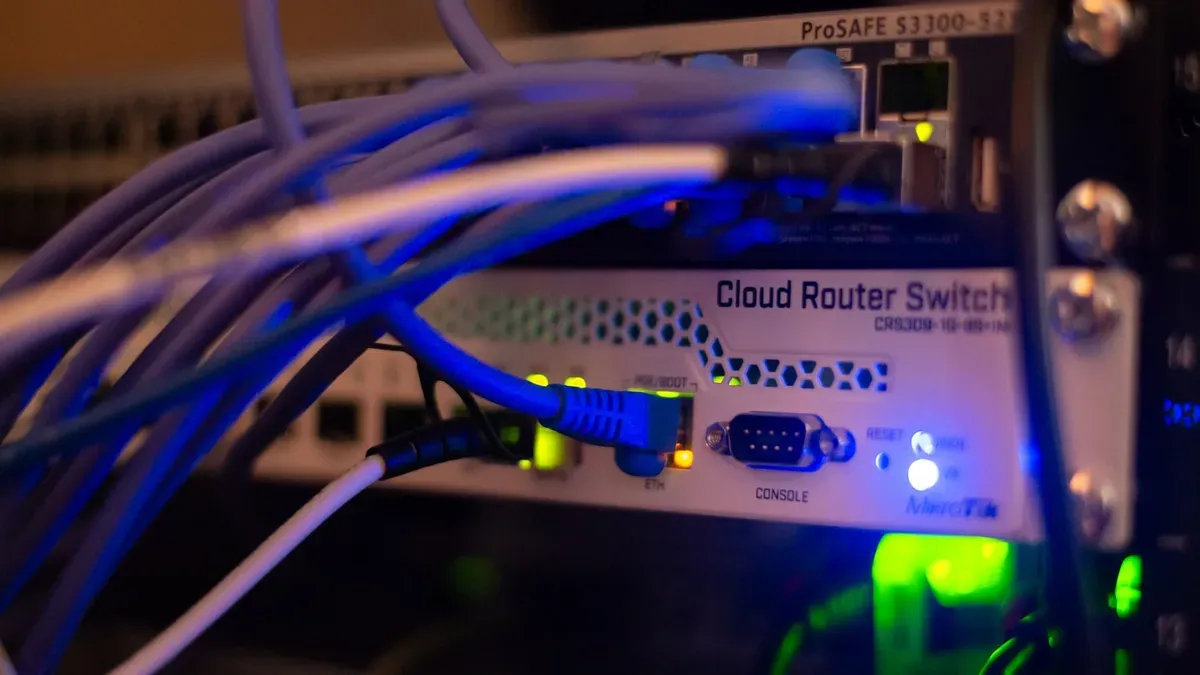
Photo by Albert Stoynov on Unsplash.
What Latency Should You Expect?
Now the question the spec sheets dodge with the word "responsive". What do the measured numbers say?
The most useful public dataset I found while researching this guide is the Silicon Labs mesh benchmark, which ran Bluetooth Mesh, Thread, and Zigbee on identical Wireless Gecko hardware in a live office building, scaling to 192 nodes. Their findings, in their numbers: with small payloads, all three meshes delivered with latency spreading up to about 90 ms, comfortably under the 200 ms target the benchmark cites as the point where humans start noticing. In the large 192-node network, Thread held up to roughly 100 ms with tight spread, while Zigbee delivered most packets around 80 ms with spread up to 130 ms.
Read that carefully and two conclusions fall out. Thread is not magically faster than Zigbee at house scale; both are far quicker than your nervous system. And a home network of 30 devices is a small fraction of the benchmark's worst case, so the mesh itself will almost never be why a light feels slow. When a Thread switch lags, the delay lives elsewhere: a border router choking, a cloud round trip in the control path, or a phone commissioning step that put the device on the wrong network entirely.
I haven't measured a Thread mesh of my own yet, so I won't pretend to hand you my own histogram. The honest framing is expectations: sub-100 ms from button to bulb is what the published data supports for a healthy local mesh, and anything you can consciously count as a pause deserves diagnosis, not acceptance.
Does Thread 1.4 Change the Setup Plan?
Not yet, and planning around it would be premature. Thread 1.4 standardises how border routers share credentials, which in principle ends the three-networks-per-house era. Apple announced support at WWDC in June 2026 and shipped it first in the tvOS 27 developer beta, but reporting on those betas noted the ephemeral-code interface for actually unifying two networks had not appeared. A capability in a spec is not a button in a settings screen. It matters most to tenants, whose network has to survive a change of address, as the Thread and Matter rental ledger explains.
The setup advice therefore stays boring: form your own network today, keep it preferred, and when the unification flow ships you'll be merging other routers into your mesh rather than begging an ecosystem for its keys. Guess which side of that merge you want to be on.
What Is the Plan for This House?
Full disclosure, same as in the troubleshooting piece. This house runs Home Assistant on a Raspberry Pi 5 with a Connect ZBT-1 on Zigbee firmware, because the lighting was specced for cheap Zigbee at the cable stage. There is no Thread mesh here yet, and the one-radio-one-protocol rule means Thread arrives as a second stick, not a firmware gamble; the multiprotocol option stayed experimental and Home Assistant's guidance against it is blunt.
The shopping list this guide produces for my own build: one ZBT-2 in Thread mode, two or three mains-powered Thread devices to seed the backbone, and only then the battery sensors. When that hardware lands, the latency section above gets replaced with measurements from this hallway. Until then, the numbers stay attributed to the people who actually collected them, which is how it should work anyway.
Frequently Asked Questions
What do I need to start a Thread network in Home Assistant?
One Thread-capable radio and the OpenThread Border Router add-on. The official route is a Home Assistant Connect ZBT-2 stick flashed with Thread firmware, plugged into the machine running Home Assistant. The add-on forms the network, and the Thread integration stores its credentials so Matter devices can be commissioned onto it.
Can one ZBT-2 run Zigbee and Thread at the same time?
No. The Connect ZBT-2 runs one protocol at a time, and Home Assistant's own guidance is one radio per protocol. If you already run Zigbee on a stick, budget for a second stick for Thread instead of flashing the experimental multiprotocol firmware, which was never recommended for daily use.
Is an Apple TV or Nest hub enough as a border router?
It forms a working Thread network, but that network belongs to the ecosystem that created it, and Home Assistant can only manage a mesh it holds credentials for. If Home Assistant is your controller, run your own OpenThread Border Router and treat ecosystem hubs as extra coverage on that network, not as its owner.
How fast are Thread devices in practice?
Fast enough that the radio is rarely the bottleneck. Silicon Labs benchmarked Thread at under roughly 100 ms command latency even in a 192-node test network, and small-payload traffic across Thread and Zigbee spread up to about 90 ms. Delays people actually notice usually come from cloud hops or a struggling border router, not the mesh.
Sources & References
- Home Assistant - Thread integration home-assistant.io
- Home Assistant - OpenThread Border Router integration home-assistant.io
- Home Assistant Connect ZBT-2 - product page home-assistant.io
- Home Assistant blog - The best gets better: Home Assistant Connect ZBT-2 home-assistant.io
- Silicon Labs - Benchmarking Bluetooth Mesh, Thread, and Zigbee Network Performance silabs.com
- OpenThread - Border Router guide openthread.io
- Matter Alpha - Apple Home goes pro: Thread 1.4, 4K video, and native energy management in iOS 27 matteralpha.com