Thread, Zigbee or Matter? Which One Fits Which Kind of Home


This post may contain affiliate links. As an Amazon Associate we earn from qualifying purchases. Disclosure.
Matter isn't a rival to Zigbee or Thread. It sits on top of Thread, Wi-Fi and Ethernet, and Zigbee isn't on that list. Once you see that, the choice stops being a three-way fight and becomes a question about your walls, your power boxes and what you already own.
Quick take: Matter is the language, Thread and Wi-Fi are roads it travels on, and Zigbee is a separate road Matter doesn't use. Pick the radio from your physical situation, hub or no hub, neutral or no neutral, then check which Matter version your controller supports.
Most comparisons line up Thread, Zigbee and Matter as if you were choosing one, and they feed on hype about whichever logo is newest. That framing wastes your money, and it hides the question of what kind of house you actually have. The Connectivity Standards Alliance (CSA) explains in its Matter FAQs that Matter runs over Wi-Fi, Thread and Ethernet, and uses Bluetooth LE for commissioning. Zigbee isn't on that list. Home Assistant's own Matter documentation says it flatly: Zigbee devices aren't compatible with Matter.
I haven't run a Thread device in my own house yet, and I won't invent pairing times or reliability figures for gear I haven't measured. What follows comes from the specifications, the Home Assistant docs, and the decisions I made at the cable stage of a real build.
What Each One Actually Is
Zigbee is a low-power mesh radio on 2.4 GHz that needs a coordinator, typically a USB dongle plugged into the machine running Home Assistant. According to the ZHA documentation, most mains-powered devices, such as plugs and bulbs, act as routers automatically, while battery devices are end devices.
Thread is also a low-power mesh on 2.4 GHz, built on IEEE 802.15.4 and IPv6. The Thread Group says its networks have no single point of failure and can self-heal. To talk to the rest of your home, it needs at least one border router.
Matter is the application layer. It decides how a lamp is described and controlled, not which radio carries the message. One Matter device can also join several controllers at once, so Google Home and Home Assistant can both see it.
Put side by side, the three differ in what they actually are:
- Zigbee is a complete stack, radio and application, owned by the CSA.
- Thread is only the network layer. It carries messages but defines no lamps or locks.
- Matter is only the application layer. It describes devices and rides on someone else's network.
The part that confuses people
Thread and Zigbee share the same underlying radio standard, which is why one stick can technically do both. Home Assistant's guidance, as I summarised in the Thread troubleshooting guide, is one radio per protocol. Treat that as a design rule, not a footnote.
Scenario 1: A House With No Hub
Here's the honest answer: you probably have more hub than you think. Home Assistant lists Google Nest Hub and Nest Wifi models, Apple HomePods and Apple TV units among compatible Thread border routers. If one of those sits in your living room, a Thread network can start there.
If you own nothing like that, Matter over Wi-Fi is the lowest-friction start, since it needs no border router. Something must still act as the Matter controller, whether that's Google Home or a Home Assistant box. Zigbee is the one option where you must buy the missing piece, because the coordinator is the hub.
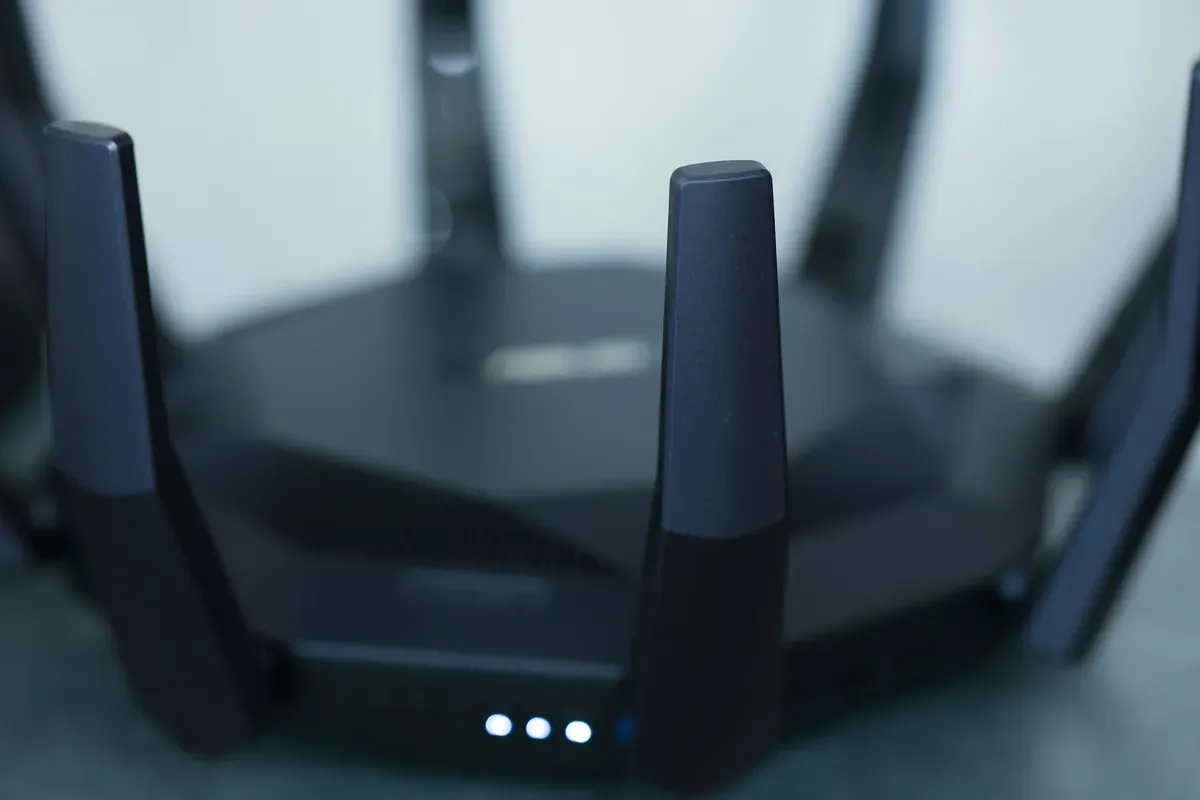
Photo by dlxmedia.hu on Unsplash
Scenario 2: A Switch Box With No Neutral
This one isn't a protocol question, and I'd push back on any article that says it is. A neutral wire feeds the switch electronics while the lamp is off. Thread, Zigbee and Wi-Fi switches all face the same physics.
What differs is the catalogue. Zigbee has a no-neutral option in the Aqara Wall Switch H1, whose retailer listings state a minimum load of 3 W for LED lamps. Our renters guide covers the Eve switch that works without a neutral in its European version. Notice the pattern. You choose the product that fits the wall, then accept whatever radio it ships with.
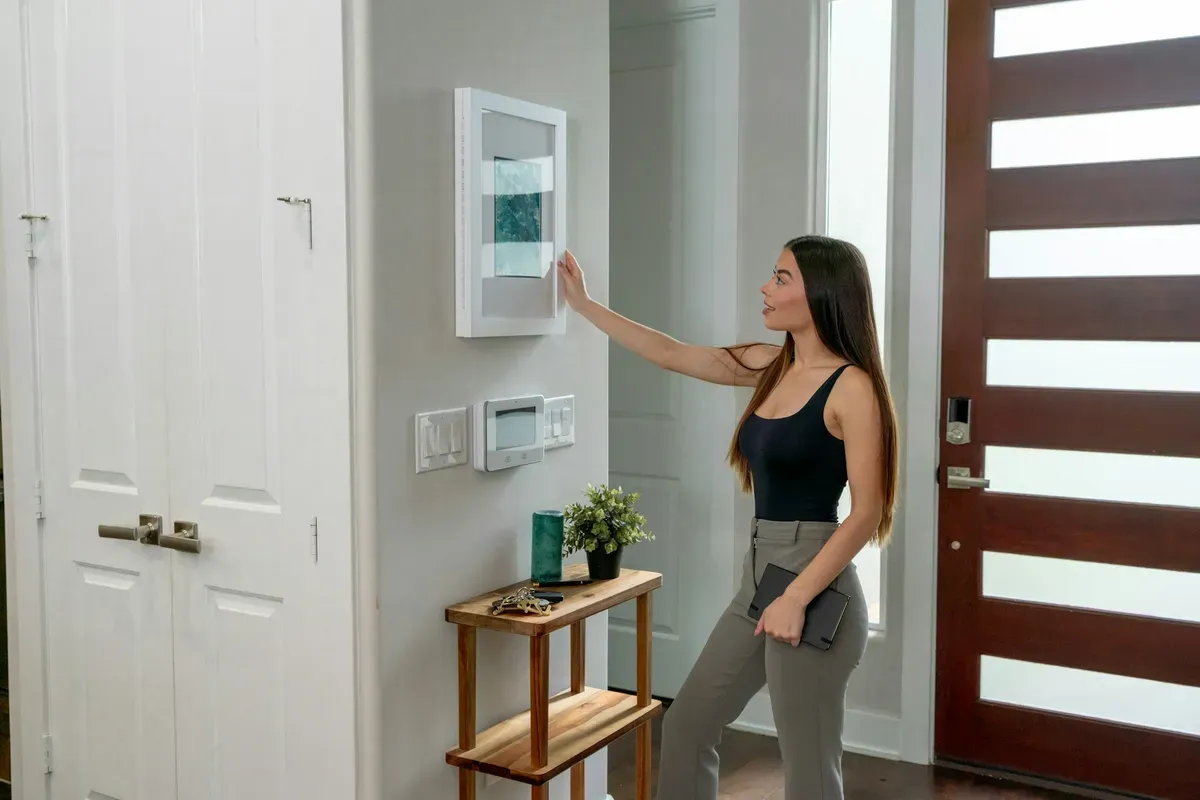
Photo by Sable Flow on Unsplash
In this house the question never came up. My notes say the neutral is always present in the switch box, and the boxes are as deep as possible so a controller fits behind each switch. If you're building new, that's the cheapest decision on this page. Ask the electrician for it before the plaster goes on.
Scenario 3: A Home Assistant Build With Google Home on Top
This is my own setup, so here's what is documented and what isn't. Home Assistant runs on a Raspberry Pi 5 on a DIN rail with a Connect ZBT-1 stick. The lighting plan is generic Zigbee paired straight to that stick, with no brand bridge and no manufacturer app. The controllers aren't bought yet, so this is a decision, not a system I can show you running.
Why Zigbee for lights? In a ceiling fixture there's no category leader worth owning a bridge for. A mains-powered bulb also doubles as a mesh router, so the lighting layer builds the mesh for free. The cost is real, too. If Home Assistant is down, a wall button that only reports to it turns nothing on. I accepted that when I drew the topology.
Thread will join when a Matter device worth owning demands it. Because Matter lets one device join several controllers at once, Home Assistant can share devices with Google Home, the family-facing layer stays Google's while the logic stays mine.
Scenario 4: Battery Sensors Everywhere
Wi-Fi sensors drain batteries, so this really is a Thread-or-Zigbee contest.
Zigbee wins on catalogue depth and price today, and the Zigbee2MQTT guide covers its 4,800-plus supported devices. Thread wins where a device you want ships only as Matter over Thread. If you want Thread, check whether you already have border routers before buying more. Home Assistant says Thread can use several border routers in one network, which adds coverage, though the troubleshooting guide explains why a pile of separate networks does the opposite.
Scenario 5: Blinds and Shutters
Neither of the three. My twelve Somfy blinds run on io-homecontrol through a TaHoma box, which is its own radio family, and they're not yet connected to Home Assistant. Check the motor's radio before the protocol debate, not after.
Quick Decision Table
| Your situation | Start with | Why |
|---|---|---|
| No hub, no speakers | Matter over Wi-Fi | No border router needed |
| Google or Apple speaker at home | Thread via that speaker | Border router already owned |
| Existing Zigbee kit | Stay on Zigbee | Bridges exist for Matter |
| Switch box without neutral | Whatever product fits | Physics beats protocol |
| Mains-powered bulbs and relays | Zigbee | Each one extends the mesh |
| Battery sensors, new purchase | Thread or Zigbee | Compare catalogue first |
The Catch Nobody Prices In
Matter prefers a plain home network. Home Assistant warns it may not work well with VLANs, multicast filtering or misbehaving IGMP snooping. My devices live on a real VLAN, and I don't yet know whether Matter will object. I'd rather tell you that than guess.
What I Wouldn't Do
Don't buy a Thread-only device to "future-proof" a house with no border router and no plan for one. Don't expect Matter to rescue a Zigbee mesh you already own. And don't read any pairing-time number from a vendor page as a promise. I have no measurements of my own, so I can't offer one.
How I'd Order the Decisions
Pick the radio last. Work through these in sequence, because each one removes options from the next:
- What the wall gives you: neutral or no neutral, box depth, mains power nearby.
- What you already own: speakers, displays and sticks that double as border routers or coordinators.
- Who uses the lights: if a family member only taps a Google Home widget, the protocol underneath matters far less than the controller above it.
- What your network allows: a flat network is easier for Matter than a segmented one.
Why this order? Because a hardware mistake in the wall costs a weekend and a plasterer, while a software mistake costs an evening. Spend your caution where undoing things is expensive. That's the same logic behind my reasons for choosing Home Assistant as the brain: the layer that's easiest to change should be the one you lean on, and the radios underneath can be swapped one device at a time.
Short answers to the common questions sit in the FAQ above. If your situation isn't covered by the five scenarios here, start from the wall and work outward, not from the logo on the box.
Frequently Asked Questions
Is Matter replacing Zigbee?
Not directly. Matter has no radio of its own and runs over Wi-Fi, Thread and Ethernet, with Bluetooth LE for setup, so Zigbee devices can't join a Matter network by themselves. The CSA says bridges let Zigbee and Z-Wave gear take part in a Matter setup, which is the route for devices you already own.
Can I use Thread without a hub?
A Thread mesh still needs at least one border router to reach your home network, according to Home Assistant's documentation. The border router is often built into a speaker or display you already own, so you may not need to buy anything new. Matter devices that use Wi-Fi skip the border router entirely.
Does the protocol decide whether a switch needs a neutral wire?
No. The neutral wire powers the switch electronics while the light is off, and every protocol has that problem. What changes is the shopping list: no-neutral models exist in Zigbee and Thread, but the range is narrow and often has a minimum lamp load.
Sources & References
- CSA - Matter FAQs csa-iot.org
- CSA - Build With Matter csa-iot.org
- Thread Group - Thread Benefits threadgroup.org
- Home Assistant - Matter integration home-assistant.io
- Home Assistant - Thread integration home-assistant.io
- Home Assistant - Zigbee Home Automation (ZHA) home-assistant.io