Choosing a Smart Home Protocol When You Rent the Place


This post may contain affiliate links. As an Amazon Associate we earn from qualifying purchases. Disclosure.
Every protocol comparison assumes you own the walls. Renting changes the question completely: you cannot rewire, you cannot drill, and everything has to come off cleanly when you leave. That rules out more kit than any spec chart admits.
What Is the Constraint Nobody Charts?
Read any protocol comparison and you get range, power draw, mesh behaviour, latency. All useful if you own the place. All beside the point the moment your tenancy agreement says no alterations without written consent.
Renting imposes three rules that no spec sheet acknowledges:
- You cannot rewire anything. That removes most in-wall devices immediately.
- You cannot drill. Adhesive and gravity are your only mounting options.
- Everything has to come off without leaving a mark, because your deposit depends on it.
Once those are in force, a large part of the smart home catalogue disappears, and the protocol argument turns out to matter far less than the mounting method. Choosing well here is mostly about what you are allowed to touch.
Where Does Each Protocol Actually Leave You?
Thread is the one with the best future and the most awkward present. Devices are genuinely low-power, the mesh repairs itself when a node drops, and Matter runs on top of it. But nothing speaks to your phone directly. You need a border router, and that is not optional: as the Matter Smart Home explainer on border routers puts it, the border router is what connects the Thread network to your normal home network so devices can be controlled without a separate gateway.
The cheapest dedicated option is the SmartThings Station at roughly 59.99 dollars. It also charges a phone wirelessly, which sounds like a marketing bullet until you count the free sockets in a rented flat and realise you have four.
Zigbee asks for the same thing under a different name. A coordinator, usually a USB stick plugged into a small computer or a dedicated hub, and then a decade of inexpensive sensors that all just work. There is a real argument for staying here if you already own Zigbee kit: it moves flats in a shoebox and needs no rethinking at the other end.
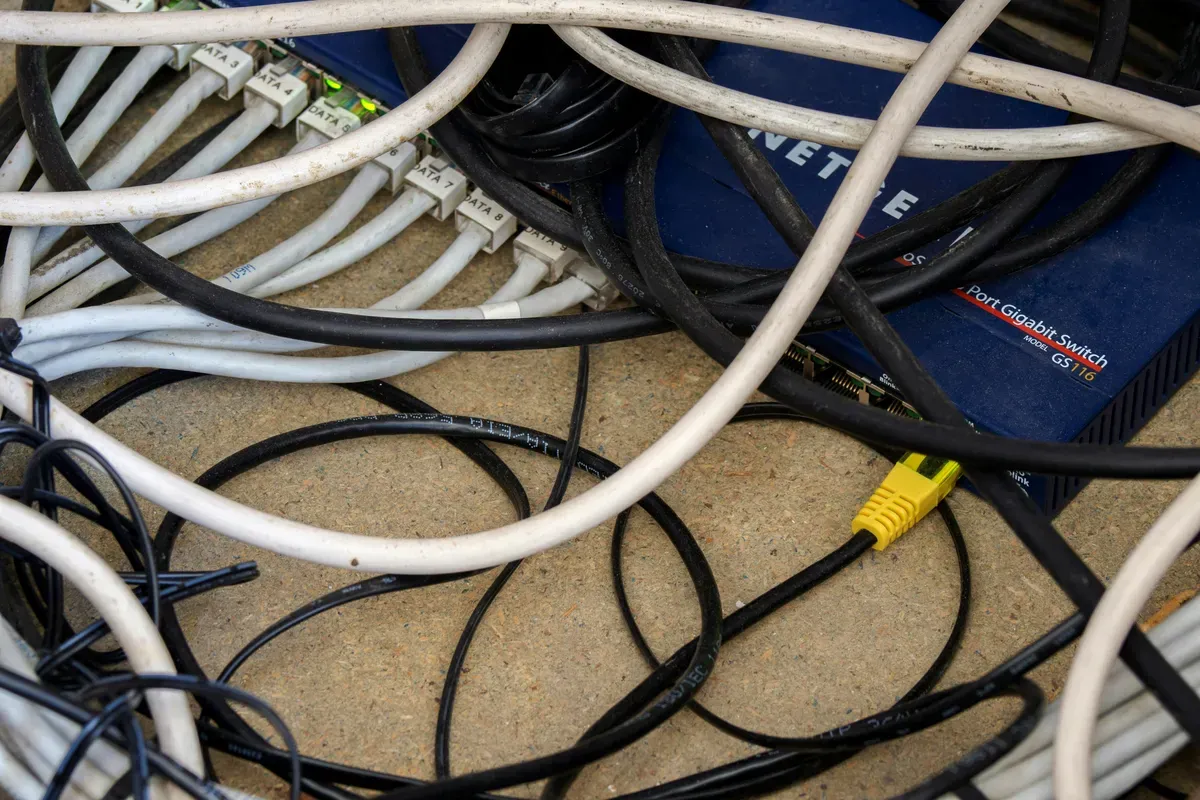
WiFi needs no hub at all, and that is the entire pitch. The cost arrives later. Battery life drops from years to months because the radio is hungry, and your router quietly hosts thirty devices that each want their own connection. In a shared house on landlord-supplied broadband, that is a practical risk rather than a theoretical one. Cheap routers are the usual casualty: every WiFi device holds a slot in the router's client table, and the limit on entry-level models is easy to hit once a shared flat adds phones, laptops and thirty smart devices on top.

What Do You Do With a No-Neutral Wall?
Here is where most renters actually stop, and it is a wiring problem wearing a protocol costume.
Plenty of properties, especially older ones, have no neutral wire at the light switch. Most smart switches need one to power their radio while the light is off. Some models get around it with a bypass capacitor fitted up at the fixture, which means opening the ceiling rose, which means work your tenancy agreement almost certainly prohibits without written permission.
The device selection here is thin and inconsistent. The Eve Light Switch works without a neutral in its European version at around 49.95 dollars, while the Eve Dimmer Switch in the same product family does require one. That inconsistency inside a single range tells you how immature this corner still is, and the situation is worse in the US market than in Europe.
My advice is blunt: as a renter, do not buy smart switches at all. Put the intelligence in the bulb or in the plug. You lose the satisfying wall control and you gain the ability to leave without hiring an electrician.
What Would I Actually Buy?
| Layer | Renter-safe choice | Why it survives a move |
|---|---|---|
| Lighting | Smart bulbs, not switches | Unscrews. No wiring, no bypass, no permission |
| Sockets | Plug-in smart plugs | Moves with you, works on any protocol |
| Sensors | Battery powered, adhesive mounted | Comes off the wall without filler and paint |
| Control | Battery wireless buttons | Sticks beside the real switch, no wiring |
| Hub | Thread border router or Zigbee coordinator | One device, plugged in, taken when you go |
Notice what is missing from that table. No wired switches, no hardwired hubs, no in-ceiling anything, no doorbell that replaces the existing one. Every row is something you could remove in an afternoon.
Is this a compromise? Yes, and I would rather say so than pretend otherwise. Bulb-based lighting breaks the moment somebody flips the wall switch off, and every guest will do exactly that within about ten minutes of arriving. You can mitigate it with a battery-powered wireless switch stuck over the original, such as the IKEA BILRESA dual-button remote or the battery-free GEMNS WePower kinetic switches, and that works well, but it costs money per room and it looks like what it is. Anyone telling you renting costs you nothing in a smart home has not done it.
How Do You Handle the Landlord Conversation?
One thing worth doing before any of the above: ask. A surprising number of landlords will agree to a smart thermostat or a video doorbell in writing, particularly if you frame it as something that stays behind when you go and costs them nothing.
Two things make that conversation go better. Offer to leave the device installed at the end of the tenancy, which turns your purchase into an upgrade to their property. And be specific about what changes physically, because a landlord hears "smart home" and pictures holes in walls. Saying "it replaces the existing thermostat on the same backplate, and here is the model" is a different conversation entirely.
If they say no, you have lost nothing and you now know to build entirely on the removable list above.
Why Pick for the Exit, Not the Spec Sheet?
If you are starting fresh and want the longest useful life from what you buy, Thread with a Matter controller is the better long-term bet, provided you accept that a border router is part of the purchase price rather than an optional extra. Own that router, too: the mesh credentials stay with it, which is the subject of our move-out ledger for Thread and Matter.
If you already own Zigbee, stay there. The ecosystem is mature, the sensors are cheap, and Zigbee hubs for Home Assistant are well-trodden ground with plenty of documented setups. There is no prize for migrating a working mesh.
If Thread misbehaves after you move, and it often does because the mesh has to relearn a new building, the Thread network troubleshooting guide covers what usually goes wrong. New address, new neighbours, new interference: the symptoms are consistent enough to be diagnosed rather than guessed at.
For device shopping, the Aqara compatibility guide is worth reading first. That range covers a lot of the battery-and-adhesive category renters are stuck with, and it spells out which hub you need for which device, which is exactly the trap that catches people buying their second sensor.
What Is One Last Thing to Keep in Mind?
Before you compare a single protocol specification, walk your flat and count the things you are actually allowed to change. In most tenancies the answer is bulbs, sockets, and surfaces you can stick things to. Maybe a thermostat if you ask nicely.
Build for that list. Buy the hub that supports it. The protocol question mostly answers itself once the physical constraints are written down, and you will spend far less time regretting a purchase that turned out to need a screwdriver and a permission slip.
Frequently Asked Questions
Do I need a hub if I rent?
For Thread, yes, and there is no way around it. Thread devices cannot reach your phone on their own, so something has to act as a border router. The cheapest dedicated one is the SmartThings Station at around 59.99 dollars, and it doubles as a wireless phone charger, which is the sort of detail that matters when every socket is spoken for. Zigbee needs a coordinator too. Only WiFi devices skip the hub entirely, and they pay for it in battery life and in how much of your router they occupy.
What about light switches with no neutral wire?
This is the wall most renters hit, and it has nothing to do with which protocol you chose. Older properties often have no neutral at the switch, and most smart switches need one. Some models work without it using a bypass fitted at the fixture, which usually means opening the ceiling rose, and that is exactly the kind of work a tenancy agreement tends to forbid. Skip switches entirely and put the intelligence in the bulb or the plug.
Is Thread better than Zigbee for a rented flat?
Not obviously, and I would not choose on protocol alone. Thread has the better long-term story because Matter rides on it, but the device selection for no-neutral situations is still thin, particularly in the US. Zigbee has a decade of cheap sensors behind it and a mature Home Assistant path. If you already own Zigbee kit, moving it to a new flat costs you nothing.
What happens to my setup when I move out?
Plan for that on day one, because it decides what you buy. Bulbs, plugs and battery sensors on adhesive pads come off in an afternoon and go back in a box. Anything wired into a wall becomes a negotiation with a landlord and possibly an electrician. The protocol you pick barely matters here. The mounting method decides everything.
Will smart bulbs work if someone flips the wall switch off?
No, and this is the one honest weakness of the bulb-first approach. Cut the power at the wall and a smart bulb is just a bulb, offline until somebody switches it back on. Guests do this constantly. The usual fix is a battery-powered wireless button stuck over or beside the original switch, so the real one never gets touched. It works, it costs another twenty or thirty dollars per room, and it is the tax you pay for not being allowed to rewire.
Sources & References
- Home Assistant - Matter integration home-assistant.io
- Thread Group - What is Thread? threadgroup.org
- Home Assistant - Zigbee Home Automation integration home-assistant.io