DIY Smart Home Installation Projects
DIY smart home installation guides with step-by-step instructions for setting up devices without professional help. Start your DIY project today.
Blog posts
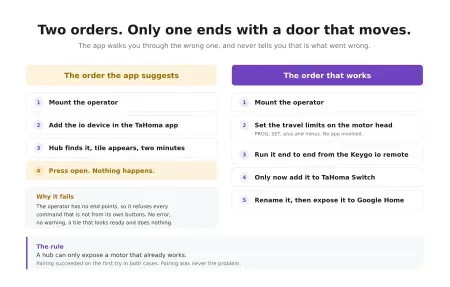
A garage operator pairs with a TaHoma Switch in minutes, and that...
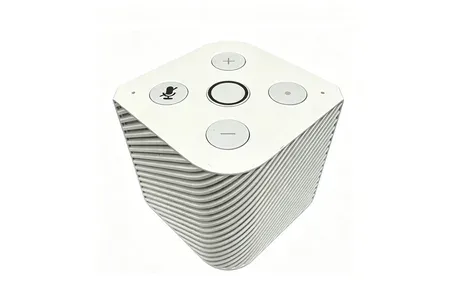
Pine64's PineVoice is a $50 RISC-V smart speaker with open firmware, local...

Commercial smart sprinkler controllers want a subscription and a cloud account to...
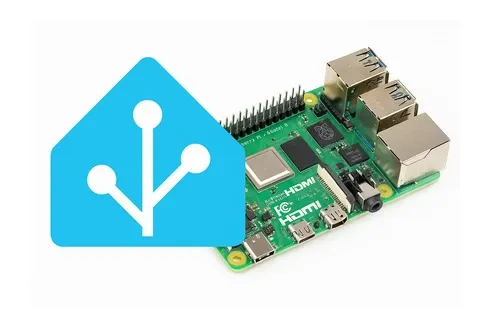
Install Home Assistant OS on your Raspberry Pi and turn it into...
Products
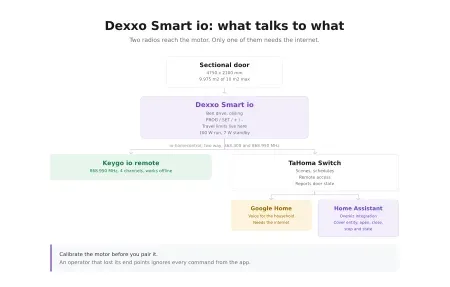
Somfy Dexxo Smart io drives garage doors up to 10 m2 over...
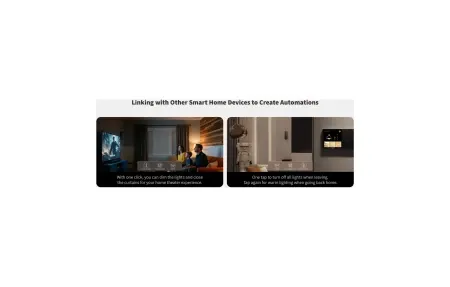
Aqara Touchscreen Switch S100 US - 2-channel smart wall switch with 1.3-inch...
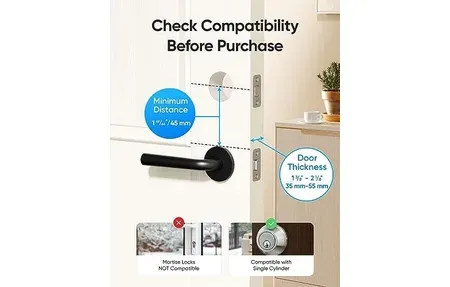
Smooth keyless entry, built-in Wi-Fi, and IP53 durability make the eufy Smart...
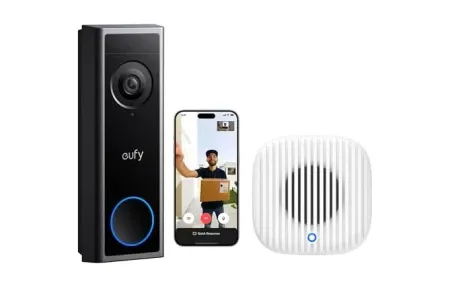
Eufy Security Video Doorbell C31 delivers sharp visuals and two-way audio for...
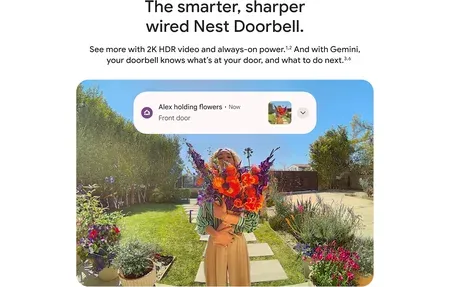
The Google Nest Doorbell (Wired, 3rd Gen) offers 2K HDR video, 166°...

Illuminate your space with Govee LED Strip Light M1 (5m). Bright RGBICW...
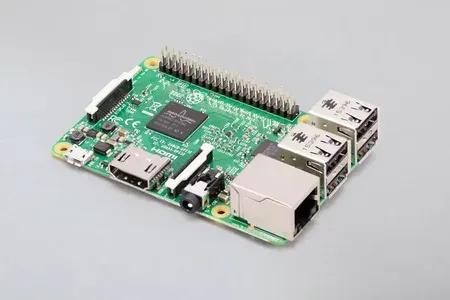
The Raspberry Pi 3 Model B, a versatile single-board computer ideal for...
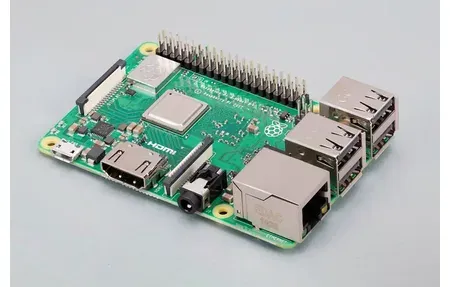
Build smart home projects with the Raspberry Pi 3 Model B+, featuring...
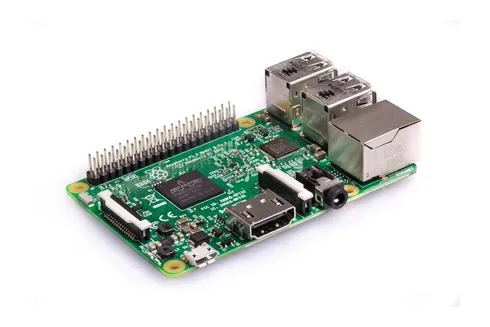
Raspberry Pi 4 Model B: quad-core 1.5GHz CPU, up to 8GB RAM,...
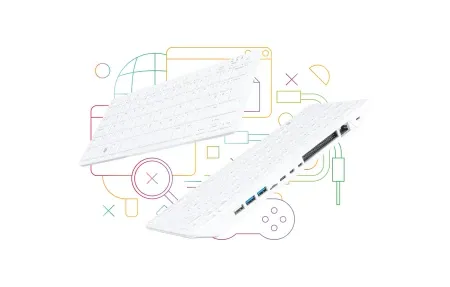
The compact yet powerful Raspberry Pi 500, built into a full-size keyboard...
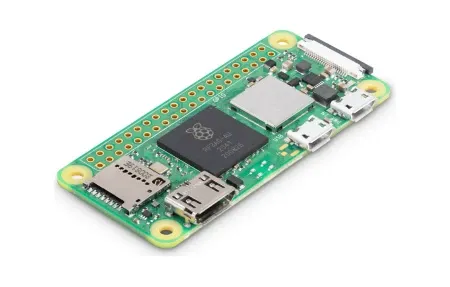
The capabilities of the Raspberry Pi Zero 2 W, a compact and...
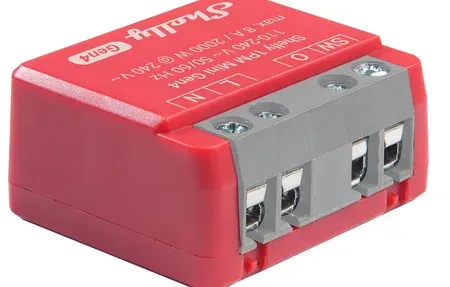
Shelly 1PM Mini Gen4 compact relay, 8A, power metering, Wi-Fi, Zigbee, Bluetooth,...
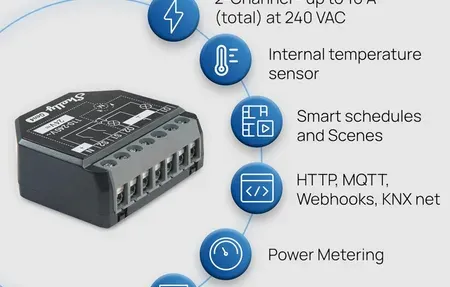
Shelly Plus 2PM Gen4 dual-channel switch with power metering, Wi-Fi, Zigbee, Matter....
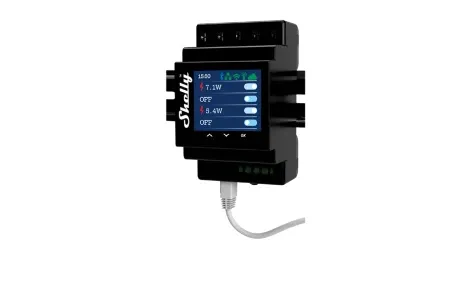
Shelly Pro 4PM is a 4-channel DIN-rail relay with power metering, LAN/WiFi/Bluetooth,...
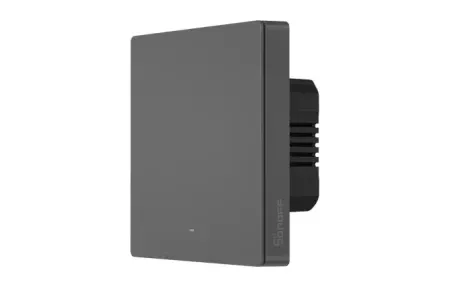
Control your home's lighting with the Sonoff SwitchMan Smart Wall Switch-M5, featuring...
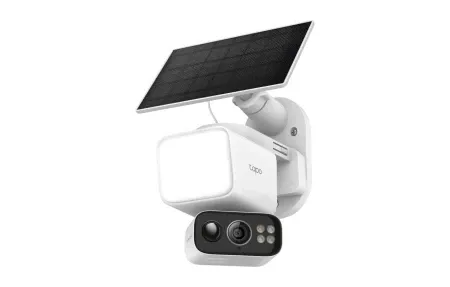
Solar-powered, wire-free 2K floodlight camera with 360° pan/tilt, color night vision, and...
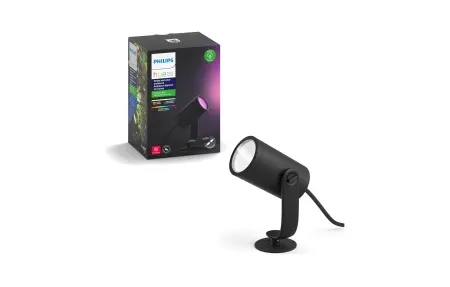
Illuminate and enhance your garden with the Philips Hue Lily Outdoor Spot...
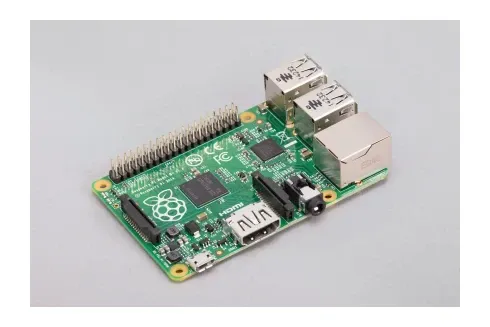
The versatile world of the Raspberry Pi 1 Model B+, the ultimate...
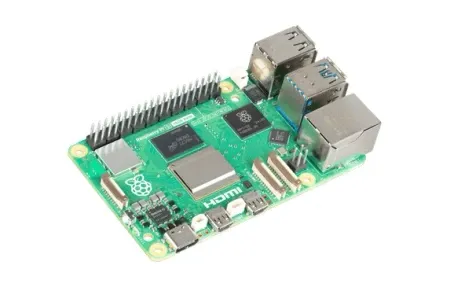
The Raspberry Pi 5, the ultimate tool for smart home enthusiasts, featuring...
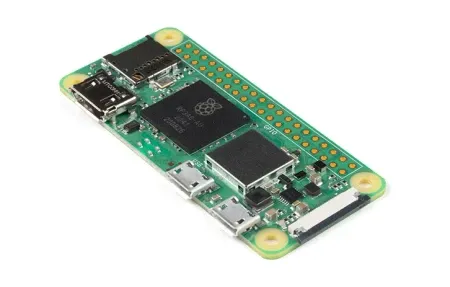
Raspberry Pi Zero W upgrades your smart home with Wi-Fi, Bluetooth, and...
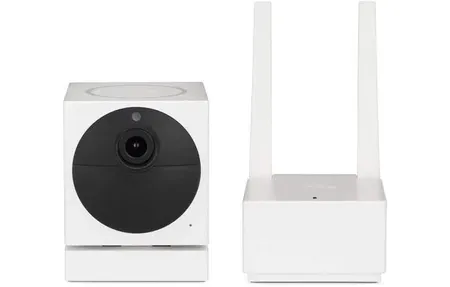
The Wyze Cam v1 offers 1080p Full HD video, motion detection, and...
DIY Smart Home Projects and Installation
This guide covers DIY smart home installation and setup and how they enhance your smart home setup.
Many smart home devices support DIY setup. This makes it easy for homeowners to build their own systems without hiring help. DIY cuts costs and gives you full control of your home environment.
Installation Best Practices
Good DIY setup starts with planning. Think about device placement, network range, power needs, and how new gear fits with what you have. Follow the maker's guide to keep things running well and protect your warranty.
Getting Started with DIY
Start with simple devices like smart bulbs and plugs that need little effort. Then move to harder projects like smart locks, thermostats, and security cameras as your skills grow. Online guides, forums, and video walkthroughs help at every step.
Common Installation Challenges
Common DIY issues include network drops, poor placement, and device pairing failures. Knowing your WiFi coverage, bandwidth, and device fit prevents problems and keeps your smart home running well. DIY smart home setup lets you build systems that match your exact needs. Doing it yourself saves money and teaches you how things work. You can grow your system step by step as your skills and needs change. Good projects start with planning. Read reviews and specs before buying. Watch install videos from other users. Gather all tools and parts before you begin.
Test connections before you finish setup. This avoids issues and confirms devices talk to each other. Write down device spots and network details for future troubleshooting. Keep backup notes to protect your setup if hardware fails. Join online forums for peer support. You get access to people who solved similar problems in their own homes.
Building Skills Through DIY Projects
Local maker spaces give you shared tools and know-how for harder projects. Sharing your results helps others skip common errors and learn faster. Grow at your own pace to build skills without stress. For advanced setups, pro help is still an option. Mixing DIY with pro services balances cost savings and expert help.
DIY builds real knowledge of how systems work together. This makes fixing and upkeep simple to handle on your own. You gain confidence to decide on upgrades and changes without outside help. Solving problems and finishing installs gives a sense of pride. DIY groups share proven tips, mentor new users, and celebrate wins. Over time, your skills make you a go-to person for smart home advice among friends and family.
Start with plug-and-play devices that need few tools or tech skills. Write down everything during setup: device spots, network names, passwords, and settings. Join online groups early to ask questions and learn from others. Each finished project gives you more confidence and skill. Over time, you shift from needing pros to running your smart home on your own.
DIY skills grow through each finished project. Every install teaches you about your home, network, and devices. Notes from past work help you fix issues in a clear, step-by-step way. Sharing tips with others speeds up group learning and builds ties with fellow builders. Small wins keep you going during longer projects. Your DIY work creates pride in your home and builds skills that pay off for years.
Budget-friendly DIY options are easier to find than ever. Many basic smart bulbs, plugs, and sensors cost under twenty dollars each. Start with a few of these low-cost items to learn the basics before spending more on premium gear.
Safety should always come first during any DIY smart home project. Turn off the power at the breaker before working with any wired device. Use a voltage tester to confirm the circuit is dead before you touch any wires. If a project involves running new cable through walls or ceilings, wear safety glasses and a dust mask. Never work on live circuits or skip grounding steps. If you are not sure about the wiring in your home, call a licensed electrician for that part and do the rest yourself. Most smart home tasks like mounting sensors, pairing devices, and setting up apps carry no electrical risk at all. Knowing where to draw the line between safe DIY work and tasks that need a professional keeps you and your home safe.
One of the most useful things you can do early on is set up a test area in your home. Pick a small room or corner where you can try new devices without affecting the rest of your setup. This gives you space to learn how pairing works, test signal range, and see how different brands play together. If something goes wrong, it stays contained. Once a device works well in testing, move it to its final spot. This approach saves time and prevents headaches from rushing devices into your main system before they are fully set up.
The right tools make DIY work faster and smoother. A basic toolkit should include a screwdriver set, a power drill, cable ties, a level, and a phone with the maker's app installed. Label makers help you keep track of cables behind hubs and routers. A simple notebook or digital note app works great for recording passwords and network names. Good lighting in your work area prevents mistakes during wiring or mounting. Keep spare batteries on hand for wireless sensors and locks. Having everything ready before you start means fewer trips to the store and less time lost mid-project.
Smart home systems use many layers of tech working together. From low-level wireless protocols to high-level platforms, each part matters. Knowing how they link helps you make smart choices as your system grows. A connected home needs the right mix of device fit, safety, and future-ready design.