Aqara Touchscreen Switch S100 US for Smart Home Control

Product Details
🏭 Manufacturer: Aqara
🔌 Plug Format: Hardwired (Neutral Required)
📄 Specification Met: FCC, Matter 1.4
🔖 Part Number: WS-K06E
🏋️♂️ Weight: 231 g (8.1 ounces)
📏 Dimensions: 119 x 74 x 42 mm (4.7 x 2.9 x 1.7 inches)
🏳️ Country of Origin: China
🆔 Model Number: Touchscreen Switch S100 US (WS-K06E)
📐 Size: US wall box, 2 channels
🎨 Style: Wall-mounted Touchscreen Switch
🧲 Mounting Type: Wall Mount
🔧 Usage: Indoor Use
🧩 Included Components: Touchscreen Switch S100 US and installation documentation (full box contents not itemized by Aqara)
The Aqara Touchscreen Switch S100 US is a hybrid wall switch that does more than turn a circuit on and off. It puts two physical buttons under a 1.3-inch touchscreen, so the wired lighting keeps working like a switch while the screen becomes a small control panel for everything else. Aqara sold it first in the US only, with a release date of January 6, 2026 according to MatterAlpha, and it lists around $90 to $100 depending on the retailer. I don't own one, so nothing below is a bench test. What I do have is ten heating zones running on Sonoff panels that I reflashed to talk to Home Assistant rather than to a vendor cloud, and that experience shapes how I read this product.
The switch carries Matter 1.4 certification under CSA Certificate ID CSA255A8MAT46330-24, which is the paperwork that lets it join several ecosystems without a vendor bridge. Proximity and motion detection wake the display when someone approaches, and a light sensor dims the screen (MatterAlpha says that light sensor isn't exposed over Matter). Auto-brightness on a wall panel is the spec I'd want to see in person before believing: a screen facing a window at midday is a hard problem, and it's the sort of thing a datasheet never admits to.
First Look
The Aqara Touchscreen Switch S100 US is notable as a 2-channel smart wall switch requiring a neutral wire. Below the touchscreen sit two physical buttons for reliable on/off control of connected lights. The high-definition LCD screen supports gesture swiping for quick navigation, scene switching, and direct device management.
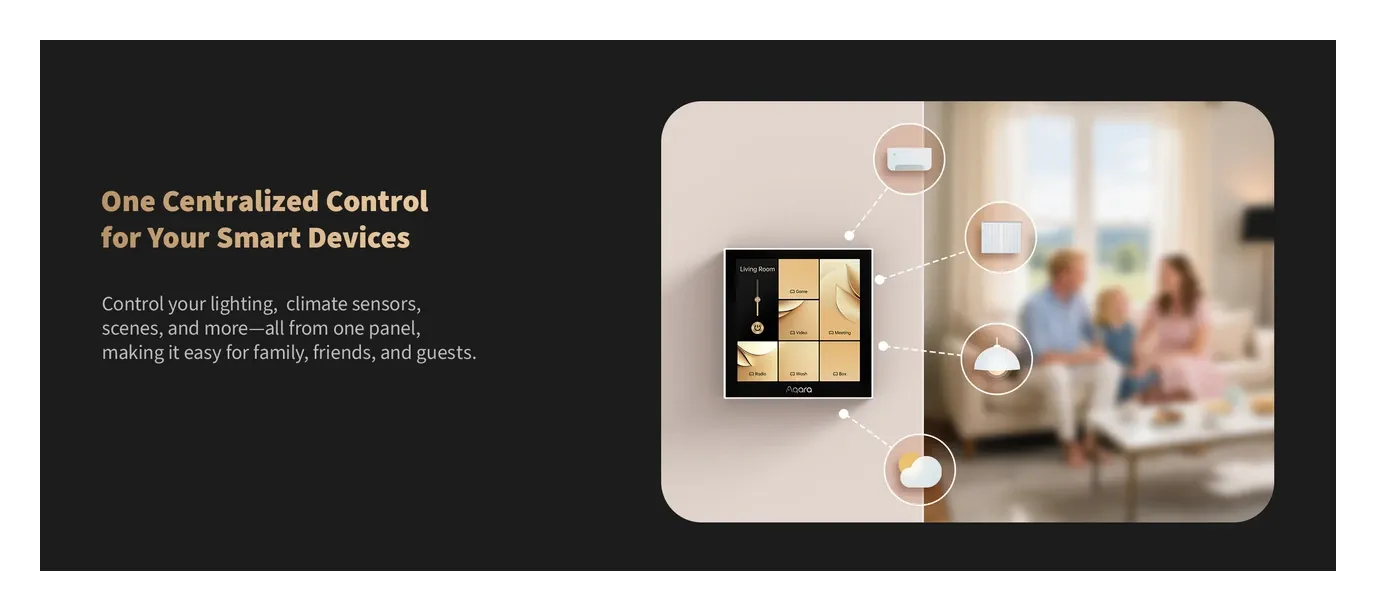
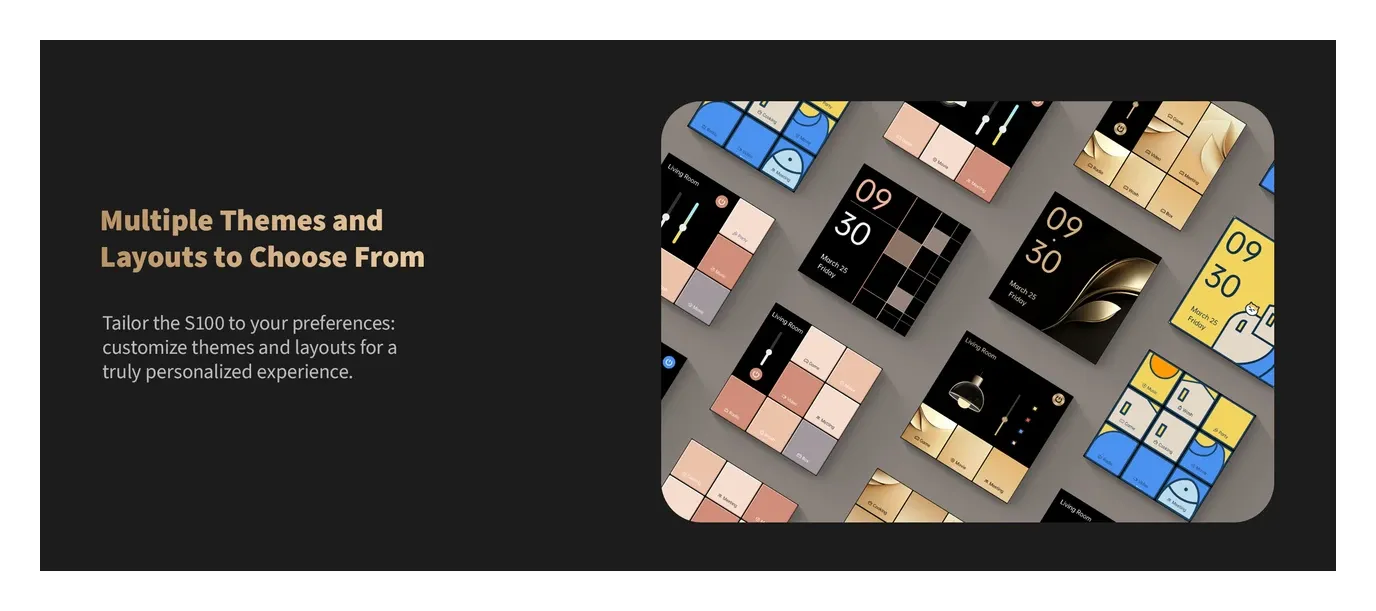
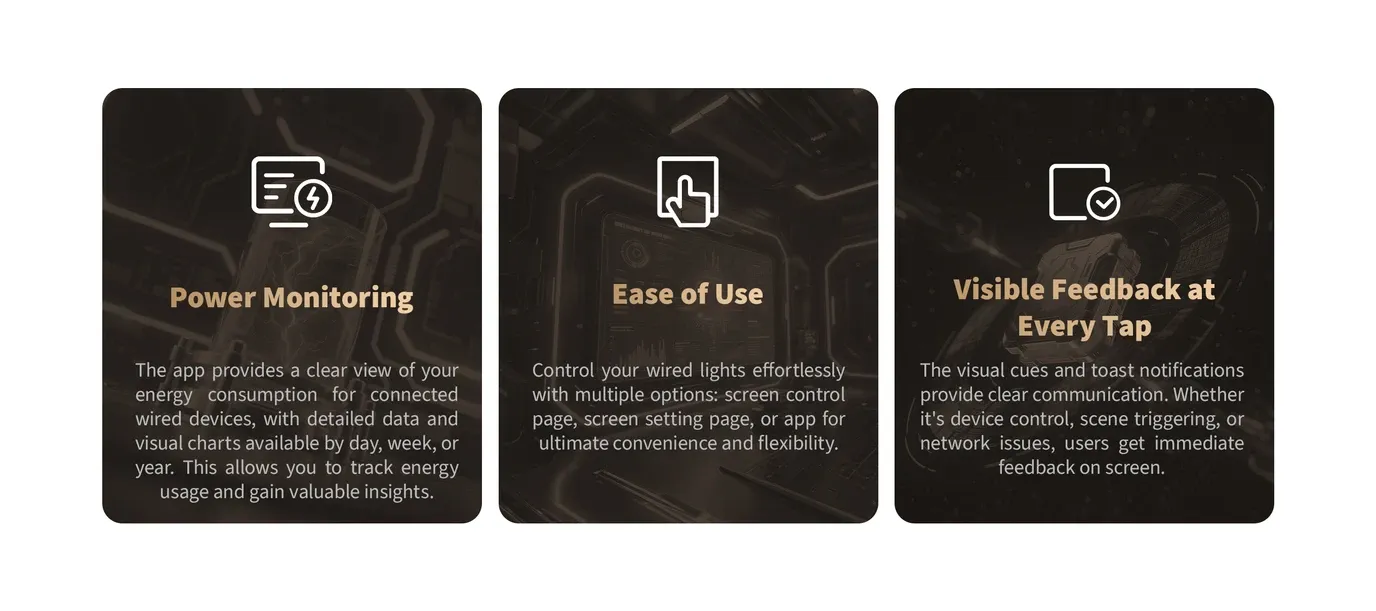
Key highlights include customizable layouts and themes, visible feedback on every tap, and power monitoring for energy-aware users. Presence detection activates the screen only when needed, promoting energy savings. Designed for the US market, it measures 119 x 74 x 42 mm, so check the depth of your wall box before you order.
This switch excels in home automation by bridging physical and digital controls. Think about adjusting your smart lighting or climate without pulling out your phone-the touchscreen makes it instant and intuitive.
Hardware at a Glance
The Aqara Touchscreen Switch S100 US is rated per channel at 10 A for resistive (incandescent) loads and 400 W for LED or CFL, on a 100 to 240 V AC input. That makes it a lighting switch, not a heavy-load relay. It measures 119 x 74 x 42 mm and weighs about 231 g, according to SmartHomeCompared, so it's a deep box job.
The device is certified under Matter 1.4 with Certificate ID CSA255A8MAT46330-24, dated August 13, 2025. It is a Matter over Wi-Fi accessory (2.4 and 5 GHz) with Bluetooth for setup and a built-in Thread border router, which Aqara says works in Aqara Home and SmartThings. There's no Zigbee radio. MatterAlpha lists its device category as On/Off Light.
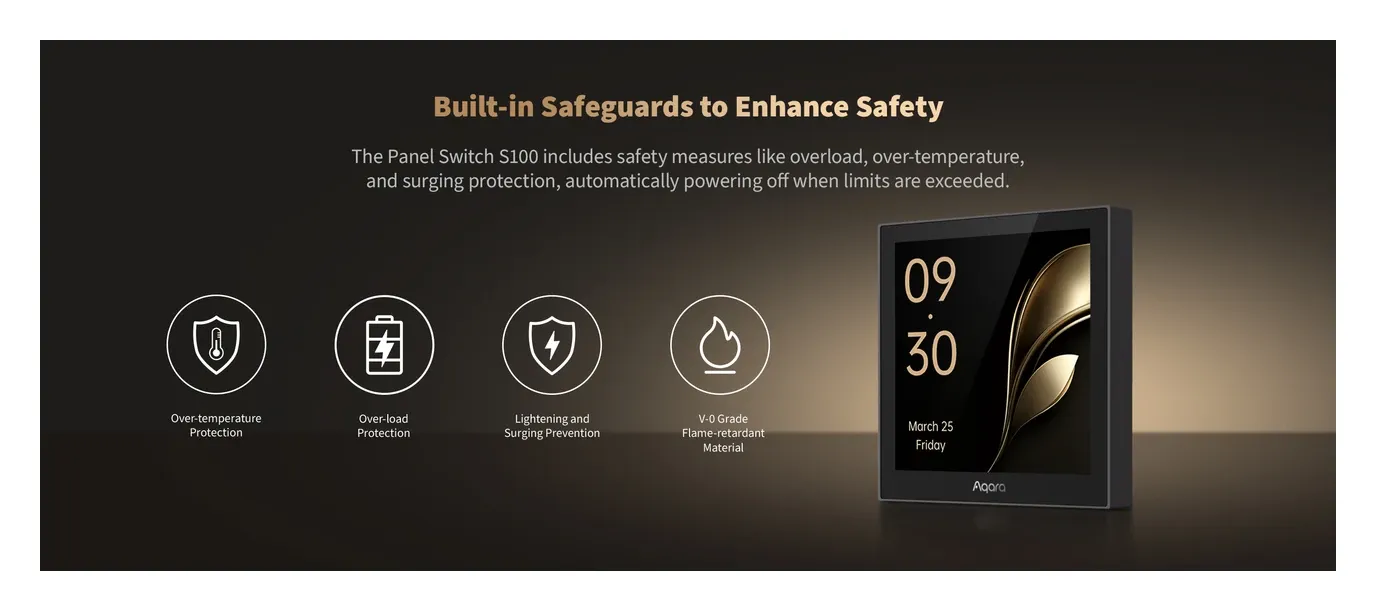
Power monitoring tracks consumption on both wired channels, with daily, weekly, monthly, and yearly history. Overheat and overload protection are built in.
Here are the core specs in a quick list:
Key Points
- Screen: 1.3-inch color touchscreen, with six on-screen buttons
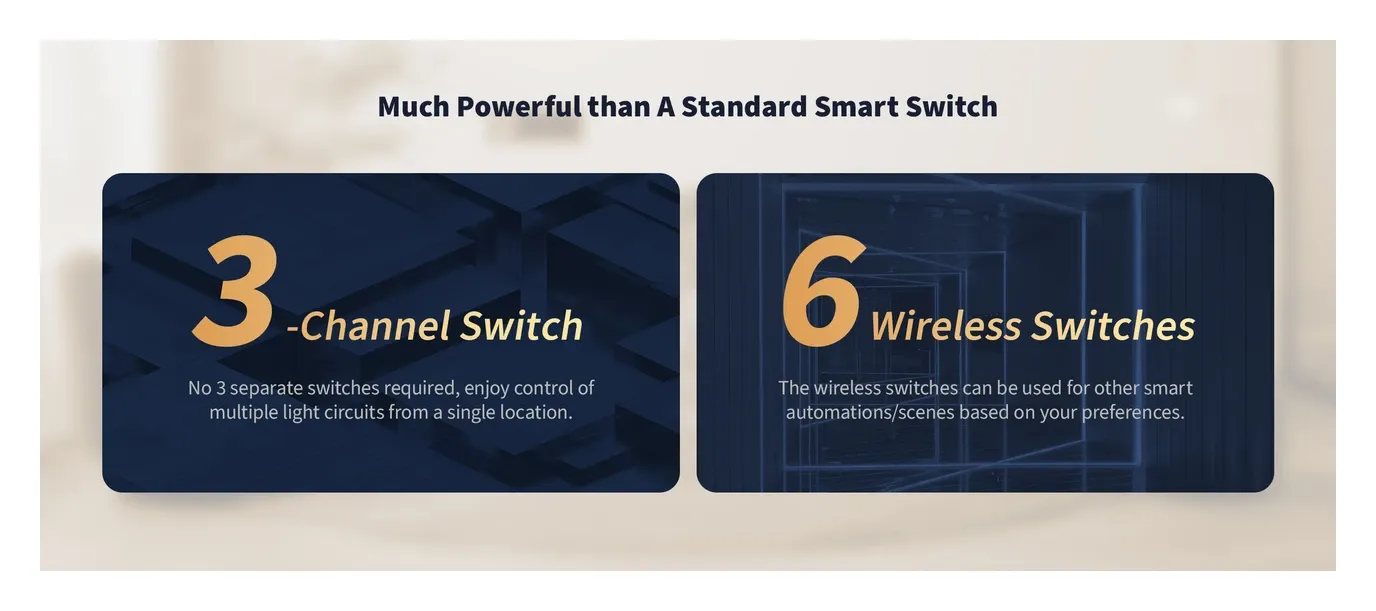
- Buttons: 2 physical channels (neutral required), eight wireless buttons in total
- Sensors: Proximity/motion wake-up and a light sensor for brightness
- Power: Hardwired, 10 A resistive or 400 W LED per channel
- Certifications: FCC, Matter 1.4 (Thread border router built in)
Ecosystem and Compatibility
Direct integration defines the Aqara Touchscreen Switch S100 US. As a Matter-certified device over Thread, Wi-Fi, and Bluetooth, it works with Apple HomeKit, Google Home, Amazon Alexa, Samsung SmartThings, and Home Assistant.
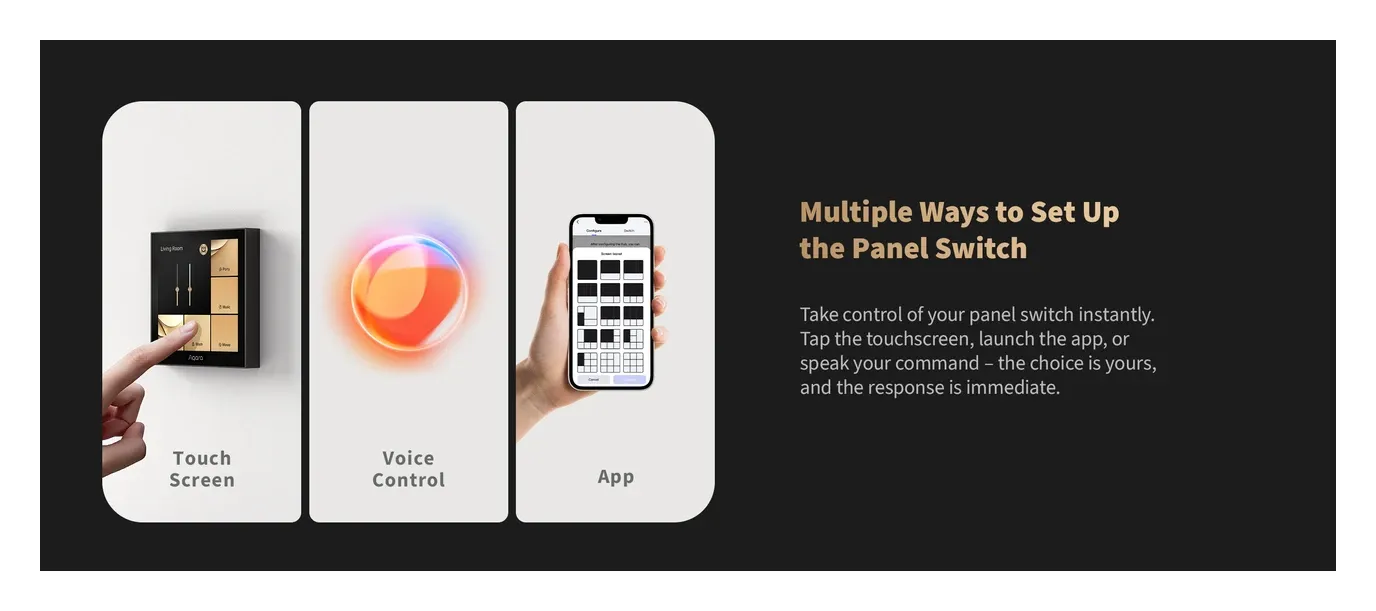
The built-in Thread Border Router extends mesh networks, eliminating dead zones. Pair it effortlessly via the Aqara app or voice assistants like "Hey Siri" or "Alexa, turn on the lights." You can put Aqara devices like lights, curtain motors, or thermostats on the screen's buttons, but reviewers report you'll want an Aqara Matter hub (M3, M100, M200, or W200) for that: full screen setup, naming buttons, picking icons, and linking scenes all happen in the Aqara Home app, and under third-party platforms alone the screen shows generic numbered buttons in a fixed layout.
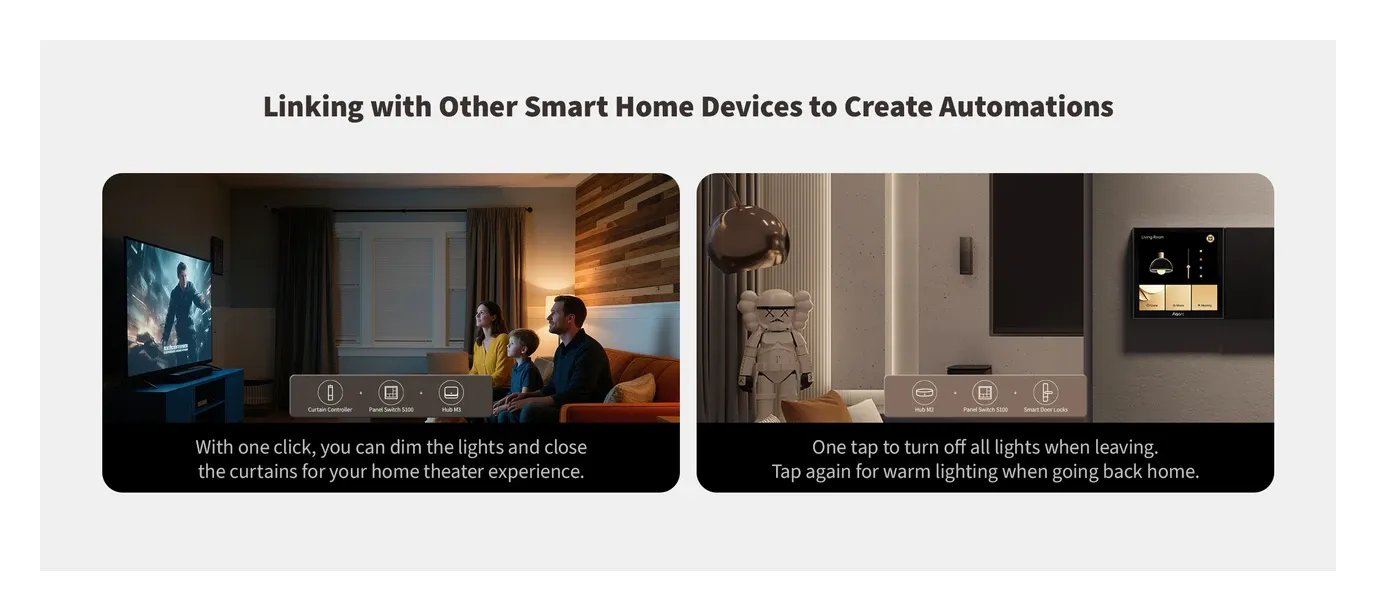
For advanced users, it supports automations: tap to activate "Movie Night" scenes dimming lights and closing blinds. Custom themes let you personalize the interface for family members.
When It Makes Sense
The Aqara Touchscreen Switch S100 US shines in everyday smart home scenarios. Its versatility makes it perfect for entryways, kitchens, or bedrooms.
Practical applications include:
- Entryway Control: Presence sensor lights the screen; swipe to arm security, adjust thermostat, or check cameras.
- Kitchen Hub: Physical buttons for overhead lights; touchscreen for appliance scenes or recipe timers via linked devices.
- Bedroom Automation: Evening routine dims lights and sets climate from one tap, assuming the other devices are linked in the Aqara app.
In multi-room setups, it serves as a central panel for voice assistant commands without speaking. Energy monitoring helps track usage, supporting green living by alerting to high-draw circuits.
The physical buttons keep working for the whole household, guests included, which is the point of a hybrid switch.
Installation and First Setup
Installing the Aqara Touchscreen Switch S100 US is straightforward if you're comfortable with basic wiring. Turn off power at the breaker, remove the old switch, and connect live, neutral, load, and ground as shown in the manual. It needs a neutral conductor in the box, which is the single thing that decides whether this switch is an option for you at all. When my house was wired I specified a neutral in every box and the deepest boxes available throughout. That wasn't foresight about this product, it was a decision taken at the cable stage precisely so that no future panel would be ruled out by a box that's a few millimetres too shallow.
Mount into the single-gang box, secure the faceplate, and restore power. Download the Aqara Home app (iOS/Android), scan the QR code, and follow on-screen pairing. Matter setup joins your preferred ecosystem, though the screen layout itself needs the Aqara app.
Pro tip: position it near doors so the proximity wake-up is useful. Troubleshooting reports from owners mention Wi-Fi dropouts, so check your signal at the wall box before you commit.
Honest Assessment and Practical Limitations
The S100 touchscreen switch answers a real question, which is how you keep a wall control that works like a switch while still exposing scenes. There's a constraint behind every one of its selling points, and they're worth naming before you buy. A touchscreen adds a processing step between finger and relay that a mechanical switch simply doesn't have, so expect a short but perceptible delay on the screen and instant action on the two physical buttons. That split is the design, not a defect.
The neutral wire requirement rules out any box wired without a neutral conductor, which is the common case in older installations where only a switched live was pulled to the wall. Installation also means line-voltage work, and a mistake there is a safety hazard rather than an inconvenience. If mains wiring isn't something you do, this is an electrician's job. The 400 W per-channel LED rating is fine for typical lighting but sets a ceiling on high-wattage fixtures, and Apple Home lists the relays as lights, which is awkward for a fan circuit.
Matter 1.4 certification is what allows cross-platform control with Google Home, SmartThings and other controllers. I should be clear that I've never paired anything to Apple Home, despite owning Apple hardware, so the HomeKit path here is not first-hand and I won't pretend otherwise. The bigger caveat is architectural: the touchscreen's own device list stays inside the Aqara ecosystem, and non-Aqara Matter devices don't appear on it directly. For a house that mixes manufacturers on purpose, that's a real ceiling on what a panel like this can do for you.
The 1.3-inch screen trades information density for a small footprint, showing a handful of controls at a time and asking you to swipe for the rest. That's the trade I keep coming back to. My own heating runs on ten zones of Sonoff panels flashed to speak to Home Assistant instead of a manufacturer app, and the reason isn't hostility to Aqara, it's that the layer above the hardware has to stay mine. A closed panel is only ever as good as its vendor's app and the devices that vendor blesses.
The device suits homes committed to the Aqara ecosystem that want physical switches with a touchscreen for convenience. If you need broad multi-manufacturer control from the panel itself, aren't comfortable with electrical work, or have no neutral in the box, look elsewhere. The warranty is one year, and owners have reported a unit running warm, Wi-Fi dropouts, and a screen failure within a month, so weigh that against the $90 price. If you want a hub in the wall box too, the Aqara Panel Hub S1 Plus pairs a touchscreen with a Zigbee 3.0 coordinator.