Getting Started With Smart Home Tech: Beginner Tips

This post may contain affiliate links. As an Amazon Associate we earn from qualifying purchases. Disclosure.
Smart home setup is simpler when you start with the right foundation. These guides cover hubs, device compatibility, buying tips, and beginner-friendly automations.
Quick take: The first decision isn't which device to buy, it's which ecosystem to commit to. Alexa has the broadest device compatibility across thousands of brands; Google Home integrates best if your household runs Android and Google services; Apple HomeKit runs locally without cloud dependency. Home Assistant is the open alternative, steeper setup, complete control, no subscription fees. Matter-certified devices now work across all three major platforms simultaneously, so new purchases carry less lock-in risk than they did before 2022. Pick one ecosystem, start with one room, and expand only when you know what you'll actually use.
Getting started with smart home technology is easier than it used to be. Most devices now connect through a standard app, respond to voice commands, and work with multiple platforms. The basics aren't complicated once you understand what you're actually choosing between. The barrier isn't the technology, it's knowing where to start and which decisions lock you in versus which ones you can undo later.
This beginner section covers the fundamentals: how to choose your first devices, which ecosystem makes sense for your household, tips for setting everything up, and how to avoid the order-of-operations mistakes that frustrate most first-time buyers.
New to smart home shopping? Two practical starting points: SmartThings as a starter platform covers Samsung's ecosystem fundamentals, and IKEA's new smart home product line offers some of the cheapest entry-level smart devices on the market.
Looking for a structured shopping path? The smart home buyer guides hub lists every category-specific guide we publish (locks, lights, hubs, cameras), each with a direct decision tree for picking a device.
What Is Your First Decision: Ecosystem vs. Open Platform?
Your first real choice is between a closed ecosystem (Google Home, Amazon Alexa, Apple HomeKit) and an open platform like Home Assistant. This choice affects everything that follows.
Closed ecosystems are faster to get running. Scan a QR code, connect to Wi-Fi, done. Google Home works well if you already use Nest, Chromecast, or Android. Alexa is the right call if your household uses Amazon Fire devices or Echo speakers. HomeKit is the natural fit for all-Apple households.
Home Assistant is more work upfront but gives you full control. No cloud dependency means automations still run during internet outages. You also get integrations with thousands of devices that closed ecosystems don't officially support. The Home Assistant documentation covers installation options that range from a $35 Raspberry Pi to a dedicated appliance that costs under $100.
The honest beginner tips here: if you're new to smart home tech and just want things to work quickly, start with Google Home or Alexa. If you're comfortable with a bit of technical setup and want your investment to last longer, Home Assistant is worth the extra day of work.
What Should You Buy First for Your Smart Home?
Don't buy a hub first. Buy one device that solves a real problem in your daily routine, connect it, and use it for two weeks. Then decide what's next based on what you actually missed, not what a buying guide said you'd want.
Common first devices that deliver immediate value for beginners getting started:
- A smart plug on the lamp you forget to turn off
- A smart thermostat if your home has a forced-air HVAC system
- A video doorbell if you miss packages or want to screen visitors without walking to the door
- A smart bulb in the bedroom for sunrise alarm simulations
- A motion sensor for a dark hallway you walk at night
Each of these works independently. You don't need a hub or other devices to make them useful from day one. That's important: you should get value from the first purchase before spending more.
How Do You Understand Smart Home Protocols?
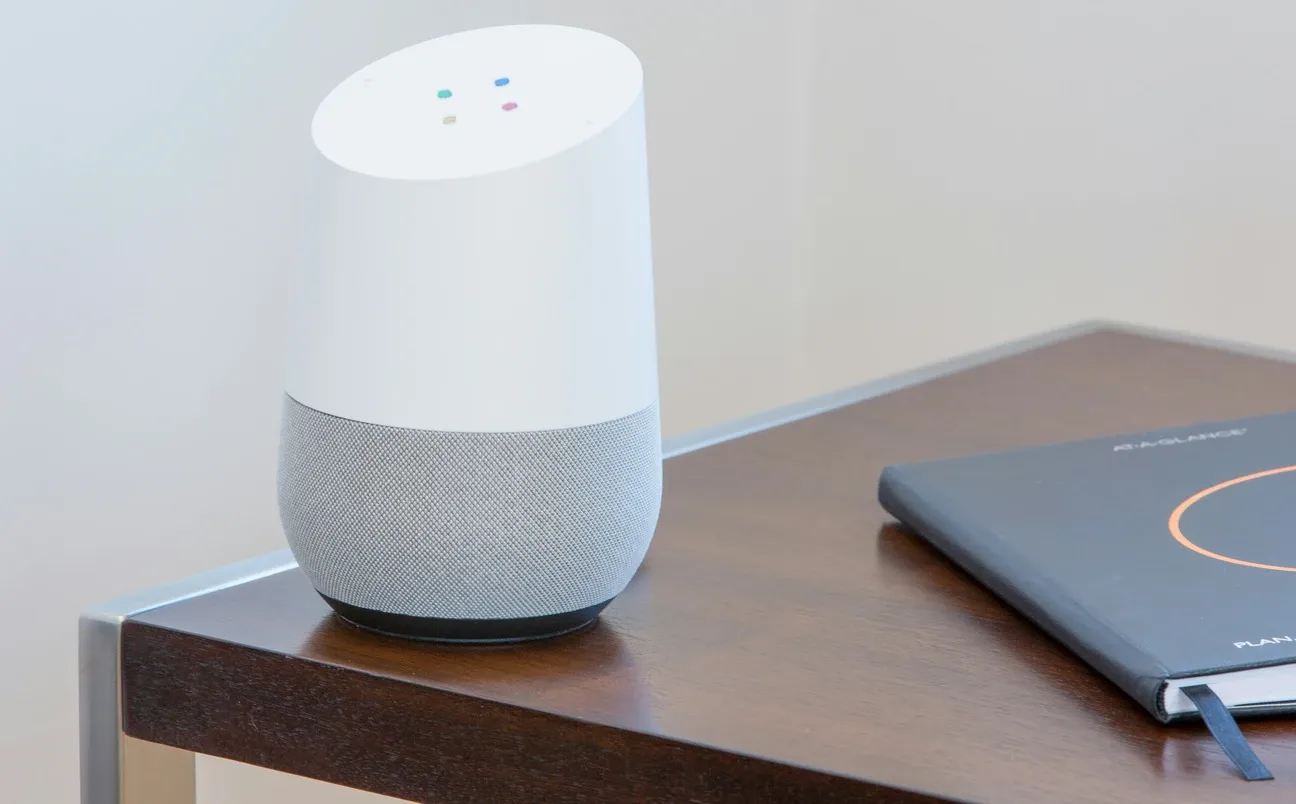
Understanding the basics of wireless protocols saves you from buying incompatible devices. Most consumer smart home devices use one of three:
Wi-Fi is the easiest path, no extra hardware, works with any router. The tradeoff is battery drain (Wi-Fi is power-hungry) and occasional connection drops, especially on crowded 2.4 GHz networks with many devices.
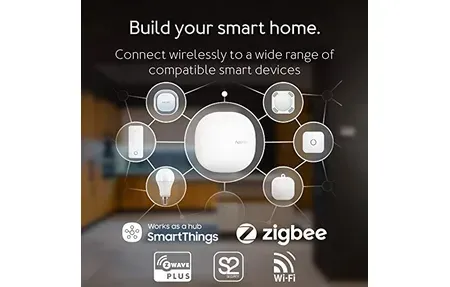
Zigbee and Z-Wave use a mesh network where each device extends the signal to others. They're more reliable for sensors and battery-powered devices but require a coordinator (a USB stick or hub) to bridge to your router. Zigbee is open-source with more device options; Z-Wave is licensed with better interference resistance.
Matter is the newest protocol, designed so one device works across all major platforms simultaneously. Devices with Matter support launched in 2023 and later, and the number grows monthly. If you're starting from zero in 2026, look for Matter-compatible devices where possible, they give you more flexibility to change ecosystems later.
Thread is the networking layer underneath Matter for mesh-connected devices. You'll see "Matter over Thread" on product pages, which means the device uses mesh networking for reliability rather than connecting directly to your Wi-Fi router.
What Step-by-Step Setup Tips Help You Get Started?
Most beginners make the same order-of-operations mistakes. These tips help you avoid them:
Start with your internet router. Smart home devices are only as reliable as your Wi-Fi network. A router that drops devices regularly makes every smart home purchase frustrating. If your 2.4 GHz network is congested, many devices will disconnect repeatedly.
Set up your voice assistant account before buying anything. Create the Google Account or Amazon account you'll use for your smart home, enable the relevant smart home features, and get familiar with the app. Doing this after you've bought five devices is annoying.
Name devices consistently. "Bedroom lamp" is better than "Philips Hue A21 Bulb 3." Your voice assistant handles natural language well, but it handles it better when the names make obvious sense to you when you say them aloud.
Start Simple with Automations
Configure automations before you decide you don't need them. Most people assume they'll control devices manually and then get annoyed when they have to. Building a simple automation early, lights on at sunset, lights off at midnight, shows you what the platform can do and motivates the next step.
Should You Choose DIY or Professional Smart Home Installation?
Most smart home devices are genuinely DIY-friendly. Smart plugs, bulbs, and sensors require zero electrical knowledge. Smart switches and thermostats require turning off a breaker and connecting a few wires, manageable if you're comfortable with basic home repairs.
Video doorbells and smart locks fall in the middle. Technically accessible but enough steps that mistakes are possible. The guides here walk through each process with explicit instructions for the wiring steps that trip beginners up.
Things that actually require a professional electrician:
- In-wall wiring for smart switches when there's no neutral wire (requires adding one)
- Smart panels or whole-home energy monitoring systems
- Any device that connects to your electrical panel directly
Most everything else is within reach if you can follow instructions. The DIY buying guides in this section flag which products are easy versus which need a bit more patience.
What Are the Smart Home Basics FAQ?
Do all smart devices work together? No. A Google Home device and an Apple HomeKit device won't natively communicate unless both support Matter. Check compatibility before buying.
What happens when the internet goes down? Cloud-dependent devices stop responding. Locally-processed platforms like Home Assistant continue working. If reliability during outages matters, consider local-first options.
Are smart devices safe? Reputable brands with regular firmware updates are generally secure. Avoid no-name devices with no update history. Change default passwords and keep devices on a separate IoT network when possible.
Can I mix brands? Yes, especially with Matter. Even before Matter, many devices worked across platforms through voice assistant integrations. The mixing gets easier every year.
How much does a basic smart home cost? You can start for under $100: a smart plug ($15-25), a smart bulb ($10-20), and a basic voice assistant speaker ($30-50). A more functional multi-room setup with automations typically runs $300-600 for a first-time build.

How Do You Build Your Smart Home From the Basics Up?
The guides in this section progress from single-device setup through full home automation. Start with the choosing guide if you haven't bought anything yet. Move to the step-by-step setup guide once you have your first devices. Use the FAQ for the questions that come up during setup.
The smart home basics aren't complicated. The learning curve is mostly about vocabulary and order of operations, understanding what Matter means, why Zigbee needs a coordinator, and why you should configure automations before deciding you don't need them. Get those basics down, and the rest follows naturally.
What Is Actually Possible in a Budget Smart Home Under $200?
The gap between a $50 smart home and a $500 smart home is narrower than most beginners expect. Here's what a $200 starting setup looks like in practice.
A TP-Link Kasa smart plug with energy monitoring ($15-20) covers one lamp or appliance. A pack of Philips Hue White bulbs ($35-40 for two) handles bedroom or living room lighting. A Google Nest Mini or Amazon Echo Dot ($35-50) gives you voice control. A budget temperature sensor ($10-15, like the Govee H5074) tells you what's happening in the bedroom at night.
That's a working smart home for around $100-150. It isn't impressive to show off, but it solves real problems: you stop forgetting to turn things off, your bedroom temperature stops being a surprise, and you have a voice interface that responds in under a second.
The next $50-100 expands into a smart thermostat if you have forced-air HVAC. Google Nest Thermostat (not the Learning Thermostat, the simpler one) runs around $130 and installs in 30 minutes on most modern systems. That single purchase will save more on your energy bill than everything else combined.
How Do You Network Your Smart Devices Properly?
Router setup matters more than most smart home guides admit. A few changes to your router configuration prevent most of the connectivity problems beginners encounter.
Put smart home devices on a dedicated 2.4 GHz network separate from your laptops and phones. This reduces congestion and keeps smart home devices from competing for bandwidth with streaming and video calls. Most modern routers support multiple SSIDs, create one called something like "home-IoT" and connect all smart devices to it.
Enable IGMP snooping if your router supports it. This reduces multicast traffic that Wi-Fi smart devices generate constantly, which improves response times across the board on busy networks.
Keep your router firmware updated. Smart home device connectivity problems often trace back to outdated router firmware that mishandles certain types of mDNS traffic that devices use for auto-discovery. A router update fixes problems that look like device problems.
Frequently Asked Questions
What should I buy first to start a smart home?
Start with a voice assistant hub, an Amazon Echo or Google Nest speaker, and one high-impact device in a room you use daily. Smart plugs are the lowest-risk first purchase: plug in, pair with the app, done. A smart bulb in a bedside lamp gives immediate utility. A video doorbell adds security value from day one. Avoid buying a large bundle of devices from different brands before you know which platform you prefer, ecosystem lock-in is real, and it's easier to expand one system than manage three.
Do smart home devices still work if the internet goes down?
It depends on the platform and device. Most Wi-Fi devices require cloud connectivity for app control and automations, they go offline during internet outages. Zigbee and Z-Wave devices with a local hub (SmartThings, Home Assistant) continue working locally. Voice assistant speakers like Echo and Google Nest lose most functionality without internet. If local reliability matters, choose a hub-based system with local processing (Home Assistant, SmartThings running locally) rather than cloud-only platforms.
How do I choose between Amazon Alexa, Google Home, and Apple HomeKit?
Choose Alexa if you want the broadest device compatibility and Amazon shopping integration. Choose Google Home if your household uses Android phones, Google Workspace, and Chromecast. Choose Apple HomeKit if you have multiple Apple devices and prioritize local processing and privacy, HomeKit runs locally without cloud dependency. All three support Matter devices, so the choice of voice assistant no longer locks you out of specific hardware brands the way it did before 2022.