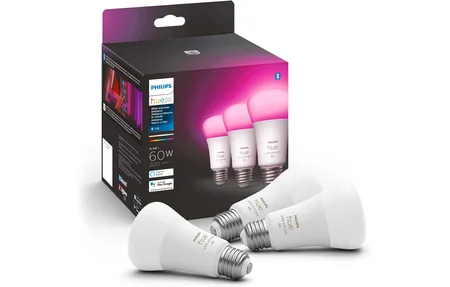
Philips Hue White A19 LED Smart Bulb with Bluetooth
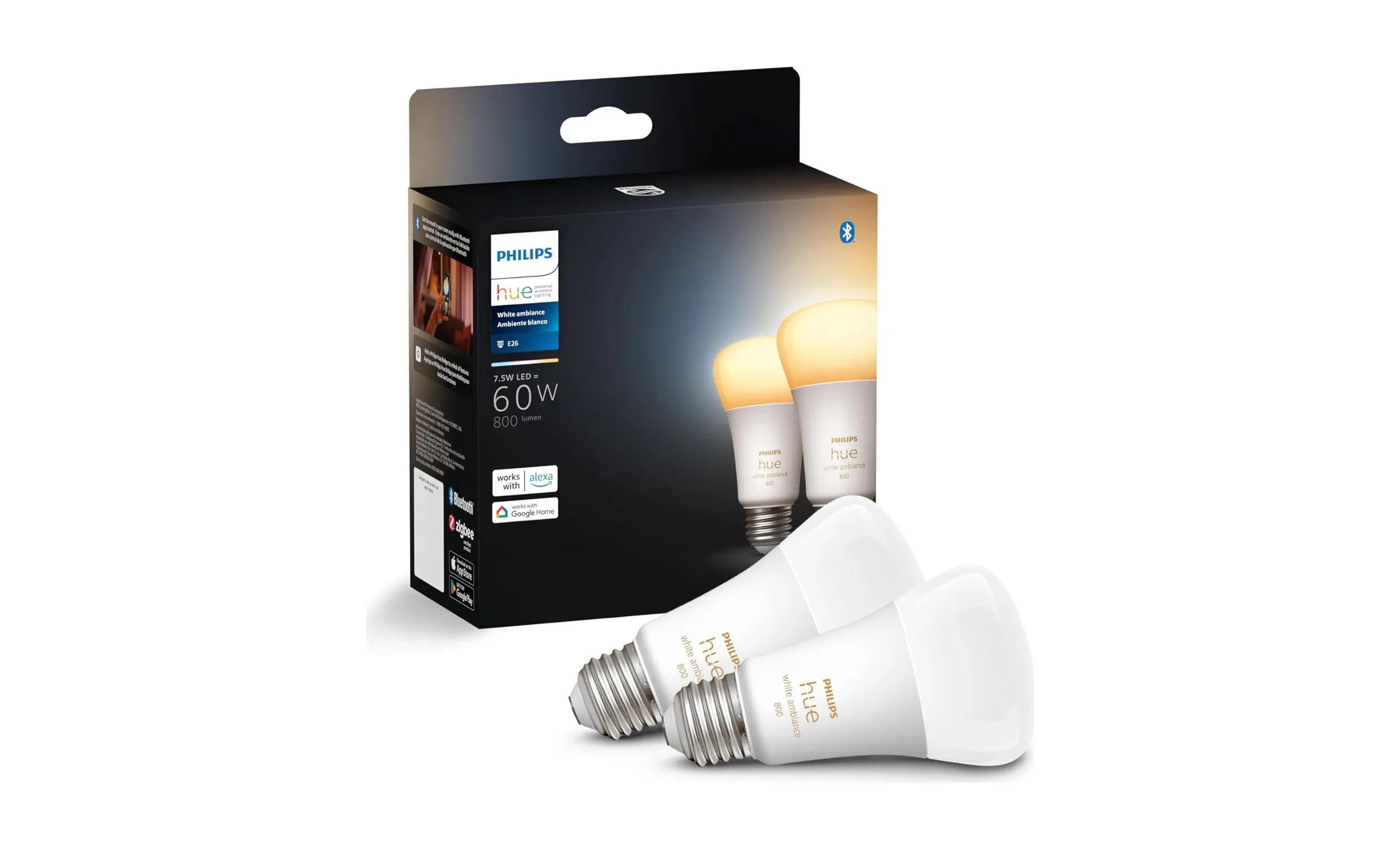
Product Details
🏭 Manufacturer: Philips Hue
🔌 Plug Format: E26 Edison screw base
🔖 Part Number: 476951
🏋️♂️ Weight: 0.17 lbs (76 g)
📏 Dimensions: 2.4 x 2.4 x 4.4 inches (62 x 112 mm)
🆔 Model Number: 476951
📐 Size: Standard
🎨 Style: Modern
🧲 Mounting Type: Screw‑in (E26)
🔧 Usage: Indoor Use
🧩 Included Components: 1 Philips Hue White A19 LED Smart Bulb, Quick‑Start Guide
Most smart bulbs make you buy a hub before you can do anything. The Philips Hue White A19 LED Smart Bulb (EAN 046677476951) doesn't. It pairs straight to your phone over Bluetooth, screws into any E26 socket, and lights up in the time it takes to open an app. That makes it the low-risk way to test whether Hue belongs in your home before spending on the wider system. It's a warm-white bulb built for convenience first and expansion later, and a sensible first step into a smart home.
Which generation is this? The page covers the 806-lumen, 9.5 W White A19 (2700 K). Philips' US store now sells the White A19 as a newer "810" model rated at 9 W and up to 810 lumens, for example a 4-pack at $65.99 in October 2026, while Philips Canada listed the older 806-lumen single bulb as outlet stock. Both pair over Bluetooth and Zigbee, but check the box if you need to match bulbs exactly.
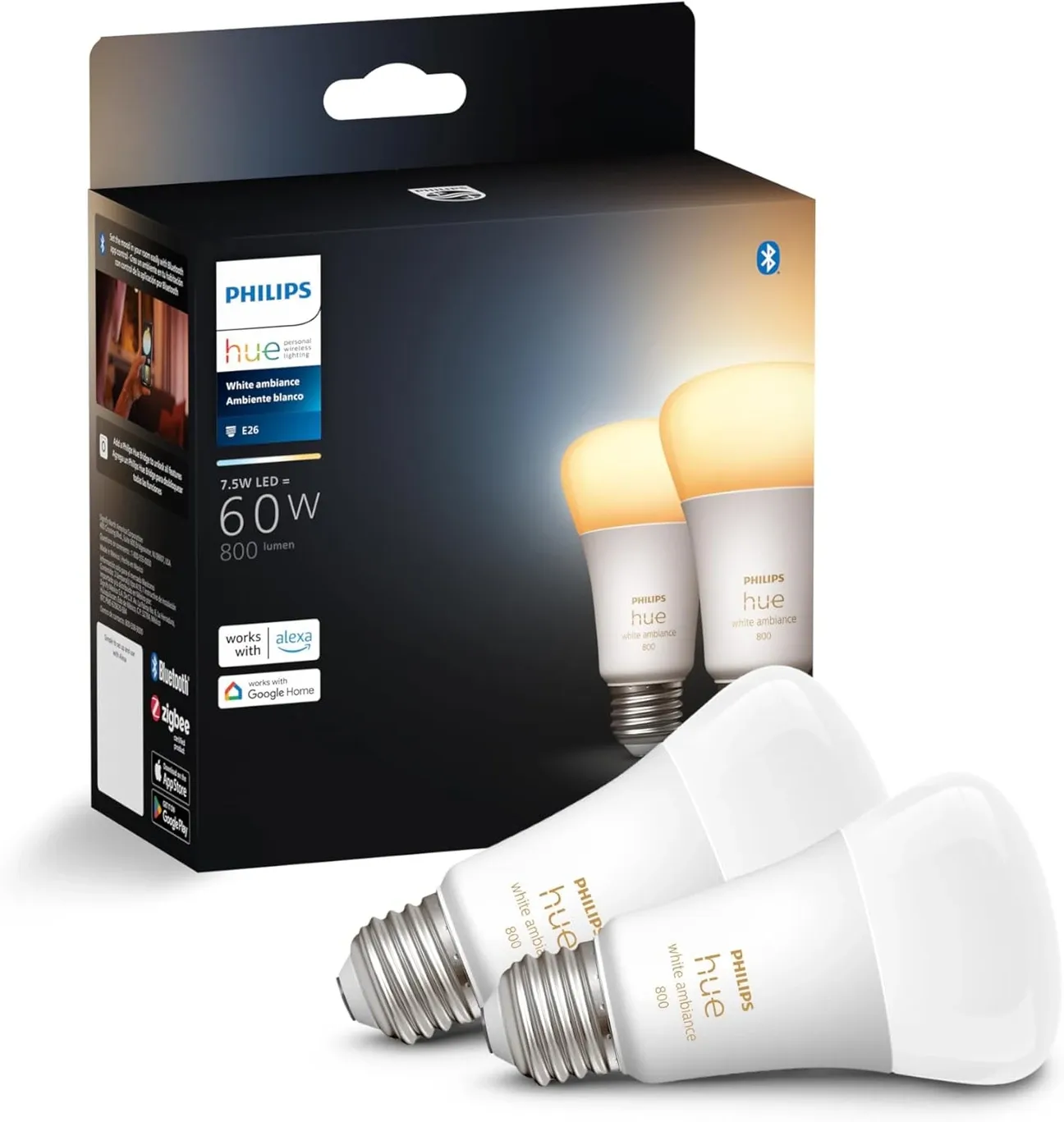
Smart Control with Philips Hue White A19 LED Smart Bulb
Because the Philips Hue White A19 carries its own Bluetooth radio, you run it from the Philips Hue app with no extra hardware. Screw in the bulb, open the app, and pair it. Bluetooth range stops at the walls, so control works where you can nearly see the bulb. Philips says Bluetooth control covers one room, and voice assistants need a Hue Bridge.
Core Features:
- Fits any E26 screw base, the standard socket in North American homes
- Works with Google Assistant, Alexa and Apple Home through a Hue Bridge, and Philips lists Matter support through the bridge too
- Uses LED technology to cut power draw and outlast incandescent bulbs
- Integrates with SmartThings through the bridge for broader automation
- Adjustable brightness from bright task light down to a low evening glow
At about 0.08 amps and 76 grams (0.17 pounds), it's an unremarkable bulb to hold and a quiet one to run. The point isn't the hardware; it's what the app and the dimming do with it.
What the White A19 Does Well
Built for Easy Smart Home Integration
The bulb slots into a daily routine without fuss. Schedule it, dim it, or reach it by voice, and if you later add a hub you get remote access and location-based rules on top. Nothing about the starter setup blocks that upgrade path.
Lighting That Matches the Moment
This bulb is warm white (2700 K), not color, so think tone and brightness rather than mood hues. Philips lists it as dimmable from full output (806 lumens) down to a low glow: bright while you cook, soft while you read, lower still as you settle for sleep. Philips doesn't publish a minimum dimming level, so judge the low end in your own fixture.
Versatile Applications for Every Room
The Philips Hue White A19 fits any fixture that takes an E26 bulb. In bedrooms, a scheduled brighten can mimic sunrise for a gentler wake-up. In kitchens, full brightness handles prep work while a softer level suits late dinners. Living rooms get one dim setting for films and a brighter one for company. Since it uses a standard E26 socket, you upgrade a lamp or ceiling fixture with no rewiring.
Adding the Hue Bridge Later
To unlock the full feature set, pair the bulb with the Philips Hue Bridge. The Bridge moves the bulb onto Zigbee, extends range across the whole house, and opens up scenes and automations that Bluetooth alone can't run.
Benefits of Using the Philips Hue Bridge
- Remote management from anywhere through the Hue app
- Automated routines: daily or weekly schedules
- Geofencing options: lights react to your location
- Expanded network: the Hue Bridge handles up to 50 lights (the Bridge Pro, more)
Easy Setup Guide for Philips Hue White A19 LED Smart Bulb
Getting the bulb running is short:
- Download the Philips Hue app on your smart device
- Turn on Bluetooth
- Screw the bulb into a compatible socket
- Open the app and follow the prompts
- Control it manually or link a voice assistant That quick process makes the bulb a friendly entry to smart lighting installation for a first home upgrade.
Once it's paired, you can set timers, group several bulbs, and build wake-up or sleep routines that ramp brightness up or down over minutes. For families, that helps with kids' bedtimes. For anyone working from home, a brighter midday setting aids focus. The Hue system is built to grow, so a single bulb today doesn't box you in later. Software updates arrive through the Hue app.
Energy Use, in Real Numbers
As an LED, this bulb draws 9.5 W where a comparable old incandescent drew 60 W. Run it a few hours a day and the yearly saving is small per bulb but real, and it compounds once you swap several fixtures. Call it a modest green win, not a dramatic one. I'd rather state that plainly than oversell it.
Working Alongside What You Already Own
The White A19 gets along with existing kit. Alexa devices, Google Home speakers, and SmartThings hubs all recognize it without a fight, and it sits cleanly beside your other smart home devices. Bluetooth-first operation means you start immediately, then step up to a Hue Bridge when you want automation schedules, geofencing, or multi-room sync.
Is the Philips Hue White A19 Worth It?
Buy this bulb if you want a dependable, dimmable white light and a low-risk way into smart home lighting. Philips backs it with a three-year warranty on its spec sheet (some marketing text says two). Skip it if you want color out of the box, or if you need control from another room on day one, since Bluetooth won't reach and you'll want the Bridge. That's the honest tradeoff: you pay a premium for a plain white bulb, and the features that justify Hue's price mostly arrive once you add hardware.
Where it lands is simple. As a first bulb, it proves the system and trims energy consumption a little along the way. As a whole-house plan, treat it as step one, not the finish.
Wi-Fi doesn't run this bulb directly; remote access arrives through the Bridge and your home Wi-Fi network instead. And if color matters to you, Hue's color range shares the same E26 base, so the color options are a swap away rather than a full rebuy.