Aqara FP400 Presence Sensor: mmWave Radar Detection

Product Details
🏭 Manufacturer: Aqara
🔌 Plug Format: USB-C (5V 1A)
📄 Specification Met: FCC, CE, Matter, IPX5
🔖 Part Number: PS-S05E
📏 Dimensions: 64 mm x 64 mm x 29.5 mm
🏳️ Country of Origin: China
🆔 Model Number: PS-S05E / PS-S05D
📐 Size: Compact wall-mountable
🎨 Style: Wall-mounted sensor
🧲 Mounting Type: Wall Mount
🔧 Usage: Indoor Use
🧩 Included Components: Sensor unit, USB-C to USB-C cable, metal plate, sticker, screw kit, user manual (retail box adds a bracket; no power adapter)
The Aqara FP400 Presence Sensor is a major step forward in smart home sensing. It uses mmWave radar with AI to track many people at once, detect their posture, and spot falls. Unlike basic infrared sensors that miss still people, the FP400 keeps detecting presence even when no one moves.
Aqara rates it to separate standing, sitting and lying poses, to follow up to 10 people at once, and to publish a live headcount. That opens the door to routines built on how a room is actually used rather than on whether something moved in the last minute. After a CES 2026 reveal and an IFA showing, the FP400 went on sale worldwide in mid-September 2026 at $79.99, 79.99 euros or 79.99 pounds (model PS-S05E in the US, PS-S05D in Europe), with an FP400 Pro variant aimed at assisted living announced alongside it. This is not a unit I own. What I've bought for the house is a set of ceiling-mounted mmWave motion sensors plus a 24G presence sensor, all Zigbee, meant to join Home Assistant directly, and that plan is the yardstick I hold the FP400 against.
Product Overview and First Impressions
Overview
The Aqara FP400 goes far beyond basic motion sensing as a next-generation presence sensor. It tracks multi-person presence, noting each person's position and posture (standing, sitting, or lying). The 60 GHz mmWave radar covers up to 10 m of depth and 8 m of width when mounted on a side wall, according to Aqara. It can track up to 10 people at the same time.
Two of the listed capabilities are the interesting ones. A live headcount gives climate routines something better than a binary occupied flag, and dwell time per zone lets you separate a room someone walks through from a room someone sits in. Aqara also lists a fall-detection mode for horizontal mounting. This review doesn't cover it and you shouldn't buy the sensor for it, because a safety function is exactly the kind of claim nobody should repeat without evidence.
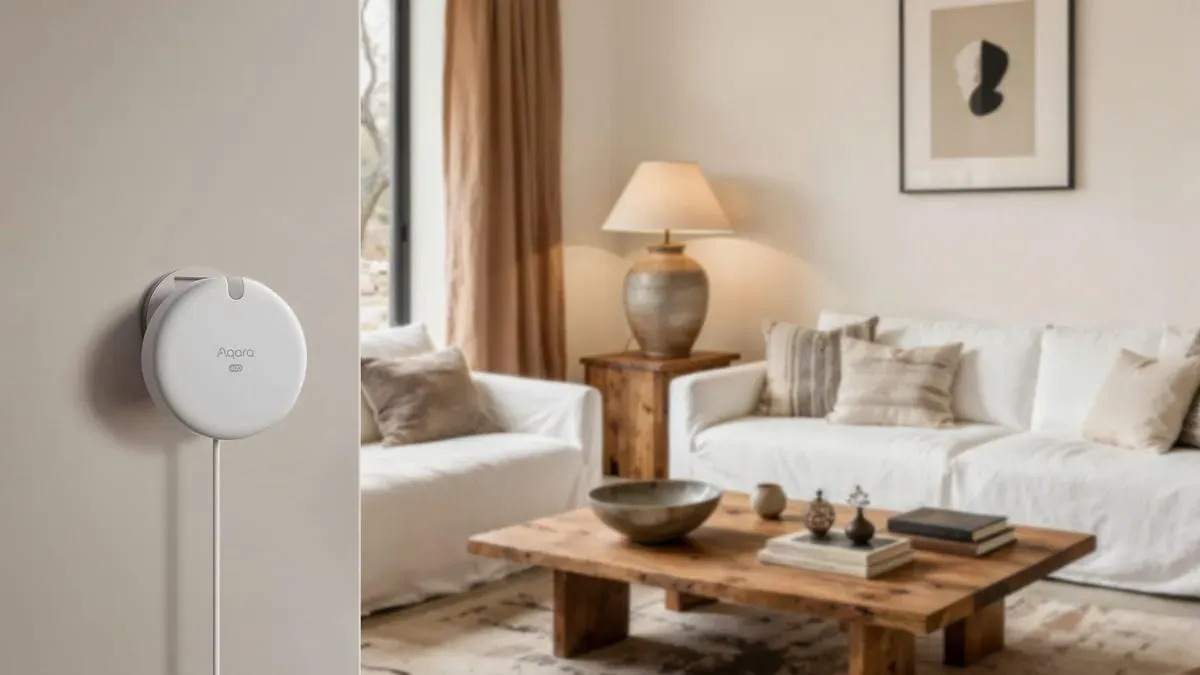
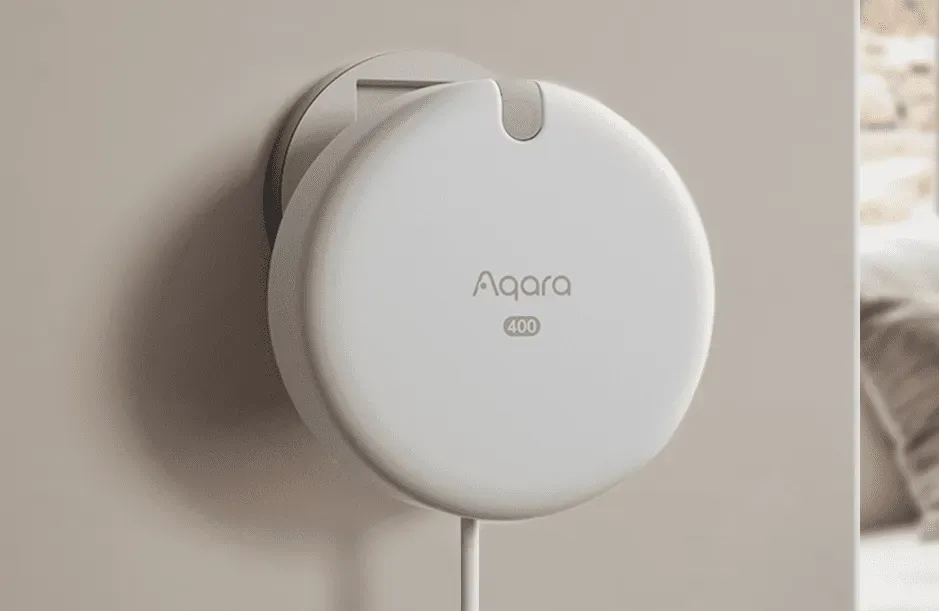
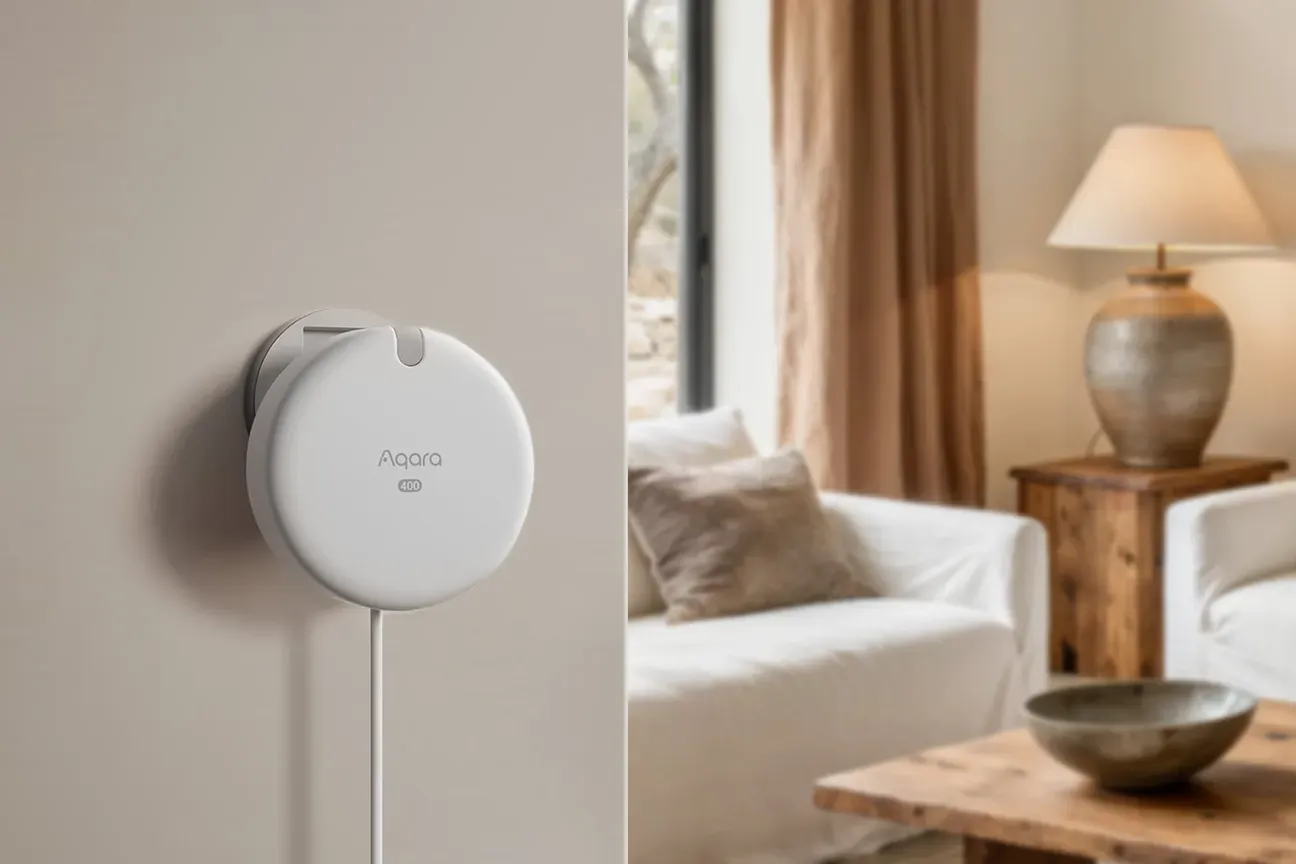
The sensor slots into an existing setup without adding cameras, which is the whole reason radar presence sensing took off. The compact 64 x 64 x 29.5 mm body is small enough to disappear on a wall. It runs on permanent 5 V USB-C power, so there are no batteries to maintain and no battery to go flat in the middle of a winter evening.
Technical Specifications and Performance
The FP400 is built for steady, round-the-clock use in homes and light business spaces. The core sensor uses 60 GHz mmWave radar for non-intrusive presence tracking. Onboard processing handles the radar data, so the raw point cloud doesn't have to leave the device.
Detection Capabilities:
- Coverage: a 120-degree field of view; up to 10 m deep and 8 m wide on a side wall, 7 x 7 m from a corner, and from a 3 m ceiling 5 x 6 m for motion or 4 x 5 m for presence, with up to 8 custom zones in the Aqara Home app
- Simultaneous tracking: Up to 10 individual occupants with distinct positioning
- Posture recognition: Standing, sitting, lying orientations with transition detection (Aqara's launch material; the spec sheet itself lists only coverage and headcount)
- Analytics: Real-time headcount, dwell time per zone, walking distance metrics
Hardware Specifications:
- Radar module: 60 GHz mmWave sensor with a 4T4R MIMO antenna array and an AI processing chip
- Power supply: 5 V / 1 A over USB-C, continuous operation without battery dependency; the Amazon box has a USB-C to USB-C cable and no adapter
- Physical dimensions: 64 mm x 64 mm x 29.5 mm
- Protection: IPX5 rating, per Aqara
- Operating temperature: Rated for -10C to 50C ambient conditions
Connectivity and Standards: The device supports Thread and Zigbee 3.0, with Matter certification for cross-platform use. It carries FCC and CE marks alongside its Matter certification. Aqara doesn't publish an average power figure, so plan for a device that draws its few watts around the clock rather than one you can forget about on a battery.
Works With
The FP400 shines in its ability to connect across many smart home platforms. It supports Zigbee 3.0, Thread, and Matter at the same time. This lets it link to Aqara gateways, SmartThings hubs, Home Assistant, Apple HomeKit (via Thread), Google Home (via Matter), and Amazon Alexa devices. Aqara is specific about which of its own hubs unlock the full feature set as of October 2026: Hub M3, Hub M100, Hub M200, the Doorbell Camera Hub G410 and the Camera Hub G5 Pro. The Thermostat Hub W200, MagicPad S1, Panel Hub S1 Plus and Camera Hub G350 are listed as "coming later in 2026", so an older Aqara hub is not a given.
Pairing runs through the Aqara Home app, and SmartThings or Home Assistant can then consume the device. Matter matters here because it lets a presence signal cross into routines you build on someone else's controller instead of locking the data into one app. Once the zones exist, they can drive Philips Hue lighting, thermostats, or smart locks, depending on what your controller already speaks.
The Aqara Home app lets you draw custom zones on a room floor plan and set sensitivity per zone, from fine movement down to basic motion only. Voice controllers such as Alexa or Google Assistant can report status, though voice commands need exact phrases wired into your routines first.
The route I'd actually take is Zigbee. The plan for the house is that every presence and motion sensor joins a Home Assistant Connect ZBT-1 coordinator directly, with no manufacturer cloud in the path and no vendor app holding the zone configuration hostage. There's a durability argument for that too: the Aqara and other Zigbee devices in my flat have survived two changes of controller, while the Wi-Fi devices from the same era that depended on a vendor app and account didn't survive. If you run Home Assistant on a Raspberry Pi, Zigbee mode plus your own automations gives you presence logic that outlives whatever happens to the app store listing, and puts that data to work for energy saving, security, and daily routines.
Practical Use Cases and Real-World Applications
Where does a sensor like this earn its price over a plain motion sensor? These are the scenarios the zone and posture data actually unlock:
Security zoning: Zone alerts let you watch specific areas rather than a whole room. A hallway zone can separate a short trip to the bathroom from someone moving the length of the corridor, which is the pattern that generates most PIR false alarms.
Occupancy-based energy management: Lights, climate and media shut off when a zone has been empty for a set time. The gain over PIR isn't the shutdown, it's the absence of the opposite failure: radar keeps reporting a still person, so the lights don't drop out on someone reading in a chair. That single behaviour is why I bought mmWave sensors for the ceilings instead of the cheaper alternative.
Adaptive routines: Posture data lets a rule react to sitting versus standing. Overhead light dims when someone settles into the living room; a desk light stays at full while someone stands at the desk.
Room analytics without a camera: Dwell time per zone tells you how a space is used across a week. Radar gets you that number without putting a lens in the room, which is the trade-off that makes it acceptable in places a camera never would be.
Multi-person routines: Tracking up to 10 people at once means a routine can key off a headcount rather than a single occupied flag, so a kitchen with four people in it can behave differently from a kitchen with one.
Setup Process and Configuration Guidance
Aqara pitches setup as quick, box to working automation. Here's the order the steps come in, and where the time actually goes:
Physical Installation: Mount the sensor on a side wall, in a corner, or on the ceiling as Aqara's mounting guide describes, facing the area you want covered. The bracket takes screws or adhesive. Use the screws. A radar sensor's whole value depends on it pointing where you decided it points, and adhesive on a painted wall is a slow way to lose that. Keep a clear line to the floor and avoid mounting above furniture that shadows part of the room.
Power Connection: Plug the sensor into a 5 V / 1 A USB-C supply. Aqara ships the cable but not the adapter in the Amazon version, so dig out a spare charger before install day. The device needs constant power and has no battery backup. Plan your placement near an outlet. Run the cable through the bracket to hide it for a clean look.
Network Pairing: Get the Aqara Home app (iOS or Android) and create an account. Add the FP400 over Zigbee or Thread depending on your hub, then scan the QR code on the device. Worth deciding this consciously rather than accepting the default: the protocol you join on determines who owns the zone data later.
Zone Customization: The app lets you draw zones on a floor plan with touch gestures. Split the room into areas that match how it's used, such as seating, walkways and desks. Start with fewer zones than you think you need and add them when a rule misfires.
Automation Configuration: Set up presence-based actions through the Aqara app or your smart home hub. For example: "When someone is in the kitchen, turn on the lights at full." Or: "When no one is in the living room for 10 minutes, switch to eco mode."
Calibration and Testing: Walk each zone and watch the live presence display in the app. Try standing, sitting and lying down to see where the boundaries really are. Adjust sensitivity if pets or moving curtains trip a zone.
Troubleshooting Notes: Keep a clear line between the sensor and the floor, since furniture in the path creates blind spots. Metal surfaces close to the sensor can affect radar. Firmware updates arrive through the app and are worth applying, because radar tuning is exactly the sort of thing vendors improve after launch. The printed guide is brief; the detailed documentation lives online.
Honest Assessment and Practical Limitations
Let me be exact about what this section is. I don't own an FP400, so there's no six-week log to quote. What follows is the set of limits I'd expect from the technology, drawn from the mmWave and 24G sensors I've bought for the house (which haven't had a lived-in home to prove themselves in yet) plus the constraints Aqara states outright.
Pets and radar: mmWave sensors respond to a moving mass, and a large dog is a moving mass. Sensitivity tuning helps and rarely solves it completely. Anyone with animals should budget for a few rounds of adjustment rather than expecting pet immunity out of the box.
Power placement: The AC requirement decides where the sensor can go. Rooms without an outlet near the ideal spot need an extension or new wiring, and that's a real constraint in a finished house. If the bracket takes adhesive, still use screws, because a sensor whose aim defines its coverage deserves them.
Zone accuracy: Zone borders depend on room shape and furniture. Open plans with few landmarks make precise boundaries hard to draw in the app, and awkward rooms take several passes. Add setup time for anything that isn't a rectangle.
Privacy and data path: Radar avoids the camera problem, but presence, posture and movement data still travels to whatever hub and cloud you join it to. There's no local-only mode that cuts cloud access while keeping hub automations alive, and that's the reason my own sensors go straight to a local coordinator instead. Read Aqara's privacy policy before deciding this doesn't matter to you.
Matter limitations: Certification does not mean feature parity. Zone-level data and posture detection live in the Aqara Home app, while Matter exposes a much simpler present or not-present state. For the detailed data you're paying for, plan on a Zigbee or Thread link to a hub that speaks it properly.
Best fit: The FP400 suits homes that have outgrown basic motion sensing and want multi-person tracking, posture awareness or zone-level detail, and that are comfortable running the Aqara app alongside their main controller.
When to look elsewhere: If you need battery power, this isn't it, and the Aqara FP300 is the wireless option. If pets rule your floor plan, a plain PIR may frustrate you less despite missing still people. If you want everything local, weigh a sensor that reports fully into your own hub without a vendor account in the middle.
It's a strong pick if your requirements match, and an expensive one if a simple occupancy flag would have done.