Aqara Water Leak Sensor for Smart Home Flood Prevention
As an Amazon Associate we earn from qualifying purchases. Disclosure.
Check Price on Amazon →Product Details
🏭 Manufacturer: Aqara
🔌 Plug Format: Wireless (Zigbee)
📄 Specification Met: IP67 dustproof and waterproof
🔖 Part Number: SJCGQ11LM
🏋️♂️ Weight: 18 g
📏 Dimensions: 50 x 50 x 15 mm (1.97 x 1.97 x 0.59 inches)
🆔 Model Number: SJCGQ11LM
📐 Size: Compact
🎨 Style: Minimalist
🧲 Mounting Type: Free Standing
🔧 Usage: Indoor
🧩 Included Components: Water Leak Sensor, CR2032 battery, User Manual
🔋 Batteries Included: Yes
🔋 Batteries Required: Yes
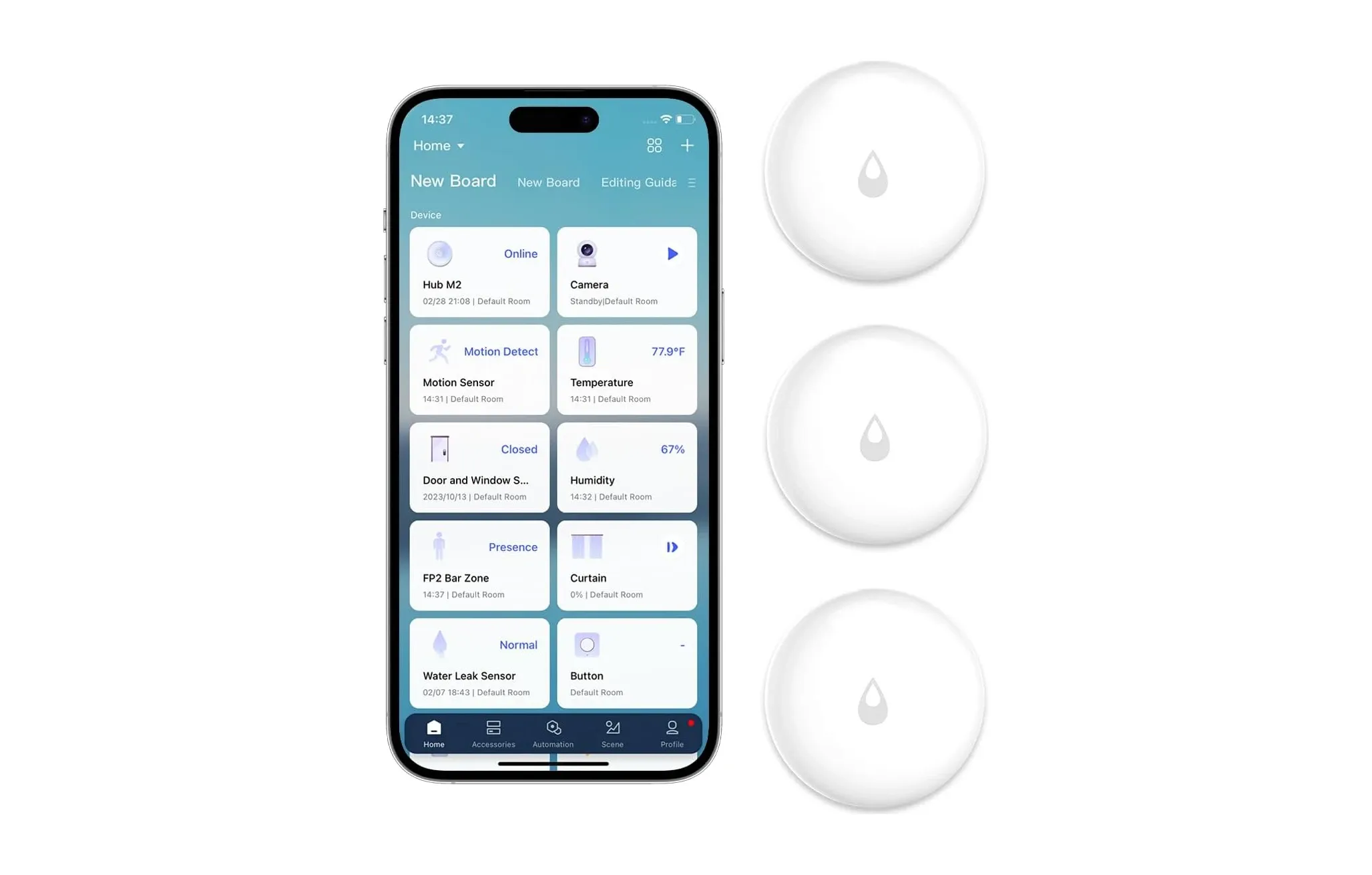
Water leaks do their damage while nobody's looking, which is the whole case for a cheap sensor on the floor. The Aqara Water Leak Sensor (model SJCGQ11LM) is a small Zigbee puck with two metal contacts on its underside. When they touch about 0.5 mm of water, it reports a leak to the hub, which sounds an alarm and sends a push notification through the Aqara Home app.
I haven't run these in my own house, so this page is a researched summary of Aqara's specs, the Zigbee2MQTT device entry and retailer data, not a hands-on review.
What it needs and what it does
- Hub required. It's Zigbee, so it only works through an Aqara hub; Aqara's page says the hub is needed for the HomeKit side too. Without one it's a puck that does nothing. The Aqara Hub M3 is the capable option, and the Aqara Hub M2 works too.
- Triggers on 0.5 mm of water, per retailer spec sheets, using contacts on the bottom. Put it flat on the floor, not on a shelf.
- IP67 dustproof and waterproof, so a flooded floor won't kill it. It's a detector for water on a surface, not a sensor for water inside a pipe.
- CR2032 coin cell, replaceable, with Aqara claiming over two years per battery under normal use. Battery percentage can take up to 24 hours to show after pairing (Zigbee2MQTT notes).
- Size: about 50 x 50 x 15 mm and roughly 18 g by retailer data. Operating range is -10 C to 55 C.
Automations and Home Assistant
Through the hub, a leak can trigger other Aqara devices: a plug that kills a pump, an alarm, or a scene. A smart shutoff valve needs its own hardware and its own hub integration, so check that your valve can be driven from the platform you use.
In Home Assistant the sensor shows up through Zigbee2MQTT as SJCGQ11LM, exposing water_leak, battery and voltage. Pairing is a roughly five second press of the reset button until the blue light blinks. Zigbee2MQTT recommends pairing it next to the coordinator, then moving it and confirming that both leak and clear reports still arrive.
Where to put it
Under the sink, behind the washer and dishwasher, beside the water heater, in the basement low point and under the fridge's water line. Pair several; they're cheap. Check each battery once a year anyway, because a dead sensor reports nothing.
Availability and the newer T1
The SJCGQ11LM is the older generation. Adorama lists this SKU as no longer available, and Aqara's current US page doesn't carry a model number. The newer Aqara Water Leak Sensor T1 (model WL-S02D) is Zigbee 3.0 with the same IP67 rating and 0.5 mm trigger, plus over-the-air firmware updates, per Harvey Norman and other retailer copy. Several T1 listings showed it out of stock at the time of checking. I couldn't find an official Aqara statement that the T1 replaces this model, so confirm hub compatibility before swapping one for the other.
Check the ratings yourself
This page doesn't print a fresh star score. Retail ratings drift as hardware batches change, so read the current owner reviews on the listing you plan to buy from.
Is it worth it?
For a sensor this cheap, yes, if you already own an Aqara hub. If you don't, factor in the hub cost, or look at a Zigbee leak sensor that works with the coordinator you already run. Water damage claims run to thousands of dollars, and an early alert is the cheapest insurance in this category.
What a leak sensor can and can't do
It tells you about water. It doesn't stop it. That's the part people miss when they search for flood prevention gear: a sensor on the floor is the early warning, and prevention only happens if something closes a valve or kills a pump, or if you're home to do it. If you want the full loop, you need a shutoff valve that your platform can drive, and you need an automation that fires when the sensor reports a leak.
Placement beats everything else. Water runs downhill and pools at the lowest point, so lay the sensor flat where a slow drip would collect, not on top of the appliance. Under a dishwasher, the drip tray of a water heater and the low corner of a utility room are all better than a shelf. The contacts are on the underside, so don't stand it on its edge.
Test it once after setup. Wet a paper towel, touch it to the contacts and watch for the alert on your phone and the hub's alarm. Then dry the sensor off and check that the clear message arrives too. Zigbee2MQTT's own advice is to confirm both events after you've moved the sensor to its final spot, which is good practice for any Zigbee sensor.
Range is the quiet failure. A Zigbee end device like this one talks to the nearest router or to the hub, and it won't reach through three concrete walls. If the sensor under the washer in the basement keeps dropping off, the fix is a mains-powered Zigbee device between it and the hub, not a new sensor. So how many do you need? One per appliance that holds water, plus one at the lowest point of the house, is a sensible starting set.
Sources checked: aqara.com US water leak sensor page, zigbee2mqtt.io SJCGQ11LM entry, Adorama and Gearbrain listings, Harvey Norman T1 listing.
Video Review
As an Amazon Associate we earn from qualifying purchases. Disclosure.
Check Price on Amazon →