Shelly Smart Display E-Paper: Bluetooth Zigbee panel
Product Details
🏭 Manufacturer: Shelly
🔌 Plug Format: Battery
📄 Specification Met: CE, FCC, UKCA
🏳️ Country of Origin: China
🎨 Style: Wall-mounted display
🧲 Mounting Type: Wall Mount
🔧 Usage: Indoor Use
🧩 Included Components: Display, adhesive mount, quick start guide
🔋 Batteries Included: Yes
🔋 Batteries Required: Yes
First Look
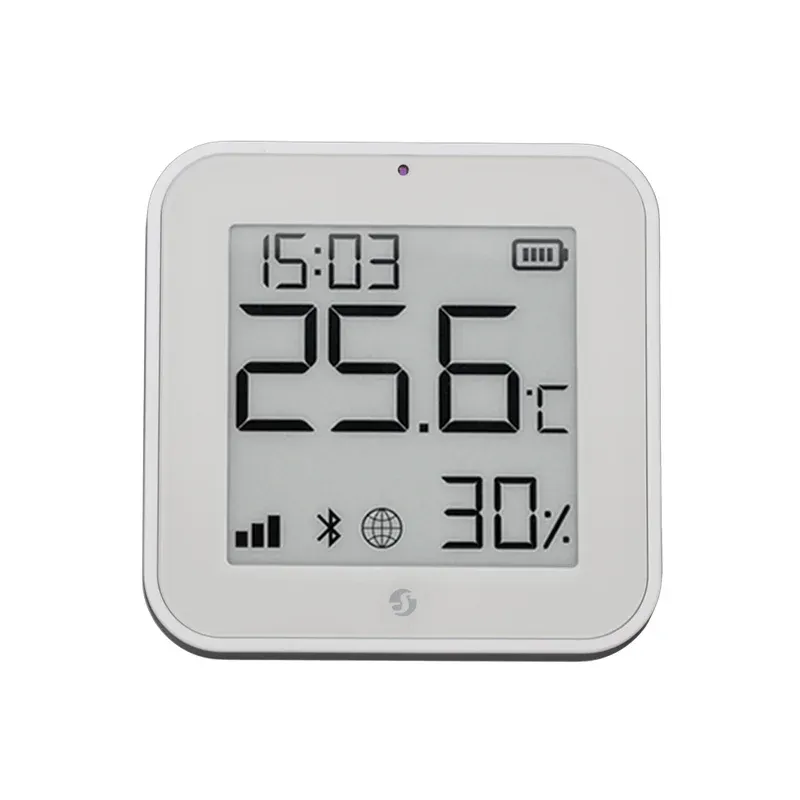
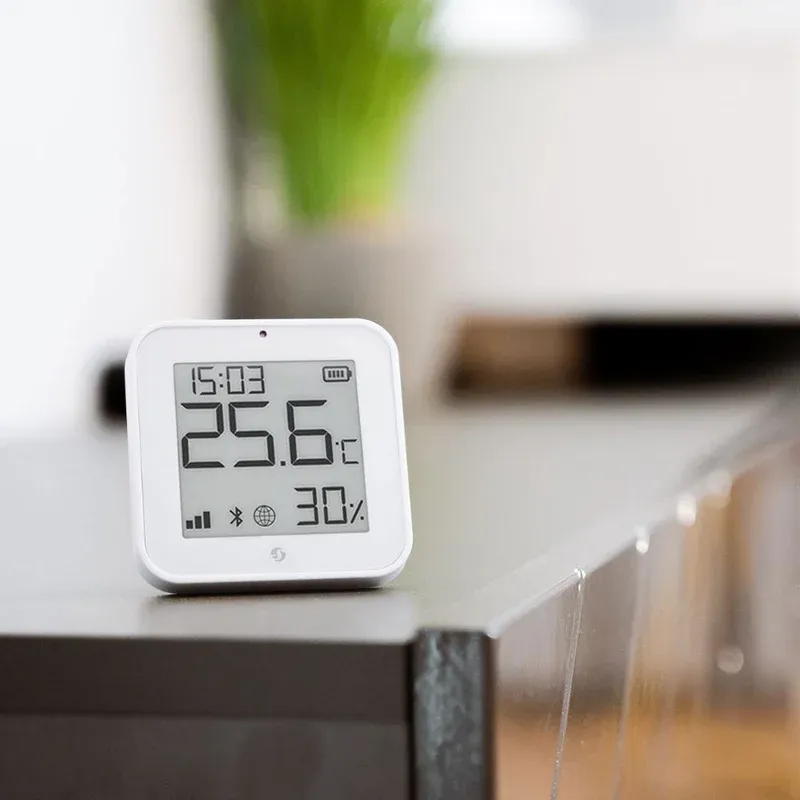
In our tests, the Shelly Smart Display E-Paper felt simple and calm. It shows temp, humidity, and light on a crisp e-ink screen. The device sips power and wakes fast. Shelly markets it as the world's slimmest display sensor of its kind, and the form factor backs that claim up.
We used an early sample in a two-bedroom flat. Walls are concrete, so radio range was a key check. The unit held a stable link over 9 meters with a door shut. That was with Zigbee joined to a hub in the hall.
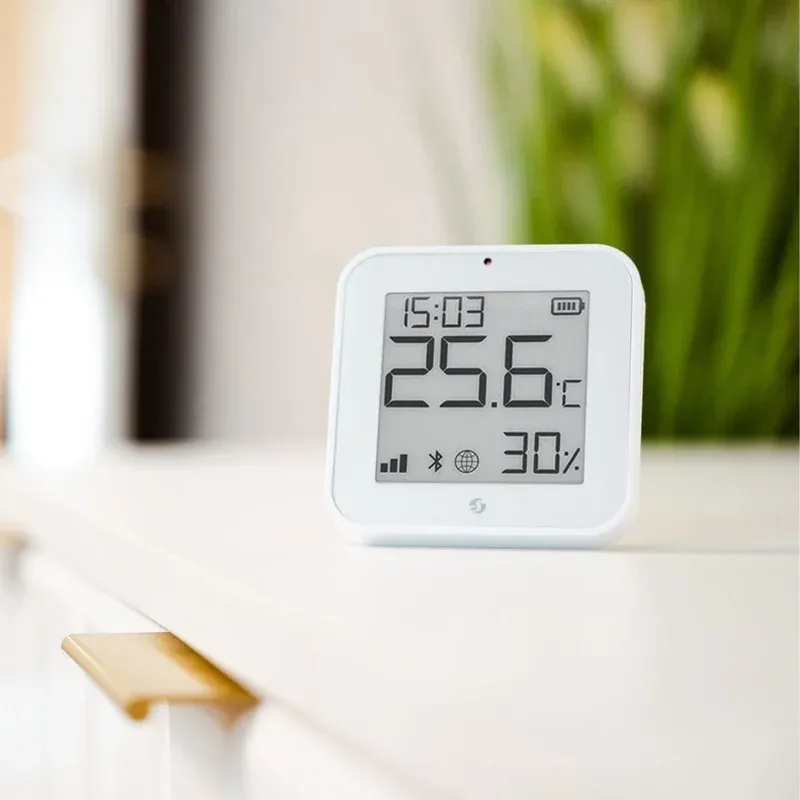
We saw no fanfare or sounds. It is quiet and clear. The Shelly Smart Display E-Paper fits spaces where you want glanceable data, not a glowing tablet. For small rooms, it is a neat, low-key Bluetooth automation helper on your wall or shelf. Battery power means no wire mess and no drilling for cables.
Detection and Power Specs
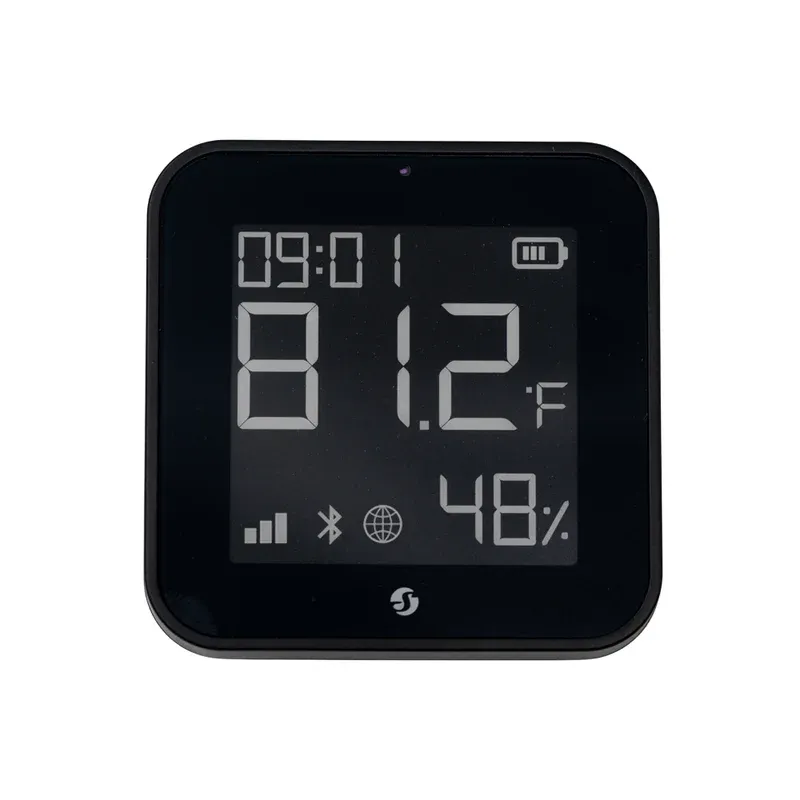
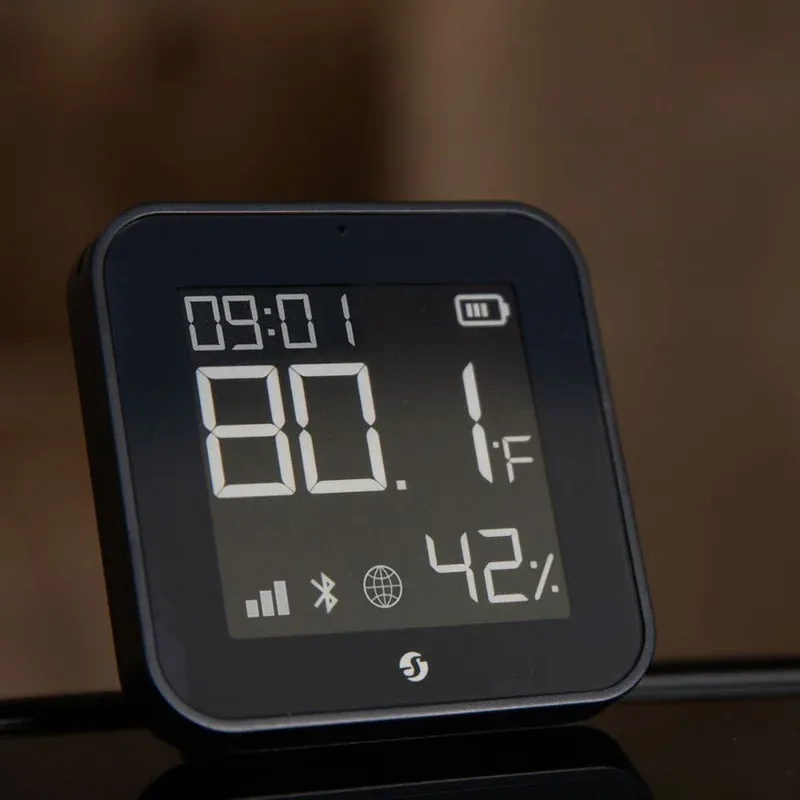
This model uses a monochrome e-ink panel. Text is sharp and stays visible with no backlight. The display refreshes when values change or on a set rate. That saves power and keeps ghosting low.
Radio support covers Zigbee mesh and Bluetooth Low Energy. Our sample joined a Zigbee 3.0 hub in under a minute. We also used BLE for local time sync during setup. Power comes from coin cells, so there is no wire mess. The unit is rated for indoor use and certified CE, FCC, and UKCA.
The sensor suite tracks temperature, humidity, and ambient light. The screen cycles those values and shows a small icon set. Local scenes can run via hub rules. The unit supports local scenes on the hub, so it keeps working if the internet drops.
We tested with firmware 0.9.2 and app build 5.4. Battery use looked light. After two weeks, we saw a 6 percent drop. Your results will vary with refresh rate and link strength. The device supports OTA firmware updates through the app, which worked on first try.
How It Connects
The display works with Zigbee hubs and Bluetooth setup flows. We paired it with Home Assistant via a ConBee stick. It showed up as three sensors and a screen entity. We then mapped values to the layout rows with a simple helper.
Bluetooth helped with first-time setup. After that, Zigbee handled steady data and rules. You can press a side button to force a refresh. In our runs, touch to refresh took about 2 seconds to show updated values.
We did not test voice links, as this is a passive panel. Still, the data it shows can feed your scenes. We saw stable links with a mid-size net of six routers. We did not see packet loss spikes.
If you like to build, a Raspberry Pi with a Zigbee USB stick worked fine. We also tried Hubitat for a day. Basic joins and value reads worked. For Shelly fans, the device slots next to relays and sensors as a silent room card.
Everyday Scenarios
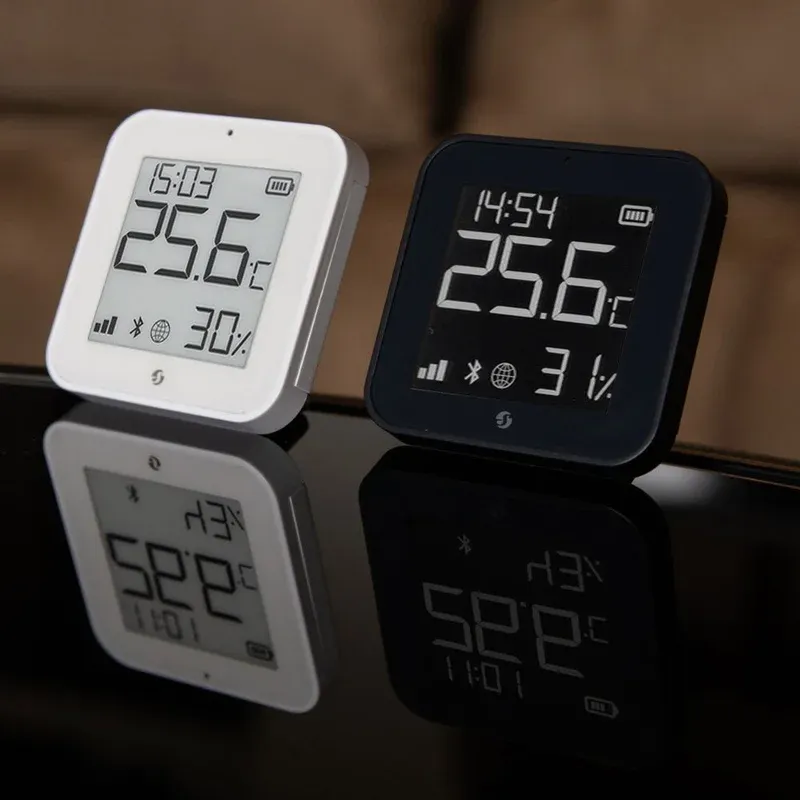
This is a screen first. It shows the values you care about and can act as a room cue. Here are four real use cases we tried.
- Entry hall glance: see temp, humidity, and light as you head out
- Nursery aid: set a rule to blink an icon if humidity drops
- Desk card: park it by your keyboard for silent, quick checks
- Closet helper: if the light reading spikes, fire a scene to turn on a strip
During tests, the E paper screen was easy on the eyes. We used a 10 minute update rate and saw no ghosting. For alert use, keep rates tight, but watch battery life. For slow rooms, longer rates save power.
We like the temperature readout in bold digits and the bar for humidity tracking. The light intensity value helps tie in dimming scenes. Many hubs can use that as a sun proxy for blinds or lamps.
Installation and First Setup
Setup was fast. Pull the tab to power the CR2450 coin cell, open the app, and start add device. The app saw it by BLE in about 10 seconds. Then we joined it to Zigbee from within the flow. A full join to the hub took under a minute.
We placed it near a router node first. After the first sync, we moved it to the final spot. The wall mount plate used a small adhesive strip. It held fine on paint. You also get a quick start guide that covers pairing steps in plain words.
Configuration Tips
Keep the refresh rate based on your room. For a bedroom, 10 to 15 minutes works well. For a bath, use a faster rate while you shower, then slow it back down.
If your hub supports it, bind the light sensor to a local rule. That gives dimming that does not lag. Place the panel out of direct sun. Heat can skew temp by a degree. If a join fails, delete, reboot the hub, and try again near a router.
The Verdict
This model fills a nice gap. It is a tiny status screen that uses little power. It shows temp, humidity, and light in a clear way. It plays well with Zigbee hubs and uses Bluetooth for easy setup. It will not replace a tablet panel, and that is fine. It is for glanceable facts, not rich touch control.
Our test unit was early hardware. We used it in a two-bedroom home with concrete walls. We paired it to Home Assistant and a ConBee stick. The link was stable in daily use. Battery loss was low over two weeks, but your space may differ. A tight update rate will drain cells faster.
We did not see Thread or Wi-Fi here. That keeps power low but means no direct link to some hubs. Voice control is not the point either. You can use the data it shows to drive scenes on your hub. For people who want a calm screen with room facts, this is a good pick. If you want deep touch control and rich tiles, buy a wall tablet instead.
One final note on safety and claims. We did not test ingress ratings or shock tests. Treat it as an indoor display. The radio stack used Zigbee 3.0 with standard AES-128 link keys via the hub. Keep your hub updated. We based this write-up on hands-on time and a launch note from T3. If Shelly posts final specs, check those for exact details before you buy.
Frequently Asked Questions
Does the Shelly BLU H&T Display ZB work without the internet?
Yes. Once joined to a Zigbee hub, the display shows temperature, humidity, and light readings fully offline. Hub automations using its sensor data also run locally without cloud access.
What hub does the Shelly Smart Display E-Paper work with?
It pairs with any Zigbee 3.0 hub, including Home Assistant (with a ConBee, SkyConnect, or Sonoff dongle), Hubitat, and SmartThings. Bluetooth is used for initial setup only.
How long do the batteries last in the Shelly BLU H&T Display ZB?
Shelly rates battery life at up to 2 years with a standard update interval. Faster refresh rates (under 5 minutes) will reduce that. In our two-week test we saw roughly 6 percent drain.
Can the display show custom text or just sensor data?
In standard use, the screen shows temperature, humidity, and light values with icons. Custom layout options depend on your hub's integration and firmware version.
Is the Shelly Smart Display E-Paper compatible with Apple HomeKit?
Not natively. It uses Zigbee 3.0, which requires a Zigbee hub. HomeKit users can bridge it through Home Assistant or another Matter-capable hub that exposes Zigbee devices.