Aqara Hub M100 Multi-Protocol Smart Home Gateway

As an Amazon Associate we earn from qualifying purchases. Disclosure.
Check Price on Amazon →Product Details
🏭 Manufacturer: Aqara
📄 Specification Met: Matter Certified
🔖 Part Number: B0DWK8318H
🏋️♂️ Weight: 40 g (0.09 lbs)
📏 Dimensions: 108 x 30 x 8 mm (4.25 x 1.18 x 0.31 inches)
🏳️ Country of Origin: China
🆔 Model Number: HM-G02E
🔧 Usage: Indoor
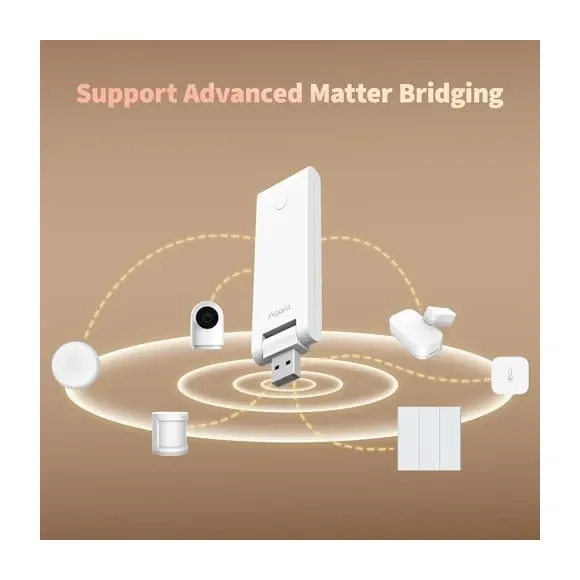
What does the Aqara Hub M100 actually do that your phone can't? It translates between radio protocols that otherwise refuse to talk to each other. Model HM-G02E runs Zigbee 3.0, Thread, and Matter side by side in one USB-A stick, then exposes everything through a single account. It works as a Matter Bridge for your older Zigbee sensors and as a Matter Controller for newer Matter gear, which is what lets one hub sit under Apple Home, Google Home, and Alexa at the same time.
Universal Protocol Support
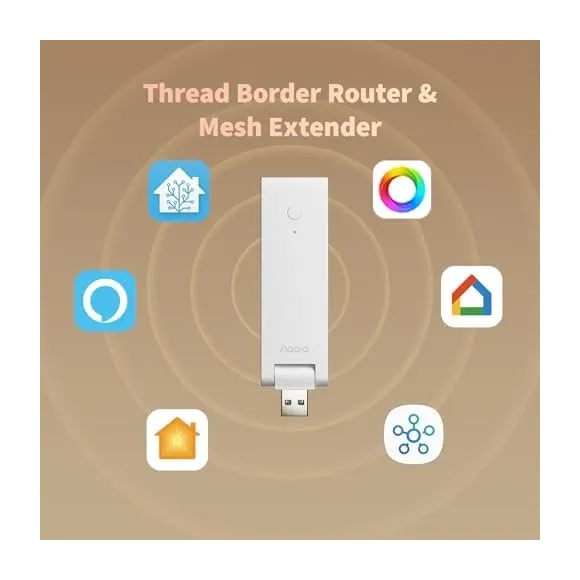
What sets the Aqara Hub M100 apart from traditional smart home hubs? This hub delivers triple protocol support - Zigbee 3.0, Thread, and Matter - in a thumb-sized USB-A stick that sells for around $30 to $34 in the US. One comparison site lists capacity as up to 20 Aqara Zigbee devices plus 20 Thread devices. The Zigbee radio only supports Aqara devices, so it isn't a general-purpose coordinator.
Key Capabilities
With the Aqara Hub M100, you gain access to:
- Matter Bridge functionality - connects Zigbee devices to Matter ecosystems
- Matter Controller capabilities - controls Matter-certified devices directly
- Thread Border Router - enables Thread mesh networking for low-latency communication
- Zigbee 3.0 hub - supports extensive Aqara Zigbee device catalog
- Wi-Fi 6 on 2.4GHz only, with Bluetooth LE 5.2, and no Ethernet port
- Local automation support - executes scenes without cloud dependency
- USB-A powered - 5V, about 0.5A, and no power adapter included
- Compact design - a 108 x 30 x 8 mm, 40 g stick
This comprehensive feature set makes the M100 an ideal choice for anyone building or expanding a multi-protocol smart home ecosystem.
Matter Bridge and Controller
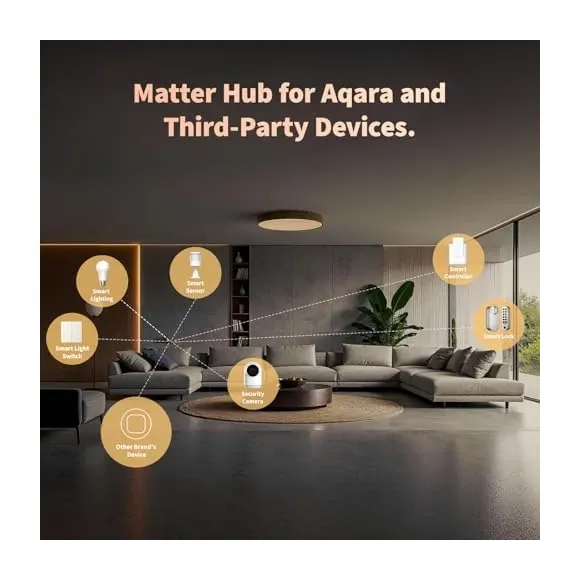
The dual Matter Bridge and Matter Controller architecture defines the M100's versatility. As a Matter Bridge, it exposes your existing Aqara Zigbee devices to Matter-enabled platforms like Apple Home, Google Home, and Alexa, preserving your investment in Zigbee technology while adopting the Matter standard.
In Matter Controller mode, the M100 directly commands Matter-certified devices from any manufacturer, regardless of their native protocol. Matter devices such as Eve door sensors and Nanoleaf panels can be added without a separate brand hub. Hue lights join through the Hue Bridge's own Matter support rather than directly.
Extensive Device Capacity
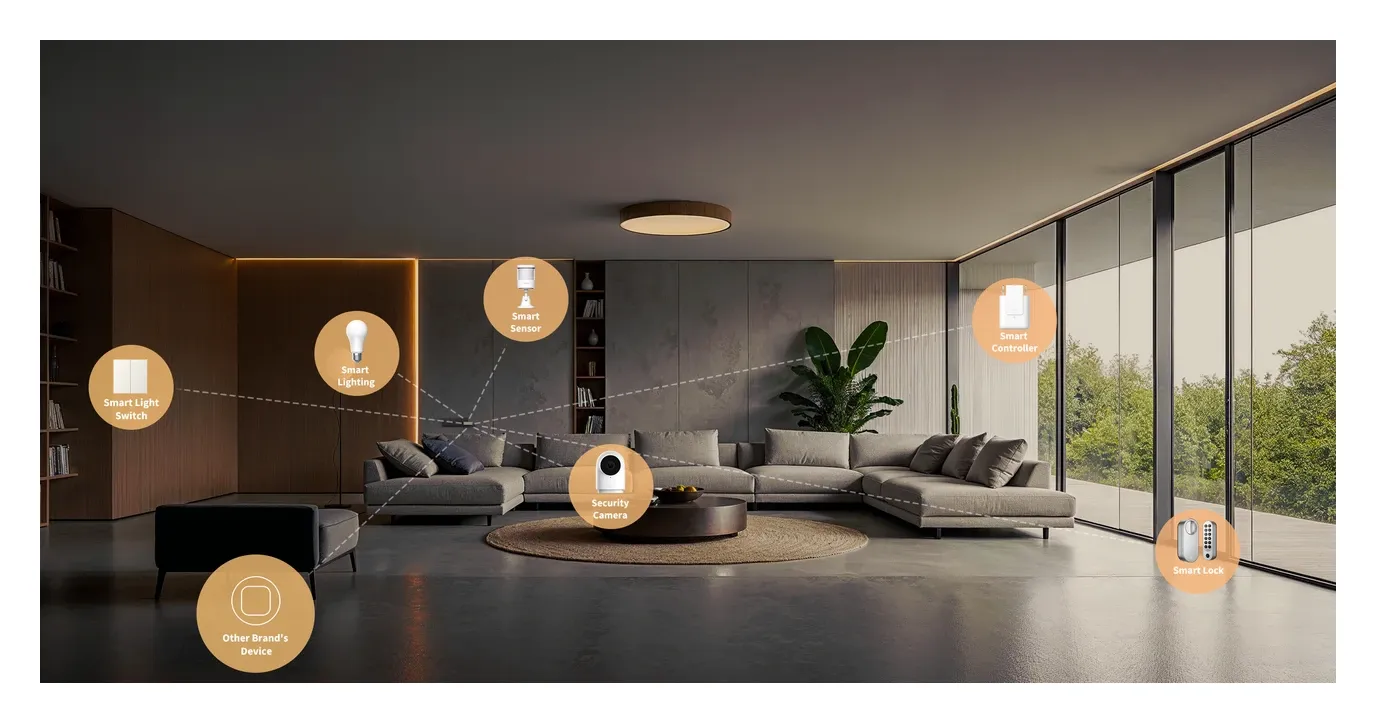
The M100 accommodates 40 total devices according to one comparison site - 20 Zigbee and 20 Thread. That covers a small apartment's scenarios combining motion sensors, door/window contacts, smart light bulbs, thermostats, and switches across both protocols.
Powered Zigbee devices can repeat signal, and Thread is a self-healing mesh. One caution from Matter Alpha's review: Zigbee and Thread share a single radio chip, which can mean weaker signal and more interference than a dedicated coordinator.
Thread Border Router Functionality
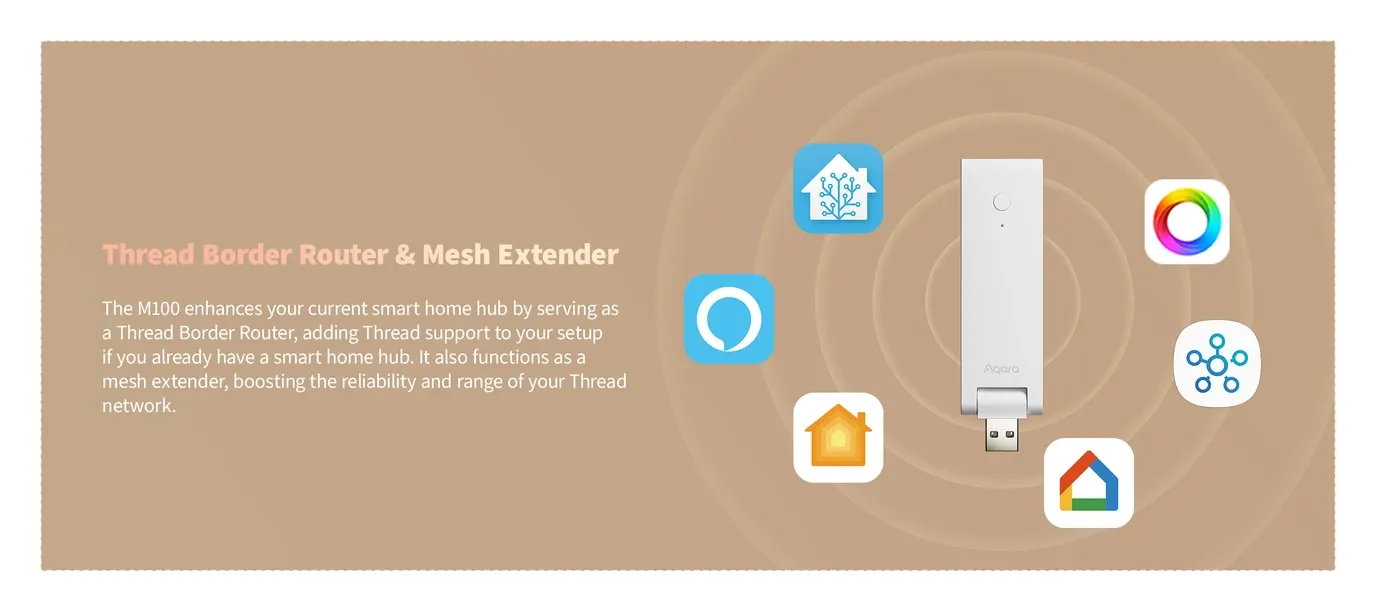
As a certified Thread Border Router, the M100 bridges your home's Wi-Fi network with Thread mesh networks, enabling Thread devices to communicate with internet services and other smart home platforms. Thread protocol delivers several advantages over traditional Zigbee connectivity:
Low latency communication reduces response time for time-sensitive automations like motion-triggered lighting. IPv6 native addressing provides each device with a unique network identity, simplifying device management and security. Self-healing mesh topology automatically reroutes communications around failed nodes, maintaining network stability.
Matter Alpha reports the border router can join an existing Thread network and take over if the primary hub goes down, and owners have used it to bring third-party Thread sensors into Amazon, Hubitat and SmartThings setups.
Local Automation Intelligence
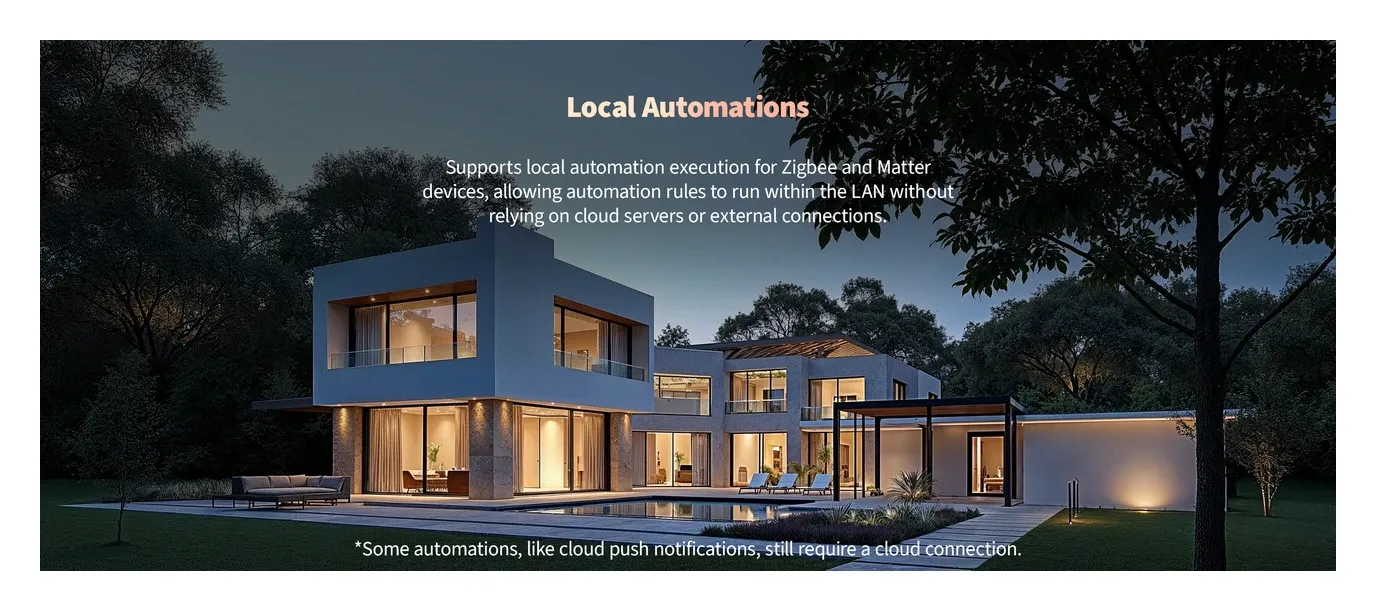
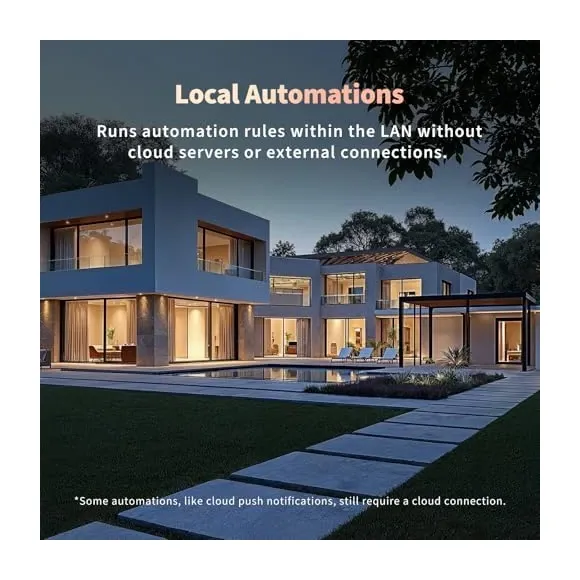
Privacy-conscious users appreciate the M100's local automation capabilities. Aqara lists local automations among the M100's capabilities, so scenes can run on the hub without a cloud round trip. Check each automation after you build it, though, because not every condition is local.
Create sophisticated automation sequences combining multiple devices across Zigbee and Thread protocols. When a Zigbee door sensor detects entry, trigger Thread-connected lights while adjusting a Zigbee thermostat - all processed locally on the M100 without external dependencies.
Flexible Power and Placement
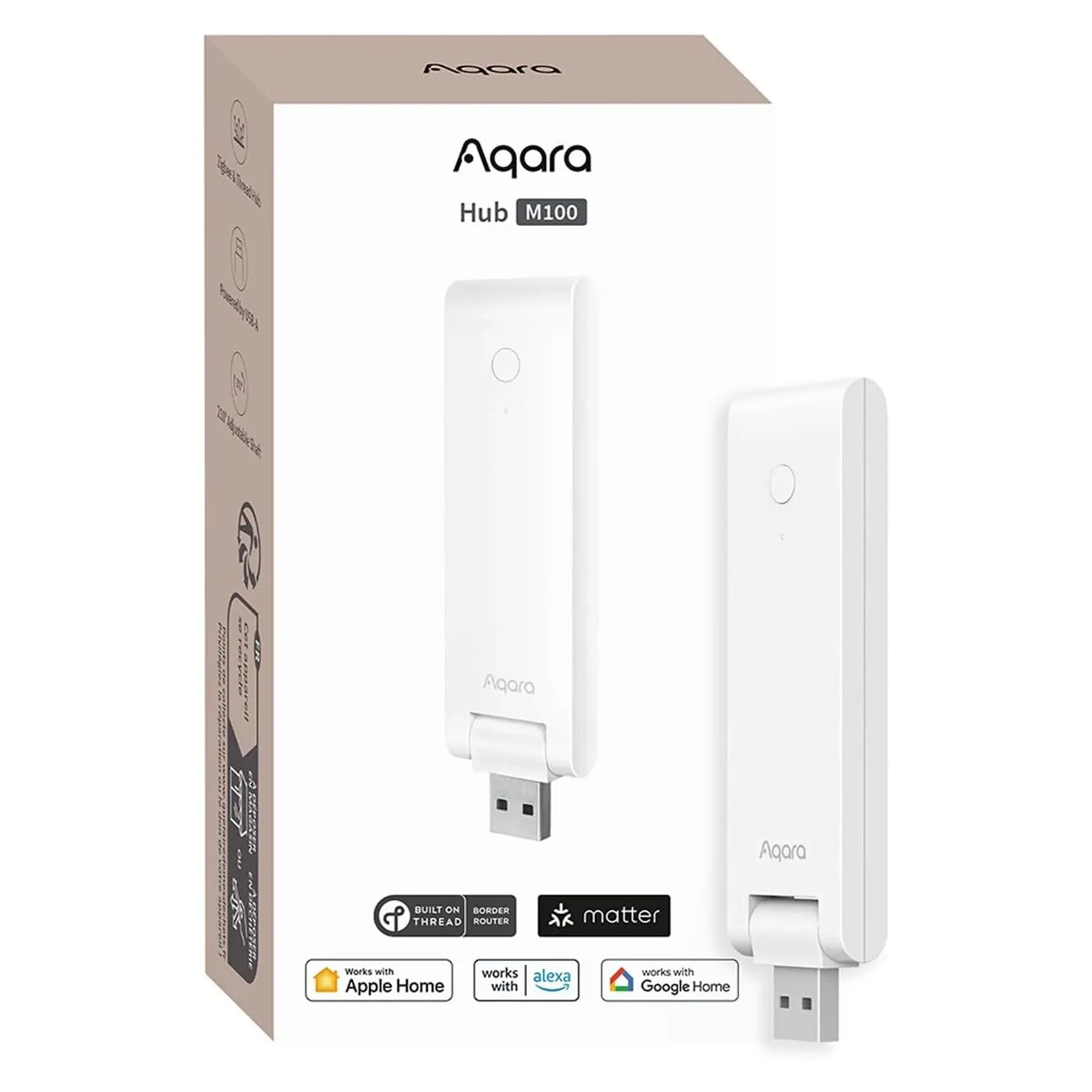
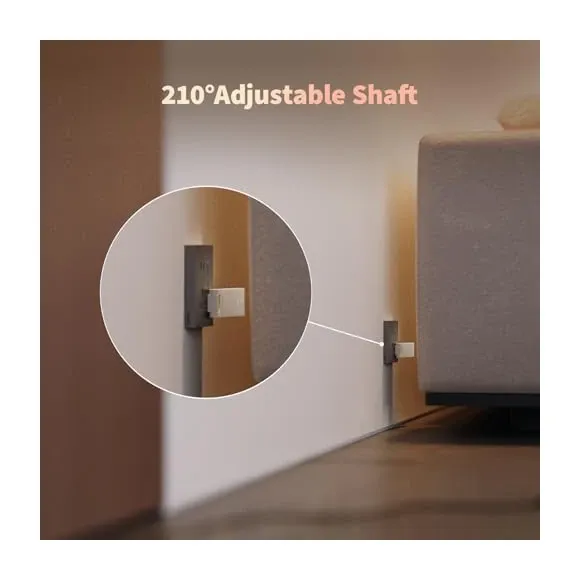
The M100 is a 108 x 30 x 8 mm stick that plugs straight into a spare USB-A port on a router, TV, or charger. It draws 5V at about 0.5A and ships without a power adapter. Aqara advertises flexible power, and a USB power bank can keep it alive through an outage, though your router needs power too.
Matter Alpha describes a hinge near the USB connector. Position the hub centrally in your home to maximize wireless range across all supported protocols, or place near existing networking equipment for convenient wiring.
Aqara Home App Control
The Aqara Home application provides comprehensive control over every connected device and automation. The intuitive interface organizes devices by room, type, or protocol, simplifying management of complex multi-device installations. Create custom scenes that control dozens of devices with a single tap or voice command.
Advanced scheduling enables time-based automation adjustments throughout the day. Program different lighting profiles for morning, work hours, and evening, automatically adjusting as seasons change. The app's visual automation builder simplifies creating complex conditional logic without programming knowledge.
Cross-Platform Ecosystem Integration
As a Matter bridge and controller, the M100 works with the major smart home ecosystems. Apple HomeKit users gain Siri voice control and native Home app integration for all bridged devices. Google Home provides Google Assistant commands and Google Home app management. Amazon Alexa enables voice control through Echo devices and Alexa app routines.
Samsung SmartThings users can integrate the M100 through Matter support, combining Aqara devices with SmartThings' extensive compatible device catalog. Matter Alpha notes platform gaps: Alexa doesn't support multi-button devices, and Google doesn't list smoke detectors, water leak detectors or wireless switches for routines.
Hub Comparison and Positioning
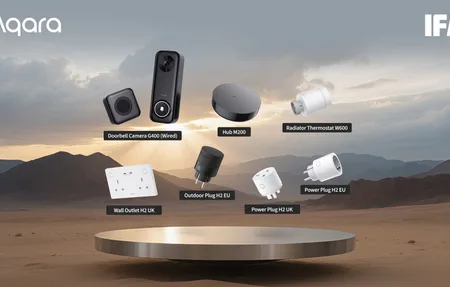
Within Aqara's hub lineup, the M100 occupies the entry-level multi-protocol position. Compared to the Hub M200 with infrared control, the M100 focuses on device connectivity and automation processing, which keeps the price low.
The M100 adds Thread Border Router functionality and Matter Controller capabilities that older Zigbee-only Aqara hubs lack. Users requiring infrared control for traditional appliances should consider the M200, while those prioritizing Matter adoption and Thread support will find the M100 delivers exceptional value.
Setup and Configuration
Initial setup takes minutes through the Aqara Home app. Power the hub via USB, connect to your 2.4GHz Wi-Fi network, and begin pairing devices. The app handles Matter and Thread setup, though Matter Alpha calls the Matter controller setup frustrating, with frequent errors and cloud registration failures, and found pairing to Apple Home via Matter stuck on iOS 18.4 and 18.5 beta (native HomeKit worked as a fallback).
Device pairing follows standard procedures for each protocol. Zigbee devices enter pairing mode through button presses or power cycling, while Thread devices pair through QR code scanning.
Why Choose Aqara Hub M100
The Aqara Hub M100 is a low-priced route to a Matter bridge and a Thread border router, at around $30 to $34 in the US. Matter Alpha called it the best-value Matter hub. The 40-device capacity suits an apartment; owners also report some units going offline until power-cycled.
Local automations should keep simple triggers such as security lighting and climate control working during internet outages, and the stick format is easy to hide behind a TV or router.
The 20-Device Ceiling and the Missing Ethernet Port
The capacity split deserves a concrete yardstick, so here's mine: a Home Assistant Connect ZBT-1 carrying several dozen Zigbee devices, on HA OS running on a Raspberry Pi 5 that's mounted on a DIN rail in the distribution board. Nothing exotic, no cluster, one coordinator. Twenty Zigbee slots would have run out early in that build.
When does twenty stop being enough? Sooner than the apartment-versus-house framing suggests. Leak sensors under every wet spot, ceiling MmWave sensors, a 24G presence sensor, unbranded GU10 bulbs, a rotary knob, soil moisture and temperature probes outside, a two-in-one rain sensor. Then add the powered devices that do the routing, a Sonoff Zigbee roller-shutter controller, a switch with metering and a 16A timer switch, and you're through twenty before heating and lighting are properly wired. Worth knowing too: only the powered devices lift the ceiling. Every battery sensor you add is a leaf that routes nothing for anybody else.
The missing Ethernet port is the limit I'd weigh harder than the device count. All my IoT sits on a separate VLAN on Ubiquiti hardware, a U6-LR access point and a USW-Flex-Mini switch, with outbound traffic unrestricted but tracked in the UniFi stats. Wireless-only gear can be segmented, but you're doing it with SSIDs and wireless policy instead of a cable into a port you control, and that's a weaker version of the same idea. For a box whose entire job is being the always-on translator for everything else, I'd rather have the cable. Plenty of people will tell you that's overkill for a house full of sensors, and I don't think this device category has earned that much trust.
Where the M100 Earns Its Place
Buy the M100 if you're consolidating a pile of Zigbee sensors and want them showing up in Apple Home or Google Home through Matter, without buying each brand's own hub. It's also a smart pick if you're adding Thread devices and need a Border Router that keeps local automations running when your internet drops. As a gateway that bridges Zigbee and Thread into one Matter view, it does the translating job, within the limits above.
Skip it if you lean on infrared appliances. The M100 has no IR blaster, so the pricier Hub M200 is the one to get for controlling old TVs and AC units. The other real limit is capacity: 20 Zigbee plus 20 Thread devices is plenty for an apartment but tight for a whole house packed with sensors, Zigbee is Aqara-only, and there's no wired Ethernet fallback, only 2.4GHz Wi-Fi. My take? For most people migrating to Matter one room at a time, the M100 hits the right price-to-capability point, and the local-first automation is the feature that makes it worth keeping powered on. Use this guide to judge whether that split fits how your home is wired.
Video Review
As an Amazon Associate we earn from qualifying purchases. Disclosure.
Check Price on Amazon →