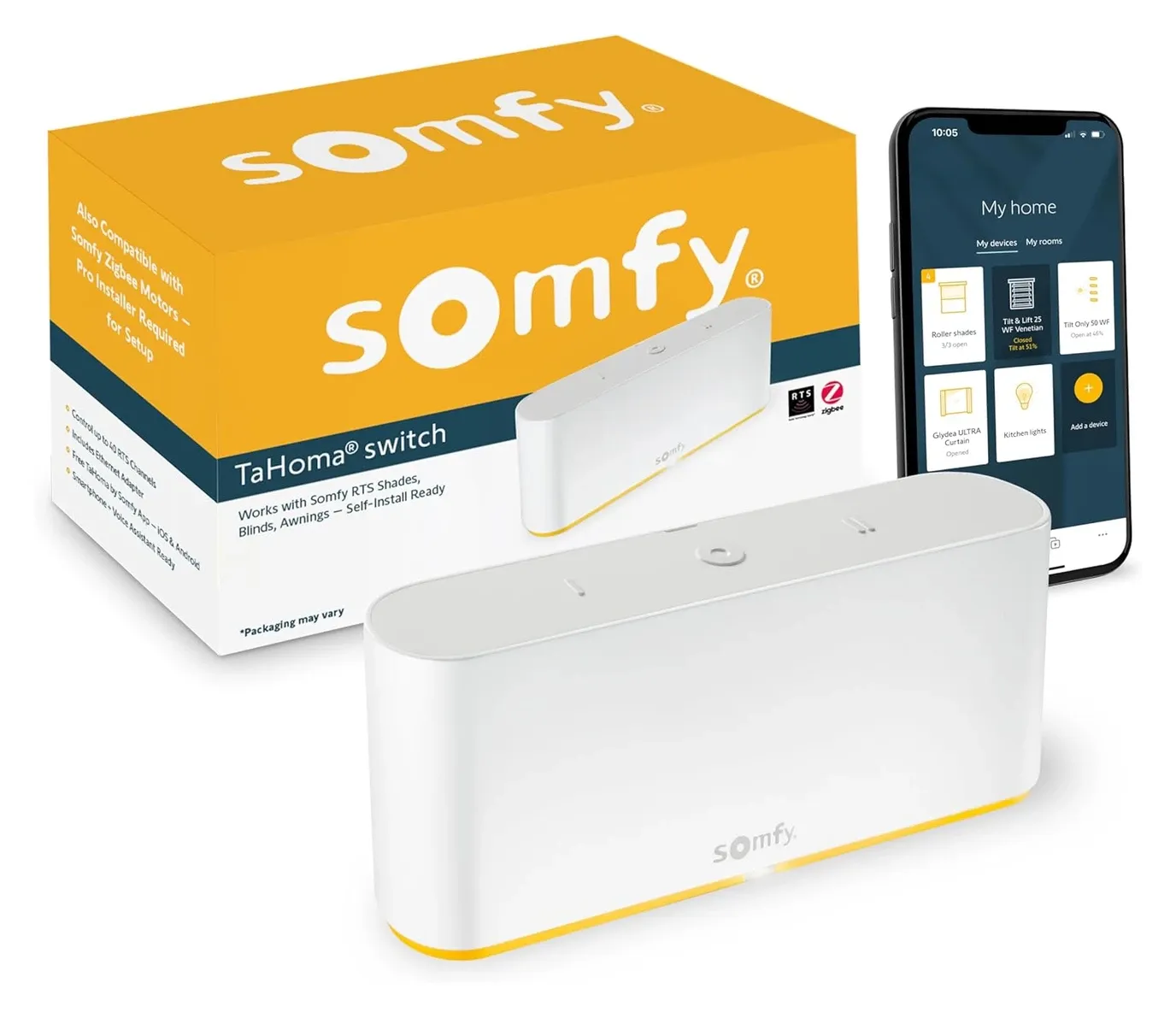
Somfy TaHoma Switch Hub for Motorized Blinds

As an Amazon Associate we earn from qualifying purchases. Disclosure.
Check Price on Amazon →Product Details
🏭 Manufacturer: Somfy
🔌 Plug Format: Standard Plug
📄 Specification Met: CE, FCC, UL
🔖 Part Number: 1871037
🏋️♂️ Weight: 0.213kg
📏 Dimensions: 162 x 67 x 35 mm
🏳️ Country of Origin: France
🆔 Model Number: TaHoma Switch
📐 Size: One Size
🎨 Style: Modern
🧲 Mounting Type: Tabletop
🔧 Usage: Smart Home Automation
🧩 Included Components: TaHoma Switch Hub, USB Power Adapter, USB Power Cable, User Manual
Own a house full of Somfy blinds bought across different years and tired of juggling three remotes? The Somfy TaHoma Switch is the smart home hub that pulls them into one app. It drives motorized blinds, shades, draperies, and pergola screens from several Somfy generations, with room for up to 200 products in the European version, and it speaks RTS, io-homecontrol, and Zigbee at the same time. So a 10-year-old motor and last month's install answer the same command. You get remote access through the TaHoma app, plus Alexa and Google Home voice control.
What Does the TaHoma Switch Control?
The TaHoma Switch brings all your Somfy devices together in one place. Motorized shades, roller blinds, outdoor pergola screens, draperies - if Somfy builds a motor for it, this hub runs it from the same app. It handles RTS, io-homecontrol, and Zigbee devices, so older and newer Somfy motors all connect without extra equipment.
Three protocols in one box is the reason this hub exists. RTS is the one-way radio Somfy shipped for years, io-homecontrol is the two-way successor that reports position back, and Zigbee 3.0 opens the door to third-party devices. A house that grew over a decade usually has at least two of the three, and without a hub that speaks all of them, you are holding several remotes and reconciling them yourself.
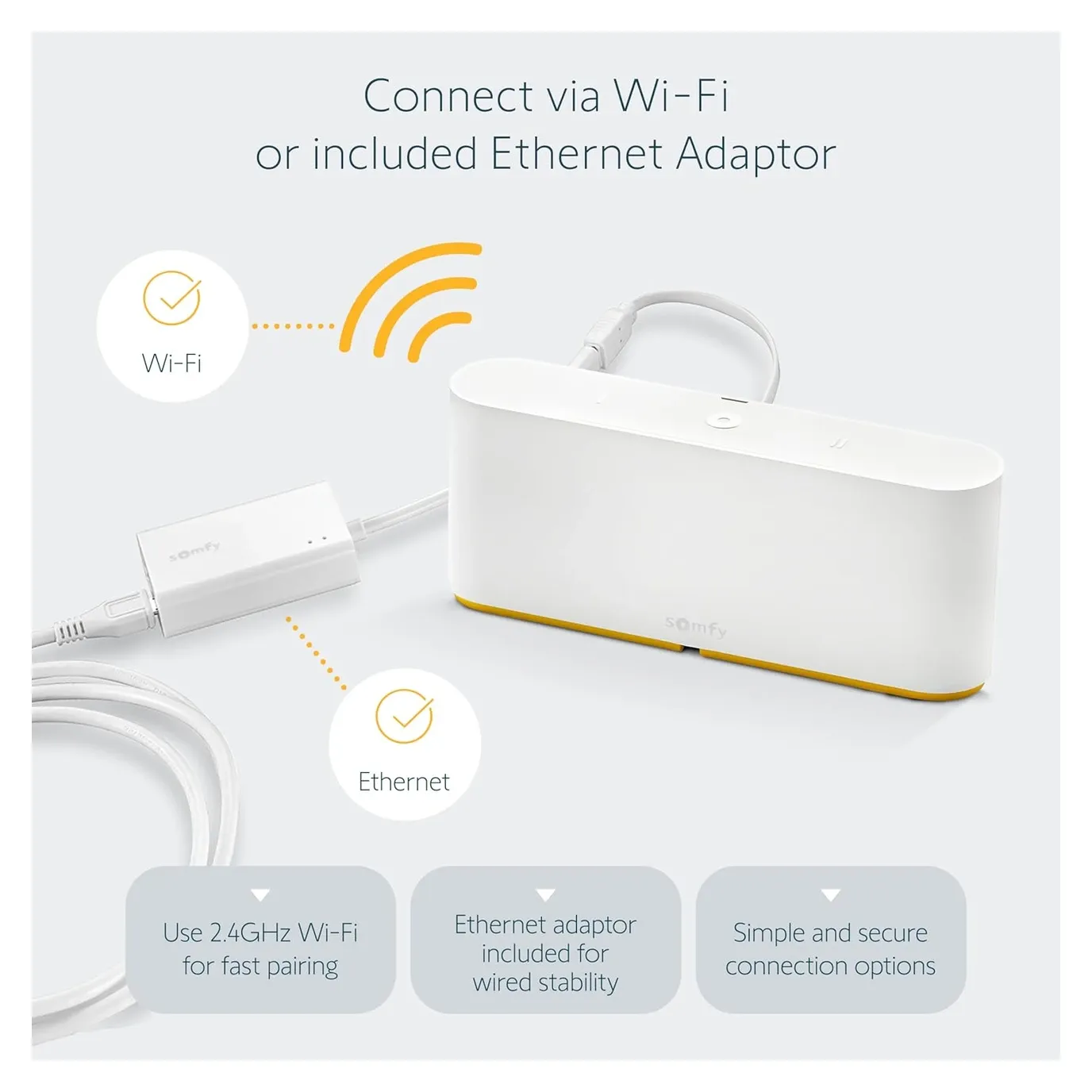
The TaHoma Switch gives you a single app for all your Somfy motors and compatible smart devices, so you can control everything from one place.
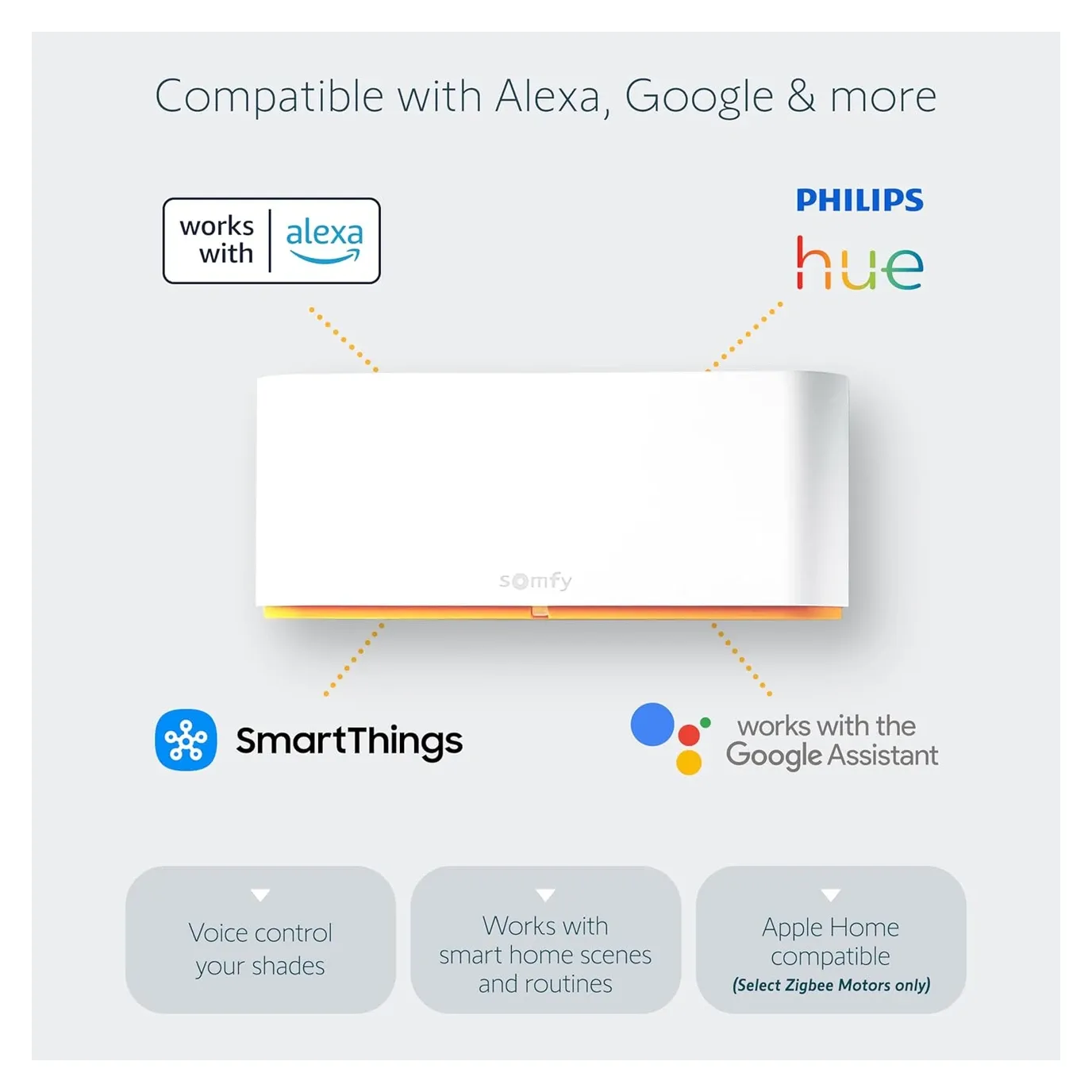
How It Is Used in This House
I bought the TaHoma Switch for this house, and it's the shading hub here: the twelve outdoor roller shutters run on io-homecontrol motors and answer to this box. Because every motor is io, I have no hands-on RTS experience, so what follows about RTS comes from Somfy's documentation. The hub isn't linked to Home Assistant yet; that's a planned next step through the Overkiz integration (see connecting TaHoma to Home Assistant), so for now it runs the shutters on its own.
Here's the catch that matters when you choose between the protocols. RTS is a one-way protocol, so the hub fires the command but can't read whether a blind actually finished moving. Miss a signal and the app can still show the shade as closed. io-homecontrol and Zigbee motors send real position back, which is exactly why I'd point anyone with a larger install toward those protocols instead.
That difference shows up in automations rather than in daily use. Pressing a button and watching the blind move feels identical on both. Writing a rule that waits until the shade is actually down before the air conditioning starts only works when the motor reports its position, and on RTS it never will.
The Pairing Lesson
The most useful pairing advice has nothing to do with blinds. A garage operator can pair with the hub and still not move, if it hasn't had its travel limits set at the motor head, and the hub has no way to tell you that. It would show a working tile over a motor that ignores every command. Set the travel limits on the motor before you pair anything, and the hub behaves.
Voice control through Google Home or Alexa leans on Somfy's cloud, so a short internet outage means no voice and no remote access, while the hub's own scene buttons keep working. For a Somfy-heavy home, I'd buy this hub again. For a mixed-brand Zigbee setup, a generic hub hands you more freedom.
Why Choose Somfy TaHoma Switch?
With so many smart home hubs on the market, the Somfy TaHoma Switch is notable for its compatibility and ease of use. It's designed to work with a wide range of IoT devices, including lights, shades, thermostats, and security systems. This means you can control multiple devices from different manufacturers without worrying about technical conflicts.
What that buys you in practice is one app that survives your buying decisions. Add a motor from a different Somfy generation in three years and it joins the same dashboard rather than starting a new one.
Key benefits include:
- Centralized control of all your smart devices
- Direct integration with existing systems
- Intuitive mobile app for remote management
- Customizable automation settings for personalized routines
- Voice assistant compatibility for hands-free operation
How Hard Is the Setup?
Setup is refreshingly low-drama, and it runs in the same order every time:
- Plug the hub into a standard outlet using the supplied USB adapter.
- Connect it to your Wi-Fi network, or fit the optional Ethernet adapter for a wired link.
- Download the TaHoma app and create or sign in to your Somfy account.
- Add motors one protocol at a time (RTS, io-homecontrol, or Zigbee), following the in-app prompts.
- Name every device the way somebody would say it out loud, before you link any voice assistant.
The app walks you through pairing step by step, so a first-timer can get the hub online and a motor responding in a single sitting. Step five is the one people skip and regret, because those names become the voice commands later.
The Somfy TaHoma Switch supports integration with popular voice assistants like Amazon Alexa and Google Assistant, making it easier than ever to manage your devices with simple voice commands. Somfy documents the Google Assistant side in terms of blinds, shades, RTS channels, and scenes, so check your device type against that list before you count on a spoken command. It also integrates with systems such as Control4, Crestron, Savant, ELAN, RTI, URC, and Brilliant, plus lighting and audio via Philips Hue and Sonos. Closing the blinds, nudging the thermostat, flicking on a lamp - a spoken command handles it. For Apple Home, compatibility applies to select Zigbee motors, so check your motor model before you count on Siri.
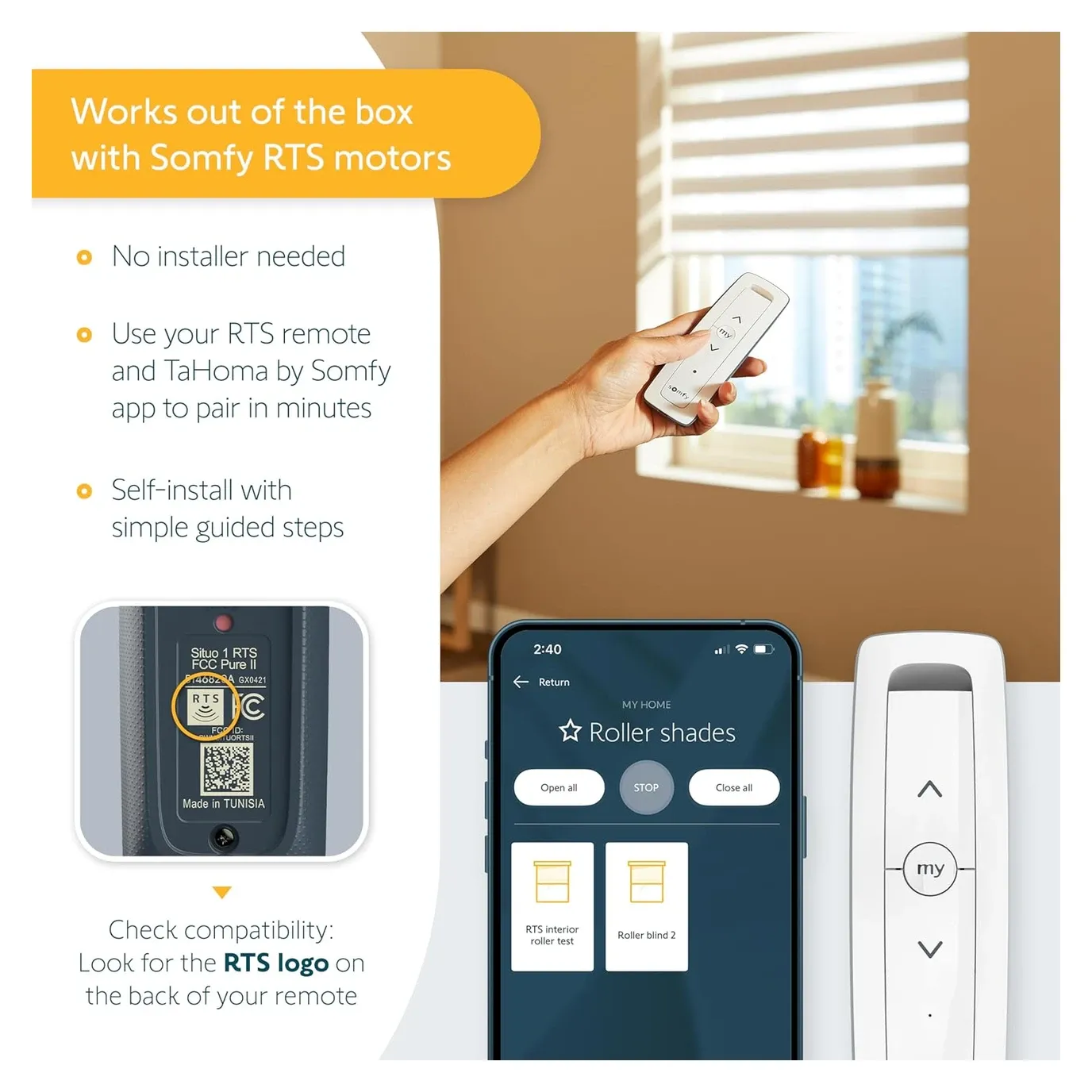
The step-by-step app guidance makes setup accessible even without prior smart home experience.
Automations Worth Building
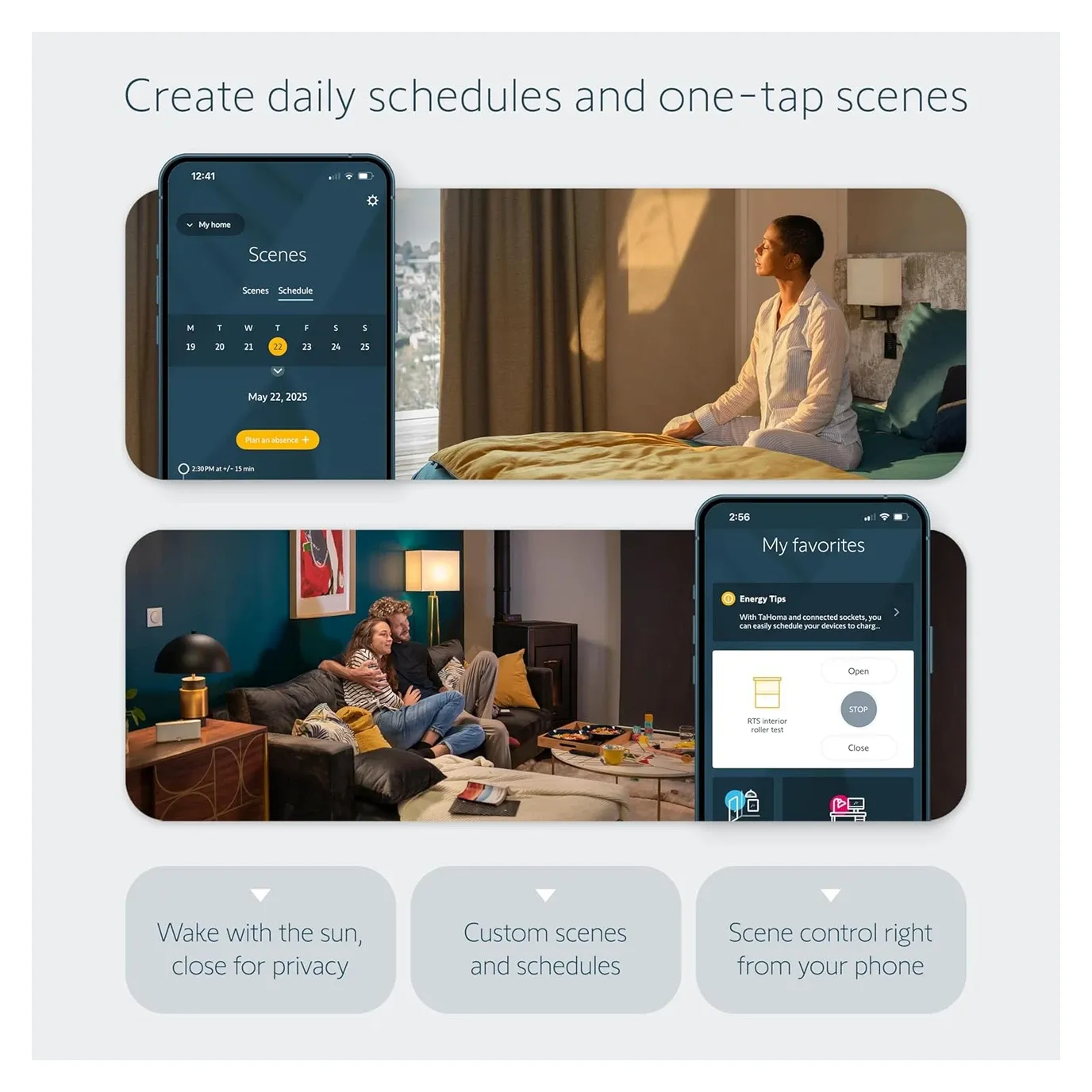
The best reason to own a hub like this is automation, and here it centers on custom automation routines. Set your blinds to rise with the sunrise, the coffee maker to kick on, and the lights to fade up over a few minutes, all chained to one morning scene. You build these routines in the app by picking triggers and the devices they should control.
You can also set schedules or create triggers fired by specific events, such as lowering the shades once a temperature threshold is crossed. The one I'd point at first is the west-facing shades on a summer afternoon. Drop them before the room heats up rather than after, and the air conditioning never has to undo work the sun already did. Sun position and outside temperature are what should decide that, not a clock.
Where the Hub Runs Out of Road
That automation is also where the honest limit sits. Sun elevation and an outdoor temperature reading are not things the TaHoma app knows about on its own. Cross that line and the logic wants to live somewhere with a wider view of the house, which is why the plan here is to bring this hub into Home Assistant rather than let it run the whole show. Inside its own world of schedules, scenes, and thresholds, it runs them without drama once configured.
The line is worth stating plainly, because it decides what you should expect from the box. Anything that depends only on time, on a scene, or on a threshold the hub can read is a job the TaHoma Switch does well and does reliably for years. Anything that depends on data from outside the Somfy world (a weather forecast, a window contact from another brand, or whether anybody is home) belongs to the layer above it. Being disappointed that this hub cannot do the second kind is a mismatch of expectations rather than a fault.
Compatibility with a Range of Devices
The Somfy TaHoma Switch works with a wide variety of smart devices from multiple brands. Run io-homecontrol, Zigbee 3.0, or RTS motors and they all fold into the TaHoma system together. That three-protocol reach is what makes it one of the more flexible hubs you can buy for shades.
| Protocol | Direction | What it is for |
|---|---|---|
| RTS | One-way | Older Somfy motors, up to 40 channels, no position feedback |
| io-homecontrol | Two-way | Current Somfy motors, reports real position and state |
| Zigbee 3.0 | Two-way | Somfy Zigbee motors plus third-party devices, up to 60 |
Here are some of the devices you can control with the Somfy TaHoma Switch:
- Smart lights
- Motorized window shades
- Security cameras
- Smart locks
- Thermostats
The TaHoma Switch also works with many popular platforms, making whole-home control simple:
- Control4, Crestron, Savant, ELAN, RTI, URC, Brilliant
- Philips Hue, Sonos, Alarm.com, SmartThings, Josh.ai
- Voice assistants: Amazon Alexa and Google Home; Apple Home is supported for select Zigbee motors
Adding a Garage Door to the Hub
Blinds are not the only thing that lands here. A Somfy garage operator on io-homecontrol, such as the Somfy Dexxo Smart io, pairs with the TaHoma Switch the same way a shade motor does, and because io is two-way the hub reports whether the door is actually open rather than guessing. Set the operator's travel limits on the motor head before you pair it. A door that has lost its end points will show up in the app and then ignore every command you send it.
The handheld Somfy Keygo io remote that ships with those operators keeps working when the hub is unplugged, which is the reason to keep one on the car keys rather than in a drawer.
Does the TaHoma Switch Improve Home Security?
The honest version first: this is a shading hub, not an alarm panel. What it contributes to security is the shutters themselves, and that contribution is real. External roller shutters closed on a schedule are a physical barrier, and a schedule that varies by a few minutes each evening reads far more like an occupied house than one that fires at exactly 21:00 every night.
Beyond that, the Somfy TaHoma Switch works alongside smart cameras, alarms, and motion detectors through its integrations, and Alarm.com is on the supported list. Events from those systems can raise notifications on your phone. The hub can also sit next to automated smart locks in the same app so doors and shutters answer one routine.
Treat all of that as coordination rather than monitoring. The cameras, the alarm, and the locks are still doing their own jobs through their own services. What the TaHoma Switch adds is one place to trigger them together with the shading, which is worth having and is not the same thing as a security system.
Energy Efficiency and Comfort
Beyond convenience and security, the Somfy TaHoma Switch can cut what your house spends on climate control, and the mechanism is worth understanding rather than taking on faith. Shading is the cheapest cooling there is. A closed external shutter stops solar gain at the glass, before it becomes heat your air conditioning has to remove. Every watt the sun doesn't put into the room is a watt the compressor never has to move back out.
I won't put a number on the saving, because an honest one depends on your glazing, your orientation, your climate, and your tariff, and anyone quoting a flat percentage is guessing on your behalf. What I can say is which direction it runs. Automating the shading to act before the room warms up is the version that saves energy. Reacting after the room is already hot mostly just makes it comfortable again.
The same reasoning applies to lighting systems and heating tied into the same routines: the win comes from acting early and consistently, which is exactly what a schedule does better than a person.
Official Features and Specifications
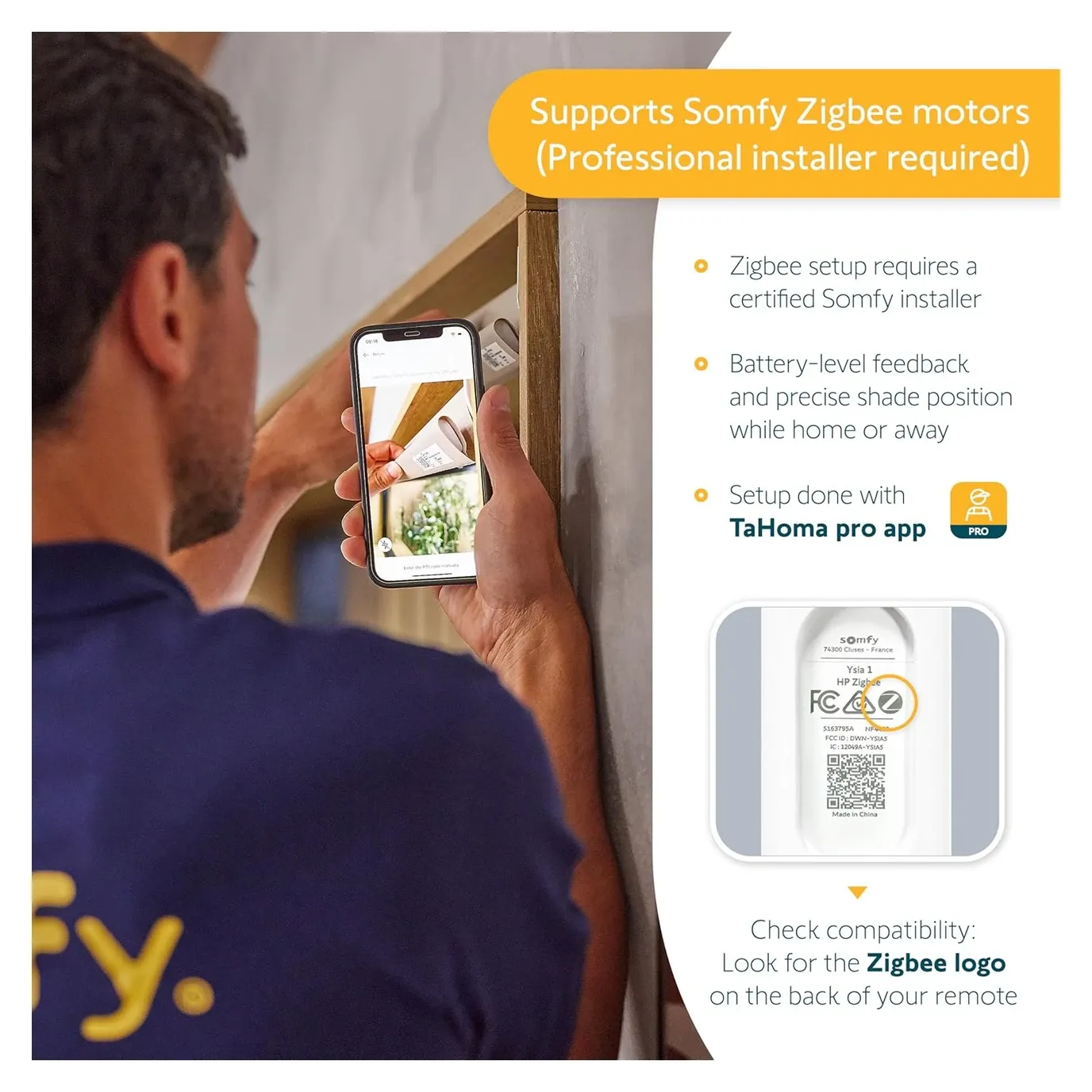
- US listing: up to 60 Somfy Zigbee products and 40 channels of RTS; UK listing: up to 200 io-homecontrol, 50 RTS and 50 Zigbee devices, 200 products in total
- Remote access and setup through the TaHoma app (iOS/Android)
- Join up to 10 TaHoma switches for multi-zone RTS control
- Optional Ethernet Adapter for a wired internet connection
- Certifications: CE, FCC, UL
- Protection rating: IP20
- Power supply: AC 120V/60Hz via adapter
- Dimensions: 162 x 67 x 35 mm; weight about 0.213 kg
- Availability and price, checked October 2026: Somfy's US page lists the hub as temporarily out of stock and sold through professionals, with no price shown. European retailers still stock it, at roughly 118 GBP in the UK and about 146 EUR in France
Applications and use cases. Interior window coverings such as blinds, draperies, and shades are the core of it. Outdoor structures come next: pergolas, screens, and awnings all use the same motor families. Around those sit the energy-saving automations that reduce glare and keep a room comfortable without touching the air conditioning.
Sustainability. The carbon impact of the TaHoma Switch is 67.9 kg CO2 across its life cycle, calculated per ISO 14025 and externally verified by Bureau Veritas. Somfy publishes that figure on the product's own page, which is more disclosure than most hub makers offer. It is a number for comparing products against each other rather than an absolute verdict, and it counts manufacture and shipping as well as the electricity the hub draws in your house.
Is the TaHoma Switch Worth It?
Buy the TaHoma Switch if you're already invested in Somfy motors, especially a mix of older RTS and newer Zigbee gear, and you want them under one app with automation routines that actually fire on schedule. The 5-year warranty and a product limit of 200 on the European version give it real headroom for a whole-house setup.
Here's the honest limit. This is a Somfy-first hub, not a universal one. Apple Home reaches only select Zigbee motors, and RTS being one-way means the hub can't always confirm whether a blind actually moved. If your home runs mostly non-Somfy smart home devices, a broader platform like SmartThings or Home Assistant fits better. For Somfy owners, though, nothing else controls this hardware as cleanly.
The TaHoma Switch handles Somfy motors alongside a range of compatible smart devices, making it the practical choice for anyone already invested in the Somfy ecosystem.
Acting as a gateway, it bridges multiple protocols for unified home control.
Frequently Asked Questions
What is the difference between RTS, io-homecontrol, and Zigbee?
RTS (Radio Technology Somfy) is a one-way protocol for older Somfy motors. The hub sends commands but cannot read motor position. io-homecontrol is bidirectional, so the hub knows if blinds are open or closed. Zigbee 3.0 supports third-party devices like lights and sensors from other brands. The TaHoma Switch handles all three protocols simultaneously.
How many devices can the TaHoma Switch control?
It depends on the regional version. Somfy's UK page for the TaHoma Switch lists up to 200 io-homecontrol devices, 50 RTS and 50 Zigbee 3.0 devices, with 200 connected products in total. Somfy's US listing, which has no io-homecontrol, quotes up to 60 Somfy Zigbee products and 40 RTS channels, and lets you join up to 10 TaHoma switches for multi-zone RTS control.
Does the TaHoma Switch work with Apple HomeKit?
HomeKit support is limited to select Somfy Zigbee motors. Standard RTS and io-homecontrol devices do not expose HomeKit control. Check your motor model against Somfy's HomeKit compatibility list before purchasing if HomeKit integration is a requirement.
Does the TaHoma Switch require an internet connection to operate?
Remote access and voice commands via Alexa or Google Home go through Somfy's cloud, so they need an internet connection. The hub itself has two scene launcher buttons that work without the app, and Somfy offers a Developer Mode that opens a local API on the hub, which is how the Home Assistant Overkiz integration can talk to it without the cloud.
Can the TaHoma Switch control non-Somfy smart home devices?
Yes. The TaHoma Switch integrates with Philips Hue, Sonos, Alarm.com, SmartThings, and Josh.ai. Professional control systems such as Control4, Crestron, and Savant are also supported. Third-party Zigbee 3.0 devices are supported up to the 60-device limit.
Video Review
As an Amazon Associate we earn from qualifying purchases. Disclosure.
Check Price on Amazon →