Smart Switches: Installation, Alexa Integration, Guides


This post may contain affiliate links. As an Amazon Associate we earn from qualifying purchases. Disclosure.
A smart switch is a 30-minute install that changes how you control every light in the room. These guides cover wiring, Alexa integration, and energy monitoring.
Quick take: Smart switches replace the wall switch itself, so every bulb on the circuit stays controllable, no one accidentally cuts power to smart bulbs by flipping the wall toggle. Wi-Fi switches (TP-Link Kasa) need no hub and set up fastest; Z-Wave and Zigbee mesh networks keep your Wi-Fi uncrowded for larger installs. Lutron Caseta uses its own Clear Connect protocol and is the most reliable option for three-way setups and pre-1980s homes that lack neutral wires. TONGOU metering switches add real-time wattage tracking per circuit, paired with Home Assistant's energy dashboard, you get actual data on where your power goes, not estimates.
Smart switches are where smart home automation starts to feel permanent. Unlike smart bulbs, which depend on the bulb staying powered and nobody accidentally flipping the wall switch, smart switches replace the wall switch itself. Every connected fixture on that circuit becomes controllable, regardless of bulb type. Your existing wiring, your existing fixtures, full automation control.
The installation is more involved than a smart plug but still within reach for anyone comfortable turning off a breaker and connecting a few wires. The payoff lasts as long as the house does.
Why Do Smart Switches Beat Smart Bulbs for Most Rooms?
The argument is practical. Smart bulbs require the wall switch to stay in the on position permanently, otherwise they lose power and can't receive commands. This creates friction in any household where guests or family members still reach for the wall switch out of habit. Smart switches eliminate that problem entirely. The wall switch works normally, and you also have app, voice, and schedule control.
Smart switches also scale differently. One switch controls an entire circuit, a ceiling fixture with six bulbs, or a room's recessed lighting array. Replacing each bulb with a smart one costs four to six times more than replacing the switch, with no additional functionality.
The exception is color control. Standard smart switches can't change bulb color, they only handle on/off and dimming. If color-changing light is important for a specific room, smart bulbs or a dedicated smart lighting system like Philips Hue makes more sense there. But for every other room in the house, a smart switch is the better long-term choice. The smart home lighting installation guide covers when switches vs bulbs make more sense for each room type.
What Do You Need to Know Before Smart Switch Installation?
Most smart switches require a neutral wire, the white wire in a standard US home wiring setup that completes the circuit for the switch's electronics. Older homes from the 1970s and earlier sometimes lack neutral wires in switch boxes. Check before buying. Some newer smart switch models work without a neutral wire, but they're less common and occasionally cause light flickering with certain LED loads.
Three-way switch setups (where two switches control one light, like at the top and bottom of a staircase) need specific three-way compatible smart switches. Standard single-pole smart switches won't work in this configuration. The installation guides here cover both single-pole and three-way scenarios with the specific wiring steps for each.
Before you start any installation, you'll need these tools on hand:
- Flathead and Phillips screwdrivers
- Voltage tester (non-contact type is safest)
- Wire stripper
- Needle-nose pliers
- Electrical tape
The voltage tester is non-negotiable. Always confirm the power is off before touching any wires, even after flipping the breaker. The smart switch installation walkthrough covers every wiring step with diagrams for standard and three-way setups.
Single-Pole vs Three-Way: Which Installation Do You Have?
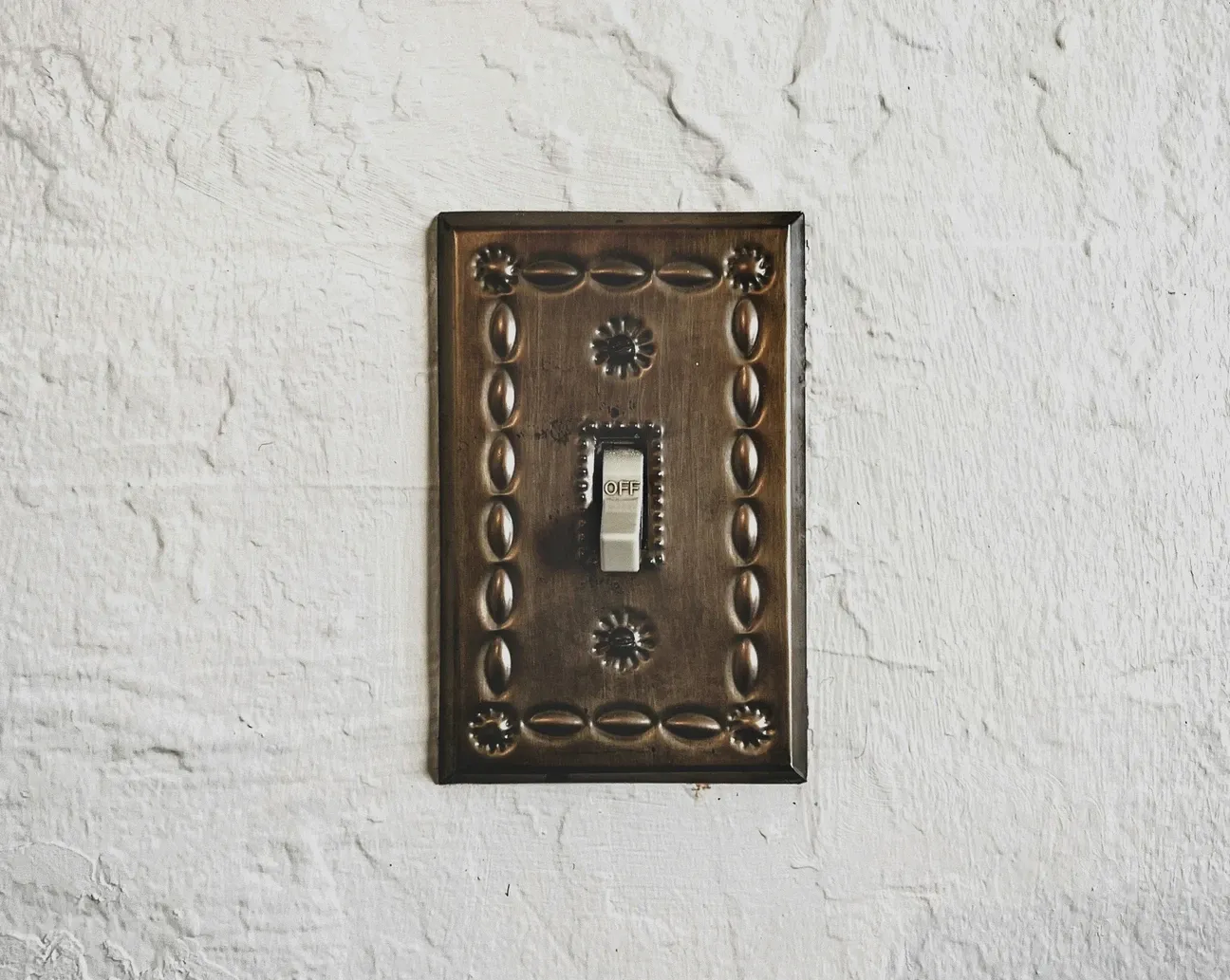
Single-pole switches are the most common setup. One switch controls one fixture. The switch box has a hot wire (black), neutral wire (white), and ground (bare copper or green). Most smart switch installations in new construction fall into this category.
Three-way switches are more complex. You have two switch locations controlling one fixture. The wiring involves traveler wires that run between the two switch boxes, and you'll typically need a smart switch at one location and a compatible add-on switch (or a matched smart switch) at the other. Brands like Leviton, Lutron Caseta, and GE Enbrighten all have paired three-way kits that take the guesswork out of this.
If you're not sure which you have, look at the switch. A single-pole switch has two screws and a ground. A three-way switch has three screws plus ground. Also look at the toggle: single-pole switches are labeled ON/OFF, three-way switches aren't labeled. Both configurations are wired step-by-step in our installation walkthrough above, with diagrams for traveler wires and the most common pitfalls.
How Do You Choose the Right Smart Switch for Your Protocols and Platforms?
Smart switches communicate through different wireless protocols, and the choice matters more than most buyers realize.
Wi-Fi switches connect directly to your router without a hub. They're the easiest to set up but add devices to your network. Works fine for a few switches; gets messier at 20+. Brands: TP-Link Kasa, Meross.
Z-Wave switches require a Z-Wave hub (SmartThings, Aeotec, Hubitat) but offer better range and mesh networking. They don't crowd your Wi-Fi. Works with over 600 certified devices. Good for whole-home deployments.
Zigbee switches are similar to Z-Wave in mesh networking approach but use a different radio frequency. Supported by Amazon Echo (4th gen has a built-in hub), SmartThings, and Philips Hue bridges. Brands: SONOFF, IKEA.
Lutron Caseta uses a proprietary Clear Connect protocol over its own hub. It's the most reliable option for three-way setups and works even when your internet is down. Higher cost but genuinely better reliability than Wi-Fi switches in my experience. The Home Assistant setup and installation guide explains how to add a Zigbee or Z-Wave dongle so your switches stay local and don't depend on any cloud.
The protocol question ties directly to your existing setup. If you already have a SmartThings hub, Z-Wave or Zigbee switches are the natural fit. If you're starting from scratch and don't want a hub, Wi-Fi switches get you running fastest. The how smart switches fit into home explains protocol choices in the context of a full smart home build.
What Is the Energy Metering Advantage of TONGOU Smart Switches?
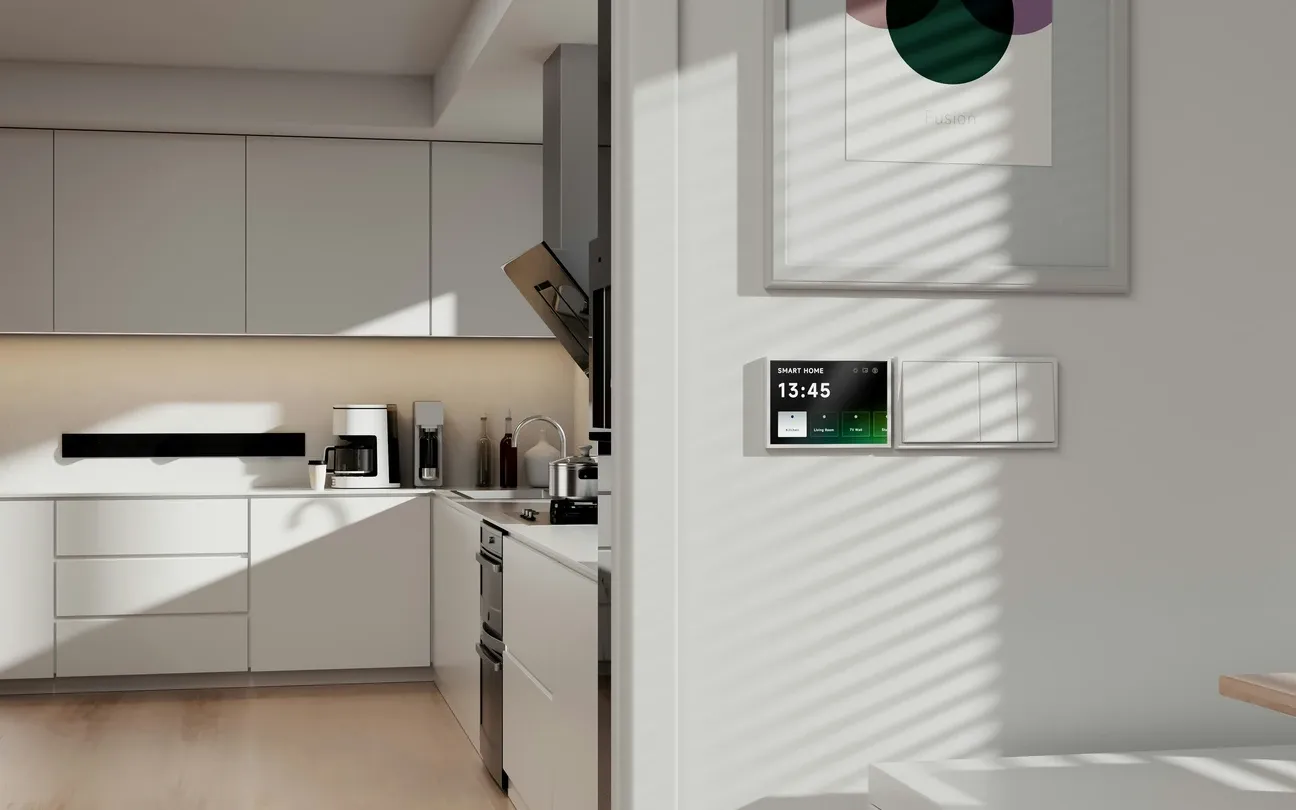
Standard smart switches control power. Smart switches with energy metering also measure it. TONGOU's line of metering switches shows real-time wattage draw and cumulative kWh usage per circuit. Paired with Home Assistant's energy dashboard, that data becomes a complete picture of which circuits in your home consume the most power.
The U.S. Energy Information Administration reports that lighting accounts for roughly 9 percent of residential energy use, with HVAC taking the largest share. Metering switches on major appliance circuits, HVAC air handler, water heater, EV charger, give you actual data rather than estimates when evaluating where to reduce consumption.
Home Assistant Energy Dashboard
TONGOU switches report energy data in real time through their app, but the setup gets more useful when you pipe that data into Home Assistant. The connect TONGOU smart switch Home Assistant walks through the full configuration. From there you can:
- Set alerts when a circuit exceeds a wattage threshold
- Track daily, weekly, and monthly consumption per circuit
- Identify phantom loads (devices drawing power when you think they're off)
- Calculate actual electricity cost per appliance at your local kWh rate
The TONGOU smart switch metering setup guide covers the full integration including the Home Assistant HACS integration that pulls data automatically.
How Does Smart Switch Integration with Alexa and Google Home Work?
Most current smart switches support both Alexa and Google Home through either native integration or the Works with Alexa / Works with Google Home certification programs. Setup typically takes under five minutes: add the switch's brand skill in the Alexa app, link the account, and the switch appears as a device you can name and include in routines.
The deeper integration is in routines. A morning routine might turn on the kitchen switch at 6:45 AM, activate the coffee maker smart plug at 6:50, and announce the day's weather summary at 7:00. The switch becomes one actor in a larger sequence you build once and run indefinitely. The home automation hub guide covers how to build multi-device routines across switches, plugs, and sensors.
Voice commands work well for individual switches but get more powerful when you group them. Create a "downstairs lights" group with all your first-floor switches and you can turn them all off with one command. Alexa and Google Home both support groups at the device level, so you can mix switches and smart plugs into a single room group.
A few things to configure after setup:
- Rename switches clearly: "Living room main", not "Smart Switch 3". Voice commands depend on these names.
- Assign rooms: Both Alexa and Google Home use room assignment for group commands ("turn off the bedroom lights").
- Enable brief mode on Alexa: After the first week, the "OK, turning on the kitchen light" confirmation gets old. Brief mode replaces it with a chime.
What Dimmer Switches Work and Which Ones Don't?
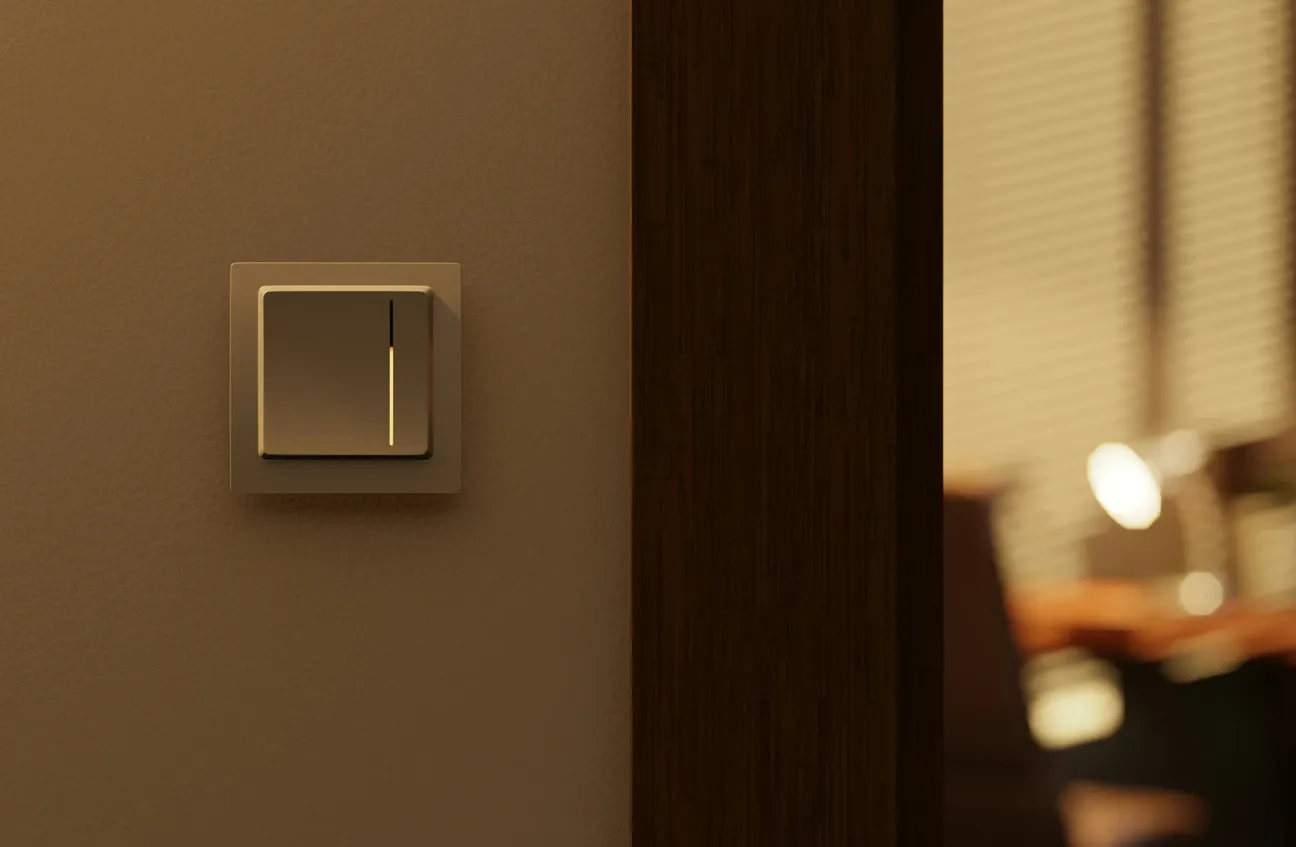
Not every light fixture is compatible with a dimmer switch, smart or otherwise. You need dimmable bulbs, most LED bulbs sold today are dimmable, but check the packaging. Fluorescent lights generally can't be dimmed without a special ballast. And a few LED driver designs flicker or buzz at low dim levels with certain switches.
The Lutron Caseta dimmer is widely considered the best-behaved smart dimmer for mixed LED loads. It handles a wider range of bulb types than most competitors without flicker. If you've had problems with other smart dimmers flickering at 10-20% brightness, Caseta is usually the fix.
For dimmer switches, make sure the switch's maximum wattage rating matches your fixture load. Most switches handle 150-600W, which is fine for typical residential fixtures.
How Do Smart Switches Work with Home Assistant?
Home Assistant gives you the deepest control over smart switches, but it requires more setup than Alexa or Google Home. The payoff is local control, your switches work even when the manufacturer's cloud goes down, and automation logic that no consumer app can match.
A Home Assistant automation can do things like: turn on the hallway light at 10% brightness if motion is detected between 11 PM and 6 AM, then turn it off 2 minutes after motion stops. That kind of conditional logic based on multiple sensors is exactly what consumer routines struggle with. The Home Assistant advanced automation guide covers time-based and condition-triggered automations for switches step by step.
The guides in this section cover Home Assistant integration for Zigbee and Z-Wave switches through their respective integrations (Zigbee2MQTT and Z-Wave JS). Both work reliably with recent Home Assistant versions.
What Common Smart Switch Installation Mistakes Should You Avoid?
I've seen the same errors come up repeatedly in smart switch setups.
Buying without checking the neutral wire: Check your switch box before ordering. Pull the switch out (with power off!) and look for a white wire connected to the switch directly. If there's no white wire, you either need a no-neutral switch or you need to pull a neutral wire from the box.
Ignoring the load type: Some smart switches work best with resistive loads (incandescent, halogen) and behave poorly with LED or motor loads. Check the switch's listed compatible load types before buying for a specific fixture.
Setting up without room assignment: Configuring 12 switches and not assigning rooms makes your smart home harder to use. Do the room assignment in your app before you declare the project done.
Skipping firmware updates: Smart switches ship with firmware that gets updated for security patches and compatibility fixes. Check for updates in the switch's app after installation.
The installation guides here walk through each of these potential issues step by step, so you don't hit them mid-project.
What Is the Quick Smart Switch Buying Guide?
These cover the most common use cases based on long-term use:
| Use Case | Best Pick | Protocol | Hub Required | Price |
|---|---|---|---|---|
| Beginners, Wi-Fi | TP-Link Kasa EP25 | Wi-Fi | No | ~$25 |
| Best Zigbee switch | SONOFF ZBMINIL2 | Zigbee | Yes | ~$15 |
| Best Z-Wave switch | GE Enbrighten Z-Wave Plus | Z-Wave | Yes | ~$45 |
| Best dimmer | Lutron Caseta PD-6WCL | Clear Connect RF | Yes (Smartbridge) | ~$55 |
| Best three-way | Lutron Caseta PD-6ANS kit | Clear Connect RF | Yes (Smartbridge) | ~$80 |
| Best energy metering | TONGOU TO-Q-SY2-T | Zigbee/Wi-Fi | Optional | ~$35 |
- Best for beginners, Wi-Fi: TP-Link Kasa EP25, no hub required, works with Alexa/Google, includes energy monitoring
- Best Zigbee switch: SONOFF ZBMINIL2, compact, no neutral required, works with Home Assistant
- Best Z-Wave switch: GE Enbrighten Z-Wave Plus, solid build, reliable mesh, widely supported
- Best dimmer: Lutron Caseta PD-6WCL, best LED compatibility, clear connect protocol, rock-solid reliability
- Best three-way kit: Lutron Caseta PD-6ANS with PD-VSBS-DV add-on switch
- Best energy metering: TONGOU TO-Q-SY2-T, real-time wattage + kWh, Home Assistant compatible
If you're building a whole-home installation, the Z-Wave or Zigbee options are worth the hub investment. For a few switches in an apartment, Wi-Fi switches like Kasa are genuinely good enough and much simpler to set up. The future smart homes smart switches makes the case for why switches are the better long-term infrastructure bet over bulbs.
The guides in this section cover installation, voice assistant integration, energy metering setup, and detailed comparisons between smart and traditional switches. Follow these walkthroughs to integrate each switch with your preferred platform and save energy through automated schedules and usage monitoring.
Frequently Asked Questions
Do smart switches require a neutral wire?
Most do, and checking for one before you buy saves a frustrating return trip to the hardware store. In US homes built after the early 1980s, the switch box almost always has a neutral, it's the white wire bundled separately from the hot (black) and ground (bare copper or green). Open the switch box carefully with the power off and look: if you see a white wire that isn't connected to the existing switch, that's your neutral. Pre-1980s homes sometimes ran only two wires to the switch box and skipped the neutral entirely. If you're in that situation, you have two options: hire an electrician to pull a new cable, or buy a no-neutral compatible switch like the Lutron Caseta PD-6ANS or Leviton DSL06. I've installed no-neutral switches in an older home and saw minor LED flickering on dimmable bulbs under 10W, worth testing with your actual bulbs before committing to a full room install.
Can I use a smart switch in a three-way setup?
Yes, but not with a standard single-pole smart switch. Three-way setups control one fixture from two locations, top and bottom of a staircase, or both ends of a hallway are the most common. You need a switch explicitly labeled "three-way compatible" or sold as a three-way kit. The main smart switch installs at one location with the full wiring (hot, neutral, traveler, ground). The second location gets a companion switch, sometimes called an add-on or accessory switch, that's a passive device with no electronics of its own, just a signal wire that tells the main switch what to do. Don't buy two identical smart switches and assume they'll pair; that configuration won't work with most brands. Lutron Caseta's three-way kit ($69.95) is the most reliable option I've tested, it includes the Pico remote that mounts in the wall plate and doesn't require a traveler wire at all, which sidesteps most three-way wiring headaches.
Do smart switches work without a hub?
It depends on the protocol. Wi-Fi smart switches connect directly to your home network and work through a manufacturer's app or voice assistant, no hub required. TP-Link Kasa switches (KS200M, EP25) are a good example: install, connect to 2.4GHz Wi-Fi, and you're controlling the switch from the app in under ten minutes. Zigbee and Z-Wave switches need a compatible controller: a SmartThings hub, an Aeotec Smart Home Hub, or a Home Assistant installation with a USB Zigbee/Z-Wave dongle. Without that hub, a Zigbee switch won't connect to anything. Matter-certified switches fall in a middle ground: they work directly with any Matter-compatible controller, which includes most Echo devices from 2022 onward, Google Nest speakers, Apple HomePod (2023 firmware update), and SmartThings Station. If you want zero-hub setup, buy Wi-Fi or Matter. If you already have a hub or plan to run Home Assistant, Zigbee is more reliable on busy networks because it doesn't compete with your router's bandwidth.