Top Benefits of Using Smart Plugs in a Modern Home 2026

This post may contain affiliate links. As an Amazon Associate we earn from qualifying purchases. Disclosure.
Discover the top benefits of using smart plugs in a modern smart home, including energy saving, automation, and enhanced security.
Quick take: Smart plugs eliminate standby power draw (phantom load costs the average US household $100-200 per year, per the Department of Energy), add scheduling to any device without rewiring, and let you shut off appliances from anywhere. They don't work with devices that need a physical button press to power on, some coffee makers, AC units with digital controls. Check amp ratings before using with space heaters: most plugs handle 10-15 amps. At $10-20 each, smart plugs have the best price-to-daily-utility ratio of any smart home device.
Smart home technology keeps getting cheaper and more accessible every year. Smart home devices have become an integral part of daily life for millions of households, enhancing convenience, efficiency, and control over routine operations. Among these tools, the smart plug is a versatile and affordable entry point into home automation. But what exactly is a smart plug, and why should you consider adding one to your modern smart home setup?
In this article, we'll explore the key benefits of using smart plugs, how they contribute to energy saving, and the various ways they can improve your daily life. New to the category entirely? Start with our smart plugs 101 guide, and when you're ready to buy, the best smart plugs of 2026 roundup ranks the models worth your money.
What is a Smart Plug?
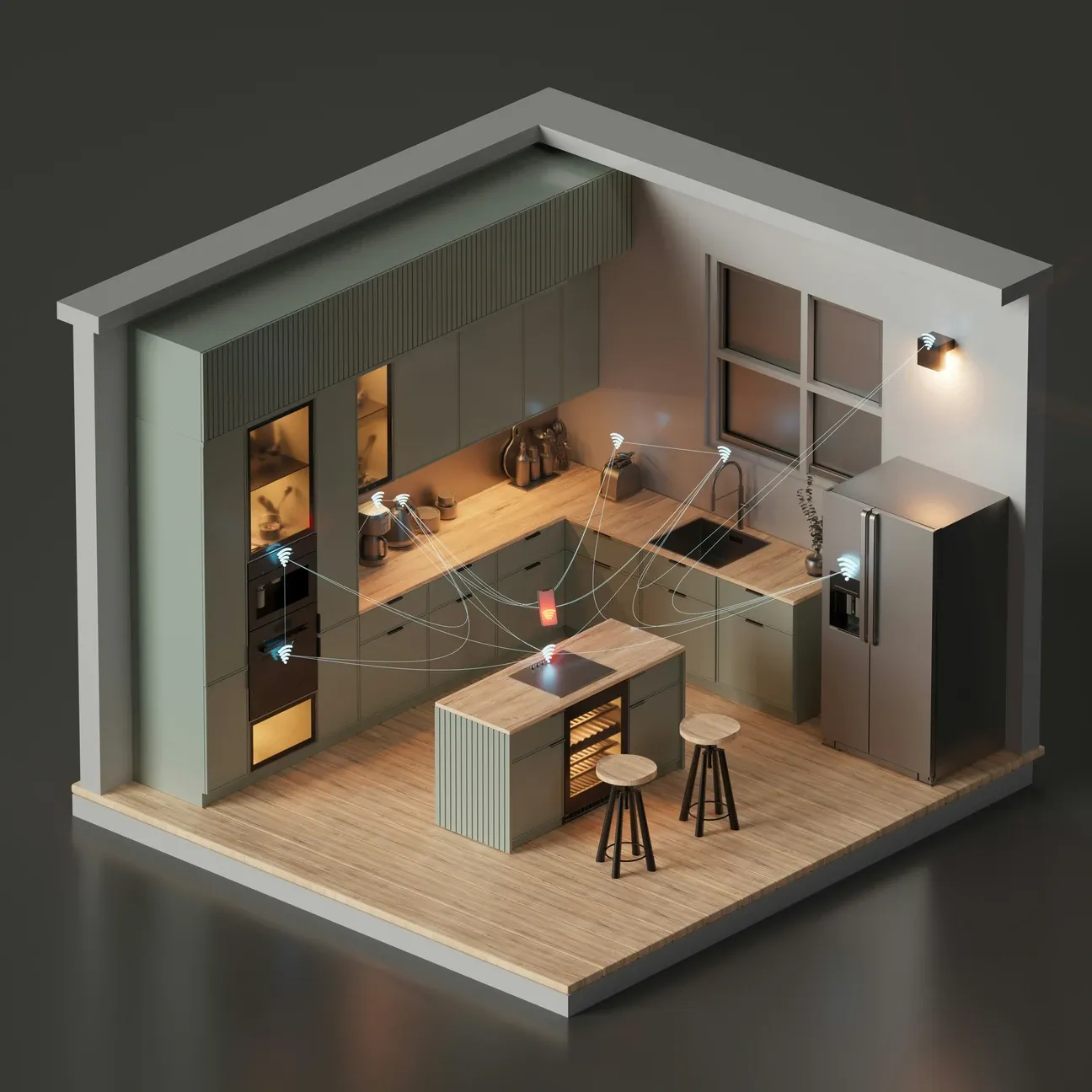
A smart plug is a compact device that plugs into a standard electrical outlet and allows you to control your appliances remotely. Once connected to your home's Wi-Fi network, you can manage your devices via a smartphone app, voice assistant (such as Alexa or Google Assistant), or a dedicated smart home hub, according to Energy Star plug load research.
What makes the smart plug so valuable is its simplicity. It allows non-smart appliances-like lamps, coffee makers, fans, or even air conditioners-to be controlled as part of a broader smart home system without replacing the appliances themselves. Now that we have a basic understanding, let's get into the specific benefits of integrating these devices into your home.
What Are the Benefits of Smart Plugs?
Here's what smart plugs bring to the table:
- Remote on/off control from any smartphone app
- Custom scheduling and timer automation
- Real-time energy monitoring and usage tracking
- Voice control through Alexa, Google, or Siri
- Easy plug-and-play setup with zero wiring needed
1. Energy Saving
One of the most compelling reasons to invest in smart plugs is their potential for energy saving. By allowing you to monitor and control energy usage in real-time, these devices help reduce unnecessary power consumption, saving both energy and money.
Turn off Devices Remotely
Have you ever left home and worried about whether you left the iron or coffee maker on? With a smart plug, you can easily check and turn off any connected device from anywhere. This eliminates phantom energy draw, which can account for up to 10% of a home's annual energy consumption.
Create Energy-Efficient Schedules
You can set up custom schedules to automatically turn off energy-hungry devices when they aren't in use, such as turning off lights during the day or powering down appliances when you're asleep. This proactive approach to energy saving reduces waste without sacrificing convenience.
Monitor Energy Usage
Some smart plugs offer real-time energy monitoring, allowing you to see how much electricity a connected device is using. Armed with this information, you can make smarter decisions about when and how to use your appliances for optimal energy saving.
2. Home Automation Made Simple
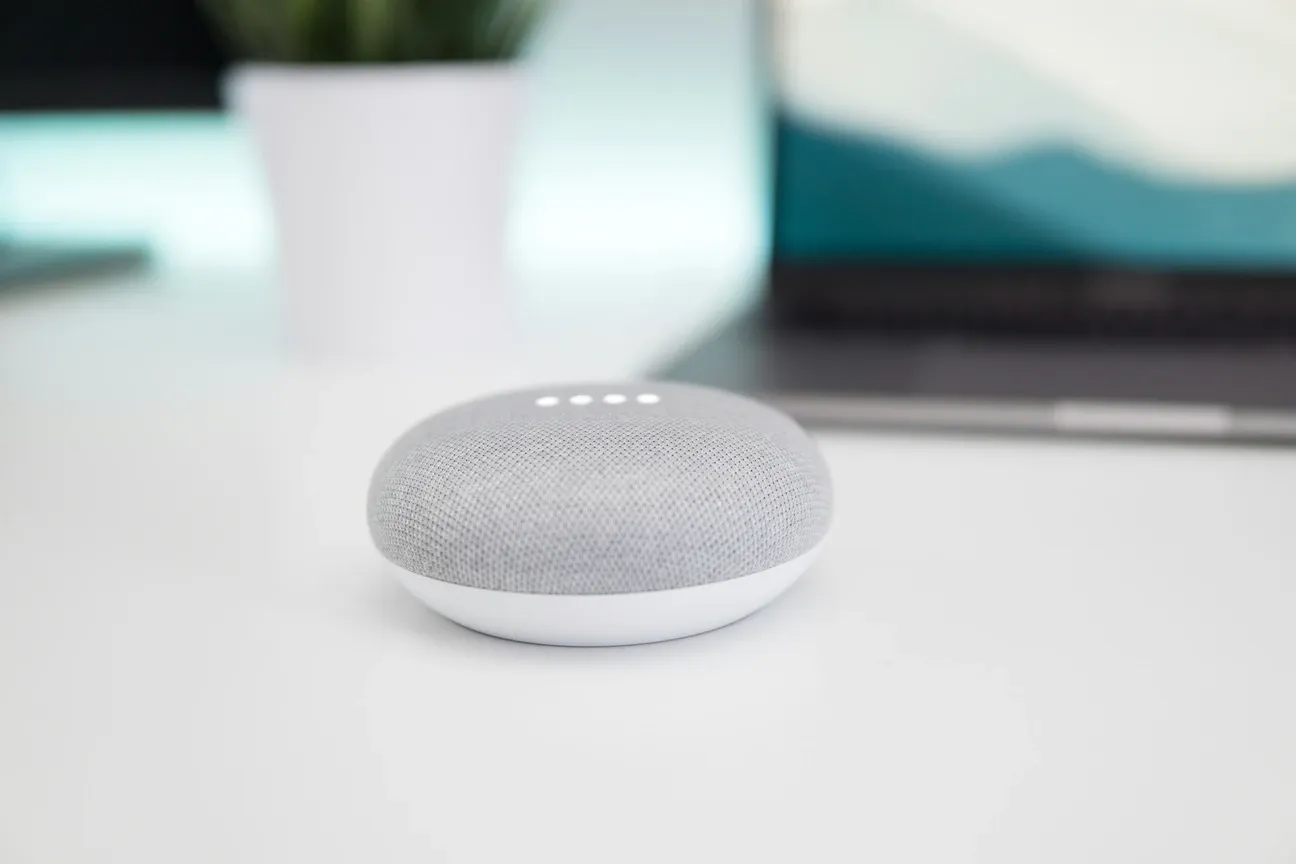
With a smart plug, creating a fully automated home becomes much easier. Whether you're new to home automation or looking to expand your existing setup, these devices offer a simple, flexible solution.
Control from Anywhere
The ability to control connected devices remotely via a smartphone app means that you can manage your home from anywhere in the world. Whether you want to turn on the lights before you arrive home or ensure all devices are off when you leave, a smart plug has you covered.
Hands-Free Voice Control
When paired with popular voice assistants like Amazon Alexa, Google Assistant, or Apple's Siri, you can control your devices with simple voice commands. Imagine walking into your home and saying, "Alexa, turn on the living room lights." It's as easy as that.
Integration with Smart Home Ecosystems
If you already have a smart home ecosystem with devices like smart lights, thermostats, and security cameras, adding a smart plug will enhance automation and control. You can group devices together and create routines that activate multiple appliances at once, making daily tasks even more streamlined.
3. Enhanced Security
A smart plug can also contribute to home security, offering peace of mind when you're away from home.
Simulate Occupancy
When you're on vacation or away for an extended period, using a smart plug to schedule lights to turn on and off at random intervals can give the appearance that someone is home, deterring potential burglars.
Control Security Devices
You can connect security cameras or other essential security appliances to a smart plug and ensure they are operational when needed, without the risk of accidentally leaving them off.
Alerts and Notifications
Some smart plugs can notify you if a connected device is unexpectedly turned on, giving you real-time information to respond to potential security threats.
4. Increased Convenience
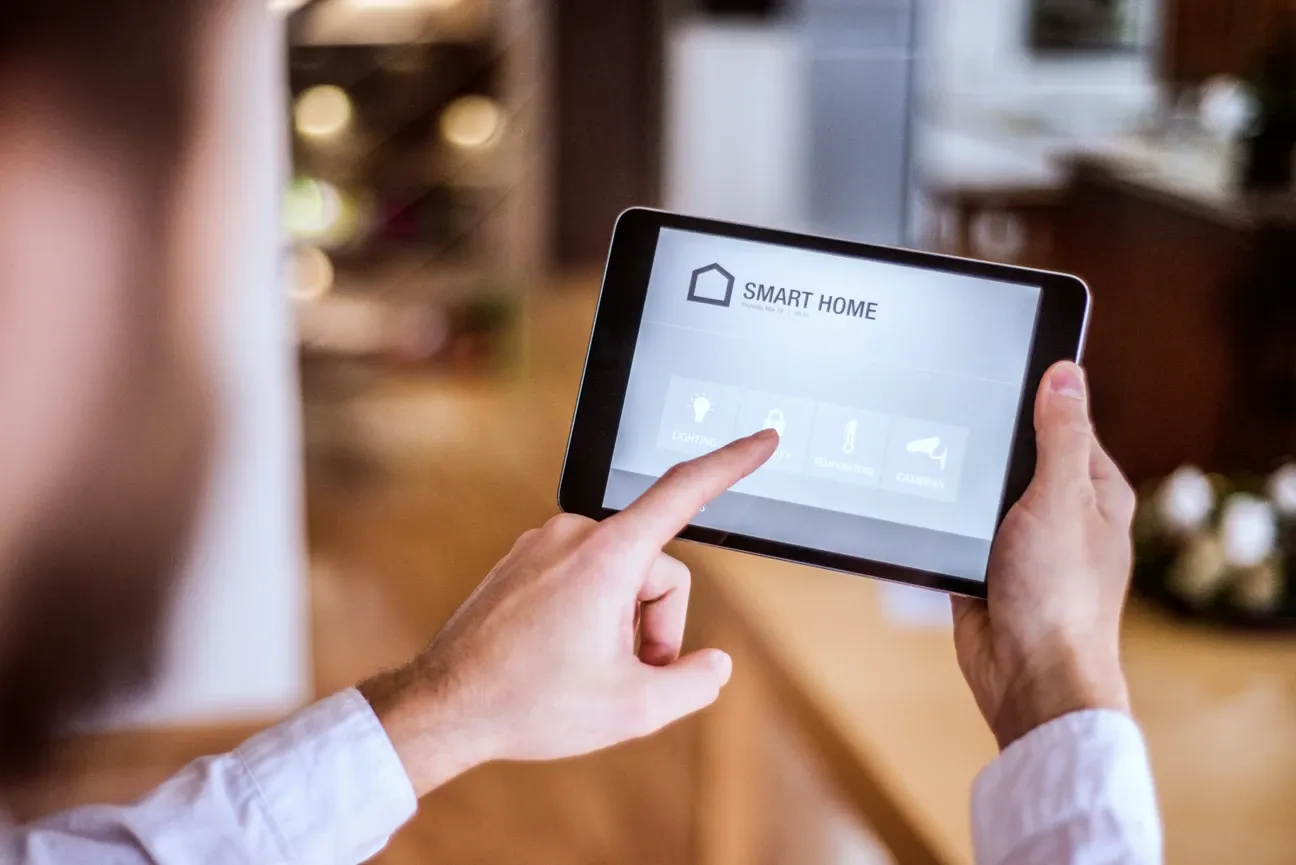
Smart plugs add layers of convenience to your day-to-day routines, making life a little easier and more comfortable.
Automate Morning and Evening Routines
You can set timers to have devices like coffee makers, lights, and fans turn on or off at specific times to streamline your daily routine. Whether it's preparing your home for the day ahead or winding down for the night, a smart plug can make these transitions effortless.
Control High-Usage Appliances
For example, if you use space heaters or air conditioners, you can set schedules to ensure they are only running when needed, preventing wasteful power consumption. With a simple smartphone tap, you can turn them off if you forget after leaving a room.
5. Cost Efficiency
Not only do smart plugs contribute to energy saving, but they also help you save money in the long run.
Phantom Load Reduction
Devices that remain plugged in but are not in use-such as TVs, game consoles, and kitchen appliances-still draw small amounts of electricity, known as phantom loads. By turning these devices off completely with a smart plug, you can reduce the electricity consumed and save on monthly bills.
Avoid Accidental Overuse
With manual timers and schedules, you can prevent appliances from running longer than necessary, reducing overall energy consumption and wear on your devices.
How Do You Pick the Right Smart Plug?
Not all smart plugs are created equal. I've tested over a dozen models in the past two years, and the differences between a $8 no-name plug and a $25 TP-Link Kasa EP25 are night and day. Here's what actually matters when you're shopping.
Connectivity Protocol
Most smart plugs use Wi-Fi (2.4 GHz), which works fine for small setups. But if you're running 15+ smart devices, all those Wi-Fi connections can bog down your router. That's where Zigbee and Z-Wave plugs shine, they use mesh networking and don't touch your Wi-Fi bandwidth at all. The Aqara Smart Plug (Zigbee) costs about $18 and has been rock-solid in my testing. It does require a Zigbee hub, though.
Amperage Rating
This one trips people up. A standard smart plug handles 10-15 amps, which covers lamps, fans, coffee makers, and most small appliances. But if you want to control a space heater or window AC unit, you'll need a heavy-duty plug rated for 15 amps continuous. The TP-Link Kasa KP115 handles 15A and includes energy monitoring for around $14.99. Don't plug a 1500W space heater into a 10A smart plug, that's a fire hazard, not a convenience upgrade.
Energy Monitoring
Some smart plugs track real-time wattage, voltage, and cumulative kWh usage. Is that worth paying extra for? I'd argue yes, at least for your first few plugs. Seeing that your old desktop PC draws 45 watts even in sleep mode will change how you think about phantom loads. The Emporia Smart Plug at $14.99 gives you detailed energy data right in the app, and it's helped me identify three devices that were wasting over $9 per month combined.
Size and Form Factor
Here's my biggest complaint with cheap smart plugs. They're physically huge. A bulky plug blocks the second outlet on a standard wall plate, effectively turning a dual outlet into a single. Look for compact or mini designs, the Meross MSS110 Mini and the Kasa EP25 both fit without blocking adjacent outlets. That matters more than you'd think, especially in kitchens and bathrooms where outlet space is limited.
What Is the Full List of Key Benefits of Smart Plugs?
- Energy saving by reducing power consumption.
- Simplifies home automation with remote control and voice commands.
- Enhances home security by simulating occupancy and controlling devices.
- Adds convenience by automating daily routines and offering hands-free control.
- Improves cost efficiency by eliminating phantom power usage and preventing energy waste.
Are Smart Plugs Worth It?
Short answer, absolutely. At $10 to $25 per plug, the ROI is almost immediate if you're using them to eliminate phantom loads and schedule high-draw appliances. I spent about $75 on six smart plugs last year and they've already saved me roughly $110 in electricity costs based on my energy monitoring data.
Smart plugs won't turn your house into a sci-fi movie. They're simple devices that do simple things well. But that simplicity is exactly what makes them the best starting point for anyone curious about home automation. You don't need a hub, you don't need technical skills, and you don't need to rewire anything. Plug it in, connect to Wi-Fi, and you're up and running in under 5 minutes.
The one downside nobody talks about? App fatigue. If you buy plugs from three different brands, you'll juggle three different apps. My advice is to pick one ecosystem early and stick with it. I went with TP-Link Kasa for all my plugs and it's made automation setup much cleaner. Whether you're trimming your electric bill or just want to turn off the Christmas lights from bed, smart plugs deliver genuine everyday value without any complexity.
Frequently Asked Questions
How much energy can smart plugs save?
Smart plugs eliminate standby power draw (vampire power) that costs the average US household $100-$200 per year according to the Department of Energy. The biggest offenders: cable boxes at 17W always-on, gaming consoles at 100-150W in standby, and old desktop PCs at 6-10W idle. A smart plug scheduling a TV and entertainment center to cut power overnight saves roughly 5-10% on those devices' annual energy cost. I measured my home office setup, monitor, tower, speaker bar, and phone charger, at 23W total standby draw. Running 24/7, that's $29.50/year at $0.15/kWh doing nothing useful. The smart plug itself draws about 0.5W, so it pays for its own power consumption in days. Energy monitoring plugs like the TP-Link Kasa EP25 ($17.99) show real-time wattage per device, making it easy to spot your biggest wasters. I found my old inkjet printer drawing 11W idle, scheduled it off overnight and recovered $14/year from that one device.
Do smart plugs work without a hub?
Yes, most WiFi smart plugs connect directly to your home router without any hub, but there's one detail that trips people up: smart plugs require 2.4 GHz WiFi, not 5 GHz. If your phone is connected to 5 GHz when you pair, the plug often silently fails and you waste 30 minutes diagnosing a connectivity issue that doesn't exist. WiFi plugs use cloud relay (~200-300ms latency) but that's not noticeable for controlling lights or power schedules. Zigbee plugs (like some Sengled and IKEA models) need a compatible hub, SmartThings or an Echo 4th Gen with built-in Zigbee gives you ~50ms local response. Matter plugs are the newest category: no cloud account required at all, and they work across Alexa, Google Home, and HomeKit with the same setup process. If you're just starting out, the Kasa EP10 ($9.99) is the simplest entry, download the Kasa app, plug it in, scan for new devices, and you're done in about 4 minutes.
What appliances should you not plug into a smart plug?
Avoid anything with a heating element that runs at sustained high wattage. Most smart plugs handle 10-15 amps (1200-1800 watts), but the real concern isn't peak draw, it's repeated high-current cycling that stresses the relay contacts over time. I made this mistake with a 1,500W electric kettle: scheduled it twice daily, and after about six months the relay contacts welded shut. The kettle kept running after the scheduled off time. That's a genuine fire risk, not a theoretical one. Safe categories: lamps, ceiling fans, phone chargers, TVs, routers, holiday lights, and most small appliances under 700W. Unsafe: anything with a heating coil (kettle, space heater, electric blanket, hair dryer), anything you'd hesitate to leave running unattended. Always compare the appliance's wattage label against the plug's amp rating. UL-listed plugs are worth paying extra for over CE-only models, UL tests relay contact durability specifically.