Shelly Power Strip 4 Gen4: Advanced Four-Outlet Smart

Product Details
🏭 Manufacturer: Shelly
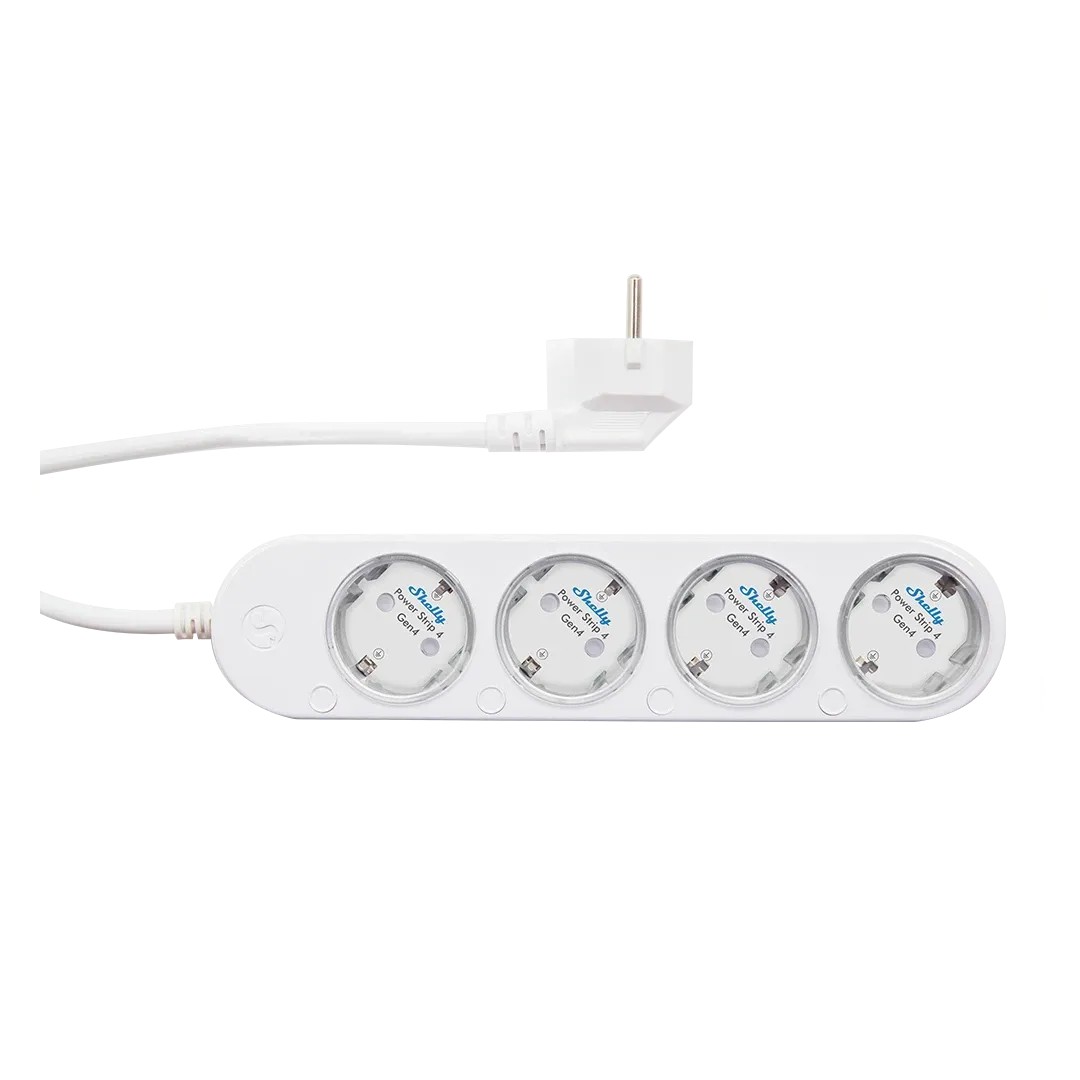
🔌 Plug Format: CEE 7/7 plug, 4x CEE 7/3 Schuko sockets (EU, 220-240 V)
📄 Specification Met: CE
🔖 Part Number: S4PL-00416EU
🏋️♂️ Weight: 560 g
📏 Dimensions: 237 mm x 56 mm x 43 mm
🏳️ Country of Origin: China
🆔 Model Number: S4PL-00416EU
📐 Size: Standard
🎨 Style: Compact Power Strip
🧲 Mounting Type: Desktop
🔧 Usage: Indoor Use
🧩 Included Components: Power strip unit, wall mounting bracket, user manual, safety guide
Four outlets, each switched on its own. The Shelly Power Strip 4 Gen4 is a smart power strip that lets you cut power to one appliance without touching the other three, either from your phone or by voice. It's the fourth generation of Shelly's strip, model S4PL-00416EU (a second hardware revision, S4PL-10416EU, swaps the metering chip and is otherwise the same), and it adds per-outlet energy monitoring on top of that independent control. One thing to get straight before you order: this is a European product with a CEE 7/7 plug and four Schuko sockets for 220-240 V mains. As of October 2026 Shelly's US store carries no NEMA version, and European retailers list it between roughly 37 and 60 EUR depending on the shop and color. Setting up a home office, an entertainment stack, or a bedroom charging corner? This advanced four-outlet unit gives you switch-level control instead of one dumb on/off for the whole bar. Drop it into your home environment and the individual outlets handle the rest.
What You Will Actually Use
The Gen4 design keeps the proven Shelly relay platform and layers on smarter reporting. Each of the four outlets switches independently, so a lamp, a desktop, a set of speakers, and a charger can all run on their own schedule without stepping on each other. Real-time energy monitoring shows what each socket actually draws, which is how you find the space heater quietly eating your bill. Built-in scheduling ties it together for everyday convenience.
Smart home integration is where the strip stretches its legs. Run it through Google Home, Amazon Alexa, or other voice assistants, and outlets respond to a spoken command. You can build automation routines that flip several outlets by time, location, or a trigger from another device. That's the gap between a strip that just holds plugs and one that reacts to your day.
Technical Specifications and Design
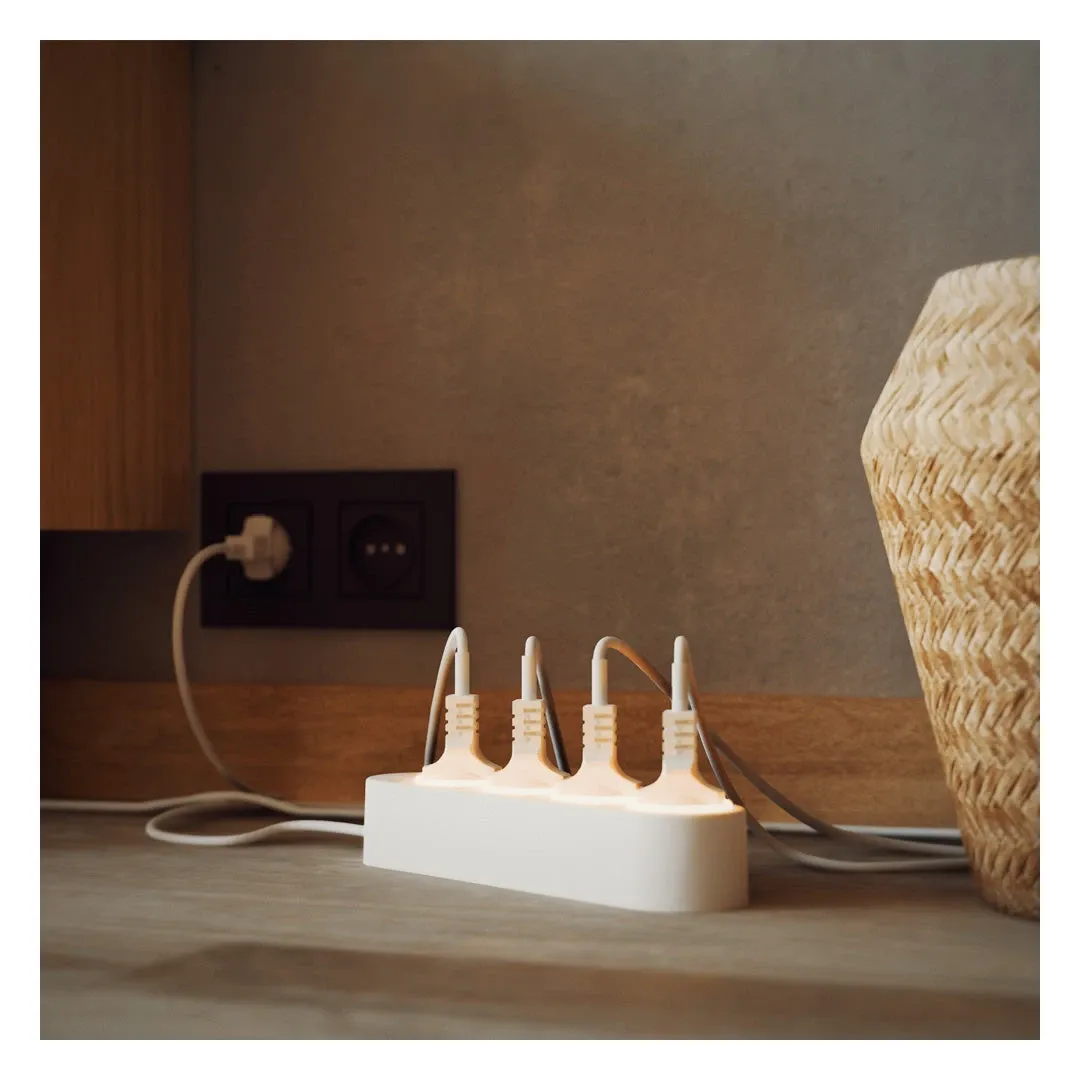
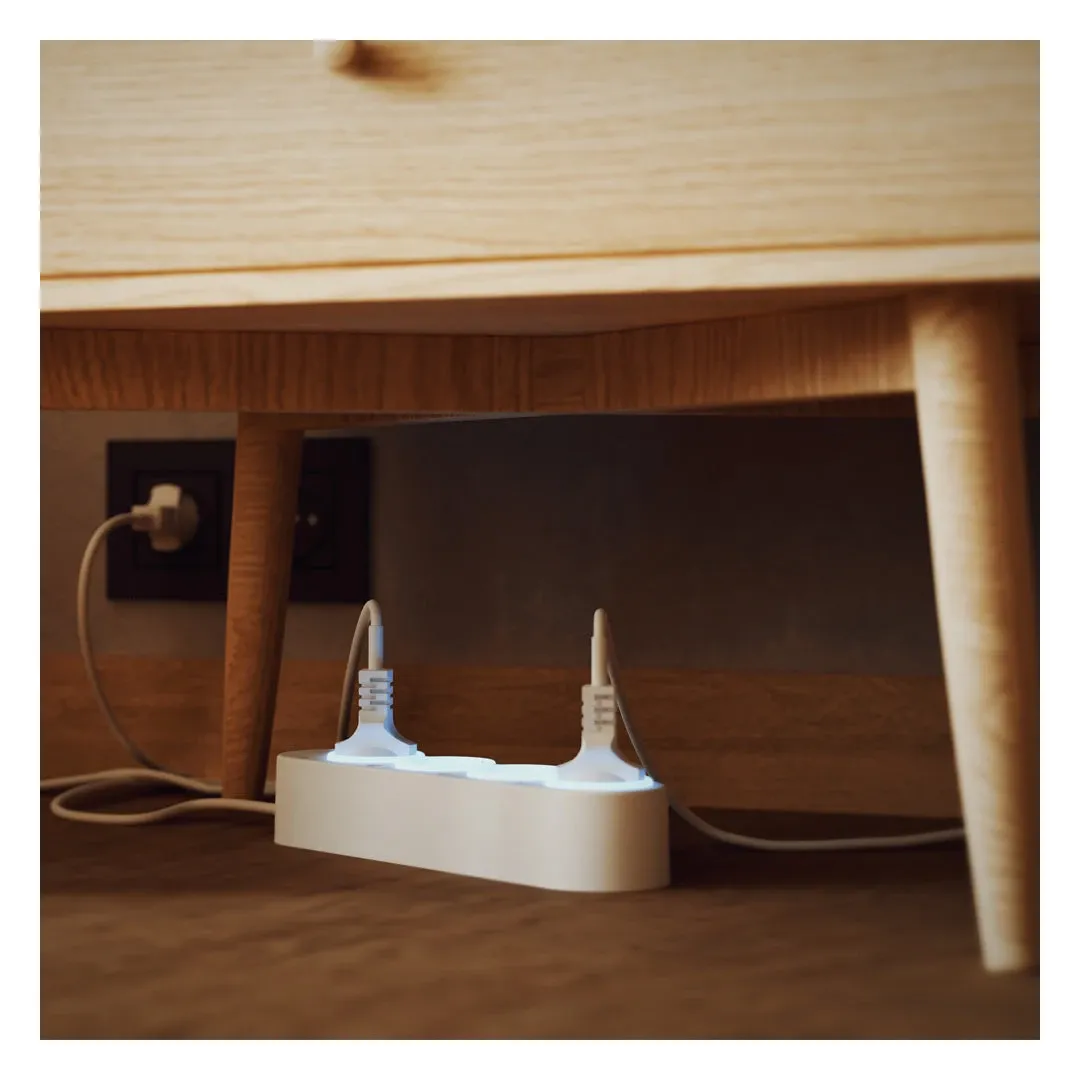
Knowing the hardware helps you decide if it fits your desk or shelf. The strip runs 237 mm long, 56 mm wide and 43 mm tall, slim enough to tuck behind most setups, with a 1.5 m H05VV-F cable. At 560 grams it stays put but still moves easily between rooms.
It handles up to 16 amperes in total and 12 amperes on any one socket, which Shelly rates at 3500 W, plenty for typical household gear; a space heater and a kettle on the same strip will hit the ceiling, so spread those out. It plugs into a standard Schuko outlet on 220-240 V, 50/60 Hz, so there's no special wiring, and it idles under 1 W. It carries the CE mark; the FCC and IC marks you'd expect on a North American product don't apply, because there isn't one.
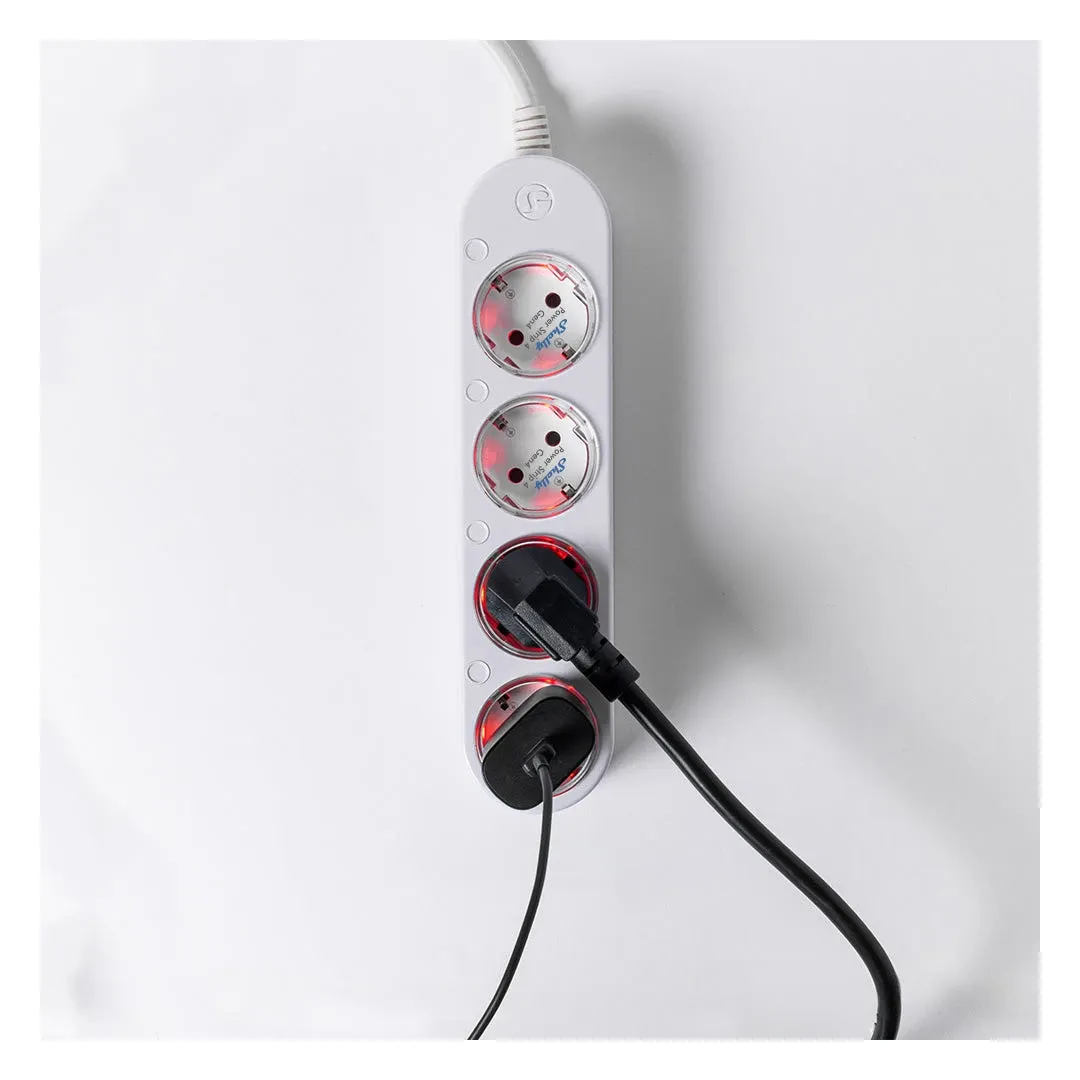
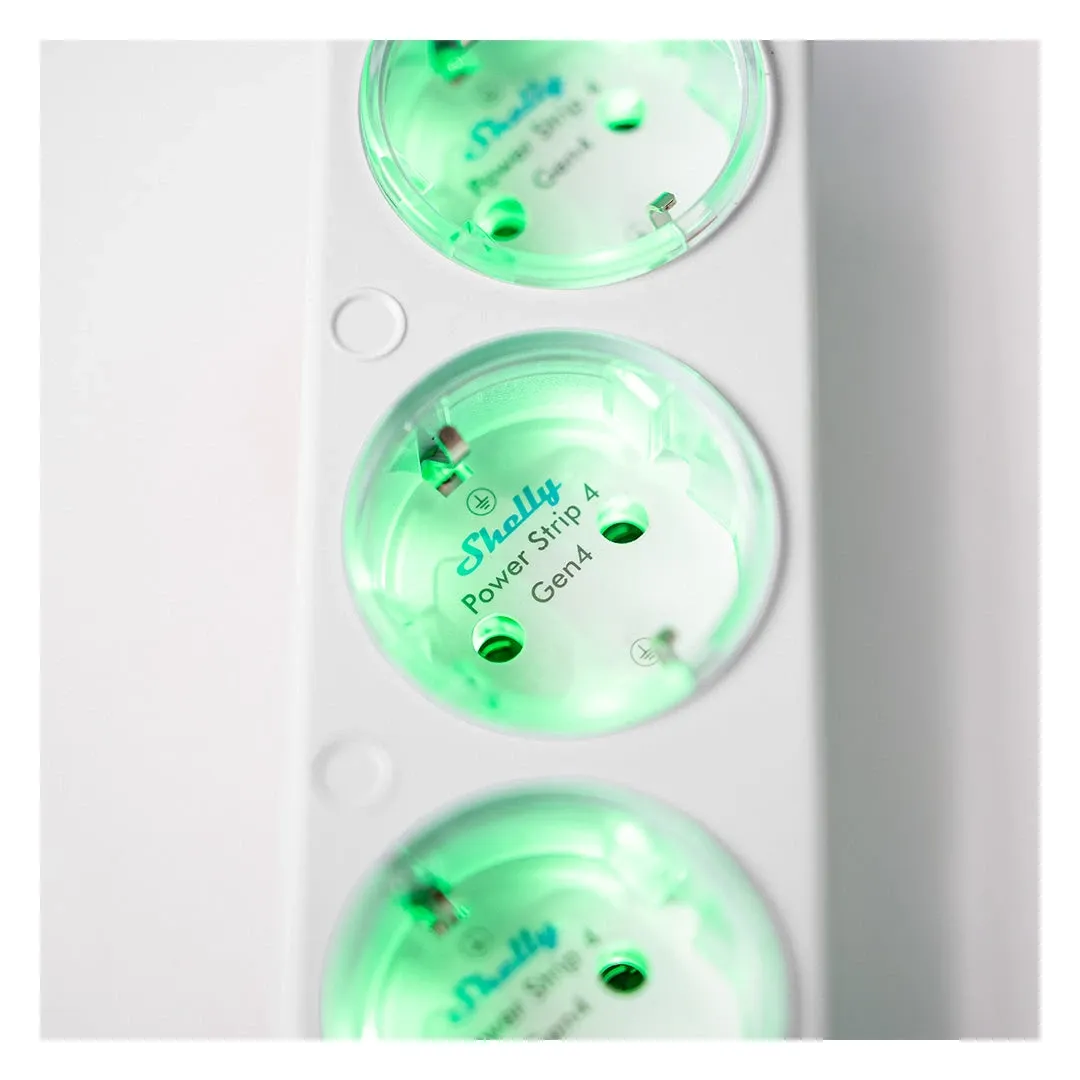
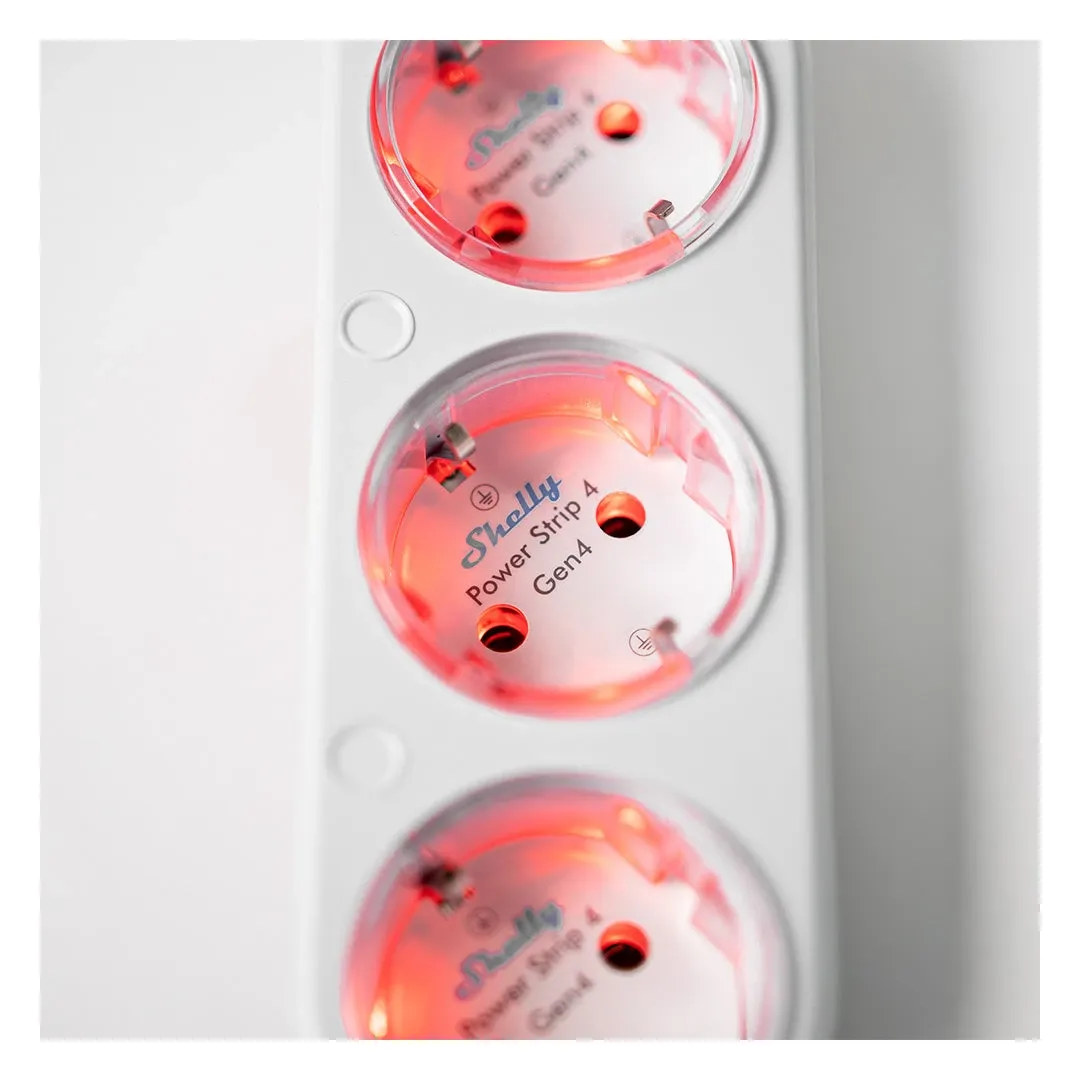
Each outlet has its own multicolor LED with a night mode so you can read power status at a glance. The plastic housing shrugs off dust and looks fine in a living room, bedroom, kitchen, or office. A wall-mount bracket ships in the box if you'd rather fix it beside a desk or media unit.
Smart Home Connectivity and Automation
Getting the strip onto your network takes little effort. Install the Shelly Smart Control app, make an account, and walk through the setup wizard. Prefer to keep it local? The strip has a built-in web interface, MQTT, webhooks and scripting, so it runs without Shelly's cloud at all. The device joins your home WiFi network and holds a steady connection across normal household range.
From there the automation options open up. Schedule outlets to fire at set times, handy for coffee makers, water heaters, or overnight charging. Group outlets into scenes, like a "Movie Time" preset that powers the TV, speakers, and lighting system at once. Watch live and past energy consumption per outlet so you can decide what actually needs to stay on.
Voice control means hands-free management. Say "Alexa, turn off bedroom charger" or "Hey Google, power on the coffee maker," and it acts. Away-from-home control lets you check and switch outlets while traveling, which is quietly reassuring when you can't remember if you left the iron on.
Energy Monitoring and Consumption Tracking
The per-outlet energy monitoring is the feature that pays for itself. Track kilowatt-hours by outlet across a day, a week, or a month, spot the appliance drawing the most, and adjust. The reporting also makes the case for green living upgrades with real numbers instead of guesses.
Live wattage readouts show exactly what a connected device pulls right now. That visibility nudges you toward smarter usage and flags gear drawing more than it should. Set consumption alerts on any outlet and you'll get a heads-up when it crosses a threshold, which is useful for catching a failing appliance early.
Practical Applications in Modern Homes
Different homes lean on the Gen4 power strip in different ways:
Key Points
- Home offices coordinating computers, monitors, and printers on one schedule
- Entertainment centers running televisions, sound systems, and streaming boxes
- Bedrooms switching lamps, fans, and chargers by voice command
- Kitchens automating coffee makers, water heaters, and small appliances
- Living rooms timing lights, speakers, and accent pieces for a set mood
Multi-Protocol Connectivity Support
Protocol range is a real selling point here. On top of WiFi (802.11 b/g/n/ax, so Wi-Fi 6 on 2.4 GHz), the Gen4 hardware works with ZigBee 3.0, where it doubles as a mains-powered repeater for your mesh, and Bluetooth 5.0, so you're not boxed into one ecosystem. That flexibility lets you grow a smart home in stages without ripping out what you already own. The strip is also Matter-certified: the Connectivity Standards Alliance listed it on July 1, 2025 as a Matter 1.3 on/off plug-in unit over Wi-Fi, with per-socket energy measurement clusters, which is what lets Apple Home, Google Home or Alexa adopt it without the Shelly cloud in the loop.
Versatile Usage Scenarios
Room by room, the Gen4 strip earns its spot in different ways:
Home Office Optimization: Schedule the monitor, printer, and desk lamp to wake together in the morning, then drop at lunch to trim idle draw. A "Deep Focus" scene can cut power to the devices that keep pinging you while leaving the essentials on.
Entertainment System Management: One "Movie Night" command brings up the projector, receiver, and lights while dimming the room. A "Theater Shutdown" scene kills everything afterward so nothing sits in standby overnight.
Smart Charging Stations: Give each family member's charger its own window so phones top up on time, then shut the sockets down during sleeping hours to stop phantom draw.
Kitchen Automation: A coffee maker or slow cooker can start before you're up, and a water heater can pre-warm for a faster shower. Push the dishwasher to off-peak hours and you shave a bit off the bill.
Climate Control Enhancement: Run space heaters, fans, or an AC unit on a schedule, or tie them to room conditions picked up by connected sensors for heating and cooling that reacts on its own.
Setup and Initial Configuration
Setup is short. Unpack the strip, check the parts for shipping damage, and pick an outlet that's reachable but out of a high-traffic path. Plug it in and give it about 30 seconds to boot.
Install Shelly's app, make an account with your email and a strong password, and follow the wizard, including the step that joins the strip to your WiFi. Name each outlet something plain, like "Coffee Maker," "Desk Lamp," or "TV System," so voice commands and the app stay easy to use. When it's done, test each outlet once to confirm it switches.
Is the Gen4 Power Strip Worth Buying?
The Shelly Power Strip 4 Gen4 does the practical job well: independent outlet switching, honest per-outlet energy data, and voice control that responds fast. It's a sensible way to start a smart home, or to add switch-level control to a corner of one you've already built.
The independent outlets stop devices from bleeding standby power, and the energy readouts help you trim real waste. Don't expect dramatic savings, though. The meter mostly changes your behavior, not the laws of physics. Remote access and voice control make it feel responsive rather than fussy, and the two-year limited warranty is a reasonable sign Shelly expects the hardware to hold up.
One caveat worth flagging: the Gen4 leans on WiFi as its primary link, and a stack of WiFi outlets can crowd a busy network, so heavy smart-home users may prefer routing it through ZigBee. Buy it if you want granular control and clear energy numbers on a handful of devices and you live on Schuko sockets. Skip it if you only ever switch one appliance, where a plain smart plug costs less and does the same thing, or if you're in North America, where no version of this strip exists yet. For most homes chasing convenient control and lower idle draw, the Gen4 is an easy call.