How to Troubleshoot a Thread Network That Keeps Failing

This post may contain affiliate links. As an Amazon Associate we earn from qualifying purchases. Disclosure.
Most Thread trouble in Home Assistant traces back to border router sprawl, not to the device in your hand. Before you factory reset anything, open the Thread panel and count how many networks your house is actually running: Apple, Google, and Home Assistant each create their own by default, each with separate credentials, and a device commissioned onto the wrong one looks exactly like a dead device.
Thread was supposed to end this kind of article. One self-healing IP mesh, backed by every big vendor, no more hub roulette. Then you add a second border router and a sensor that paired fine in June refuses to come back. Sound familiar? The good news is that Thread failures in Home Assistant cluster around a short list of causes, and most of them are visible in one screen. Everything below was checked against Home Assistant 2026.8 and the current Thread integration docs.
Bottom line: Count your Thread networks before you blame the device. Open the Thread panel, check which network is preferred and whether Home Assistant holds its credentials, and only then start troubleshooting hardware. Re-pair last, never first.
Why Are Thread Failures So Hard to Diagnose?
Thread isn't Zigbee with better marketing. It's a low-power IPv6 mesh, and that changes where things break.
A Zigbee bulb pairs to one coordinator and that's the whole story. A Thread device joins a mesh, gets an IPv6 address, and then still needs a control layer on top, usually Matter, before it does anything useful. So when pairing fails, the fault can sit in four different places: the device itself, the Thread mesh, the Thread border router bridging that mesh to your LAN, or the Matter commissioning step riding on top of all of it. Four layers. One vague error message, if you're lucky.
This is also why advice from Zigbee land transfers badly. Zigbee troubleshooting is mostly radio work, and our Zigbee coordinator guide barely mentions IP at all. Thread troubleshooting is mostly network work. Treat it like a LAN problem with a radio attached, not the other way around.
What Should You Check First in the Thread Panel?
Home Assistant ships a dedicated view for this: Settings, then Devices and Services, then the Thread configuration panel. It lists every Thread network the system has discovered, grouped by network, with the border routers serving each one underneath. It also stores Thread credentials, which the docs describe as working like a Wi-Fi password for the mesh.
Three things to check here before touching any device:
- How many networks exist. One per vendor is the typical mess: a "MyHome" network from Apple, another from Google, a third from the OpenThread Border Router add-on.
- Which network is preferred. Home Assistant uses the preferred network as the target for new devices. If none is set, or the wrong one is, commissioning gets unpredictable.
- Whether credentials match. Home Assistant can only manage a mesh it has the dataset for. A network listed without credentials is a network you can see but not join devices to.
Ninety seconds in this panel answers questions that hours of re-pairing won't.
Why Won't a Thread Device Pair?
Pairing failures split into two families: wrong network, or bad radio conditions.
Is Your Phone Joining the Wrong Network?
Here's the part almost nobody explains. When you commission a Matter-over-Thread device, your phone does the joining, not Home Assistant. And phones have loyalties. An iPhone hands devices to the Thread network its Apple TV or HomePod runs. An Android phone prefers the mesh behind a Nest hub. If that network isn't the one your OpenThread Border Router controls, the device ends up on a mesh Home Assistant holds no credentials for.
The result is a dataset mismatch: the device is alive, routing happily, and completely invisible to your controller. It looks dead. It isn't. It's just on the wrong island.
The fix isn't on the device at all. Set the preferred network in the Thread panel, make sure the phone app doing the commissioning has that network's credentials synced, and pair again.
Interference and ChannelAccessFailure
Thread lives on 2.4 GHz, same as Zigbee and your Wi-Fi. The Thread docs call out ChannelAccessFailure errors as the signature of channel congestion: the radio keeps finding the air busy when it tries to transmit. A Thread network picks its channel at creation and stays there, so a Wi-Fi access point that later lands on overlapping spectrum can degrade a mesh that worked for months.
Was it fine last week? That means nothing. Neighbors add access points too.
USB coordinators also suffer from interference generated by the host itself. The standard advice applies: put the radio on a short USB extension cable, away from USB 3.0 ports and SSDs, and check what channel your Wi-Fi sits on before blaming the devices.
One more pairing killer worth naming: IPv6 connectivity. Thread is IPv6-native, and the integration docs point at hypervisor settings, Docker network configuration, and routers that filter ICMPv6 as common reasons Home Assistant can't reach devices it should see. If you run Home Assistant in a VM, this is the first thing to check, not the last.
Why Do Thread Devices Keep Dropping Offline?
A device that pairs but won't stay online usually has one of these problems:
- A border router restarted or changed its dataset. The mesh reforms, and devices holding old credentials fall off.
- Its parent disappeared. Battery-powered Thread devices are sleepy end devices that relay through a nearby mains-powered router device. Unplug the smart plug that was parenting three sensors and those sensors go dark, minutes or hours later, with no obvious cause.
- mDNS stopped crossing your network. Border routers advertise services over mDNS, per the OpenThread border router documentation, and mDNS famously refuses to cross VLANs. If you've segmented your network, the rules from our Home Assistant hardening guide apply here with full force.
- Two meshes merged or partitioned. Border routers on the same network heal splits automatically. Border routers on different networks can't, so coverage you thought you had never existed.
Notice how little of that list is about the device? That's the pattern. Thread devices are usually fine. Their environment isn't.
How Many Border Routers Should One House Run?
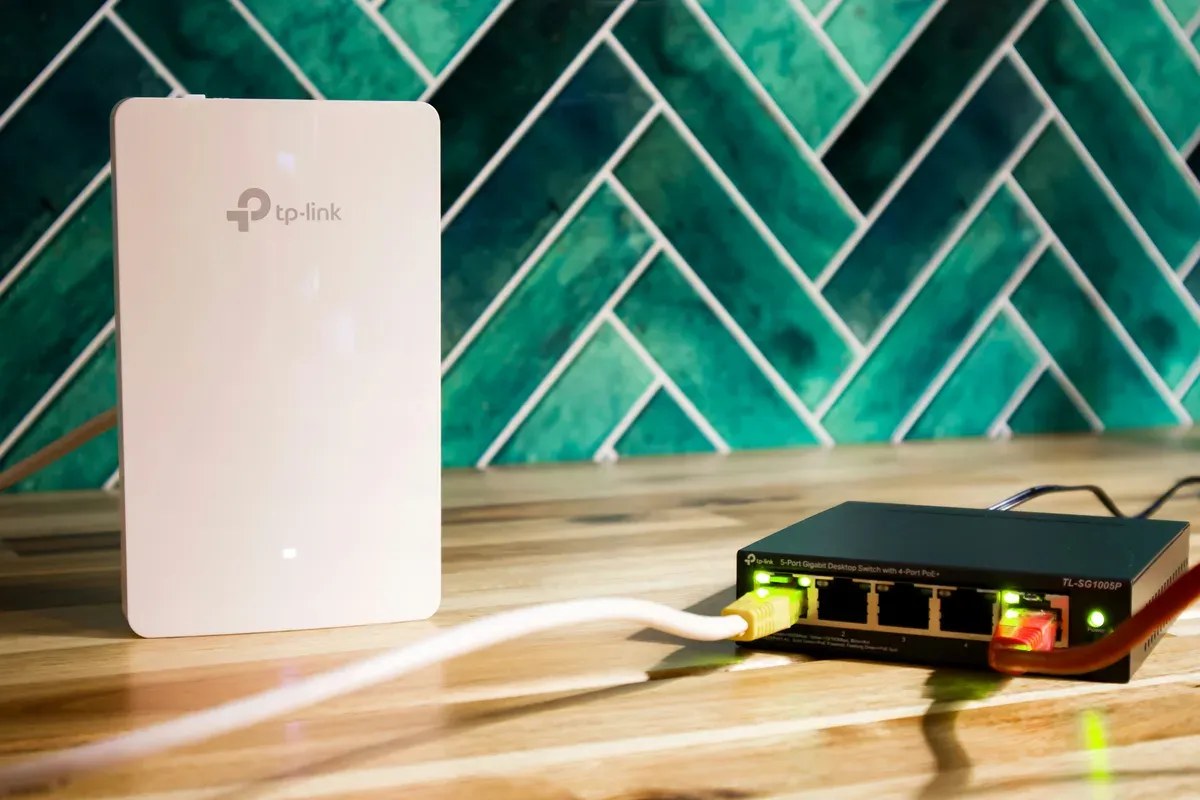
This deserves its own section because it's the default state of any house that bought a HomePod, a Nest hub, and a Home Assistant dongle in the same decade. Why does that combination cause trouble? Each vendor's hub creates its own Thread network with its own credentials unless something actively unifies them.
Multiple border routers serving one network is genuinely good: redundancy, better coverage, automatic failover. Multiple border routers each serving their own network is three houses pretending to be one. Devices can't roam between them, coverage doesn't add up, and every pairing attempt becomes a lottery over which mesh answers first.
I'll say it plainly: consolidate to one network and treat extra border routers as members, not owners. Pick the network in the Thread panel, mark it preferred, and share its credentials to your phone's ecosystem so commissioning lands where you expect. Vendors have slowly improved credential sharing, but "slowly" is doing heavy lifting in that sentence, and I wouldn't trust it blindly across ecosystems even in 2026.
Does Thread 1.4 in iOS 27 Fix Border Router Sprawl?
That's the promise, and it's worth understanding exactly what was promised before you plan around it.
Thread 1.4 standardises how border routers hand credentials to each other. The whole point is the problem this section is about: instead of every vendor's hub quietly starting its own network, one network can be adopted by all of them. Apple announced Thread 1.4 support at WWDC in June 2026, and it turned up in the tvOS 27 developer beta, meaning Apple TV first. HomePod 2 and HomePod mini did not get a developer beta at the same time, so if your border routers are HomePods, you were waiting on the public release.
So has it landed? Not in the sense that solves your evening. Reporting on the iOS and tvOS 27 betas noted that the interface for generating or accepting the ephemeral code that unifies two Thread networks wasn't present yet. A standard that permits credential sharing is not the same thing as a shipped button that does it, and every ecosystem still decides for itself whether to use the capability at all.
What that means practically, today: check your Apple TV's software version before you assume anything, because it's likely the only Apple border router in your house running 1.4. Then go and look at the Thread panel in Home Assistant anyway. The count of networks is the fact. Nothing announced at a keynote changes what that panel says.
I'd add one prediction you can hold me to. Even after the ephemeral-code flow ships, the unification will be a thing a person does once, deliberately, per pair of ecosystems. It will not be automatic, because automatically merging two credentialed networks is a security decision no vendor wants to make on your behalf. Plan on consolidating by hand, and treat 1.4 as making that job possible rather than unnecessary.
What Do the OTBR Logs Actually Tell You?
When the panel looks right and things still fail, the OpenThread Border Router add-on's log tab is where the truth lives. Open the add-on page and check the log for a few patterns:
What are you looking for? ChannelAccessFailure lines mean radio contention, covered above. Role changes tell you mesh health: a node cycling between router, child, and detached states is losing its link, and "detached" means it can't find the mesh at all. Frequent partition messages mean your border routers keep losing sight of each other, which is an infrastructure problem, not a Thread problem.
The OTBR integration talks to the border router over a local REST API, by default on port 8081. If the integration reports the border router as unreachable, test that URL from another machine on the LAN. Reachable API with failing devices points at the mesh. Unreachable API points at the host, the container, or the firewall.
Does Re-Pairing Ever Actually Help?
Re-pairing is the most overused advice on every smart home forum, and for Thread it's worse than useless half the time, because a fresh pair onto the same broken environment fails in the same way while destroying the evidence.
So when is it the right move? Re-pair when the device's stored dataset is genuinely stale: the network credentials or channel changed after a border router factory reset, or you're deliberately moving the device from one ecosystem's mesh to another. Those are real cases and re-pairing is the correct fix.
Don't re-pair for IPv6 failures, blocked mDNS, interference, or border router conflicts. The device will join, work for a day, and drop again, and now you've also lost the pairing history that would have told you what happened. Fix the environment first. If discovery itself is the sticking point, our device discovery guide covers the mDNS side in depth.
What Runs in My Own House
Full disclosure, because it shapes how this guide was written. My Home Assistant box is a Raspberry Pi 5 on a DIN rail with a Connect ZBT-1 stick, and that stick runs the Zigbee firmware. I specced the lighting for cheap Zigbee at the cable stage, deliberately, so there's no Thread mesh of my own to poke at yet. Everything above comes from the official documentation and from owner reports, collected in one place so you don't have to dig through the forum threads yourself.
One hard-won note from that research applies to my hardware directly: the ZBT-1 technically supports a multiprotocol firmware that does Zigbee and Thread on one radio, and Home Assistant's own guidance is blunt about it. It stayed experimental, it's not recommended, and the advice is one radio per protocol. If someone sold you on a single stick doing both, that's likely the root of your instability, and splitting the protocols onto separate radios is the fix.
Thread will earn a radio in this house eventually, probably when the first Matter device worth owning demands it. When that happens, this page gets updated with whatever breaks. That's a promise, not a threat.
Frequently Asked Questions
Why won't my Thread device pair with Home Assistant?
Usually because your phone commissioned it onto a different Thread network than the one Home Assistant controls. iPhones prefer Apple border routers and Android phones prefer Google ones, so the device lands on a mesh Home Assistant has no credentials for. Open the Thread panel, set your preferred network, and make sure the credentials match before trying again.
Why do my Thread devices keep going offline?
The usual causes are a border router that rebooted or changed datasets, IPv6 not working between Home Assistant and the mesh, or mDNS traffic being blocked across VLANs. Battery devices also depend on a nearby mains-powered router device, so removing one plug or bulb can silently orphan the sensors that parented to it.
Do multiple Thread border routers cause problems in Home Assistant?
Multiple border routers on the same Thread network are good redundancy. Multiple border routers each running their own network, which is what Apple, Google, and Home Assistant do out of the box, split your devices across separate meshes with separate credentials. Pick one preferred network in the Thread panel and commission everything onto it.
When does re-pairing a Thread device actually help?
Re-pair when the device holds a stale dataset, meaning the network's credentials or channel changed after a border router reset, or when you're moving it from one ecosystem's mesh to another. Re-pairing does nothing for IPv6 problems, blocked mDNS, or radio interference, because the device just rejoins the same broken environment.
Sources & References
- Home Assistant - Thread integration home-assistant.io
- Home Assistant - OpenThread Border Router integration home-assistant.io
- Home Assistant - Matter integration home-assistant.io
- Home Assistant Connect ZBT-1 - firmware options home-assistant.io
- OpenThread - Border Router guide openthread.io
- Matter Alpha - Apple Home goes pro: Thread 1.4, 4K video, and native energy management in iOS 27 matteralpha.com