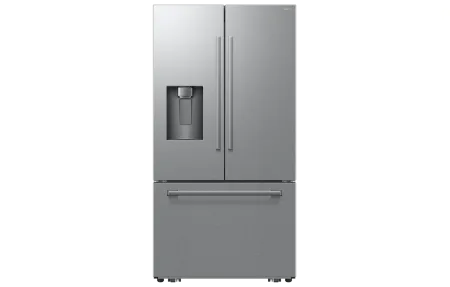
Samsung Bespoke Family Hub Refrigerator: Product Overview
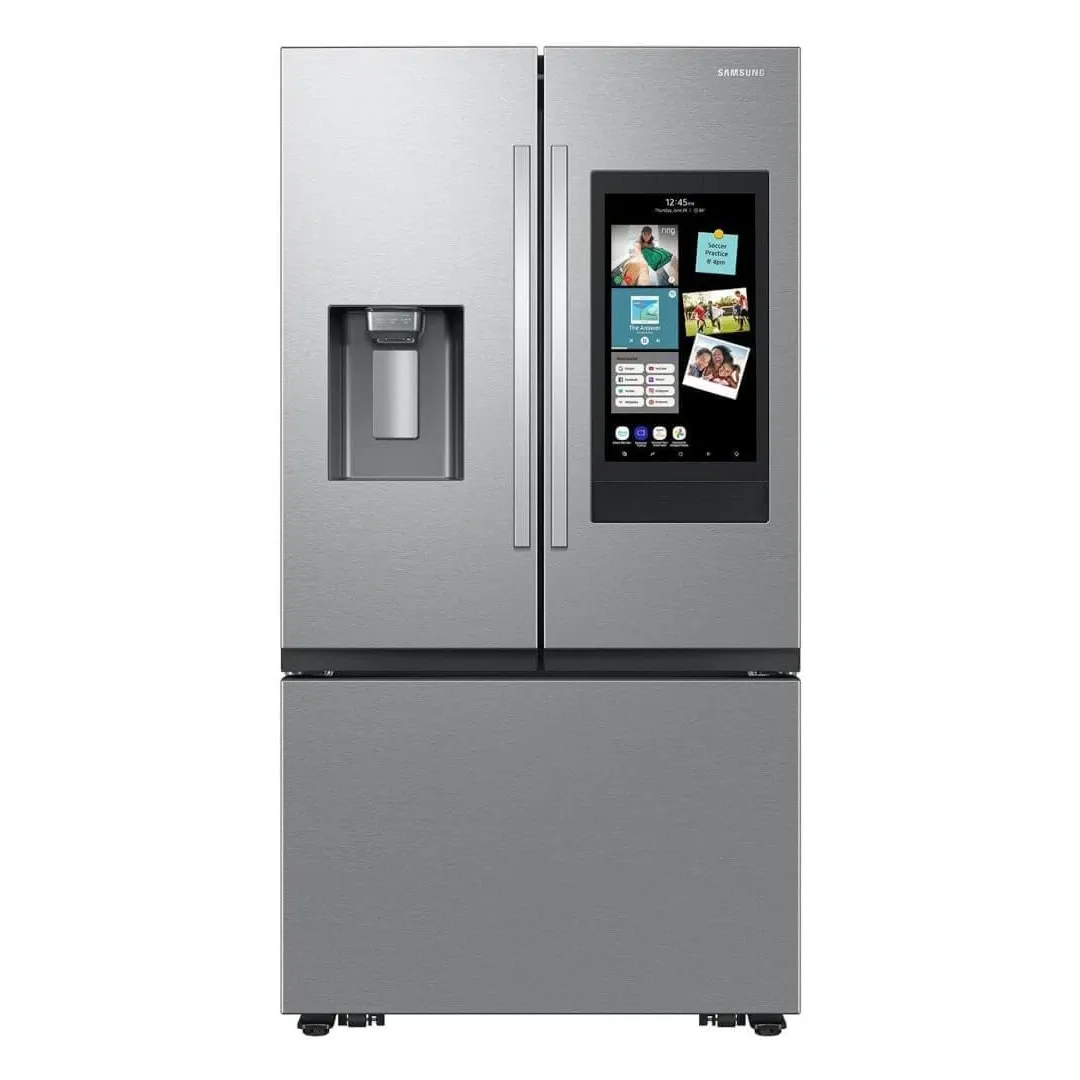
Product Details
🏭 Manufacturer: Samsung
🔌 Plug Format: AC Power
📄 Specification Met: FCC, CE
🏋️♂️ Weight: 127 kg
📏 Dimensions: 836 mm x 1780 mm x 920 mm
🏳️ Country of Origin: South Korea
🆔 Model Number: RF23A9675MT/AA
📐 Size: 23 cubic feet
🎨 Style: French Door
🧲 Mounting Type: Freestanding
🔧 Usage: Indoor Use
🧩 Included Components: Refrigerator, User Manual
Smart devices are transforming every corner of our homes, and the Samsung Bespoke Family Hub Refrigerator is no exception. Combining advanced technology with stylish design, this refrigerator takes your kitchen to the next level. With WiFi connectivity, integration with popular voice assistants like Alexa and Google Assistant, and a suite of customizable features, it's more than just a place to store food. It's the modern command center of your kitchen.
If you're ready for a refrigerator that does more than keep things cold, the Samsung Bespoke Family Hub offers everything you've been searching for. From entertainment features to meal planning assistance, it delivers maximum functionality with an eye-catching aesthetic. Let's explore what makes this smart fridge a must-have.
Advanced Smart Features
The Samsung Bespoke Family Hub Refrigerator offers a comprehensive array of tools and functions designed to streamline your daily life. Here's what makes it is notable:
- Voice Assistant Compatibility: Works with Alexa, Google Assistant, and Bixby.
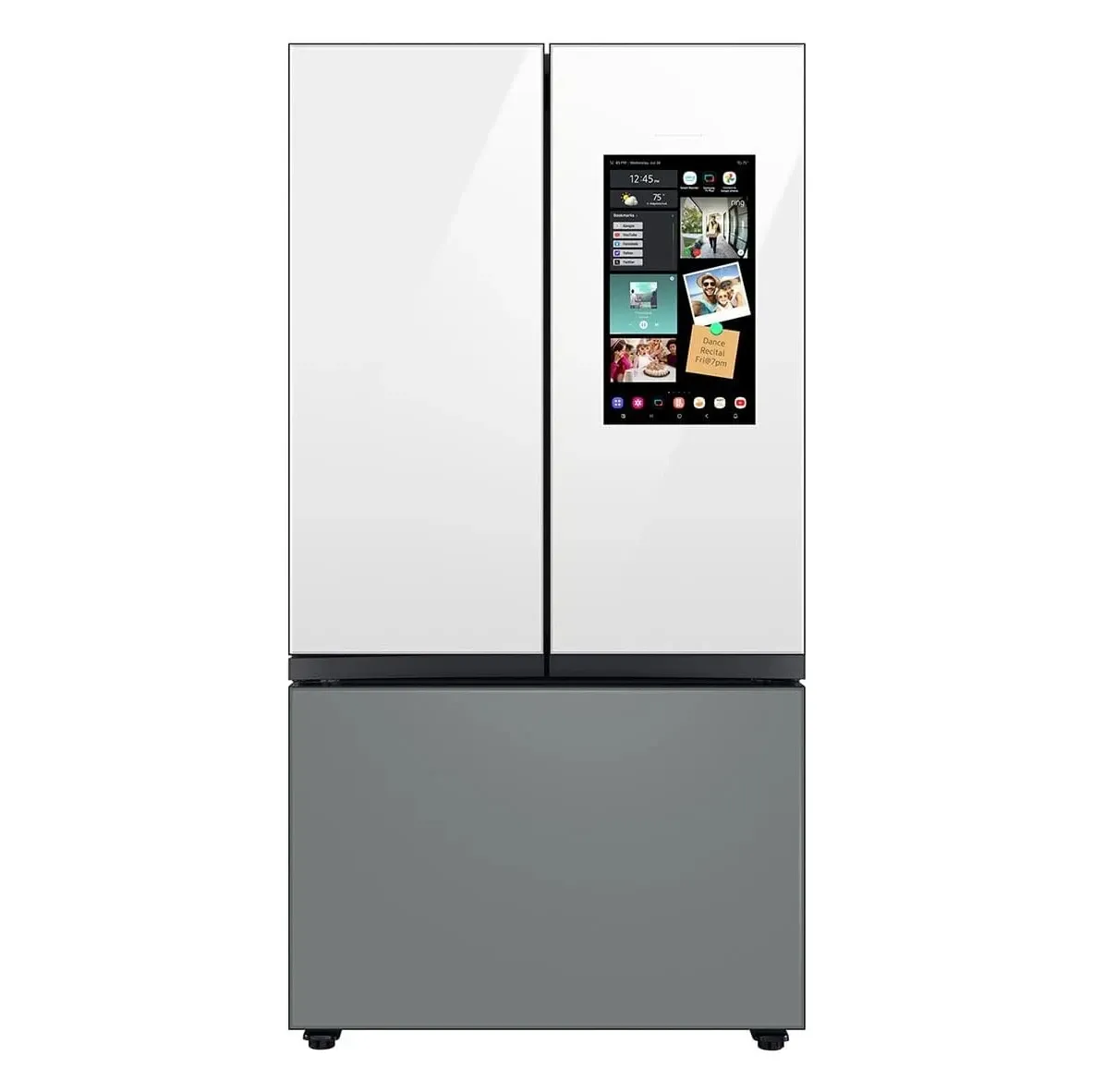
- Integrated Touchscreen Display: The Family Hub doubles as an interactive screen for recipes, grocery lists, and household schedules.
- SmartThings Integration: Manage connected devices and monitor your smart home using the built-in control panel.
- Real-Time View Inside: Cameras inside the refrigerator let you remotely check what you have, so grocery shopping becomes simpler.
- Personalization Options: Customize your fridge's design with interchangeable panels to fit your kitchen aesthetic.
Each of these features is designed with one goal in mind: making your kitchen more functional, more connected, and more fun.
Premium Design and Customization
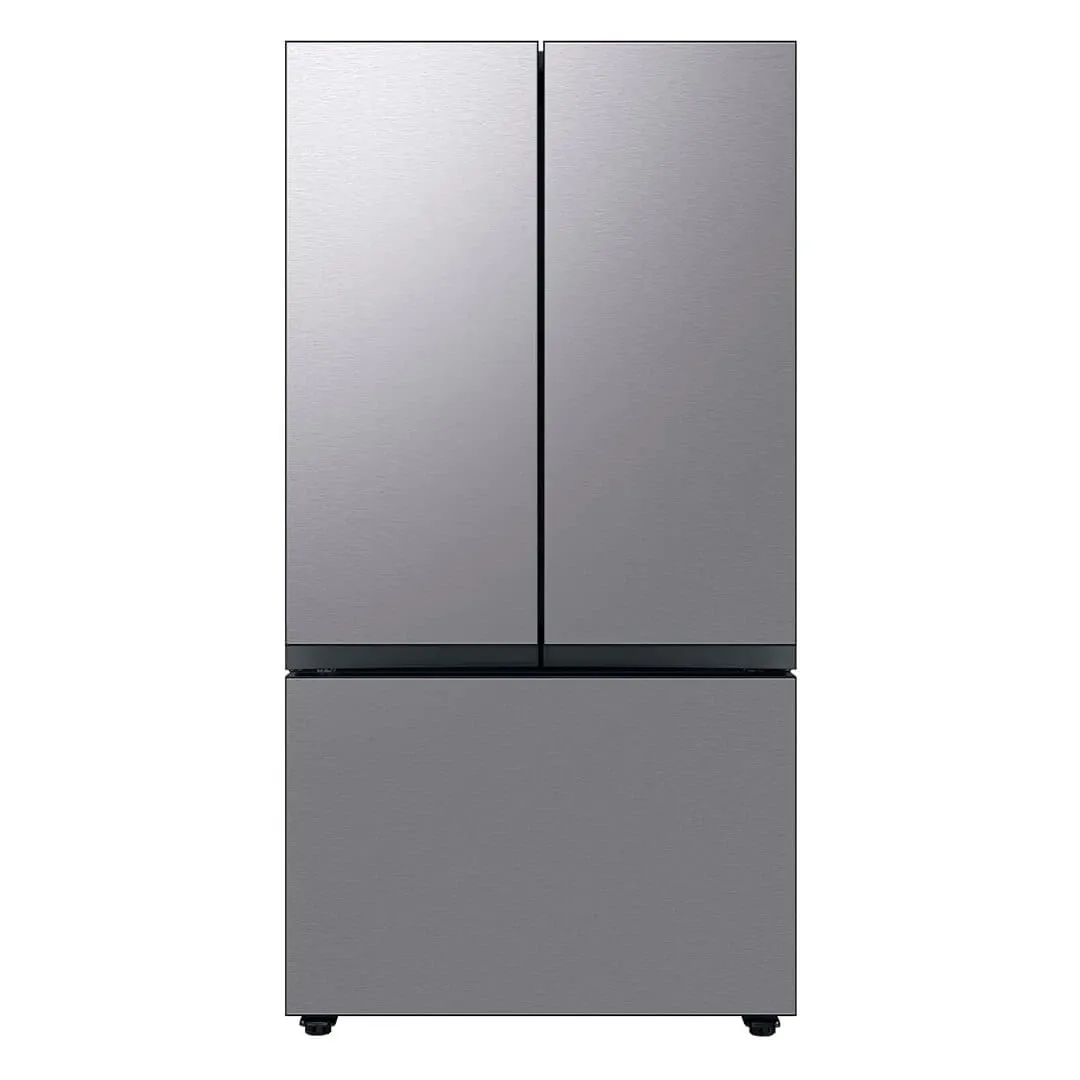
One thing that sets the Samsung Bespoke Family Hub apart from other refrigerators is its modern and customizable design. It allows you to select from a range of colors and finishes, making it easy to match the look of your kitchen. You're not just buying an appliance; you're choosing a key design element for your home.
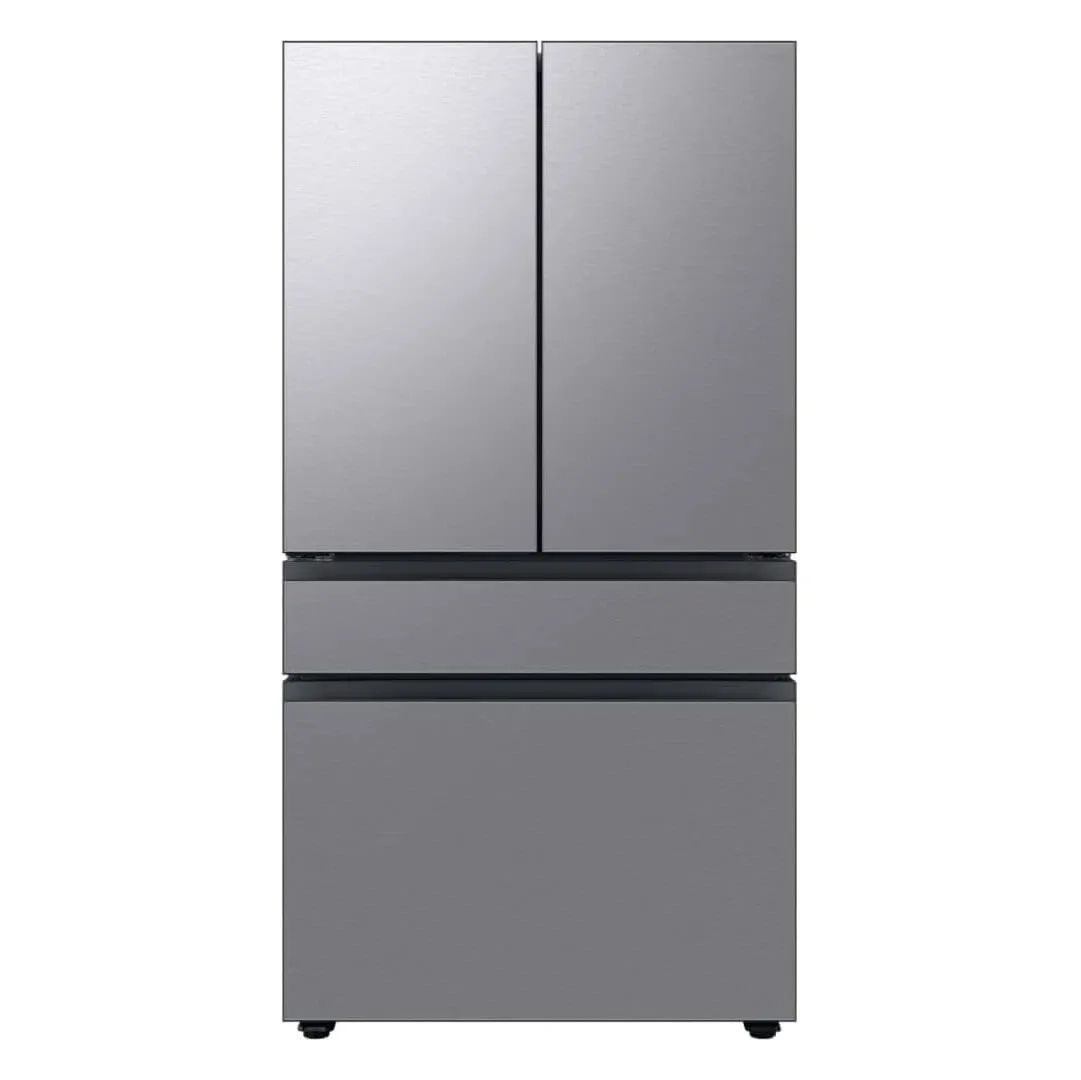
The refrigerator is also equipped with French doors, maximizing storage space while maintaining a sleek profile. Whether it's a sleek matte finish or a bold two-tone setup, the Bespoke line brings fashion to the forefront, ensuring your kitchen looks just as good as it functions.
Compatibility and Control
Connecting your fridge to your smart home ecosystem has never been easier. With Samsung SmartThings, this refrigerator can sync with other devices in your home for a truly connected experience. Whether it's adjusting your thermostat, controlling smart lighting, or managing your family's calendar directly from the touchscreen, you're in complete control.
Better yet, the Samsung Bespoke Family Hub supports both Alexa and Google Assistant, meaning you can give voice commands to set reminders or create shopping lists while cooking. The WiFi-enabled design ensures effortless updates and access to the internet for streaming music or following recipes online.
Key Integrations:
- Smart Assistant Support: Works with both Alexa and Google Assistant for hands-free convenience.
- SmartThings Hub: Syncs effortlessly with other Samsung and third-party smart devices.
- Entertainment Options: Play music on Spotify or watch content on the Family Hub's built-in screen.
This high level of integration helps make your life simpler and more organized, all while adding a touch of futuristic flair to your kitchen.
Practical Use Cases
Here are some examples of how this refrigerator can transform your daily life:
- Meal Planning Made Easy: Use the integrated Family Hub touch display to plan meals for the week. The Smart Inventory system suggests recipes based on what's in the fridge.
- Streamlined Shopping Experience: Can't remember if you're out of milk? Check your refrigerator's built-in camera remotely from the app before heading to the store.
- Family Management on the Hub Screen: Coordinate calendars, set reminders, and leave virtual notes for other family members.
- Fun Cooking Sessions: Play a cooking tutorial video right on the refrigerator screen while preparing dinner.
- Effortless Smart Control: Use the fridge as a hub for adjusting thermostats, viewing video doorbell footage, or even dimming lights.
This is a refrigerator that goes far beyond food storage - it's entirely practical for a modern, connected lifestyle.
Setup & Installation
Installing the Samsung Bespoke Family Hub Refrigerator is straightforward. Begin by positioning the fridge in your desired location and plugging it into an AC power outlet. The SmartThings app guides you step by step through the setup process, helping connect the refrigerator to your home WiFi in mere minutes.
Here are some quick tips for getting started:
- Choose the right spot: Allow at least 2 inches of clearance on both sides for airflow.
- Download the app: Install the Samsung SmartThings app for remote access and ongoing support.
- Follow the guide: Use the detailed user manual included in the box for optimal results.
Samsung provides an easy-to-follow process, and with the SmartThings app, setup is even more smooth.
Configuration Tips for Best Results
To make the most of your smart fridge, take advantage of these features:
- Customize the Family Hub home screen with shortcuts to your most-used apps.
- Enable notifications on food expiration dates for reduced waste.
- Connect with other Samsung appliances for better energy efficiency and control.
- Use the child lock features to keep items safely secured from curious hands.
These small adjustments can enhance your daily experience and extend the product's usefulness.
Where It Lands
After putting the Samsung Bespoke Family Hub Refrigerator to the test, it's clear that this is far more than just another kitchen appliance. It's an interactive centerpiece for the modern home. With voice assistant capabilities, WiFi connectivity, and a stunning customizable design, it succeeds at combining high-tech fun with practicality.
While the price point might be higher than standard refrigerators, the value it delivers - whether through time saved, energy efficiency, or sheer convenience - makes it worth every penny. It's perfect for tech enthusiasts, busy families, and anyone looking to bring their kitchen into the 21st century.
Overall, the Samsung Bespoke Family Hub Refrigerator is notable not only for its smart features but for its ability to genuinely improve your daily life. If a connected, customizable fridge is what your kitchen needs, this is the model for you.
This overview summarizes the standout features and performance characteristics.
Frequently Asked Questions
What voice assistants does the Family Hub work with?
The Samsung Bespoke Family Hub is compatible with Amazon Alexa, Google Assistant, and Samsung Bixby. You can control the refrigerator and view its display remotely through any of these voice assistants.
Can I see inside my refrigerator remotely?
Yes, the built-in interior cameras allow you to check what's inside your refrigerator from the SmartThings app or your smartphone, even when you're away from home. This is helpful for grocery shopping and meal planning.
How much storage space does the Family Hub have?
The Samsung Bespoke Family Hub offers 23 cubic feet of storage capacity, with french doors and adjustable shelving. This provides ample space for families while maintaining a sleek, modern aesthetic.
Does it work with other smart home systems?
Yes, through SmartThings integration, it works with most Z-Wave and Zigbee-compatible devices. It also syncs with other Samsung smart appliances for unified control and energy monitoring.
What WiFi speeds are required?
The Family Hub requires a stable WiFi 5 GHz connection for optimal performance. Standard broadband speeds of 10+ Mbps are recommended for smooth app performance and remote viewing.