Ecovacs Deebot 601: Budget Navigation Without a Map

Product Details
🏭 Manufacturer: Ecovacs Robotics
🔌 Plug Format: Cordless
📄 Specification Met: CE / RoHS Certified
🔖 Part Number: DEEBOT601
🏋️♂️ Weight: 9.7 pounds
📏 Dimensions: 13.9 x 13.9 x 3.11 in
🏳️ Country of Origin: China
🆔 Model Number: DEEBOT 601
📐 Size: Standard
🎨 Style: Round
🧲 Mounting Type: Freestanding
🔧 Usage: Indoor use only
🧩 Included Components: Deebot 601, Charging Dock, Remote Control, Side Brushes, High-Efficiency Filter
🔋 Batteries Included: Yes
🔋 Batteries Required: Yes
The Ecovacs Deebot 601 is the sensible end of the budget robot vacuum market: 110 minutes of rated runtime, a 3.11-inch body that clears most furniture, and no subscription attached to any of it. This one has not run in this house, so the assessment below comes from the specification and from owner reports rather than from a floor. The parts of a cheap robot vacuum that go wrong are well documented by now, and they are named here instead of glossed.
One more thing before the specs, because it changes what you're shopping for. The Deebot 601 is a 2018 model and it is at the end of its life. Ecovacs still hosts the support page and sells the 600/601/661 Buddy Kit of replacement brushes and filters, but the robot itself is gone from its US store, Adorama lists it as no longer available and the Icecat retail feed marks it end of life. There's no list price any more; what you'll find is used and refurbished stock, historically in the $110 to $230 range when it was still being discounted new. Is that a reason to skip it? Not on its own. It's a reason to ask the seller about the battery.
The Specs
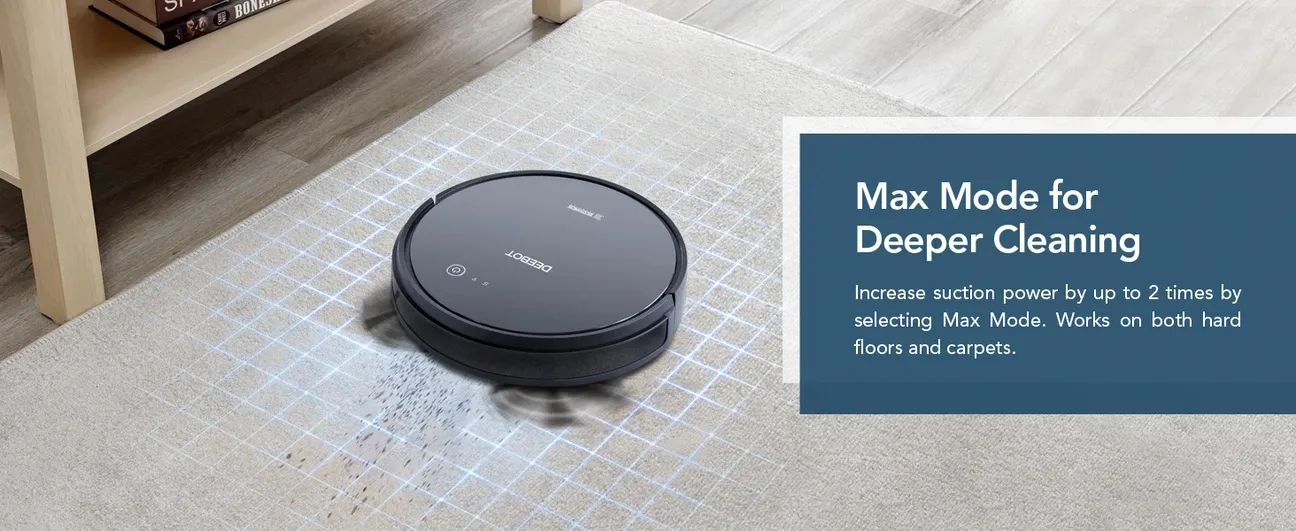
The Deebot 601 uses Smart Motion navigation. It relies on sensors rather than LiDAR navigation, so it cleans in S-patterns across open spaces and switches to wall-following for edges. Understand what that leaves out: there is no map, so there is no "clean the kitchen", no no-go zones, and no reliable resume after a recharge. The three-stage system uses two side brushes, a V-shaped main roller, and suction. Ecovacs never published a pascal figure for the 601; the spec says only that Max mode doubles suction, and the review aggregators that do print a number don't agree with each other.
Core specifications at a glance:
- Battery: 2600 mAh lithium-ion (110 minutes runtime)
- Dustbin capacity: 520 mL
- Noise level: 64 dB
- Charging time: 4 hours
- Weight: 9.7 pounds
- Dimensions: 13.9 inches diameter x 3.11 inches height
Cleaning Modes Explained
The robot has four cleaning modes. You switch them with the remote or the app. Auto mode is for everyday floors. Max mode doubles suction for deep carpet work, but runtime drops to about 70 minutes. Edge mode cleans along walls and baseboards. Spot mode runs a tight spiral for small messes like spilled food. Switching modes takes one tap in the app.
Floor Type Performance
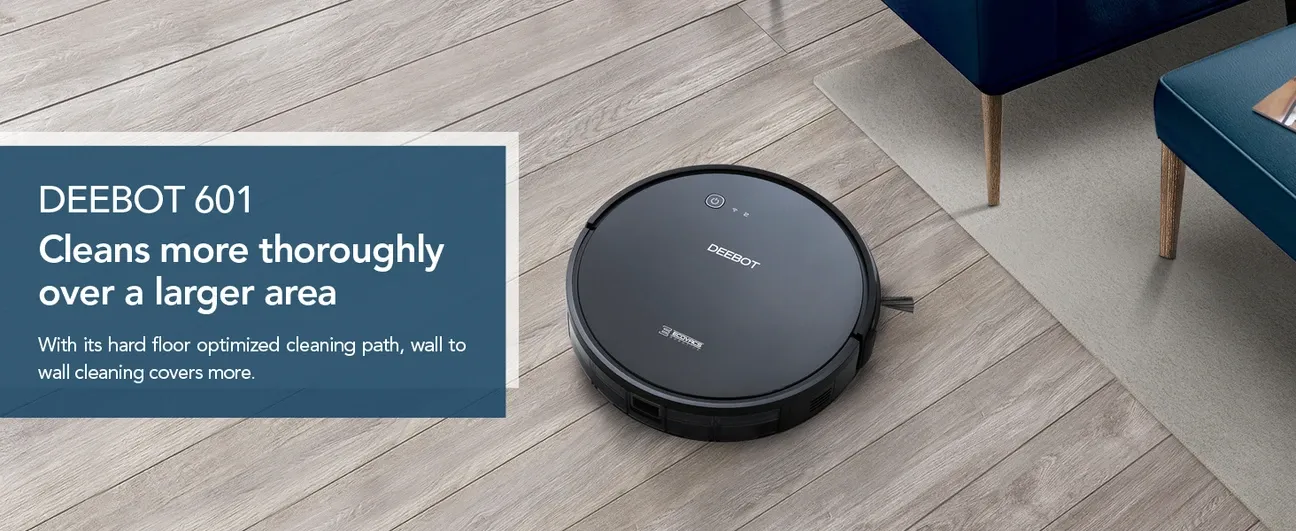
The Deebot 601 handles different surfaces with varying effectiveness. It excels on hard floors. Tile, hardwood, and laminate stay clean with daily passes in standard mode. For low-pile carpets, standard suction is sufficient. High-pile carpets need Max mode. The stronger suction pulls dirt from deeper fibers. Very thick rugs can slow the robot or get it stuck.
Pet owners will find this robot useful. It picks up pet hair from hard floors with no tangles. On low-pile carpet, it handles light to moderate shedding well. Homes with heavy-shedding breeds may need to empty the bin more often. It fills faster in those cases. Running the robot daily keeps hair from building up.
How It Connects
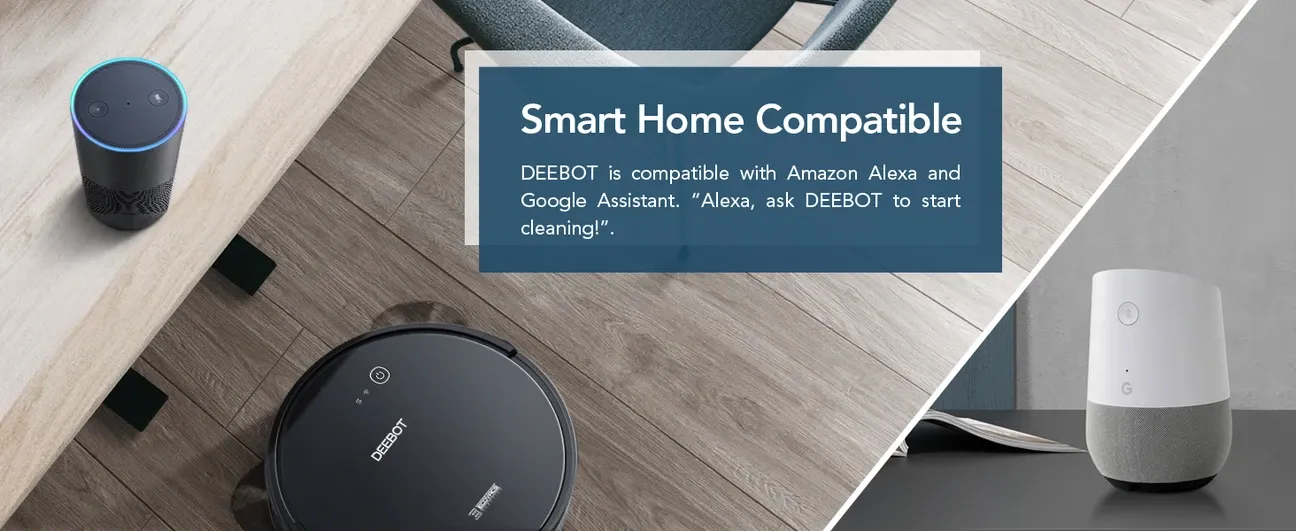
The Deebot 601 connects to 2.4 GHz Wi-Fi only. It does not support 5 GHz networks. Setup runs through the Ecovacs Home app, and TechHive's review flagged a trap worth knowing: the app's compatibility list names the Deebot Ozmo 601, a different mopping robot, rather than the plain 601, so don't let the lookalike name send you to the wrong model. Voice commands work with Amazon Alexa and Google Home, letting you start, stop, or send the robot to dock hands-free.
The app lets you schedule sessions and check run status in real time. Scheduling is the feature owners lean on most, since a robot with no map earns its keep by running every day rather than by being steered. The app shows a basic map of cleaned areas after each run. It does not support persistent maps or no-go zones. Those features are on pricier Ecovacs models like the DEEBOT T20 or N10.
Practical Use Cases
The Deebot 601 works best in these situations:
- Daily maintenance on hard floors: Removes dust and crumbs from tile and hardwood reliably
- Small to medium homes: Covers 800-1,100 sq ft per charge
- Scheduled cleaning: Keeps floors clean between weekly deep-clean sessions
- Pet owners with moderate shedding: Handles one or two moderate-shedding pets consistently
- Quiet operation: At 64 dB, it runs comfortably during calls or in the evenings

Setup and Maintenance
Setup is straightforward. Place the dock against a wall with 1.5 feet on each side and 4 feet of clearance in front. Connect to 2.4 GHz Wi-Fi through the Ecovacs Home app and the robot is ready to run. Daily maintenance is minimal. Empty the bin after each session. Rinse the filter monthly to maintain suction. Side brushes need replacement every 6 months, costing $10-15. The main brush lasts about a year at $15-20.
Ecovacs rates the pack at 2600 mAh, and a lithium pack from 2018 will have lost capacity on any unit you buy today, which is the one question to put to a second-hand seller. The robot returns to the dock automatically when power runs low, and Android Central's review called the navigation clunky and found it gets stuck fairly easily.
What Works and What Does Not
The Deebot 601 cleans hard floors reliably and responds consistently to voice commands. The scheduling feature works every time. Pet owners with one or two pets will find it useful for daily maintenance without manual intervention.
The main limitation is the lack of persistent mapping. The robot cannot remember room layouts or save no-go zones. If a door closes during cleaning, the robot starts fresh when sent back. It cleans low-pile carpet in standard mode but needs Max mode for high-pile carpets. Thick mats and low furniture legs can stop it. The bin fills fast in pet homes. Multi-floor homes need the robot carried between levels by hand.
Who Should Buy the Deebot 601?
For apartment dwellers with hard floors and light carpet, the Deebot 601 robot vacuum cleaner is a reliable and affordable pick. It keeps floors cleaner day after day with no fuss. It works with Alexa and Google Home and runs at a quiet 64 dB. Weekly upkeep takes about five minutes. Empty the bin, check the brushes, and the robot is ready to go.
Users who need mapping, multi-floor support, or clean mainly high-pile carpet should look at a higher tier model. But for daily cleaning in a one or two-bedroom home, the Deebot 601 does the job well. Since it's only sold used or refurbished now, the price is whatever the seller asks, and the Buddy Kit Ecovacs still lists is what keeps a cheap unit running.
Frequently Asked Questions
How often should I empty the Ecovacs Deebot 601 dustbin?
The 520 mL dustbin typically needs emptying after every 1-2 cleaning sessions in an average home. Pet owners or homes with high-traffic areas may need to empty it after each run. Regular emptying maintains suction strength and cleaning performance.
Does the Deebot 601 work without a Wi-Fi connection?
Yes, the Deebot 601 can operate without Wi-Fi using the included physical remote control. However, app scheduling, real-time status updates, and voice control through Alexa or Google Home all require an active 2.4 GHz Wi-Fi connection.
What is the battery runtime and recharge time for the Deebot 601?
The Deebot 601 runs for 110 minutes in standard mode on a full charge, powered by a 2600 mAh lithium-ion battery. In Max mode with doubled suction, runtime drops to approximately 70 minutes. Recharging from empty takes about 4 hours at the included dock station.
Can the Deebot 601 clean multiple rooms automatically?
The Deebot 601 uses Smart Motion navigation to move between open rooms during a single cleaning session. However, it does not support persistent room maps or no-go zones, so it cannot be directed to specific rooms via the app. It will clean whatever areas it can reach within range.
How does the Deebot 601 compare to higher-end Ecovacs models?
The Deebot 601 lacks persistent mapping, no-go zone support, and multi-floor memory found in models like the DEEBOT T20 or N10 series. It performs well on hard floors and light carpets but is best suited for smaller homes or apartments where advanced navigation is not critical.


