Apple HomePod mini 2: Compact Speaker With Thread
Product Details
🏭 Manufacturer: Apple
🔌 Plug Format: AC Power
📄 Specification Met: FCC, CE
🔖 Part Number: MHJ73LL/A
🏋️♂️ Weight: 345 g
📏 Dimensions: 84 mm x 84 mm x 98 mm
🏳️ Country of Origin: China
🆔 Model Number: A2474
📐 Size: Small
🎨 Style: Compact Speaker
🧲 Mounting Type: Tabletop
🔧 Usage: Indoor Use
🧩 Included Components: HomePod mini 2, Power Adapter, Documentation
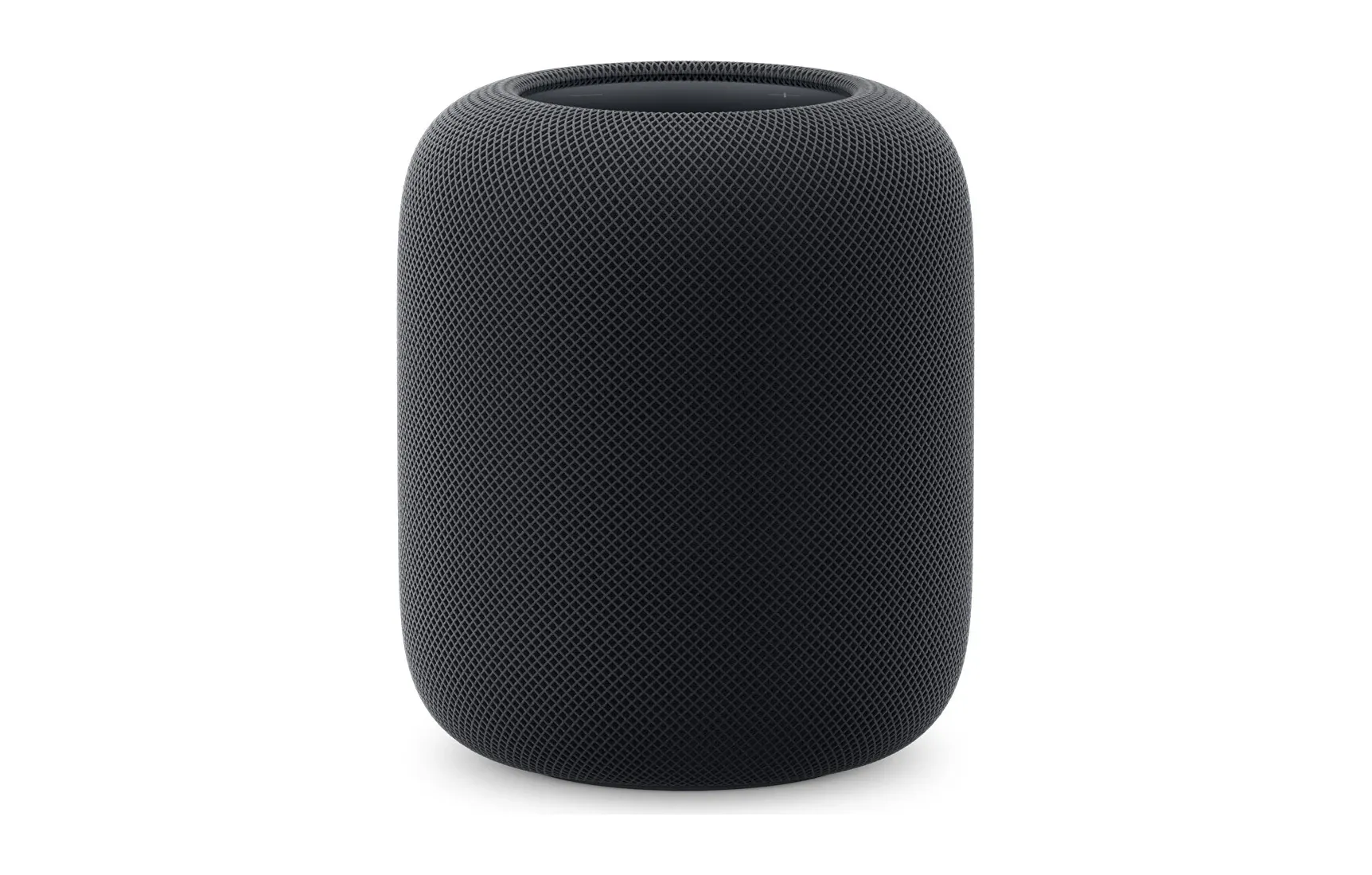
At 84mm tall and 345 grams, the Apple HomePod mini 2 is barely bigger than a grapefruit. Apple still wants it to run your smart home devices and fill a room with sound. Can a speaker this small really pull off both jobs? Inside that fabric-wrapped sphere sit Siri, a Thread radio, and Matter support.
New to Apple's ecosystem or already deep in it, the mini 2 slots into your existing devices and hands you control of the connected home from one spot.
In this review, we will explore its features, setup process, and real-world performance to help you decide if this small but mighty gadget is the right fit for your home.
Key Features and Specs
Apple has packed a lot of functionality into this petite device. Here's what sets the HomePod mini 2 apart:
- Advanced audio technology for big sound in a small design.
- Full Siri integration for hands-free control.
- Support for Thread network and Matter for smart home automation.
- Compact and elegant design suitable for any room.
- Easy multi-room audio setup with multiple HomePod minis.
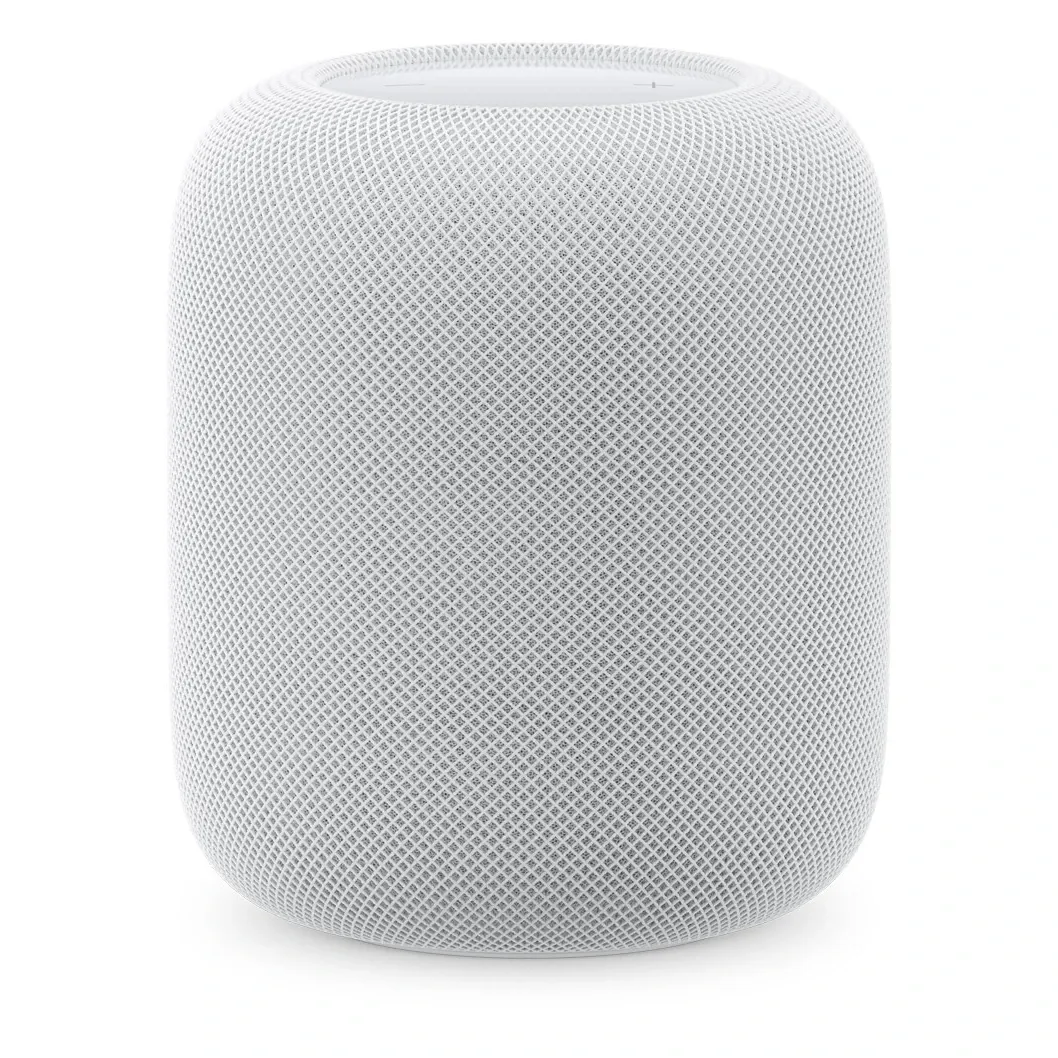
The HomePod mini 2 also features a high-quality fabric finish available in five color options, enabling you to match your personal style. Despite its tiny size, it delivers excellent sound clarity and deep bass, rivaling larger smart speakers on the market.
Enhanced Connectivity and Integration
Connectivity is where the HomePod mini 2 gets interesting. Its Thread protocol support lets it act as a border router, so low-power sensors and locks reach your network through it. It also speaks Matter, the cross-brand standard, which means the speaker isn't boxed into Apple-only accessories.
Siri provides an excellent voice assistant experience, allowing you to control your smart lights, thermostats, and more using simple commands. Even with music playing, Siri can pick up your voice clearly, thanks to the device's advanced microphone arrays. We also found that Bluetooth 5.0 connectivity ensures smooth pairing and fewer interruptions during audio playback.
For Apple ecosystem users, features like Handoff allow you to transfer audio between your iPhone and HomePod mini 2 with a simple gesture. Additionally, it integrates perfectly with Apple Music, offering an optimized experience that non-Apple platforms can't match.
Audio Performance: Big Sound, Tiny Package
Despite its size, the HomePod mini 2 delivers surprisingly rich audio quality. Its custom-built driver and dual passive radiators provide a balanced acoustic profile, combining crisp highs with punchy lows. Here's what we noticed during testing:
- In small to medium-sized rooms, the sound fills the space effectively.
- Vocals and instrumentals are clear, even at higher volumes.
- It easily syncs with other HomePods, creating an immersive multi-room audio experience.
For those who love to customize their home audio, you can pair two HomePod minis for stereo sound - a feature that dramatically improves spatial audio for music and video playback.
Real-World Scenarios
The HomePod mini 2 shines in a variety of everyday scenarios. Here are some practical examples:
- Morning routines: Ask Siri to check the weather, play your daily news summary, or control your connected coffee maker before leaving the house.
- Movie nights: Pair it with an Apple TV for superior sound quality that rivals dedicated soundbars.
- Smart home hub: Manage Thread-enabled lights, locks, and thermostats from a single device.
- Relaxation time: Let it play soothing ambient sounds or create playlists to match your mood.
The device also learns your habits over time, offering personalized suggestions for music, automation, and other tasks.
Quick Benefits Recap:
- Compact size fits anywhere.
- Thread and Matter support futureproof your smart home.
- Enhanced sound quality for music, podcasts, and more.
- Effortless integration with Siri and other Apple devices.
Setting Up the Apple HomePod mini 2
Setting up the HomePod mini 2 is a breeze and takes less than five minutes. Here's what to expect:
- Plug the HomePod mini 2 into a power source using the included power adapter.
- Hold your iPhone or iPad near the device, and follow the on-screen setup prompts that automatically appear.
- Configure your preferred settings, such as Wi-Fi, Siri preferences, and default Apple Music account.
- Start using your HomePod mini 2 to play music, control devices, or ask Siri for information.
The entire setup process is smooth and intuitive, as expected from Apple. If you use Apple's Home app, the speaker is immediately added to your HomeKit setup, allowing for easy access and control.
Pro Tip:
To unlock the full potential of the HomePod mini 2, ensure your iPhone or iPad is updated to the latest version of iOS or iPadOS.
Limitations and Considerations
The HomePod mini 2 gets a lot right, but it isn't without limits. For instance, it works best within the Apple ecosystem. Non-Apple users may find some features, such as Handoff and direct integration, unusable. Additionally, while the audio quality is phenomenal for its size, it's not a replacement for larger, room-filling speakers if volume is a top priority.
Is the HomePod mini 2 Worth It?
Buy the HomePod mini 2 if you already live in Apple's ecosystem and want a HomeKit and Thread hub that happens to sound good. That's its sweet spot. The smart home integration works with almost no fuss, and Thread plus Matter support means it won't feel obsolete the moment you add non-Apple gear.
Skip it if you carry an Android phone, or if you want a speaker you can drive straight from Spotify's own app without jumping through AirPlay. And here's the honest tradeoff: for its size the sound is excellent, but a single mini won't fill a large open-plan room the way a bigger speaker will. Pair two of them and that changes, though you're then paying for two units.
For most iPhone owners who want hands-free convenience and a tidy way to tie their lights and locks together, the mini 2 lands right where it should.
Frequently Asked Questions
How does the HomePod mini 2 compare to the original HomePod mini?
The HomePod mini 2 includes an upgraded S-series chip for faster Siri processing, improved sound quality with enhanced bass response, and support for the Matter smart home standard. Thread networking and HomeKit hub capabilities carry over from the original.
Can you pair two HomePod mini 2 speakers for stereo sound?
Yes, you can pair two HomePod mini 2 speakers in the Home app to create a stereo pair. This provides spatial audio with distinct left and right channels for music, podcasts, and Apple TV audio.
Does the HomePod mini 2 work as a HomeKit hub?
Yes, the HomePod mini 2 functions as a HomeKit hub, enabling remote access to your smart home accessories and running automations when you are away from home. It also serves as a Thread border router for Thread-enabled accessories.
Does the HomePod mini 2 support Matter devices?
Yes, the HomePod mini 2 supports Matter, the universal smart home standard. This means it can control Matter-compatible devices from brands like Eve, Nanoleaf, Aqara, and others alongside native HomeKit accessories.
What music services work with the HomePod mini 2?
The HomePod mini 2 natively supports Apple Music with full Siri integration. It also supports AirPlay 2 streaming from Spotify, Pandora, Amazon Music, and other services playing on your iPhone, iPad, or Mac.