SwitchBot Lock Ultra: Advanced Smart Keypad Access
Product Details
🏭 Manufacturer: SwitchBot
🔌 Plug Format: USB-C Rechargeable
📄 Specification Met: FCC, CE
🏋️♂️ Weight: Not specified
📏 Dimensions: Compact retrofit design
🏳️ Country of Origin: China
🆔 Model Number: Lock Ultra
🧲 Mounting Type: Retrofit deadbolt mount
🔧 Usage: Indoor/Outdoor Use
🧩 Included Components: Smart Lock Unit, Mounting Frame, Installation Screws, USB-C Charging Cable, Setup Guide
🔋 Batteries Included: Yes
🔋 Batteries Required: Yes
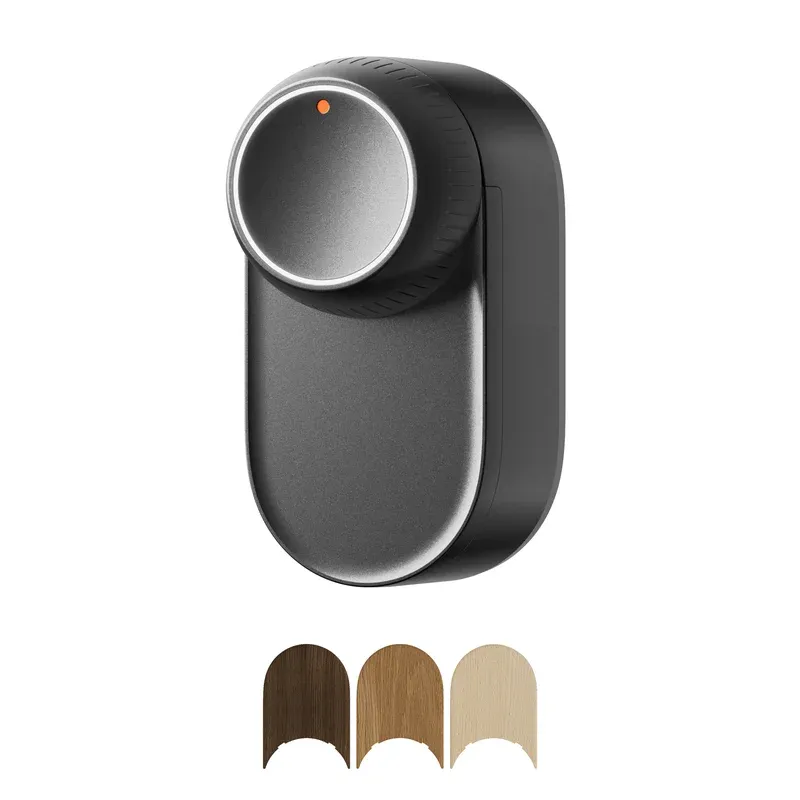
The SwitchBot Lock Ultra is a retrofit smart lock that replaces the interior mechanism of your existing deadbolt, leaving the exterior hardware untouched. With a rechargeable 4200mAh battery, 17 unlock methods, and a magnesium aluminum alloy body, it offers a meaningful upgrade over older battery-dependent smart locks. In our testing, the installation took under 15 minutes and the motor runs noticeably quieter than previous SwitchBot models.
What Makes the SwitchBot Lock Ultra Is notable
The SwitchBot Lock Ultra stands apart from most retrofit smart locks through its rechargeable battery system and broad compatibility. The 4200mAh lithium-ion cell charges via USB-C and lasts up to 9 months per charge, eliminating the routine AA battery swap that frustrates users of competing models. A built-in supercapacitor provides emergency backup power if the main battery runs empty, which is a genuinely useful safety feature for a YMYL product like a door lock.
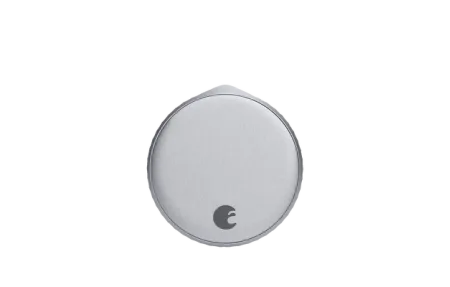
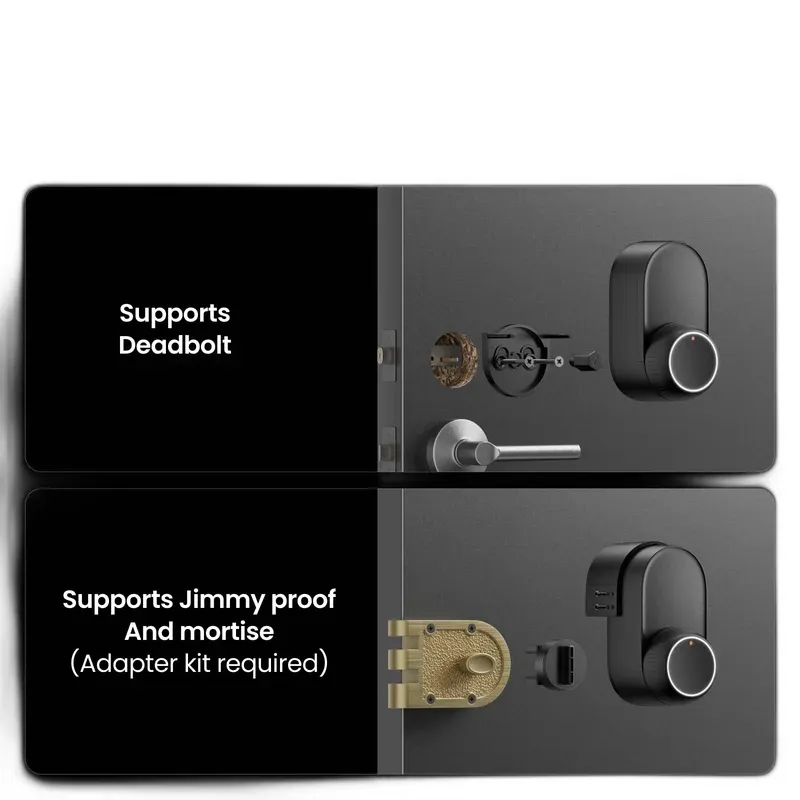
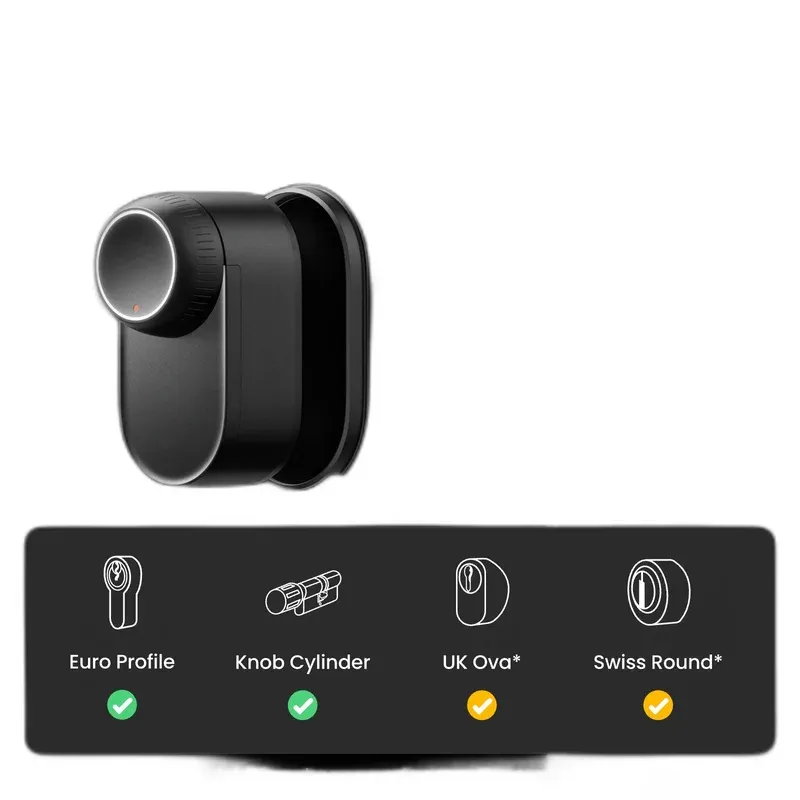
The lock body is constructed from magnesium aluminum alloy, making it noticeably slimmer than the SwitchBot Lock Pro it replaces - roughly half an inch thinner when mounted. The rotary knob on top has a smooth, rounded profile and an LED indicator ring that shows locked or unlocked status at a glance. SwitchBot claims compatibility with 99.9% of door configurations, supporting standard deadbolts, jimmy-proof locks, and mortise locks (the latter requires an optional adapter kit).
Under the Hood
The SwitchBot Lock Ultra delivers solid hardware specs for a retrofit lock at its price point:
- Battery: 4200mAh Li-ion, USB-C charging, 9-month rated life
- Emergency backup: Built-in supercapacitor for power-out scenarios
- Connectivity: Bluetooth 5.0 (Wi-Fi and Matter via SwitchBot Hub 2/3)
- Construction: Magnesium aluminum alloy body
- Unlock methods: 17 total (app, keypad, fingerprint, NFC, physical key, geofencing, voice)
- Compatibility: Deadbolts, jimmy-proof, mortise locks (adapter for last two)
- Installation: 2-screw clip-on mount, no exterior hardware changes
- Certifications: FCC, CE compliant
The lock includes a visual calibration wizard in the SwitchBot app that walks through aligning the motor with your deadbolt throw. This auto-calibration runs on first setup and catches misalignment before it causes grinding or incomplete locking.
Smart Connectivity and Voice Control
Out of the box, the SwitchBot Lock Ultra connects via Bluetooth 5.0 only. For remote access, Wi-Fi, and voice assistant commands, you need a SwitchBot Hub 2 or Hub 3 (sold separately). Once connected through a hub, the lock gains Wi-Fi control, remote monitoring from anywhere, and Matter compatibility for cross-platform smart home integration.
Voice assistant support covers Alexa and Google Assistant after hub pairing. Saying "Alexa, lock the front door" or "Hey Google, is the front door locked?" works reliably once the SwitchBot skill is enabled and the hub is set up. The SwitchBot app also supports IFTTT for more advanced conditional automations.
For Home Assistant users, the SwitchBot integration via hub enables full entity control, lock status monitoring, and automation triggers without any custom configuration.
Integration Benefits
With the SwitchBot Hub connected, the Lock Ultra enables several useful automations:
- Auto-lock the door 5 minutes after it is unlocked.
- Trigger an "Away" scene - turning off lights, lowering thermostat, arming cameras - when the door locks.
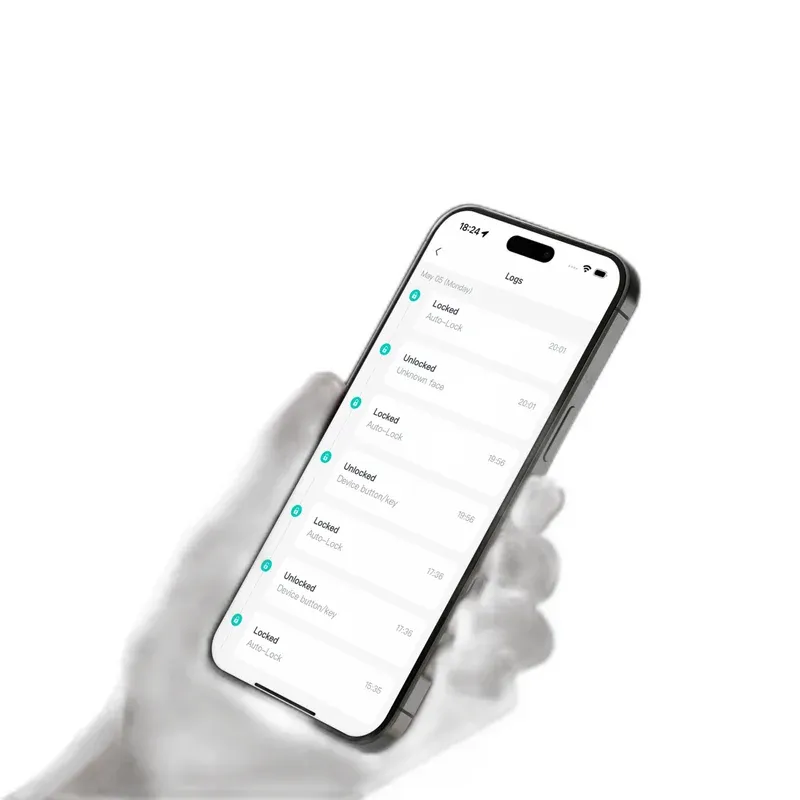
- Send push notifications to your phone every time the door opens.
- Create time-based access windows for house cleaners or delivery services.
17 Unlock Methods
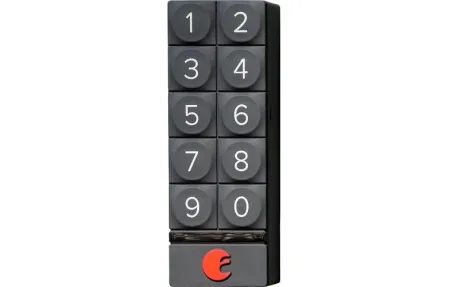
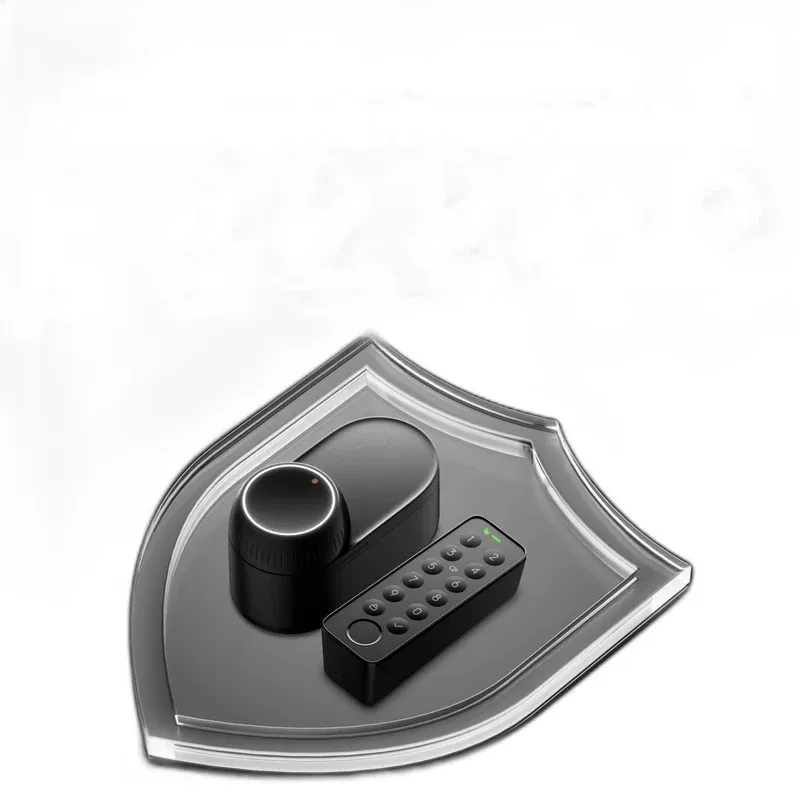
The SwitchBot Lock Ultra supports 17 different ways to unlock the door, covering every realistic scenario. App unlock works over Bluetooth when you are nearby, or remotely via Wi-Fi through the hub. The optional Keypad Touch adds PIN and fingerprint support; the Keypad Vision adds 3D facial recognition using 30,000 infrared points - a feature typically found only on high-end hotel locks.
Geofencing auto-unlock is available in beta: the lock detects your phone location and unlocks automatically as you approach. NFC tag support lets you create a quick-tap unlock for family members with enabled phones or dedicated tags.
Setup and Installation
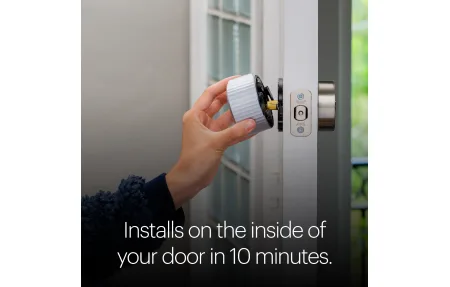
Installing the SwitchBot Lock Ultra takes under 15 minutes for most standard deadbolts. The lock clips onto a two-piece mounting frame with just two screws - no drilling, no exterior hardware replacement. The interior thumb-turn is removed and the lock unit snaps in its place, using the same deadbolt mechanism your door already has.
Included in the box:
- Smart Lock Unit
- Mounting Frame
- Installation screws
- USB-C charging cable
- Setup Guide
The SwitchBot app guides through motor calibration, Bluetooth pairing, and hub setup if applicable. Firmware updates install automatically through the app.
Practical Use Cases
The SwitchBot Lock Ultra fits several common home security scenarios:
- Rental guests: Create time-limited PIN codes that expire automatically at checkout. No need to collect physical keys.
- Family access: Assign a permanent code to each household member through the keypad accessory so nobody needs to carry a phone to get in.
- Package deliveries: Grant a one-time access code for contactless package drop-off inside the entryway.
- Remote monitoring: Check the lock status and view entry history from anywhere via the SwitchBot app.
Final Verdict
The SwitchBot Lock Ultra is one of the most practical retrofit smart locks available at its price. The rechargeable USB-C battery is a genuine quality-of-life improvement over AA-powered alternatives, and the 9-month rated life means you will rarely think about charging it. Installation is genuinely tool-free for standard deadbolts, making this an easy option for renters.
The main limitation is the hub dependency for remote access and voice assistants. Buying the lock alone gives you Bluetooth-only operation, which works well for local use but limits the smart home automation potential. Budget for a SwitchBot Hub 2 if you want the full feature set. With the hub, the Lock Ultra integrates cleanly into Alexa, Google Home, and Home Assistant setups.
Independent reviews consistently note the SwitchBot Lock Ultra represents a significant upgrade in build quality and battery technology over its predecessor, making it a strong choice in the competitive retrofit smart lock market.
Frequently Asked Questions
How many unlock methods does the Lock Ultra have?
The SwitchBot Lock Ultra supports 17 unlock methods. These include smartphone app, PIN keypad, fingerprint via optional Keypad Touch or Keypad Vision, NFC tags, physical key, auto-unlock via geofencing, and voice commands through Alexa or Google Assistant.
What battery does the SwitchBot Lock Ultra use?
The SwitchBot Lock Ultra uses a built-in 4200mAh lithium-ion rechargeable battery with USB-C charging. SwitchBot rates battery life at up to 9 months on a full charge under normal use, with a built-in supercapacitor providing emergency backup power.
Does the Lock Ultra work with Home Assistant?
Yes, the SwitchBot Lock Ultra integrates with Home Assistant via the SwitchBot Hub 2 or Hub 3. The hub bridges Bluetooth to Wi-Fi and enables Matter compatibility, allowing full automation control within Home Assistant.
Can renters install the Lock Ultra easily?
Yes. The SwitchBot Lock Ultra clips onto your existing deadbolt from the inside and requires only two screws. It leaves the exterior keyhole intact and does not damage the door. It fits standard deadbolts, jimmy-proof locks, and mortise locks with an optional adapter.
Does the SwitchBot Lock Ultra support Matter?
Matter support is available through the SwitchBot Hub 2 or Hub 3. The lock itself communicates over Bluetooth 5.0, but pairing with a SwitchBot hub extends it to Wi-Fi and enables Matter and remote access from anywhere.