Philips Hue Smart Button: Easy Intuitive Lighting Control

As an Amazon Associate we earn from qualifying purchases. Disclosure.
Check Price on Amazon →Product Details
🏭 Manufacturer: Philips Hue
📄 Specification Met: None
🔖 Part Number: 605774
🏋️♂️ Weight: 0.04 kg (1.4 ounces) net, 0.07 kg boxed
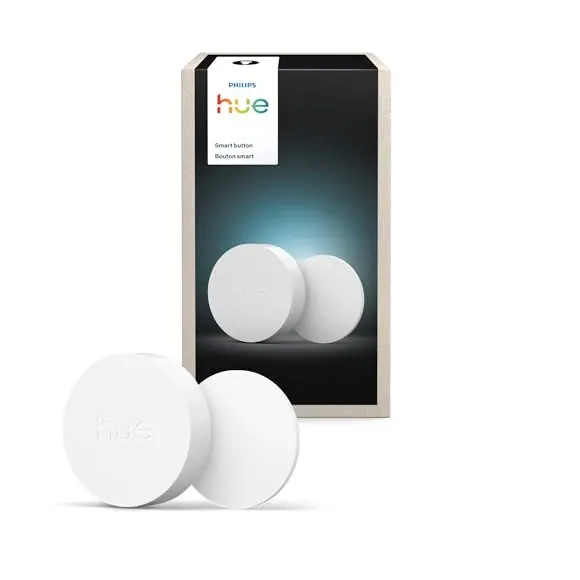
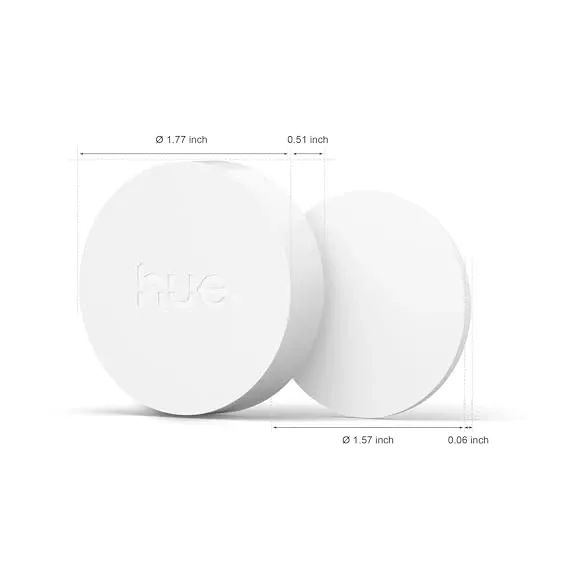
📏 Dimensions: 45 x 45 x 13 mm (1.77 x 1.77 x 0.51 inches)
🏳️ Country of Origin: China
🆔 Model Number: RDM005
📐 Size: 45 mm diameter
🎨 Style: Modern
🧲 Mounting Type: Magnetic/adhesive mount
🔧 Usage: Indoor
🧩 Included Components: 1 Philips Hue Smart Button, magnetic mini mount with adhesive backing (no wall plate), 1x CR2032 battery
🔋 Batteries Included: Yes
🔋 Batteries Required: Yes
The Philips Hue Smart Button is a simple yet powerful device that puts smart lighting control right at your fingertips. This compact button lets you turn your Philips Hue lights on or off with a single press, dim or brighten them by holding the button, and even adjust lighting automatically based on the time of day. Designed for ease of use, the Philips Hue Smart Button is perfect for anyone looking to simplify their smart home lighting setup without relying solely on apps or voice commands.
What Makes Philips Hue Smart Button Essential for Smart Lighting?
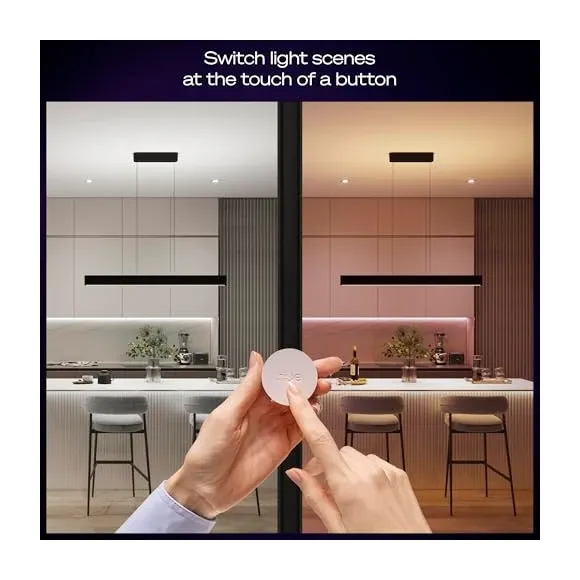
The Philips Hue Smart Button offers more than just basic control. Its sleek design and intuitive functionality make it a must-have for smart lighting enthusiasts:
- One-Touch Control: Quickly switch your Philips Hue lights on or off with a single click.
- Hold to Dim or Brighten: Easily adjust brightness levels without needing your phone.
- Automatic Time-Based Lighting: Set your lights to change brightness or scenes depending on the time of day.
- Wireless and Portable: Powered by a replaceable CR2032 battery, it can be used as a handheld remote or mounted magnetically.
- Indoor Only: Rated IP20 on Signify's spec sheet, so it belongs in dry rooms. Earlier listings quoted IP44 for this button; the current product page does not.
These features make the Philips Hue Smart Button an excellent addition for anyone seeking tactile control alongside app or voice options.
Price, Model Numbers, and What Changed in 2025
The current button is the third generation, released in June 2025. Signify lists it at $32.99 in the US, 19.99 GBP in the UK, and 21.99 EUR in the eurozone (October 2026). That US figure is a steep jump: the previous generation sold for $21.99, while the European price didn't move. Amazon.com carries it as "PHILIPS Hue Wireless Smart Light Switch Button" (model 605774), and it has dipped to around $24.74 during sales.
| Detail | Current model (2025) | Previous model (2019) |
|---|---|---|
| Zigbee model ID | RDM005 | ROM001 |
| Material number (12NC) | 929004582202 (US), 929004582201 (EU/UK) | 8718699693985 (EU) |
| Diameter | 45 mm, 13 mm tall | 32 mm |
| Mount in the box | Magnetic mini mount with adhesive | Large wall plate plus mini mount |
| Lifetime | 50,000 clicks | not stated on current spec sheets |
| Protection | IP20 | IP44 in 2019 listings |
The ID matters when you leave the Hue app: Zigbee2MQTT lists RDM005 as its own device, separate from the ROM001 entry for the older button, and the two expose different action sets.
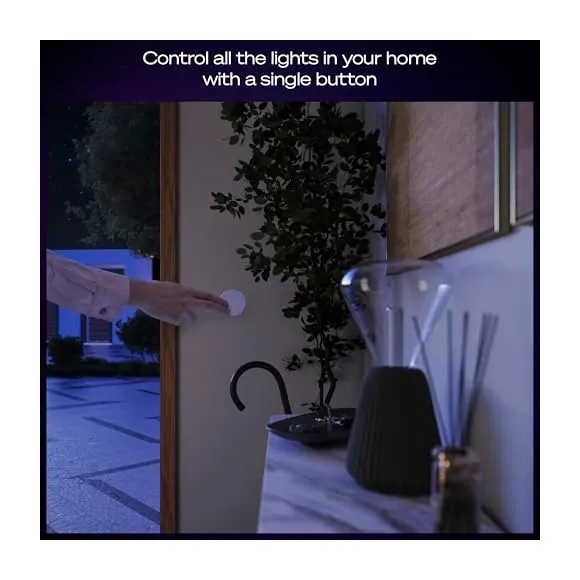
Smooth Compatibility with Philips Hue and Smart Home Systems
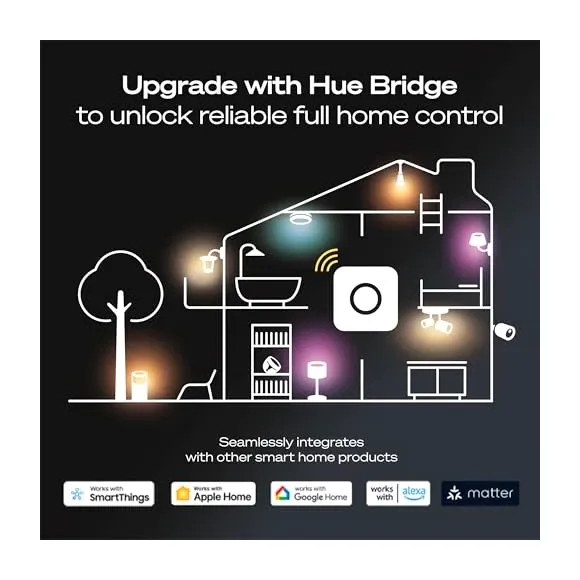
The Philips Hue Smart Button works best when paired with the Philips Hue Bridge. This connection unlocks full customization, allowing you to control multiple lights, create scene cycles, and set timers or automations through the Hue app. Signify's spec sheet allows up to 50 lights per switch and 12 accessories per Bridge, so one button can run a whole floor. Without a Bridge, the button pairs directly with up to 10 Hue bulbs, but its behavior is fixed: on, off, and dim. Changing what it does requires the Bridge. Both the Hue Bridge (v2) and the Hue Bridge Pro, launched in September 2025, work with it; the Pro raises the ceiling to 150 lights and 50 accessories, and after the September 2026 price increase it costs $139.99 in the US and 129.99 GBP in the UK.
In addition, the button supports voice assistants like Amazon Alexa, Google Assistant, and Apple HomeKit (via the Hue Bridge), enabling easy voice commands alongside physical control. Matter and Samsung SmartThings go through the Bridge as well. This integration helps maintain a smooth and unified smart home experience.
Home Assistant: Through the Bridge or Straight to Your Coordinator
There are two ways to get this button into Home Assistant, and they behave differently.
Through the official Hue integration, the button is a stateless device. It fires a hue_event on each press, appears as a device trigger in the automation editor, and reports battery as a sensor. The Hue API limits it to one event per device per second, so a rapid double press can collapse into one. On a v2 Bridge the button may show as unavailable while it sleeps; the integration documentation says to ignore that for battery devices.
Pairing it directly to a Zigbee coordinator skips the Bridge entirely. Zigbee2MQTT supports the current button as RDM005 and exposes battery plus an action enum with on, off, toggle, brightness_move_up, brightness_move_down, brightness_step_up, brightness_step_down, brightness_move_to_level, and brightness_stop, which gives you press, hold, and release as separate triggers. ZHA users report the button pairs and emits zha_event payloads on the On/Off and Level clusters, but it has no dedicated listing, so expect raw cluster commands rather than named actions. One caveat either way: a button paired to Zigbee2MQTT or ZHA no longer exists in the Hue app, so Hue scenes and the Hue firmware updates stop reaching it.
Simple Setup and Versatile Mounting Options
Setting up the Philips Hue Smart Button is quick and easy. After pairing it with the Hue Bridge through the Philips Hue app, you can place the button wherever it suits you best. The 2025 package includes:
- A magnetic mini mount with adhesive backing.
- A CR2032 battery, already fitted.
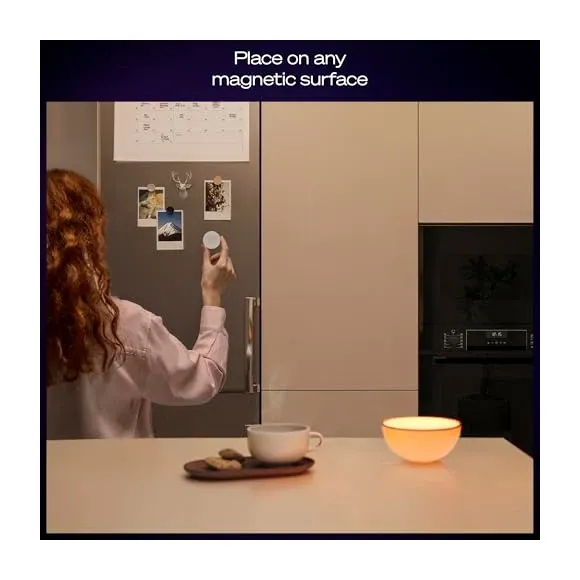
The large wall plate that let the previous generation sit over an existing light switch is gone. Hueblog's first-look review noted the change, and reviewers at smarthomecompared.com list it as their main complaint, along with the smooth plastic sliding on the flat mount. If you want the button to replace a wall switch, you'll need a third-party plate. The button also sticks to any magnetic surface on its own, such as a fridge door.
This versatility means you can either create a fixed control point or carry the button with you for convenient lighting adjustments anywhere in your home.
Compact Size with Durable Construction
The Philips Hue Smart Button measures about 45mm in diameter and offers a smooth, soft-touch finish that feels comfortable to use. Its sturdy build is rated for 50,000 presses, and Signify quotes a minimum battery life of two years for the included CR2032; the Hue app shows the expected remaining life. A subtle LED indicator confirms your commands and alerts you to connection status. It is only available in white.
Why Choose Philips Hue Smart Button for Your Home?
If you want a quick, reliable way to control your smart lighting, the Philips Hue Smart Button is a great choice. It combines ease of use with smart features, all in a compact design.
Key benefits include:
- Effortless control with a single press or hold.
- Fast and responsive lighting adjustments.
- Multiple mounting options for any room or use case.
- Long battery life with simple replacement.
- Works with major voice assistants through the Hue Bridge.
Things to Keep in Mind
- Requires the Hue Bridge for full functionality and advanced features.
- Apple Home sees it as a single-press button only. HomeKit News found the long press never reaches HomeKit on the previous generation, and no review of the 2025 model reports a change.
- IP20 means no bathrooms' wet zones and no outdoor use.
- $32.99 is a lot for one key when the European price is 21.99 EUR.
- The soft-touch surface may need occasional cleaning to stay looking fresh.
Despite these minor points, the Philips Hue Smart Button offers excellent value for anyone invested in the Philips Hue ecosystem or looking for easy smart lighting control.
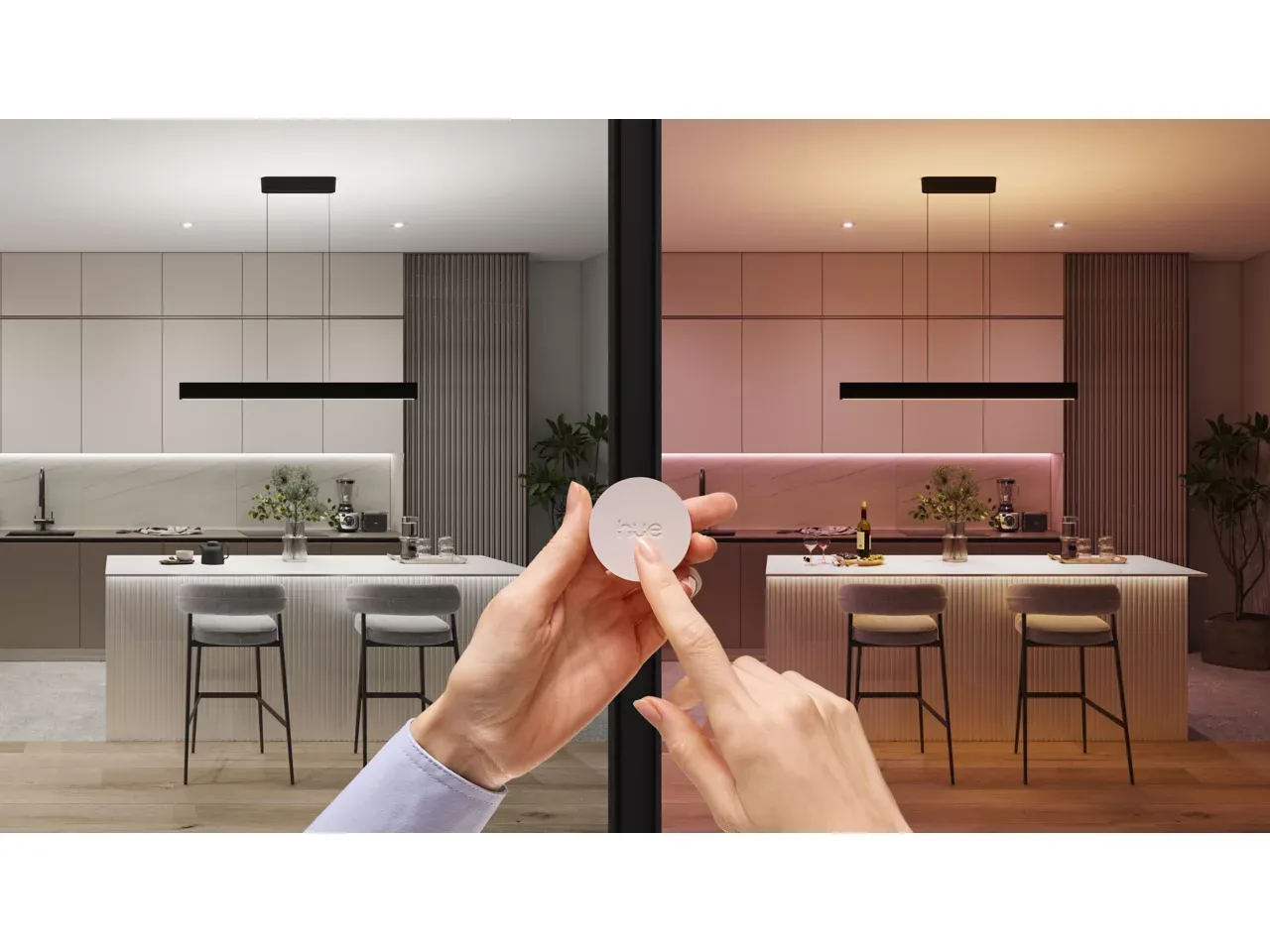
Can I dim and brighten lights with the Philips Hue Smart Button? Yes. Press and hold the button to adjust brightness.
How do I install the Philips Hue Smart Button? Attach the magnetic mount with adhesive or place it on a metal surface, then set it up in the app. No wiring is necessary.
How do I replace the battery? Open the back compartment and replace the CR2032 coin cell, ensuring correct polarity.
What battery does the Philips Hue Smart Button use? A single CR2032 coin-cell battery.
What's new in the latest Philips Hue Smart Button model? It's larger (45 mm diameter, up from 32 mm), has a flatter, more angular design, and includes a magnetic mini mount instead of a large wall plate. Core functions remain the same. It launched in June 2025 and the Zigbee model ID changed from ROM001 to RDM005.
Can I use mounts from the original Smart Button on the latest model? No, due to size and mounting differences.
Is the Philips Hue Smart Button suitable for bathrooms or outdoor use? No. It is rated IP20, so use it indoors and away from direct water. Not designed for outdoor use.
How do I reset the latest Philips Hue Smart Button? Remove and add it again in the app, or perform a hardware reset by holding the button until the LED blinks.
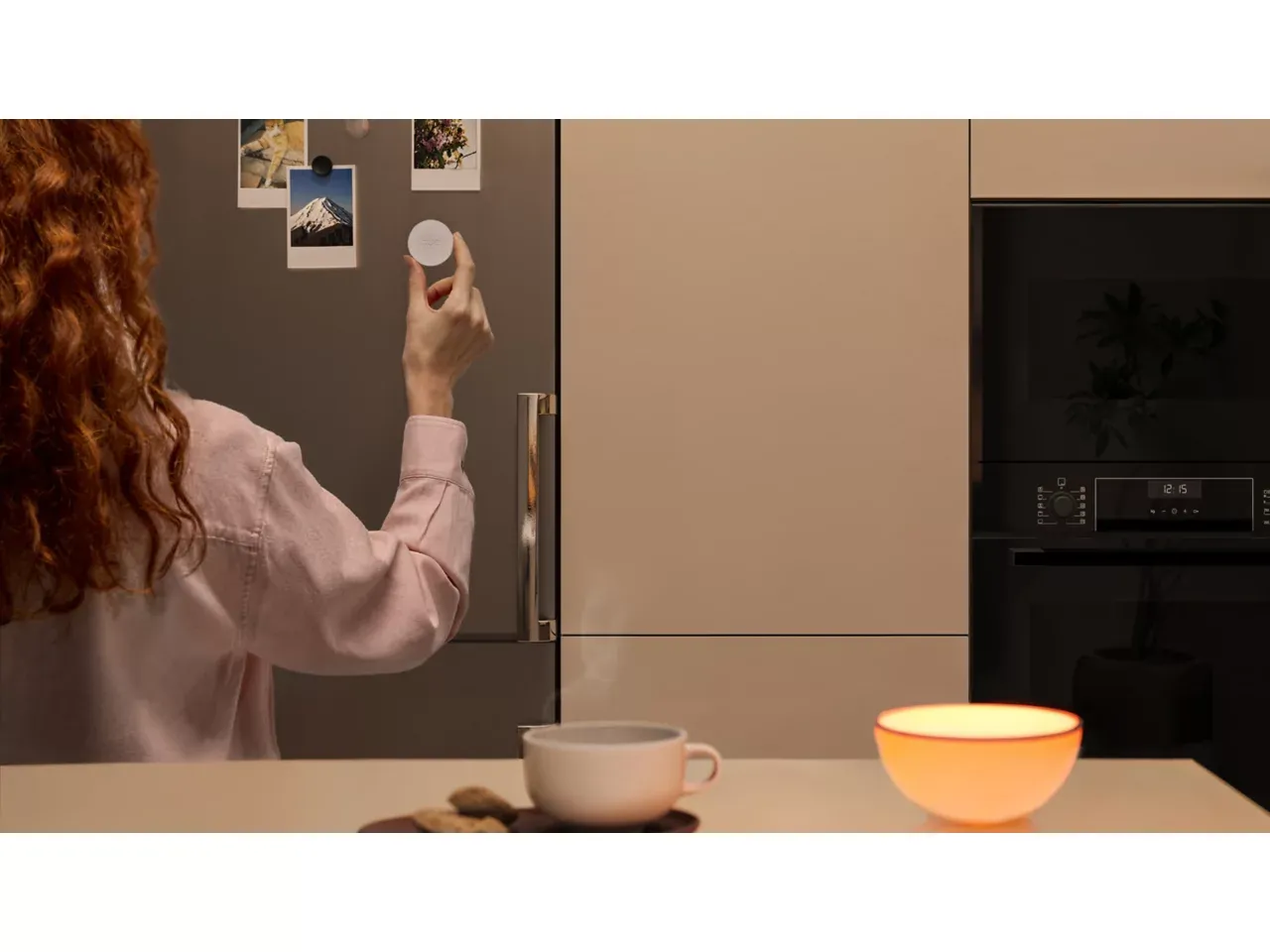
In Summary: Simplify Your Smart Lighting with Philips Hue Smart Button
The Philips Hue Smart Button offers a straightforward and elegant way to control your smart lighting. It combines tactile ease, smart home compatibility, and flexible installation options to enhance your lighting experience.
With the Philips Hue Smart Button, you get quick access to your favorite lighting scenes and brightness levels without needing your phone or voice commands. It's the perfect companion for anyone looking to make their smart home lighting more accessible and convenient.
Discover the simplicity and power of smart lighting control today with the Philips Hue Smart Button.
Frequently Asked Questions
What do I need to set up the Philips Hue Smart Button?
You need the Philips Hue app. For full features and automations, a Hue Bridge or Hue Bridge Pro is required. Basic on/off and dimming can work without a Bridge in limited scenarios.
Does the Philips Hue Smart Button require wiring?
No. It is battery powered and wireless, so no electrical wiring is needed.
Where can I mount the Philips Hue Smart Button?
Use the included magnetic mount or adhesive strips to place it on walls, doors, fridges, or any metal surface. It can also be used as a portable remote.
How do I add the Philips Hue Smart Button to my Hue system?
Open the Hue app, go to Settings, then Accessories, then Add accessory, and follow the instructions. Without a Bridge, you can pair it directly with nearby Hue bulbs for basic control.
How many lights can the Philips Hue Smart Button control?
With a Hue Bridge, you can assign it to control any room, zone, or your entire home; Signify's spec sheet lists a maximum of 50 lights per switch. Without a Bridge, it can control up to 10 bulbs directly.
Can I customize the Philips Hue Smart Button without a Bridge?
Customization is limited without a Bridge. The Bridge unlocks scene cycling, time-based settings, and automations.
What functions does the Philips Hue Smart Button support?
It can turn lights on/off, dim or brighten, trigger scenes, and start automations configured in the app.
Can I use the Philips Hue Smart Button with automations?
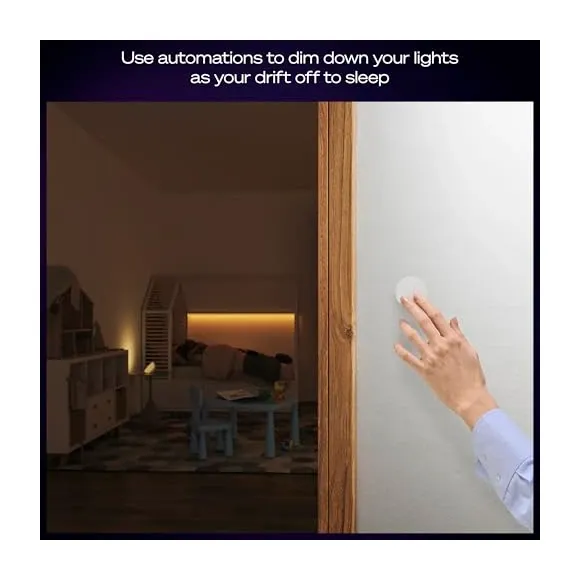
Yes, with a Hue Bridge you can use it to start automations like timers, presence mimicry, or sleep modes.
What is the smart on/off feature?
It toggles lights and can return them to a default or time-based scene, configurable in the Hue app.
How do I reset the Philips Hue Smart Button?
Remove it from the Hue app and add it again. You can also perform a hardware reset by holding the button until the LED blinks, then set it up anew.
Can I use the Philips Hue Smart Button outdoors?
No. The current model is rated IP20 on Signify's spec sheet, which means indoor use in dry locations only. It is not splash-resistant, so keep it out of bathrooms' wet zones and away from rain.
Video Review
As an Amazon Associate we earn from qualifying purchases. Disclosure.
Check Price on Amazon →Technical References
- Philips Hue Official philips-hue.com Manufacturer
- Zigbee Alliance csa-iot.org Standards
- Home Assistant Hue Integration home-assistant.io Platform