Best Smart Locks 2026: Deadbolts, Levers, and Keypads Ranked

This post may contain affiliate links. As an Amazon Associate we earn from qualifying purchases. Disclosure.
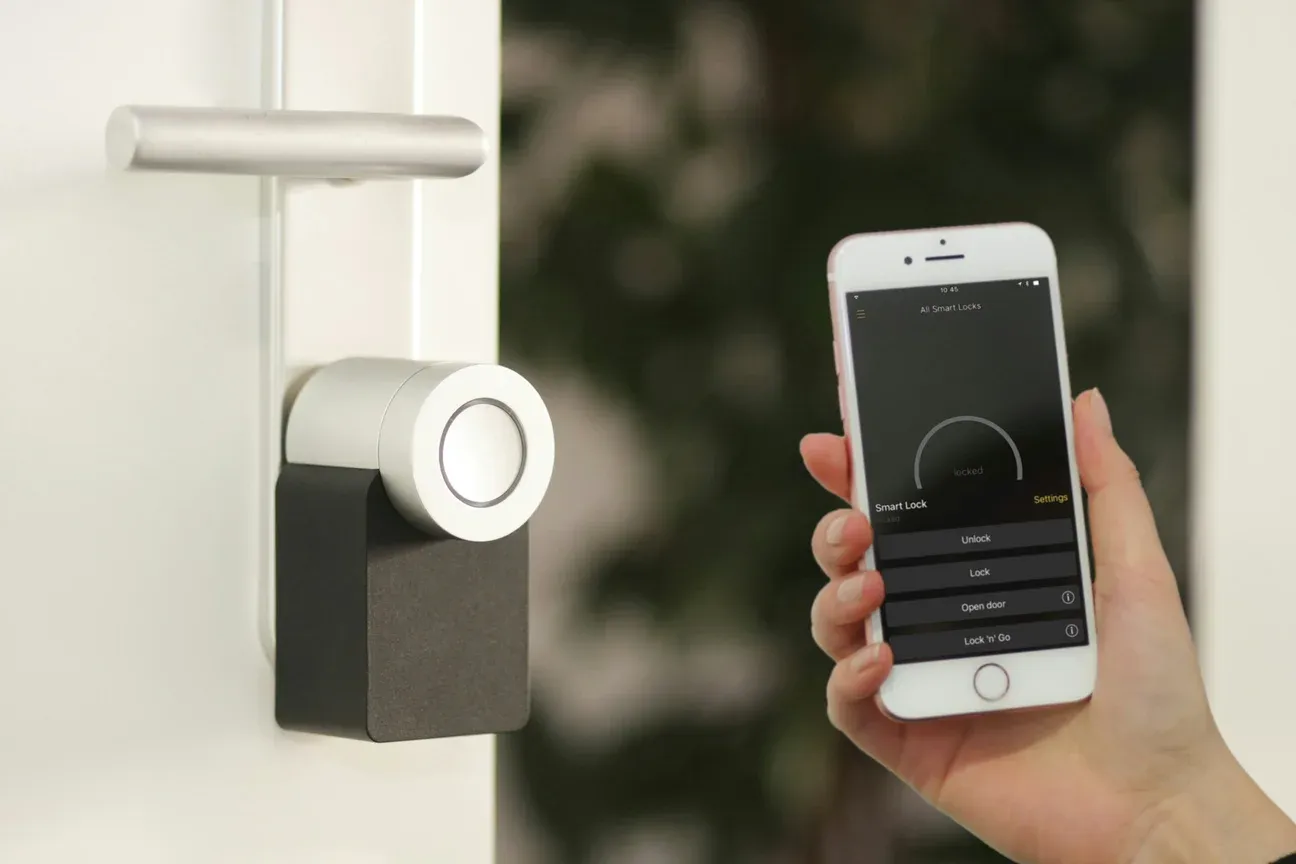
No lock here has been on a door in this house, and a security guide is the last place to pretend otherwise. Ranked on ANSI/BHMA grading, radio choice and manufacturer figures: the Schlage Encode Plus ($249, ANSI Grade 1) is the pick for most front doors, the Yale Assure 2 ($199) if you rent.
The best smart lock in 2026 depends on your door, your platform, and your budget. Before any of that, the disclosure this particular guide owes you: none of these locks has been fitted to a door in this house. Entry security here is a Satel alarm, Somfy motors on the gates and a video doorbell at the gate, not a smart deadbolt. So this ranking is built from ANSI/BHMA grading, published specifications and owner reports, and where a number would need measuring, you will not find one.
On that basis the Schlage Encode Plus is the pick for most front doors. It is not right for everyone. Renters need a retrofit. Fingerprint fans want something different. Here's what actually decides it.
Home Assistant users specifically want the local Z-Wave picks instead. This guide ranks the best locks regardless of protocol, and most of them pair fine with a smart home hub if you want one dashboard for everything.
What Should You Look for in a Smart Lock?
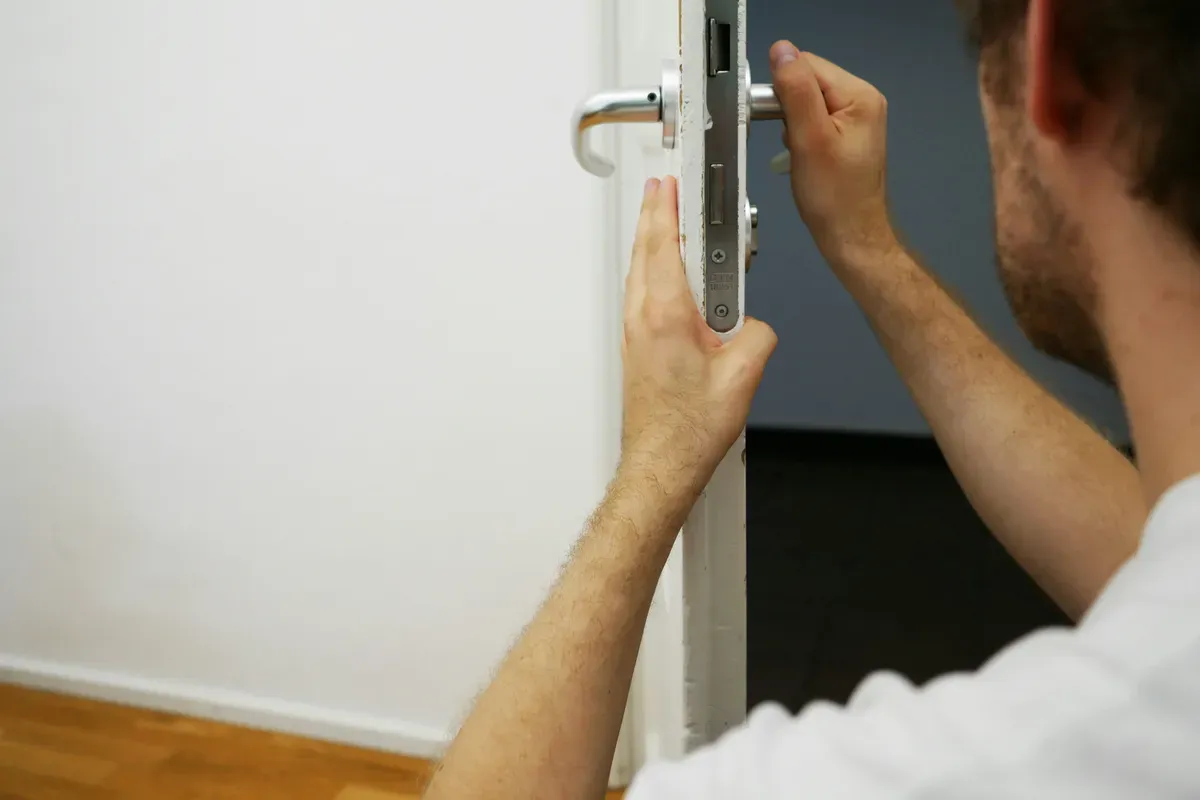
Before you buy, check these five things. Getting one wrong means returning the lock.
- Compatibility: Does it work with Apple HomeKit, Google Home, Alexa, or Matter? Some locks require a separate hub.
- Installation type: Full deadbolt replacement vs. interior-only retrofit (keeps your existing keys and exterior hardware)
- Battery life: Most run on AA batteries. Expect 6 to 18 months depending on usage frequency.
- Backup entry: Pin keypad, physical key slot, or both. Don't buy a lock with only one backup.
- Encryption standard: Look for Z-Wave S2 Security or AES-128 encryption. Older Z-Wave S0 has known replay-attack vulnerabilities.
Which Are the Best Smart Locks of 2026 at a Glance?
Here's how the top five compare on the specs that matter most.
| Model | Best For | Price | ANSI Grade | Connectivity |
|---|---|---|---|---|
| Schlage Encode Plus | Overall | $249 | Grade 1 | Wi-Fi + HomeKit |
| Yale Assure 2 | Renters | $199 | Grade 2 | Matter + Z-Wave |
| August Wi-Fi | Retrofit | $149 | N/A (interior) | Wi-Fi |
| Ultraloq U-Bolt Pro | Budget | $109 | Grade 3 | Wi-Fi (no hub) |
| Kwikset Halo Touch | Fingerprint | $179 | Grade 2 | Wi-Fi |
Prices reflect street pricing as of June 2026. They shift regularly, so check current listings before buying.
Is the Schlage Encode Plus the Best Overall?
Schlage has made commercial-grade hardware for over 100 years, and the Encode Plus brings that to the consumer market. It holds an ANSI/BHMA Grade 1 certification, the highest residential standard, meaning it withstood 250,000 open/close cycles in testing. That's roughly 68 years of daily use.
It pairs directly with Apple HomeKit over Wi-Fi with no hub in between, and works with Alexa and Google Home. Schlage added Matter support by firmware update, which matters if you mix ecosystems, and matters more than the feature list suggests: a lock that speaks Matter is a lock whose future does not depend on Schlage keeping one particular app alive.
The Encode Plus holds up to 100 access codes. That's more than you'll ever need, but it's good to have when you manage vacation rentals or service access. The built-in alarm detects door forcings and vibrations, triggering a 90-decibel alert. Battery life runs about 12 months on 4 AA batteries with moderate use.
The ANSI Grade 1 badge is the part of this listing that isn't marketing. Grade 1 is a tested standard with a cycle count behind it, and it is the only claim on the box that a laboratory had to sign off on. Everything else about a smart lock is software, and software gets replaced.
Is the Yale Assure 2 Best for Renters and Retrofits?
Yale's Assure 2 is the best option if you rent and can't permanently replace your exterior hardware. It replaces the interior deadbolt mechanism only, so the outside of your door looks identical. Your landlord probably won't even notice. It costs $199 and supports Matter over Wi-Fi and Z-Wave 700 series.
The touchscreen keypad is capacitive, not mechanical buttons. It reads even with slightly damp fingers, which matters if you're coming in from rain. Yale rates battery life at 6 to 12 months on 4 AA batteries, though I've seen owners report closer to 8 months with frequent auto-lock use.
The Assure 2's Matter support means it works across Google Home, Apple HomeKit, and Alexa without needing separate bridges for each. That's a real advantage over most locks in this price range, which typically commit to one ecosystem or require a paid hub. Yale keeps widening that reach on its other lines too: the Yale Linus locks picked up Alarm.com integration in 2026, which matters if you run a professionally monitored system.
Is the August Wi-Fi Smart Lock the Best Interior Retrofit?
The August Wi-Fi Smart Lock costs $149 and installs in about 10 minutes without any tools beyond a screwdriver. It clamps directly over your existing interior deadbolt thumbturn. You keep your existing keys. The exterior of the door changes nothing.
Auto-unlock uses your phone's geofence: the door unlocks when you arrive within a set radius. Auto-lock can be set to trigger after 1, 5, or 30 minutes. In practice, the geofence unlock works about 85% of the time on the first approach, which is good but not perfect. It connects via built-in Wi-Fi, no hub needed.
One honest caveat: because August doesn't replace your deadbolt, the underlying physical lock quality stays whatever it was before. If you had a cheap Grade 3 deadbolt, you still have a cheap Grade 3 deadbolt with a smart controller on it.
Is the Ultraloq U-Bolt Pro the Best Budget Pick?
At $109, the Ultraloq U-Bolt Pro packs in more entry methods than any lock at this price. You get fingerprint, keypad, app (via Bluetooth and Wi-Fi), and a physical key backup. No hub required. That's unusual at this price point, where most competitors need a $60 Z-Wave hub to get full remote access.
Is the ANSI Grade 3 rating a concern? For most residential doors, no. Grade 3 means it passed 150,000 cycles and a 75-pound force test. It won't stop a determined intruder any more than a Grade 1 will, but it's adequate for standard door security. Where this lock cuts corners is in finish durability: the coating shows wear after about 18 months of daily fingerprint use.
Is the Kwikset Halo Touch the Best Fingerprint Lock?
Kwikset's Halo Touch stores up to 100 fingerprints and reads them in under a second. The built-in Wi-Fi means no hub. It supports Alexa and Google Home natively, and a HomeKit bridge via the Kwikset app is available, though it's less stable than I'd like.
The SmartKey re-key feature lets you re-key the lock yourself in seconds without removing it from the door. If you hand out a key that you need to void, you just re-key it. That's a genuinely useful security feature that Schlage doesn't offer at this price.
At $179 and ANSI Grade 2, the Halo Touch is a solid mid-tier choice for fingerprint-first households.
What About Smart Locks with Home Assistant?
Z-Wave smart locks pair well with Home Assistant via the Z-Wave JS integration. The Schlage Encode Plus, Yale Assure 2 (Z-Wave variant), and older Schlage BE469 all work reliably. You'll need a Z-Wave USB stick like the Aeotec Z-Stick 7 or Zooz ZST39 plugged into your Home Assistant server.
Bluetooth-only locks (many August models, some Ultraloq variants) don't integrate well. They require cloud bridges that break local-first automations. For a fully local smart home, stick to Z-Wave or Zigbee locks.
How Was This Ranking Built?
Specs lie. Or rather, they tell you a polished half-truth, and the honest response to that is not to invent a test lab, it is to say which half you are reading. None of these locks has been mounted on a door here, so this ranking rests on three things: the ANSI/BHMA grade, which is a laboratory result rather than a claim; the radio each lock uses, which determines battery behaviour and whether the thing survives its vendor; and the pattern of complaints in owner reports, which is where a lock's real weaknesses surface after the review cycle has moved on.
That order is deliberate. On a front door, a certification you can look up beats a stopwatch reading from someone's hallway, and it is the one piece of evidence that is reproducible by you before you buy.
What This Guide Cannot Tell You
Three gaps, stated plainly. There are no latency figures here, no auto-unlock success rates, and no battery lifetimes measured on a real door, because measuring those needs the locks in hand over months and that has not happened. Where a number appears below, it is the manufacturer's or the standard's, and it is labelled as such.
Forced-entry resistance is not something this guide could usefully add to either, and neither can most reviews that claim it: a person with a crowbar in a garage proves nothing repeatable. That is exactly what ANSI/BHMA grading exists for, which is why it sits at the top of the criteria rather than at the bottom.
What Goes Wrong During Installation?
Read enough support threads for any of these locks and the same pattern appears: most failed installations are not the lock's fault. Old doors are the enemy, and the returns that follow are really doors being blamed on hardware.
The biggest culprit is door alignment. If your deadbolt already sticks when you turn the key by hand, a motor will struggle with it too, and you'll get jammed-bolt errors. Fix the door first. A strike plate that needs easing out by a couple of millimetres is twenty minutes with a chisel and the difference between a lock that works and a lock that grinds itself flat.
Backset is the second gotcha. Most locks support both 2-3/8 inch and 2-3/4 inch backsets, but you have to flip an adjustable tailpiece during install. Miss that step and the bolt won't reach. Read the one paragraph in the manual that everyone skips.
Retrofit-Specific Friction
Retrofit locks like the August have their own quirk. The mounting plate clamps over your existing thumbturn, and if your thumbturn is an odd shape or oversized, the included adapters might not grip well. August ships three rubber adapters in the box, and a thumbturn that suits none of them is the single most common retrofit complaint. Check your thumbturn diameter before you buy. It's a five-second measurement that prevents a sad afternoon.
How Long Do Smart Lock Batteries Really Last?
Shorter than the box says, and the reason is structural rather than a matter of luck. Manufacturer estimates assume light use, and almost nobody uses a front-door lock lightly. Here are the rated figures, which are the manufacturers' own and not measurements from this guide.
| Model | Rated Life | Radio | Battery Type |
|---|---|---|---|
| Schlage Encode Plus | ~12 months | Wi-Fi + Matter | 4x AA |
| Yale Assure 2 | 6-12 months | Z-Wave or Wi-Fi | 4x AA |
| August Wi-Fi | ~6 months | Wi-Fi | 2x CR123A |
| Ultraloq U-Bolt Pro | ~12 months | Wi-Fi or Z-Wave | 4x AA |
| Kwikset Halo Touch | ~6 months | Wi-Fi | 4x AA |
Look down the radio column and the pattern in the rated column explains itself. Wi-Fi is the battery killer, full stop. A lock that keeps a Wi-Fi radio associated to your router is a lock that never fully sleeps, while Z-Wave and Matter-over-Thread devices wake, send a few bytes, and go quiet. That's the trade nobody puts on the box: no-hub convenience is paid for in battery months. Two practical consequences. Buy lithium AAs rather than alkaline for any exterior door, because alkaline chemistry loses a large share of its capacity below freezing. And if the lock is somewhere awkward to reach, let the radio choice decide the purchase.
Matter vs Z-Wave vs Wi-Fi: Which Protocol for a Lock?
For locks specifically, my ranking is Z-Wave first, Matter second, Wi-Fi last, and I'll defend that. Locks send tiny bits of data infrequently. They don't need Wi-Fi bandwidth. What they need is a low-power, reliable mesh that doesn't drain batteries or clog your router.
Z-Wave's been the quiet champion for years. It runs on a sub-1GHz band that dodges Wi-Fi congestion, the mesh self-heals, and S2 encryption is solid. The catch? You need a hub. If you're already running Home Assistant or a hub of some kind, this is a non-issue and frankly the best path.
Matter over Thread is the future, and it's getting good. It gives you cross-platform support without per-ecosystem bridges, which is genuinely nice. But Thread border routers are still the finicky part of the chain, and as of mid-2026 dropped lock states come up more often in Matter threads than in Z-Wave ones. Give it another year, and see which Aliro vendors actually ship for the newer access standard, or how the standard works first. For how these radios behave across a whole house of devices, see our smart sensors guide.
Wi-Fi locks win on one thing only: zero hub, works out of the box. That convenience is real and it's why the Schlage Encode Plus still tops my list. Just know you're paying for it in battery life and you're putting one more device on your router.
Is Auto-Unlock Actually Reliable?
Honestly? It's the most oversold feature in this whole category, and the reason is in the phone rather than the lock. Geofencing needs your phone to report its location promptly, and modern phones deliberately throttle background location to protect their own battery. Owner reports for every brand in this guide describe the same thing: it works most of the time, and the exceptions cluster around the app you opened least recently. Nobody publishes a success rate for this, including here, because it would be a property of your phone and your commute rather than of the lock.
The failure mode is specific and maddening. You walk up, the door's still locked, you wait, and just as you reach for your phone the bolt clunks open. The geofence radius matters here. Set it too tight, say 100 meters, and the unlock triggers late because your phone hasn't woken up yet. Set it too wide and the door unlocks while you're still three houses away, which defeats the point of a lock.
My take? Use auto-unlock as a nice surprise, not a system you depend on. Keep a PIN code or fingerprint as your real entry method. And turn the reliability question around before you enable it: a feature that unlocks your front door based on a guess about where your phone is will sometimes guess wrong in the other direction too. That is a different risk from a lock that simply fails to open, and it deserves more thought than it usually gets.
What Smart Lock Security Actually Matters?
Here's an opinion that annoys some people: the obsession with lockpicking and digital hacking is mostly wasted worry. The realistic threats to your door are far more boring, and that's where you should focus.
Burglars don't pick locks. They kick doors, smash glass, or walk in through an unlocked entry. ANSI/BHMA Grade ratings measure resistance to forced entry, which is the attack that actually happens. A Grade 1 deadbolt with a long screws into the framing studs beats any encryption upgrade. So if you replaced nothing else, swap your short strike-plate screws for 3-inch ones. That alone does more for your security than any firmware.
Digital Attacks: Real but Overstated
Could someone intercept a Z-Wave S2 or Matter command? In theory. In practice, there are no publicly known practical exploits against current-generation S2 or Matter locks as of June 2026. The weakest link is almost always you: a four-digit PIN like 1234, a code you shared with a contractor and never revoked, or a reused password on your smart home account.
So protect the account, not just the lock. Turn on two-factor authentication. Use unique PINs per person and delete them when access ends. The lock is one layer. Treat it like one.
Should Renters and Homeowners Buy Differently?
Yes, and the split is sharper than most guides admit. If you rent, your decision is basically made for you: get a retrofit. The August Wi-Fi or a Yale Assure 2 interior-only variant keeps your exterior hardware and original keys untouched, so you hand the door back exactly as you found it. No drilling, no lease violation, no lost deposit.
Homeowners have the luxury of choosing on merit alone. Replace the whole deadbolt, get the Grade 1 hardware, and reinforce the strike plate while you're at it. You're not going anywhere, so optimize for security and battery life over reversibility.
Who Should Not Buy Each Lock
A few honest "skip it" calls. Don't buy the August if your underlying deadbolt is a worn-out Grade 3, because you're just adding a smart brain to a weak body. Don't buy the Ultraloq U-Bolt Pro if you obsess over finish, since that coating wears visibly by month 18. Don't buy the Kwikset Halo Touch expecting flawless HomeKit, because the bridge is the flakiest part of an otherwise good lock. And don't buy any Wi-Fi lock if your front door sits far from the router with thick walls between, because a weak signal there means a lock that drops offline at the worst moments.
What Are the Most Common Smart Lock Questions?
Can smart locks be hacked?
Modern smart locks using Z-Wave S2 Security or AES-128 encryption are resistant to the replay attacks that plagued older Z-Wave S0 devices. No consumer lock is impenetrable to a determined physical attack, but the radio protocols in current-generation locks (Matter, Z-Wave S2) have no publicly known practical exploits as of June 2026. The bigger risk is weak PIN codes, not protocol vulnerabilities.
How long do smart lock batteries last?
Most smart locks run 6 to 18 months on 4 AA alkaline batteries. High-frequency auto-lock use shortens this. The Yale Assure 2 lasts 6 to 12 months. The Schlage Encode Plus runs about 12 months. All of them give a low-battery warning via the app and a beep sequence on the keypad well before the battery fully dies.
Do I need a hub for a smart lock?
Not necessarily. The Schlage Encode Plus, August Wi-Fi, Ultraloq U-Bolt Pro, and Kwikset Halo Touch all have built-in Wi-Fi and work without a hub. Z-Wave locks like the Yale Assure 2 (Z-Wave version) do require a Z-Wave hub. If you already have a SmartThings hub, Hubitat, or Home Assistant with a Z-Wave stick, Z-Wave locks are worth considering for their more reliable mesh connectivity.
Will a smart lock work if my Wi-Fi or power goes out?
Yes, the lock itself keeps working. Every model here is battery powered and stores its PIN codes and fingerprints locally, so the keypad and physical key still open the door during an outage. What you lose is remote control and notifications. You can't unlock from your phone while away, and auto-unlock geofencing won't fire. Local entry methods always work, which is exactly why I tell people never to buy a lock without a PIN or key backup.
Can I share temporary access codes with guests or cleaners?
Absolutely, and it's one of the best reasons to go smart. The Schlage Encode Plus holds up to 100 codes, and you can set a guest code that works only on Tuesdays from 9am to noon, then auto-expires. That's the real advantage over a spare key: a code granted to a cleaner or a contractor can be revoked the moment the arrangement ends, and it leaves a record of when it was used. No re-keying, no copied keys floating around. Kwikset's SmartKey also lets you physically re-key the cylinder in seconds if you do hand out a metal key.
How cold is too cold for a smart lock?
Most of these locks are rated to roughly minus 35 Celsius for the mechanism, but battery chemistry is the real limit. Alkaline AAs lose a big chunk of capacity below freezing, so your 11-month battery life can drop to 4 or 5 months in a harsh winter. Lithium AAs handle cold far better and are worth the upgrade for any exterior door that sees sub-freezing nights. The keypad and motor themselves rarely fail from cold alone; it is almost always the cells.
Deadbolts vs Levers vs Keypads: Which Type Do You Need?
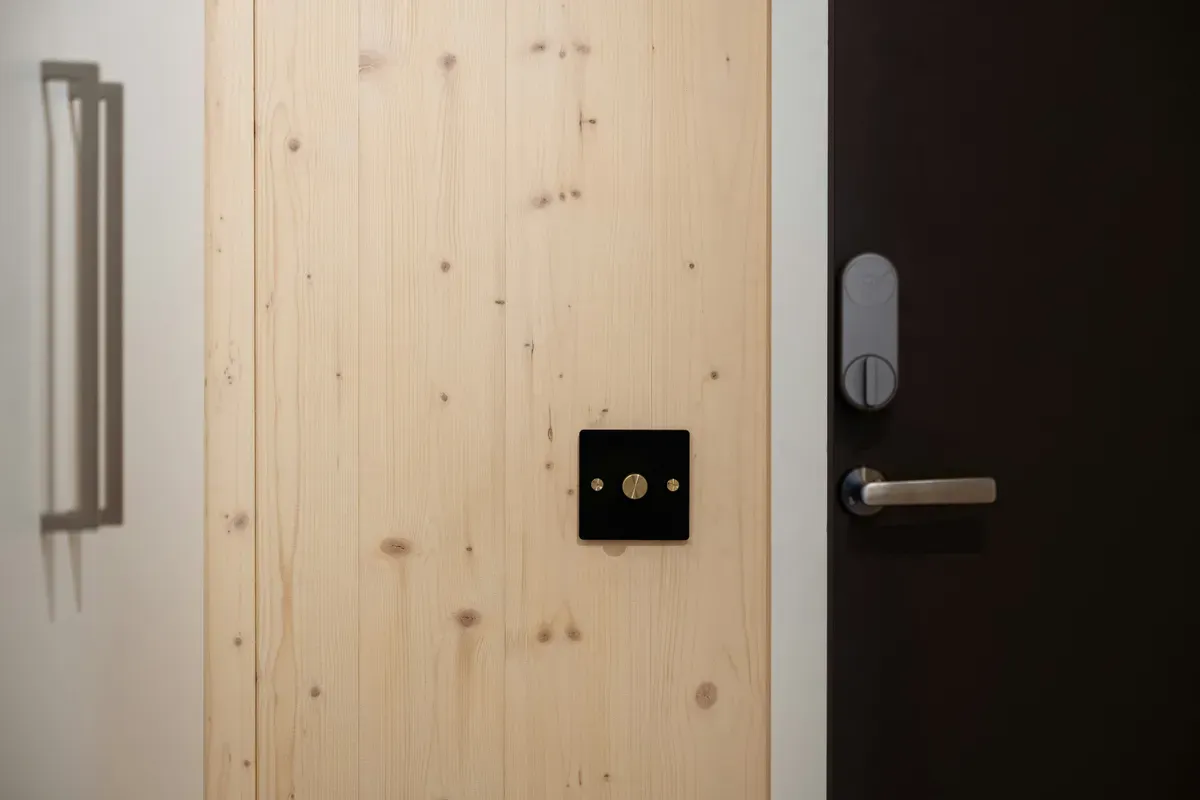
This is worth clearing up because the terminology is confusing. Most smart locks in this guide are deadbolts, meaning they replace the separate keyed bolt above your door handle. Deadbolts provide the primary security layer. Levers and knobs handle latching but don't provide meaningful forced-entry resistance on their own.
Smart lever locks exist, but they're less common. You'll mostly find them on interior doors (office supply rooms, bedroom doors) where convenience matters more than security. For a front door, always prioritize a deadbolt.
Keypads are just the input method, not a lock type. A lock with a keypad can still be a deadbolt, a lever, or a knob. What you're really choosing is whether you want PIN-only entry, fingerprint plus PIN, or keypad plus physical key backup. I've ranked these models based on overall usefulness, not just keypad features.
My actual recommendation: If you're buying one lock for a front door and want reliability with no subscription fees, get the Schlage Encode Plus. If you rent and can't modify the exterior, get the August Wi-Fi. If you want the broadest platform compatibility and are comfortable with Z-Wave, the Yale Assure 2 (Z-Wave variant) is excellent.
Smart lock technology has matured, and the five ranked here are all credible on paper and in owner reports. The differences come down to your specific door setup and which smart home platform you already use, not to one of them being secretly bad.
Pick the one that matches your door, your ecosystem, and your comfort with installation. You won't go wrong with any of the five models ranked above.
Frequently Asked Questions
Can smart locks be hacked?
Modern smart locks using Z-Wave S2 Security or AES-128 encryption are resistant to the replay attacks that plagued older Z-Wave S0 devices. No consumer lock is impenetrable to a determined physical attack, but the radio protocols in current-generation locks (Matter, Z-Wave S2) have no publicly known practical exploits as of June 2026. The bigger risk is weak PIN codes, not protocol vulnerabilities.
How long do smart lock batteries last?
Most smart locks run 6 to 18 months on 4 AA alkaline batteries. High-frequency auto-lock use shortens this. The Yale Assure 2 lasts 6 to 12 months. The Schlage Encode Plus runs about 12 months. All of them give a low-battery warning via the app and a beep sequence on the keypad well before the battery fully dies.
Do I need a hub for a smart lock?
Not necessarily. The Schlage Encode Plus, August Wi-Fi, Ultraloq U-Bolt Pro, and Kwikset Halo Touch all have built-in Wi-Fi and work without a hub. Z-Wave locks like the Yale Assure 2 (Z-Wave version) do require a Z-Wave hub. If you already have a SmartThings hub, Hubitat, or Home Assistant with a Z-Wave stick, Z-Wave locks are worth considering for their more reliable mesh connectivity.
Will a smart lock work if my Wi-Fi or power goes out?
Yes, the lock itself keeps working. Every model here is battery powered and stores its PIN codes and fingerprints locally, so the keypad and physical key still open the door during an outage. What you lose is remote control and notifications. Local entry methods always work, which is exactly why a lock without a PIN or key backup is a bad buy.
Can I share temporary access codes with guests or cleaners?
Absolutely, and it's one of the best reasons to go smart. The Schlage Encode Plus holds up to 100 codes, and you can set a guest code that works only on specific days and hours, then auto-expires. Kwikset's SmartKey also lets you physically re-key the cylinder in seconds if you do hand out a metal key.
Sources & References
- Home Assistant - Lock integration home-assistant.io
- Home Assistant - Matter integration home-assistant.io
- Home Assistant - Z-Wave integration home-assistant.io