
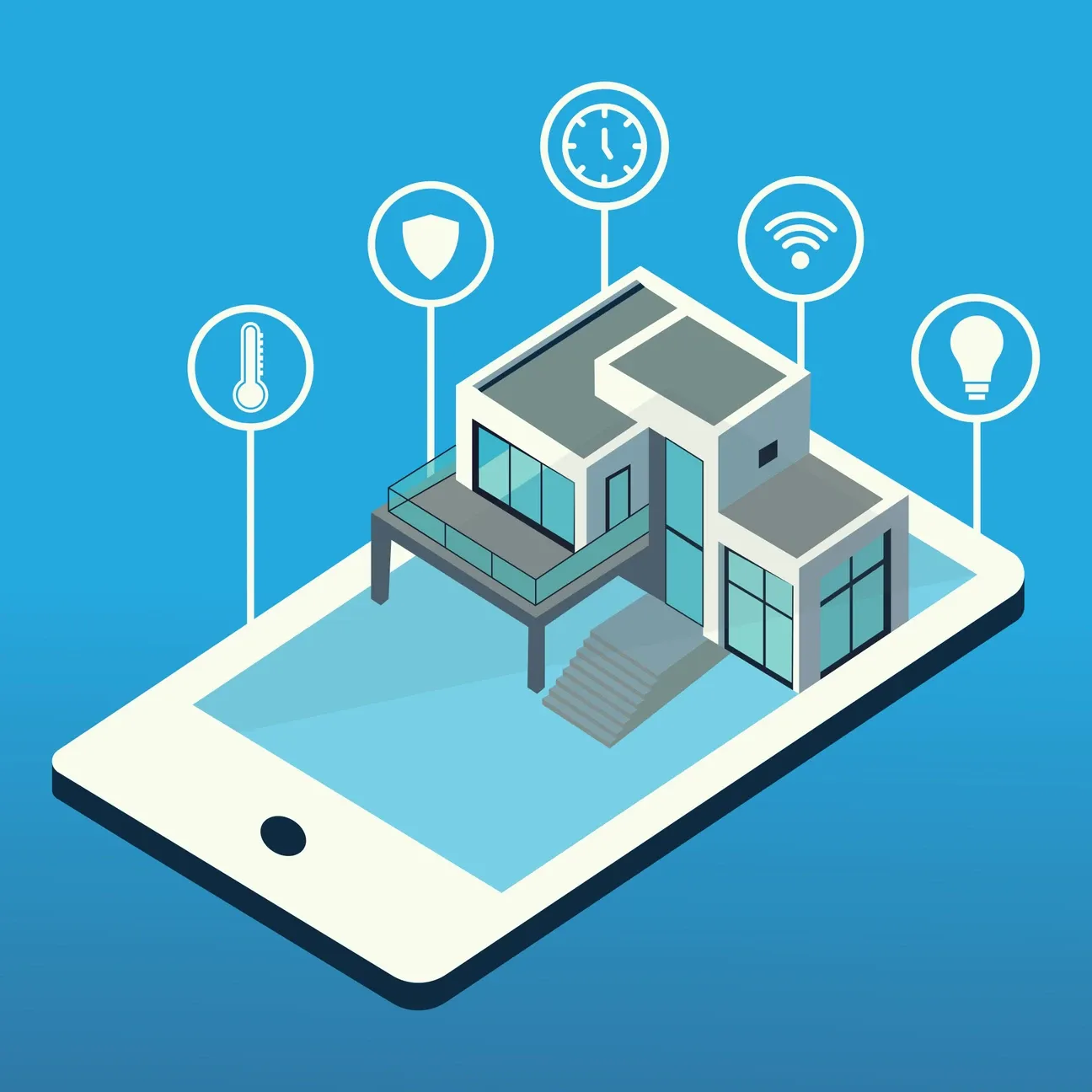
Setting up a smart home can seem daunting, especially if you're new to the world of home automation. However, with the right guidance, integrating a Roku Streaming Device into your smart home system can be a fun and rewarding experience. This ultimate guide to setting up a Roku smart home will walk you through the process, providing helpful tips and tricks to ensure that even beginners can establish a seamless and efficient Roku smart home setup.
Understanding Roku's Role in a Smart Home
When most people think of Roku, they envision a streaming device that brings entertainment to your television. While that is certainly true, Roku also plays a significant role in home automation. The device can connect with various smart devices in your home, enhancing convenience and creating a more integrated living environment.
By using Roku, you can:
- Control your TV and streaming services.
- Integrate with voice assistants like Amazon Alexa and Google Assistant.
- Connect with other smart home devices for a unified control system.
- Access apps and services to manage your smart home environment.
Initial Setup of Your Roku Device
Before you delve into connecting your Roku with other devices, it's essential to set up the device itself. The beauty of Roku lies in its user-friendly interface which ensures an easy setup process.
First, plug in your Roku device into the HDMI port of your TV and connect it to a power source. For 4K streaming at premium quality, the Roku Express 4K+ delivers stunning 4K HDR picture quality with seamless streaming experience and voice remote control. Navigate through the setup menu using the remote control. Ensure you connect your device to a stable Wi-Fi network to access all features and updates. Once connected, you can personalize settings and download your preferred streaming apps.
Connecting Roku to Other Smart Devices
- Smart Speakers: Use a compatible voice assistant to control Roku with simple voice commands.
- Smart Lighting: Sync smart bulbs like Philips Hue or LIFX to dim or change colors while watching movies.
- Home Security: Connect your Roku with video doorbells like the Roku Wire-Free Video Doorbell or smart cameras for enhanced security alerts on your TV.
Once configured, these integrations can vastly improve the smart home experience, giving you more control and flexibility without the need to juggle multiple remotes or devices.
Tips and Tricks for Enhancing Your Smart Home with Roku
Now that you’ve connected Roku with various smart devices, let's explore some tips to make the most out of your new setup.
Optimize Your User Experience
- Customize Channels: Arrange your streaming channels for quick access and clutter-free navigation.
- Use the Roku Mobile App: Take advantage of this app to type searches more easily and control your Roku device when the remote isn't handy.
- Enable Screen Mirroring: Share content from your smartphone or computer to your TV without wires.
Enhance Energy Efficiency
Another great advantage of using Roku in your smart home is the potential energy efficiency gains. Many smart devices come with power-saving modes or auto-off settings to help reduce electricity consumption.
- Set schedules for your Smart Lighting to only activate when needed.
- Use sensors to manage devices' operation based on room occupancy.
Troubleshooting Common Issues
Despite its reliability, you may encounter some issues while integrating Roku with your smart home system. Here are solutions to common problems:
- Slow Streaming: Ensure your Wi-Fi connection is strong or switch to a wired network connection.
- Device Compatibility: Double-check that your other smart devices are compatible with Roku.
- Lagging Performance: Regularly update your Roku device software to fix bugs and enhance stability.
- Doorbell Power Management: If you're using a Roku Wire-Free Video Doorbell, ensure it remains fully charged and well-maintained. Keeping the power level high ensures your wireless doorbell continues to function reliably for home security.
Building Your Connected Living Space
Creating a unified smart home ecosystem with Roku as your central hub opens up possibilities that extend far beyond basic entertainment. When you invest time in properly configuring your devices and learning how they communicate with each other, you gain a living space that responds to your preferences and daily routines. The initial learning curve pays dividends as automation handles repetitive tasks, leaving you free to focus on what matters most. Whether you want to create the perfect movie night atmosphere or simply turn off all your lights with a single voice command, Roku provides the foundation for a truly modern home.
In conclusion, establishing a Roku smart home system involves more than just watching TV; it's about crafting an integrated and convenient lifestyle. With these tips and tricks, even novices can set up an efficient home environment tailored to their needs. The investment you make in setting up your Roku smart home today will continue to pay dividends as new features and integrations become available through software updates. Start with the basics and gradually expand your system as you become more comfortable with the technology. Enjoy your smart home experience with Roku at the center of your digital universe!
Remember that building a smart home is a journey rather than a destination. Each device you add creates new possibilities for automation and convenience. Take your time exploring the features available to you and don't hesitate to experiment with different configurations until you find what works best for your household.