Smart Home Security: Cameras, Locks, and Alarm Guide
Quick take: Smart home security works in layers, cameras document, alarms deter, smart locks control access. Start with outdoor cameras and door sensors before adding professional monitoring. SimpliSafe at $18/month and Ring Alarm are the strongest DIY options with optional monitoring and no long-term contracts.
Smart home security covers a wide range of devices that work very differently from one another. A $50 indoor camera has little in common with a professionally monitored alarm system, both get called "smart home security," but they address different threats and require different levels of commitment. This complete guide explains what each category actually does and how to build a layered security setup that fits your home without overcomplicating it.
What Should You Know About Indoor and Outdoor Security Cameras?
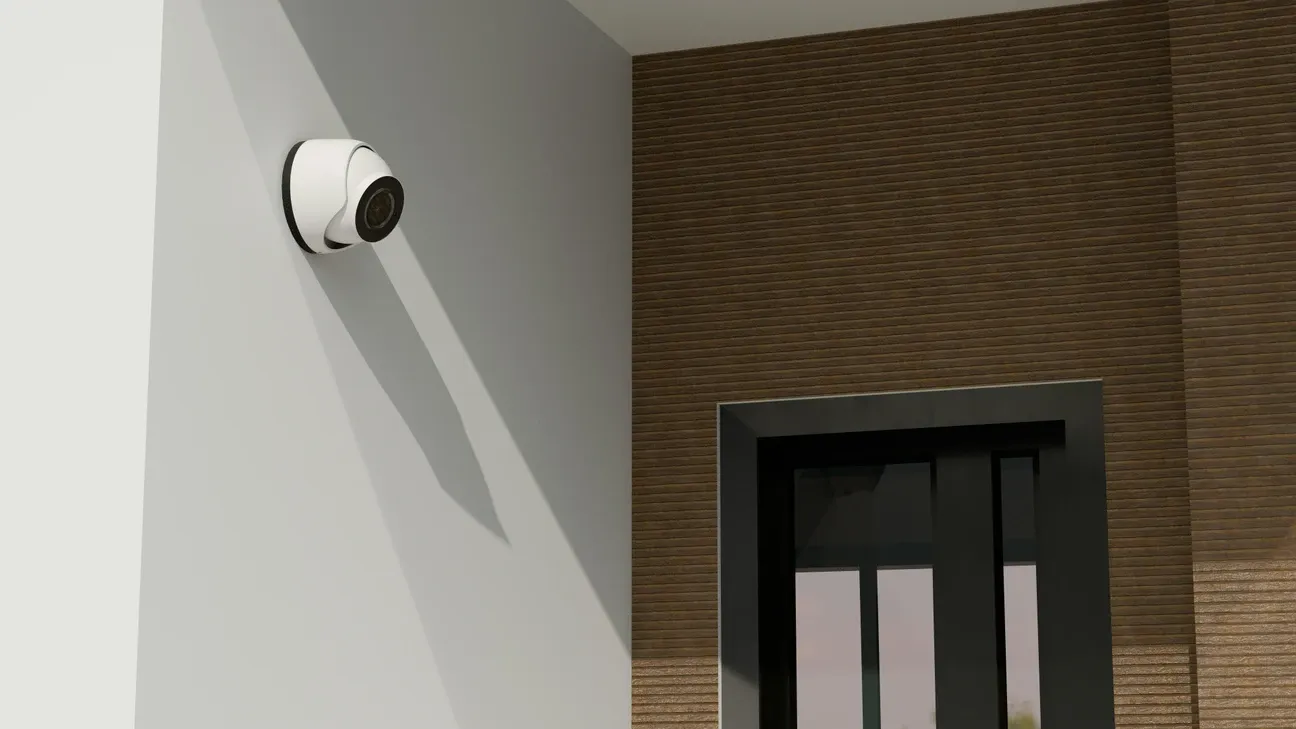
Indoor cameras deter theft if positioned visibly, and provide footage useful for insurance claims or police reports if something does happen. They're not preventive in the same way an alarm is, they document, they don't stop. The more useful function for most households is checking on kids, pets, or deliveries.
The camera integration benefits guide explains which security scenarios cameras actually prevent versus which they only document after the fact.
Outdoor cameras handle weatherproofing, wider field of view, and night vision differently than indoor ones. A 130-degree outdoor camera covers a driveway entrance. A 180-degree model covers more but distorts the edges. For cameras that need to identify faces or license plates, resolution matters: 2K or higher for anything beyond 15 feet.
AI-powered cameras have improved significantly. The better models distinguish between people, animals, vehicles, and packages without subscription fees. False alerts from trees blowing in the wind have dropped considerably with pattern-recognition processing. The Federal Trade Commission's guide on home security cameras covers privacy settings worth reviewing before positioning cameras near property lines. The smart camera privacy concerns guide covers data ownership, local storage options, and what happens to footage if your cloud provider shuts down.
Camera features worth comparing before purchase:
- Local storage vs. cloud: Eufy stores video on a local hub with no monthly fee; Ring requires a subscription for any saved video
- Motion zones: Draw specific areas to monitor so a camera pointed at the street doesn't trigger alerts every time a car passes
- Person detection: Distinguishes people from animals and vehicles, worth the extra cost on outdoor cameras
- Color night vision: Uses ambient light to maintain color at night, more useful for identification than infrared black-and-white
- Smart home integration: Whether the camera triggers automations in Google Home, Alexa, or HomeKit
The smart home cameras brand comparison breaks down how Ring, Eufy, Arlo, and Wyze stack up on each of these features.
What Are the Smart Lock Convenience vs. Security Tradeoffs?
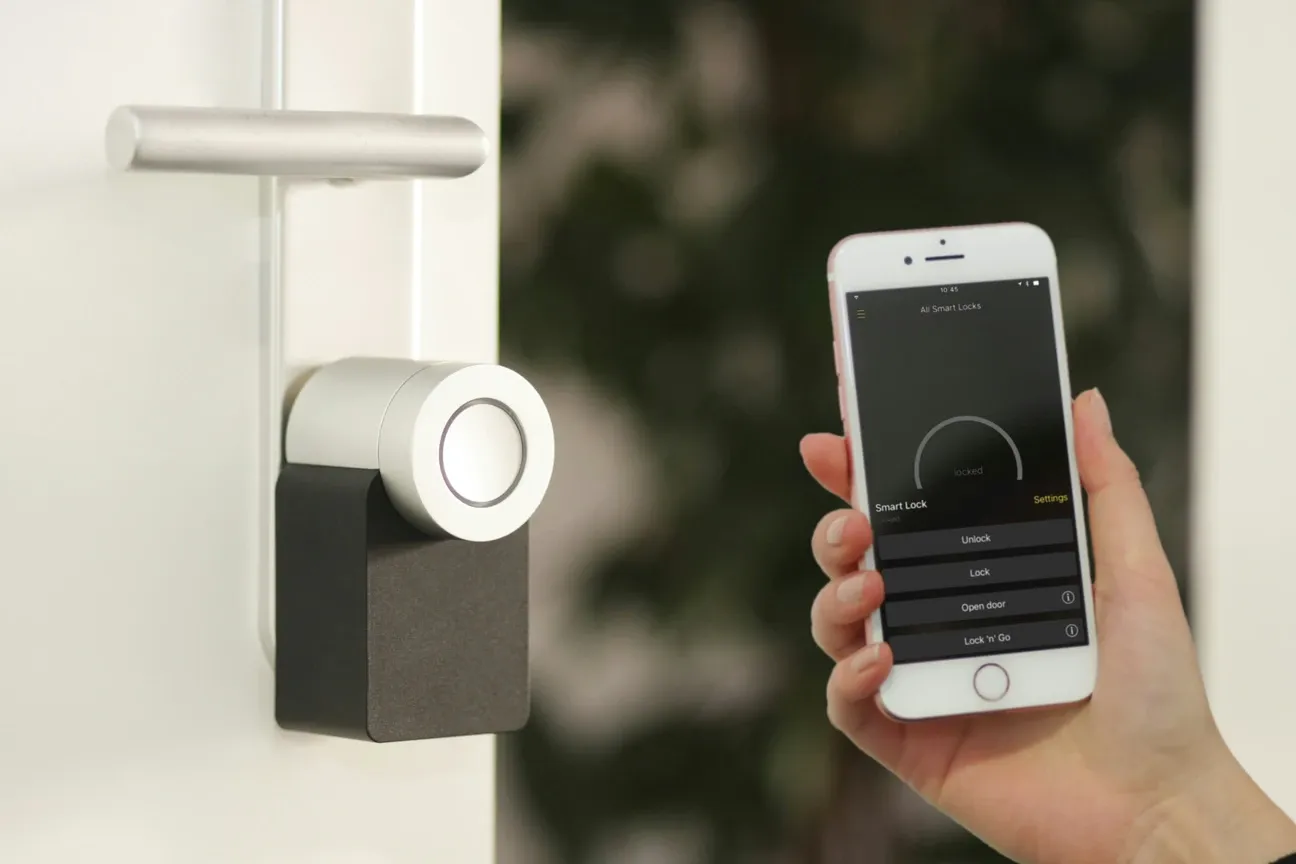
Smart locks replace or augment your deadbolt with keypad entry, app control, or auto-lock on a schedule. The convenience is real, no more leaving a spare key under the mat, and you can let in a dog walker or repair person remotely without cutting a key.
The security question is worth taking seriously. A properly installed smart lock rated ANSI/BHMA Grade 1 offers the same physical resistance as a high-quality conventional deadbolt. The smart locks hub covers ANSI grades, Zigbee vs. Z-Wave vs. Wi-Fi models, and the brands worth considering. The attack vector that changes with smart locks is digital: Wi-Fi locks that communicate over the cloud are more vulnerable to service outages and theoretical remote attacks than Zigbee or Z-Wave models that stay local.
Battery life is the practical concern that most buyers underestimate. In my own setup, a Yale Assure lock running four AA batteries lasted nine months before the low-battery warning triggered, longer than expected, but still a calendar reminder worth setting. Standard AA batteries in a smart lock last three to twelve months depending on usage frequency. Low-battery alerts in the app prevent lockouts, but only if you have notifications enabled and you act on them promptly.
Popular smart lock categories:
- Deadbolt replacements: Replace your existing deadbolt entirely. Schlage Encode, Yale Assure, and Kwikset Halo are solid choices with good app and smart home platform support.
- Smart lock adapters: Attach to your existing deadbolt thumbturn so you keep your existing keys. August and Level Bolt use this approach.
- Padlocks: For gates, storage units, and garages. Master Lock and Igloohome make app-controlled padlocks with offline access codes.
- Entry handle sets: Replace the full door handle and lock together for a cleaner look. Higher installation complexity but a polished result.
How Do Video Doorbells Fit Into Your Security Setup?
Video doorbells overlap with both camera and lock categories. They add a visual layer to your entry point and let you communicate with visitors without answering the door. The main variants: battery-powered (no wiring needed, requires periodic charging) and hardwired (uses existing doorbell transformer, no charging required). The video doorbells comparison explains which variant fits each installation scenario and what you give up with each.
Most major platforms, Google Home, Amazon Alexa, Samsung SmartThings, include video doorbells in their ecosystem. The integration determines whether you can trigger complete security automations when someone rings (turn on porch lights, unlock the door) or just receive a notification.
The guides in this section cover complete installation walkthroughs for both battery and hardwired models, plus brand comparisons that highlight what each does well.
What Should You Know About Alarm Systems and Professional Monitoring?
A camera or smart lock won't alert anyone if something happens when you're not watching your phone. Professional monitoring fills that gap. Services like Vivint and SimpliSafe contact emergency services if sensors trigger when you're unavailable or unreachable. Monthly fees run from $15 to $50 depending on response time and features.
Self-monitored systems using Home Assistant or Ring's self-monitoring tier send you phone alerts and let you decide whether to call emergency services yourself. Lower cost, but the response time depends entirely on you checking your phone promptly.
Alarm System Components
The core components of an alarm system:
- Entry sensors: Door and window contact sensors that trigger when opened
- Motion sensors: Passive infrared or radar sensors that detect movement inside the home
- Glass break sensors: Acoustic sensors that detect breaking glass specifically
- Siren: Indoor or outdoor audio alarm that deters intruders and alerts neighbors
- Monitoring hub: The central device that coordinates sensors and communicates with the monitoring service
- Key fob or keypad: Arms and disarms the system at the entry point
SimpliSafe and Ring Alarm are the most DIY-friendly options. Vivint requires professional installation but offers a more complete system. ADT sits at the professional end with monitoring that has operated for over 145 years. The alarm systems guide covers each tier with specific subscription costs and what the monitoring actually includes.
How Do You Build a Complete Smart Home Security Setup?
The complete home security approach layers devices from the perimeter inward:
Perimeter layer: Outdoor cameras with motion detection covering approaches to the home, video doorbell at the main entry, motion-activated floodlights over driveways and garage.
Entry layer: Smart locks on main doors, contact sensors on all exterior doors and ground-floor windows, garage door sensor.
Interior layer: Indoor cameras in main living areas (positioned where they don't capture private spaces), motion sensors covering main traffic areas.
Monitoring layer: Professional monitoring or self-monitoring app configured to escalate alerts appropriately.
You don't need all of these at once. Start with a camera and doorbell for visibility, the Arlo vs Ring comparison is a useful starting point for that decision. Add a smart lock if keyless entry matters. Consider professional monitoring only after you've confirmed the sensor placement and false-alarm rate are manageable, a system generating daily false alarms is one you'll turn off.
The guides in this section walk through each category with specific product recommendations, setup instructions, and honest assessments of where each brand excels and where it cuts corners.
How Do You Handle Network Security for Smart Home Devices?
A smart home with 20 connected devices is a larger attack surface than a home with none. Most of those devices run embedded Linux or proprietary firmware with varying update histories. Putting them on a separate network segment is the single most effective thing you can do.
Create a dedicated IoT VLAN or guest network for all smart home devices. This keeps your cameras, locks, and sensors from communicating with your laptops, phones, and NAS drives. If a budget camera gets compromised, it can't reach your banking data on a properly segmented network.
Change default passwords on every device before connecting it to your network. Factory defaults for Wi-Fi cameras and hubs are well-known and published. An attacker doesn't need to guess your password if the device still has "admin/admin" from the factory.
Update firmware promptly. Manufacturers push security patches that close vulnerabilities found after release. A camera running 18-month-old firmware is a known liability. Enable automatic updates where the option exists, or check manually every month on devices without auto-update support.
Avoid devices with no update history from manufacturers you've never heard of. A $20 camera that hasn't received a firmware update since 2023 is unlikely to get patches for newly discovered vulnerabilities. For a well-supported option, the Arlo security cameras setup guide covers a brand with a consistent firmware update record.
How Do You Handle Smart Security False Alarm Management?
False alarms are the most common reason people disable their security systems. A system generating three false alerts per week becomes a system that gets ignored or turned off within a month.
The main culprits:
- Motion sensors set to too high a sensitivity in rooms with ceiling fans or HVAC vents that blow curtains
- Outdoor cameras without motion zones that alert on every passing car
- Door sensors on sliding glass doors that vibrate in wind without actually opening
- Pet motion sensors that aren't calibrated for the animal's weight and heat signature
I've had to retune motion zones twice after repositioning cameras, the default coverage always captures more street traffic than you'd expect from the spec sheet. Fix these by narrowing motion zones on outdoor cameras to exclude the street and neighbor's yard. Reduce motion sensor sensitivity by one notch from default on indoor sensors. For door sensors on windy entries, add a small piece of foam tape between the magnet and the sensor to stabilize the contact. The complete security system setup guide covers initial placement recommendations that reduce these calibration cycles.
Ring, SimpliSafe, and Home Assistant all let you configure "away mode" sensitivity separately from "home mode." Using lower sensitivity when you're home and higher sensitivity when you're away eliminates most false alerts without reducing overnight protection.
How Do You Integrate Security With the Rest of Your Smart Home?
Security devices are most useful when they connect to your broader smart home automation. Standalone systems that only send phone notifications miss the full value of connected devices.
Some integrations that make a real security difference:
- When a door sensor opens after midnight, automatically turn on hallway lights at 30% brightness
- When the alarm triggers, flash all smart lights in the home red to signal which zone activated
- When the front door camera detects a person, announce it through smart speakers in rooms you're likely to be in
- When everyone leaves home, arm the security system automatically rather than relying on remembering to arm it manually
Home Assistant handles all of these natively. Google Home and Amazon Alexa handle some through Routines but can't execute the more complex conditional automations. If security automation depth matters to you, that's a reason to consider Home Assistant alongside a dedicated security panel rather than relying entirely on a closed ecosystem. The Home Assistant advanced automation guide walks through the exact automation patterns for security triggers.
For the canonical consumer-protection reference on smart home security risks, the FTC consumer guide on smart home device security covers the privacy and configuration questions every buyer should ask.