Home Automation Guide: Google Nest Setup and Smart Living
Quick take: Guides here cover Google Nest as a home automation foundation, Nest Thermostat scheduling, Nest Camera motion-trigger automations, Nest Protect smoke integration, and Google Home routines. Cross-device triggers are where automation gets genuinely useful: a camera detecting front-door motion can turn on the porch light and push a phone notification simultaneously. Also covers troubleshooting common Nest device failures. Matter support means Nest now interoperates with Alexa and HomeKit devices.
Home automation means different things to different people. For some, it's a smart thermostat that learns your schedule. For others, it's a full system where lights, locks, cameras, and appliances all react to each other automatically. This section covers guides for building a connected home that actually makes living easier, not just impressive to show off. Google Nest sits at the center of one of the most approachable automation ecosystems available, and the guides here cover it in depth alongside broader smart home automation strategies.
For the Google ecosystem specifically, see our Nest smart home products Google Home for a current breakdown of what works with what.
How Does Google Nest Form the Foundation of Google Home Automation?
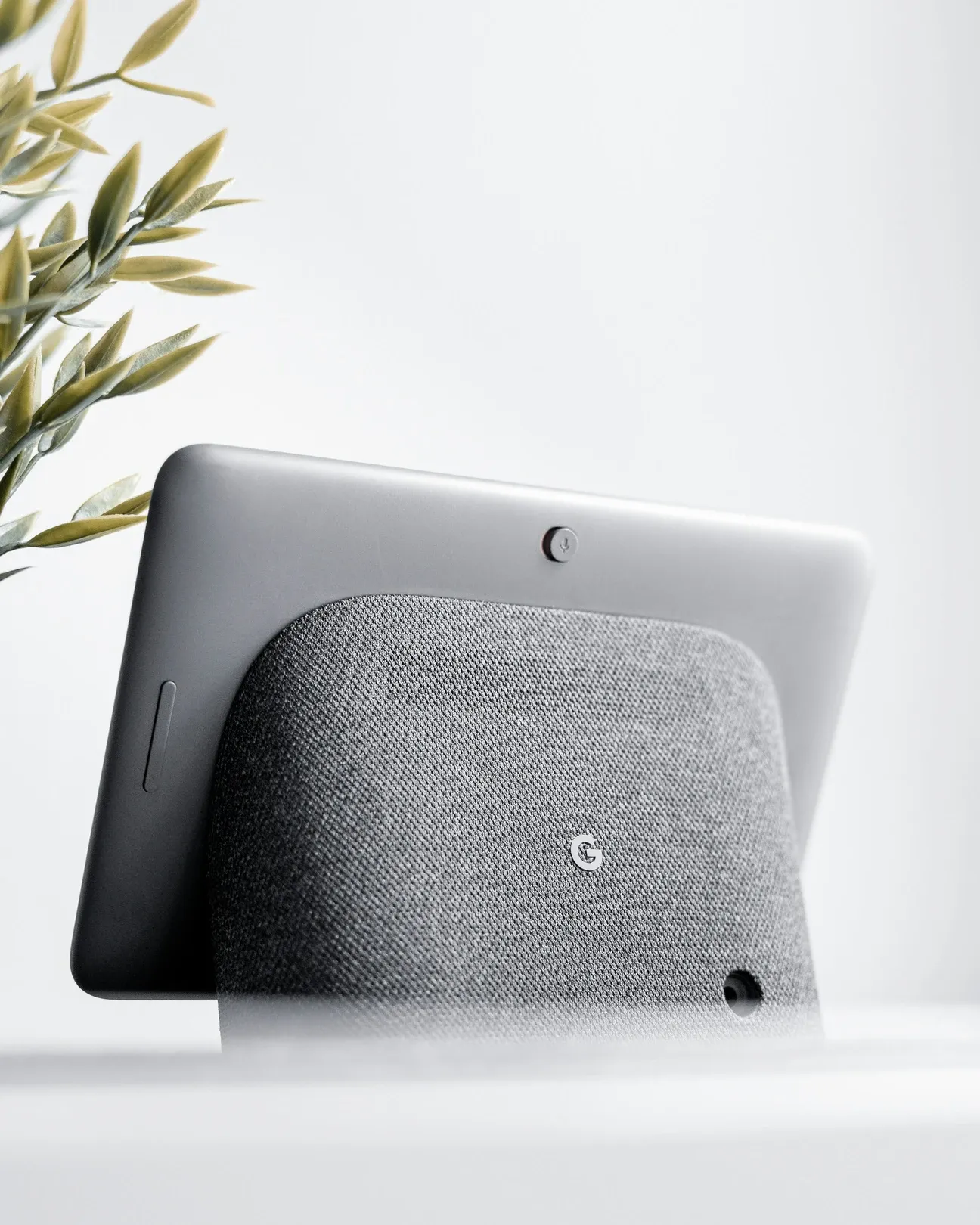
Nest products work as a family. The Nest Thermostat learns your temperature preferences over a few days and builds a schedule automatically. The Nest Learning Thermostat adds a display and more granular learning. Both connect to the Google Home app and respond to voice commands.
Nest cameras and doorbells extend the system into security automation. Motion detection triggers can kick off multi-device sequences, a camera detecting movement at the front door can turn on the porch light and send a phone notification simultaneously. This kind of cross-device trigger is where home automation gets genuinely useful rather than just convenient.
The Nest Protect smoke and CO detector connects to the same ecosystem. When it detects smoke, it can trigger your smart lights to turn on and guide you to exits. That's a real safety benefit, not a gimmick.
How Do You Set Up Google Nest Devices?
The Google Home app handles all Nest pairing. You scan the QR code on the device or use the setup code, name it, assign it to a room, and you're done. Most Nest devices are running in under five minutes from unboxing.
Troubleshooting tends to center on a few recurring issues:
- Wi-Fi band compatibility: Most Nest devices prefer 2.4 GHz. If you have a combined 2.4/5 GHz network with one SSID, some devices may connect to the wrong band and lose signal.
- Account conflicts: Multiple Google accounts on one device cause pairing failures. Log out of all accounts except the primary home account before pairing.
- Thermostat wiring: Older homes with two-wire heating systems lack a C-wire, which powers the thermostat. The Nest Thermostat handles two-wire setups; the Learning Thermostat often requires a C-wire adapter.
- App cache issues: If the Home app shows a device as "offline" when it's clearly working, clearing the app cache usually fixes it.
The troubleshooting guide in this section covers all of these with specific fix steps for each scenario.
What Are Practical Automation Ideas for Google Home?
Start with routines. The Google Home "Routines" feature lets you chain multiple device commands to a single trigger: a phrase, a time of day, or a sunrise/sunset schedule.
Here are automation ideas that make a real difference in daily living:
- Morning routine: Turn lights to full brightness, start the coffee maker via a smart plug, read the weather forecast through your Nest Hub display
- Good night routine: Lock the front door, lower the thermostat to sleeping temperature, turn off every light in the house with one phrase
- Commute alert: Get a notification 10 minutes before you need to leave based on real-time traffic, triggered automatically on weekday mornings
- Sunset automation: Turn on outdoor lights and interior accent lights at sunset without setting a fixed time that drifts with the seasons
- Away mode: When you leave home, lower the thermostat, turn off lights, and arm cameras, all triggered by your phone leaving a defined area
- Energy saver: Turn off smart plugs powering standby devices (TV, gaming console) after midnight if no one's been active for two hours
- Guest mode: Pause automation triggers when guests are connected to your Wi-Fi so they don't accidentally trigger "everyone left" sequences
Location-Based Automations
Location-based automations are the next level after time-based ones. When your phone leaves a defined area, Google Home can lock the doors, lower the thermostat, and turn off every light. When you return, it reverses those actions. This kind of presence-aware automation removes dozens of small manual actions from your daily routine.
What Home Automation Guides Go Beyond Google Nest?
Google Home works with thousands of non-Nest devices through the Works with Google Home program. IKEA smart bulbs, Philips Hue, TP-Link Kasa plugs, and devices across every major category can all be controlled through the same app and voice interface.
The Matter protocol is making cross-platform automation easier. A Matter-compatible device paired to Google Home can also be controlled by Apple HomeKit and Amazon Alexa simultaneously. The Connectivity Standards Alliance publishes the Matter specification for anyone who wants to understand how cross-ecosystem compatibility actually works. You're no longer forced to pick one ecosystem and stay inside its walls.
For households that want deeper automation than Google Home provides, Home Assistant is the natural next step. It's open-source, runs locally, and supports over 3,000 integrations. The tradeoff is more setup time, but the guides in this section and the Home Assistant section walk through that transition for people who've outgrown cloud ecosystems.
How Does Energy Monitoring Work as an Automation Layer?
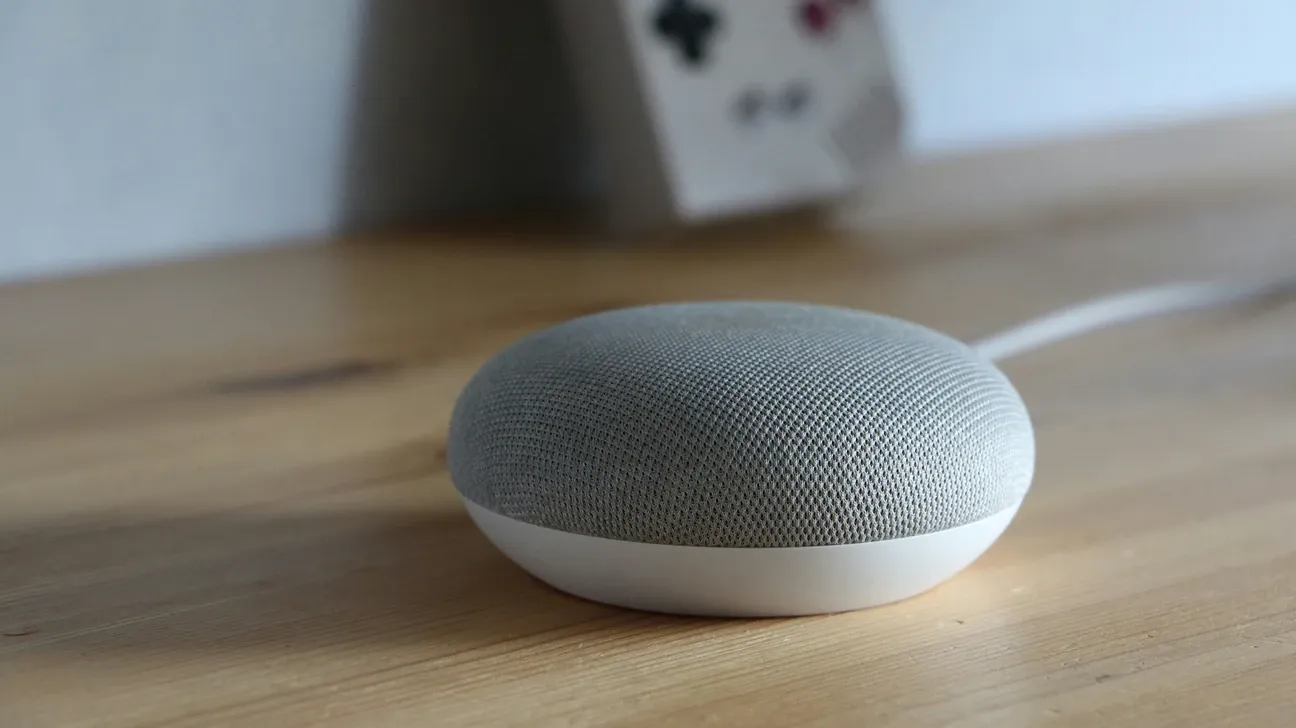
Energy monitoring adds a practical dimension to home automation that most people underestimate. Smart plugs that report wattage let you track which devices cost the most to run.
In my own setup, I discovered my old printer was drawing 8 watts continuously on standby, $70/year for nothing. A smart plug with a "turn off when idle" automation solved it in 10 minutes. That's the kind of return that pays for the plug within weeks.
Pair energy data with thermostat scheduling and you can make meaningful reductions in monthly bills without giving up comfort. The Google Home ecosystem makes this accessible because Nest thermostats connect to utility rebate programs directly, the Nest Renew feature adjusts your HVAC during peak grid demand periods in exchange for utility credits. The U.S. Department of Energy estimates that smart thermostats can save 10-12% on heating and 15% on cooling compared to manual temperature schedules.
How Do You Build Home Automations That Actually Stick?
The automation setups people actually use long-term share a few qualities. They trigger without any manual input. They handle exceptions gracefully (nobody wants automations that embarrass them in front of guests). And they improve on something the person already does manually, they don't introduce new complexity.
Start with the automation that annoys you most. Lights left on when you leave? Start there. Thermostat you forget to change before bed? That's another strong first choice. Build automations that solve real problems, and the habit of using them will develop naturally.
The guides in this home automation section cover both Google Nest-specific setups and broader smart home automation strategies. Whether you're setting up your first device or looking to build more sophisticated multi-condition rules, the guides here cover the practical steps for every scenario.
What Smart Home Device Categories Are Worth Automating?
Not every device category has the same automation value. Some deliver returns immediately; others are solutions looking for a problem.
| Category | ROI | Complexity | Starter Cost | Automates What |
|---|---|---|---|---|
| Smart thermostat | High (energy bills) | Low | $80-$280 | HVAC schedules, occupancy |
| Smart lighting | Medium (convenience + energy) | Low | $15-$55/switch | Schedules, motion triggers |
| Smart plugs | Medium (phantom load) | Very low | $10-$25 | On/off by time or trigger |
| Smart locks | High (convenience + security) | Low | $90-$250 | Auto-lock, guest codes |
| Smart sensors | High (enables other automations) | Very low | $10-$30 | Triggers for all above |
| Robot vacuum | Medium (time savings) | Low | $200-$800 | Floor cleaning on schedule |
High-return categories to prioritize:
- Smart thermostats: HVAC is 40-50% of the average home energy bill. A thermostat that adjusts for occupancy and time of day makes a real financial difference. The Nest Learning Thermostat and Ecobee are both strong choices.
- Smart lighting: The second-highest energy user in most homes. Automated schedules and motion-triggered lighting save electricity and remove daily habits that are easy to forget.
- Smart plugs with energy monitoring: Identify phantom loads, devices that draw power even when "off." TVs, game consoles, and older printers are common offenders.
- Smart locks: Keyless entry, auto-lock after a set time, and access code management for guests. The automation value is in eliminating the "did I lock the door?" question.
- Smart sensors: Door, motion, water leak, and temperature sensors trigger automations without requiring any action from you. They're cheap, battery-powered, and the foundation of any serious automation setup.
Lower-return categories where I'd suggest waiting:
- Robotic lawn mowers (expensive, narrow use case)
- Smart refrigerators (connectivity adds little practical value to a fridge)
- Smart ovens (the UI is rarely better than physical controls)
What Multi-Platform Home Automation Strategies Work Best?
Most households end up with devices from multiple brands, which means learning to make different platforms work together. A few approaches that work well in practice:
Google Home acts as a voice interface and basic automation layer for most devices. Pair it with a local hub like Home Assistant for complex multi-condition automations that Google Home can't handle natively.
IFTTT (If This Then That) bridges platforms that don't integrate directly. It's less powerful than native integrations but covers edge cases where you need to connect two services that have no official partnership. The free tier handles most basic connections.
Zapier serves a similar bridging function but is stronger for connecting smart home automations to business services, getting a notification in Slack when your garage door opens, for instance.
For the deepest integration without workarounds, Home Assistant with local integrations for Zigbee and Z-Wave devices is the most reliable long-term path. Cloud platforms can change APIs, revoke access, or go offline. Local integrations don't have those failure modes.
What Common Home Automation Mistakes Should You Avoid?
Two patterns consistently make home automation setups fail to stick.
The first is over-automating too fast. Adding 20 automations in week one creates a system that's hard to troubleshoot when something unexpected happens. Build one automation, live with it for a week, then add another. You'll catch conflicts and edge cases before they multiply.
The second is building automations that surprise you. An automation that turns off lights when it thinks the room is empty is great, until it turns them off while you're reading quietly on the couch. Presence detection needs to handle stationary occupants. Motion sensors alone don't cover this well. Adding a manual override (a physical switch that pauses the automation for 30 minutes) keeps automations helpful without making them frustrating.
Both problems are solvable, and the guides here walk through the common failure modes with specific fixes for each.