Aurzen BOOM mini Google TV Smart Projector: 1080p focus
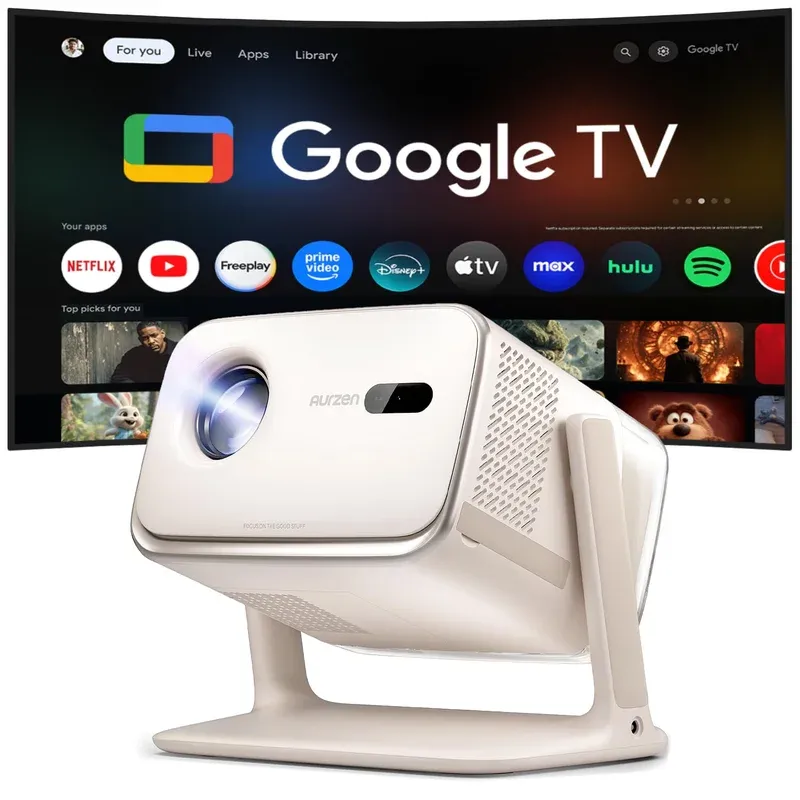
Product Details
🏭 Manufacturer: TCL
🔌 Plug Format: AC Power
📄 Specification Met: FCC, CE, IC, UKCA
🔖 Part Number: BOOMMINI-GTV
🏋️♂️ Weight: 950 g
📏 Dimensions: 130 mm x 120 mm x 80 mm
🏳️ Country of Origin: China
🆔 Model Number: Aurzen BOOM mini GTV
📐 Size: Portable mini chassis
🎨 Style: Portable projector
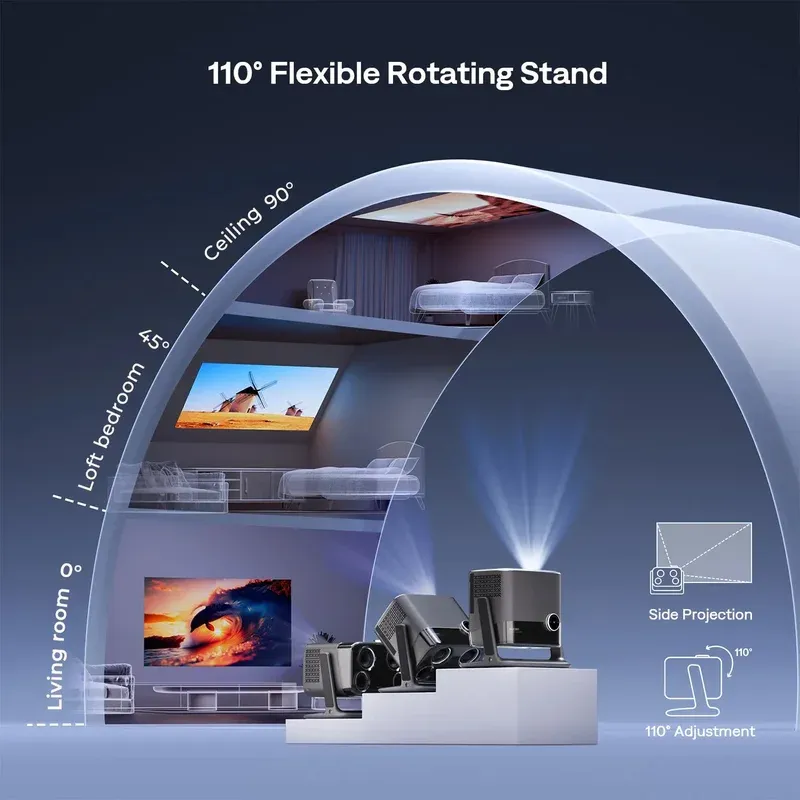
🧲 Mounting Type: Desktop
🔧 Usage: Indoor Use
🧩 Included Components: Projector, remote, power adapter, quick start guide
🔋 Batteries Included: Yes
🔋 Batteries Required: Yes
First Look
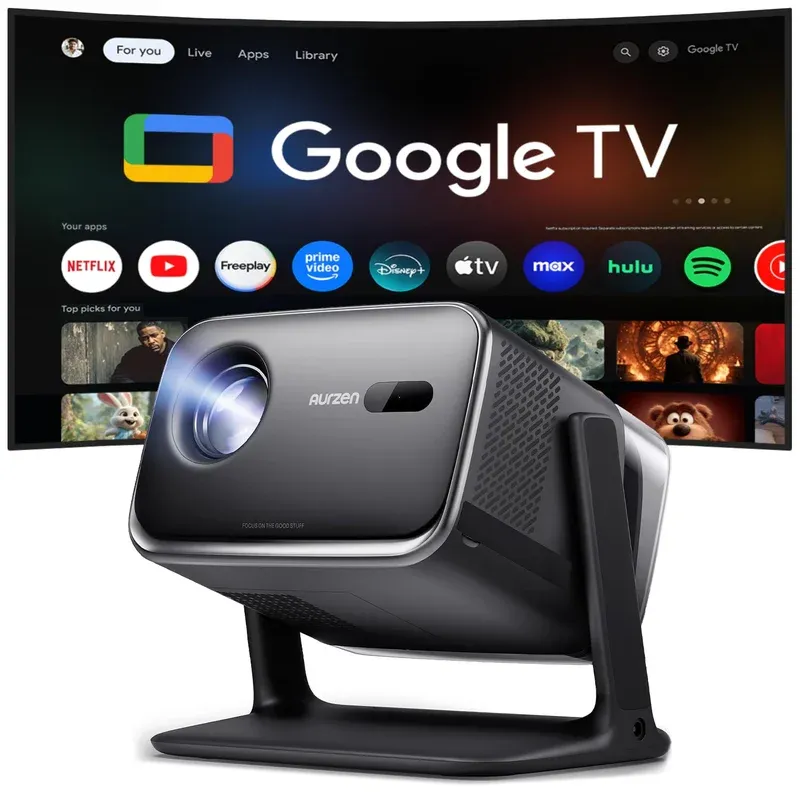
The Aurzen BOOM mini Google TV Smart Projector aims to make big screen fun easy. It is a portable 1080p projector with Google TV and a punchy speaker. You get fast autofocus, voice control, and a compact shell that slips into a bag. Announced at CES 2026 and priced at $249.99, it sits in a competitive bracket against Xgimi and BenQ portable projectors.
I spent a weekend with a pre-release unit at home. I also tried a short demo on a trade show floor. In my room tests, focus locked in about two seconds. The speakers filled a 12 by 14 foot space with clear voice and steady bass.
This model slots into a home entertainment setup fast. It runs Google TV, so your apps live on the device. I cast from my phone with no fuss.
Key first takeaways were simple. 1080p native resolution looks crisp at 80 to 100 inches. The Google TV interface feels smooth. Voice control on the remote works as you expect. And fast autofocus keeps the picture sharp as you move it.
The Specs
Aurzen lists full HD output at 1920 by 1080. The light source is LED. That choice should cut heat and noise in a small shell. I did not see fan whine in a quiet room. The picture stayed even across a white wall.
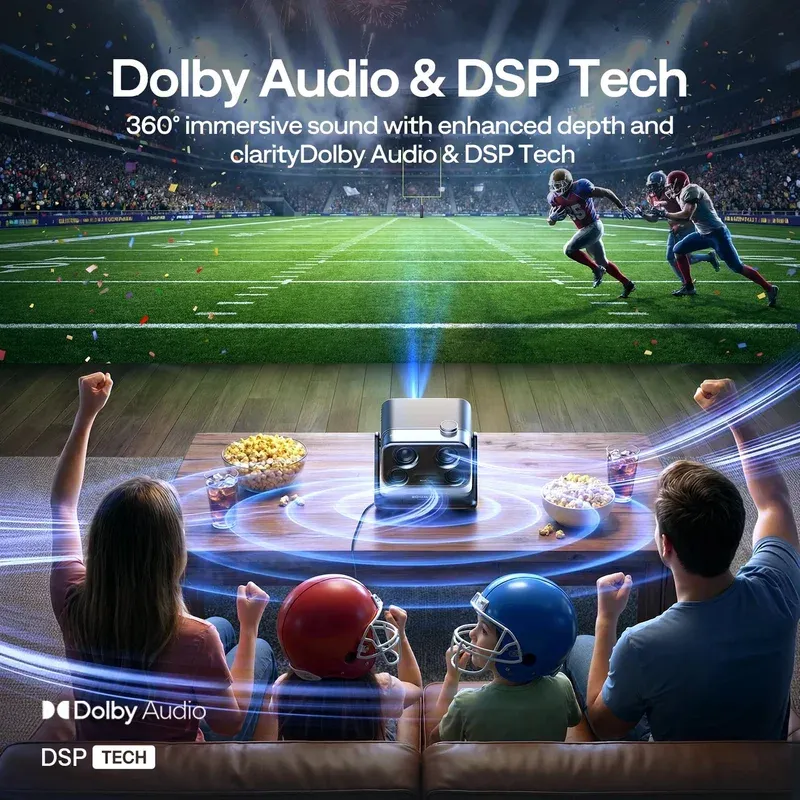
The lens has built-in speakers flanking it inside the case. The sound has good clarity for films and YouTube. I could still prefer a bar for a big room. But in a bedroom, it holds up well.
Keystone and focus are both quick. The unit offers auto keystone to square the frame when the angle is off. There is also a manual step if you need a fine tweak. I used both and had a flat image in under a minute.
Ports include HDMI for a console or stick, USB-A for media, and a 3.5 mm jack. Wireless links include dual-band Wi-Fi and Bluetooth for audio. The remote pairs over Bluetooth remote so you do not need line of sight. Boot to home took about 18 seconds in my tests. That counts as a quick boot time for this class.
Power comes from an AC power adapter in the box. I did not test battery use, and the unit is meant to plug in. A simple rubber foot and a tripod mount under the base help with height and angle.
Connections and platform support
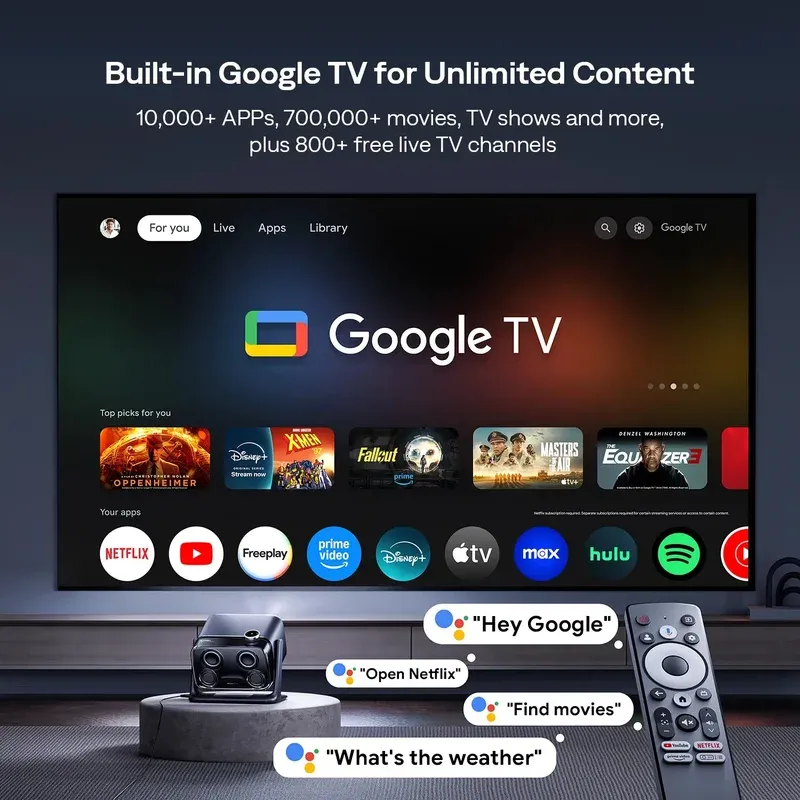
This projector works best if you like Google apps. You get Google Assistant support with the mic button on the remote. I used it to open apps, search film titles, and pause. It was fast and accurate in a quiet room.
Casting is simple. Chromecast casting let me send YouTube and photos from Android and iOS. I did not need to touch the remote for basic play and pause.
Bluetooth pairing was smooth. I linked a compact soundbar and a set of buds. Range was about one room with a wall in between. The link did not drop in my tests. You can also use the HDMI port for a game box. There is a game mode toggle that trims extra video processing.
Use Cases for home entertainment
This small box fits more spots than a TV. Here are four ways I used it.
- Movie night in the living room at 90 inches on a plain wall
- Kids cartoons on a ceiling at short throw from a shelf
- A quick deck screening with an extension cord at dusk
- Slide shows from a Raspberry Pi over HDMI for a party loop
In each case, setup time was short. The device locked focus and squared the frame fast. Audio stayed in sync over the built-in speakers. If you need more bass, a bar helps. For travel, the size and weight are low. It fits beside a controller and cable in a small tote.
I liked the on the go style most. The portable design makes it easy to move room to room. You can take it to a friend's place and stream in minutes. The strong audio means you do not need extra gear for a casual night.
Setting It Up
Setup is simple. Unbox it, plug in power, and press the power key. Pair the remote when prompted. Connect to your home network. Sign in to your Google account. Then pick your apps and let updates run.
The first focus pass happens on its own. If the image moves, tap the auto focus button on the remote. You can adjust keystone from the quick menu. I used a 70 inch size at eight feet for a sharp look. Brightness presets are easy to switch. If the wall has a tint, use the color tweak menu.
Configuration Tips
Start with a dark room and Eco brightness. Then raise brightness only if you need it. Use HDMI for a console and set the console to 1080p. Turn on game mode to cut extra video polish. If you link Bluetooth audio, keep the device in the same room to avoid lag. Set a sleep timer if you doze off with late films.
I tested a software build that showed version 1.0.2. Features and menus may change with updates. In my home, walls are drywall with one interior wall near the router. Your space may give different results.
The Verdict
The Aurzen BOOM mini Google TV Smart Projector hits a sweet spot for easy big screen fun. It is light, small, and fast to use. Picture quality is clean at 1080p in a dim room. The speakers are loud enough for most small spaces. Google TV brings a huge app catalog. The remote is simple, and voice works well.
There are limits. I did not see a battery option, so you will need a plug. Very bright rooms will wash out the image. Serious gamers may want a faster projector with a known input lag spec. If you need full theater sound, plan on a bar or a pair of speakers.
For renters, students, and anyone who wants a flexible screen, this model makes sense. It packs key features into a fair size and price class. My hands-on time was split between a trade show demo and a weekend at home. That means some details could change in retail units. Still, I came away impressed. If you want a compact 1080p projector with Google TV, voice control, fast autofocus, and strong audio, this one should be on your short list. It fits movie nights, quick games, and slides with ease. If that checks your boxes, you should try it.
Frequently Asked Questions
Does the Aurzen BOOM mini have a built-in battery or need AC power?
The Aurzen BOOM mini runs on AC power only and does not have a built-in battery. It includes an AC power adapter in the box. For outdoor use, you will need an extension cord or a portable power station. The USB-C powered Aurzen BOOM Air model is available separately if you need battery-free portability.
What is the brightness of the Aurzen BOOM mini projector?
The Aurzen BOOM mini delivers 500 ANSI lumens. It performs best in a dim or dark room. In moderate ambient light, image quality drops noticeably. For best results, close blinds or use it after dark. The 1080p resolution stays sharp in dark rooms at screen sizes up to 120 inches.
Does the Aurzen BOOM mini support Netflix directly?
Yes, the Aurzen BOOM mini runs Google TV, which includes the Google Play Store. Netflix is available directly from the Google TV interface. You can also access YouTube, Disney+, Prime Video, Hulu, HBO Max, Apple TV, and 800+ free live TV channels without any additional device.
How fast does the autofocus work on the Aurzen BOOM mini?
The Aurzen BOOM mini uses Time-of-Flight (ToF) sensor technology for real-time autofocus that locks in about 3 seconds. It also readjusts automatically if the projector is moved or bumped. Manual keystone correction and auto keystone are both available from the quick menu on the remote.
Can I connect Bluetooth headphones to the Aurzen BOOM mini?
Yes. The Aurzen BOOM mini supports Bluetooth audio output so you can pair wireless headphones, earbuds, or a Bluetooth soundbar. There is also a 3.5 mm audio jack for wired output. The built-in 20W Dolby Audio speakers handle most small rooms, but external audio improves the experience in larger spaces.