Automate Home Cleaning With Robot Vacuums and Smart Sensors

This post may contain affiliate links. As an Amazon Associate we earn from qualifying purchases. Disclosure.
A good robot vacuum doesn't just clean the floor. Paired with a few sensors and a free automation, it turns "I should vacuum today" into something that happens whether you remember it or not.
A good robot vacuum doesn't just clean the floor. Paired with a few sensors and a free automation, it turns "I should vacuum today" into something that happens whether you remember it or not.
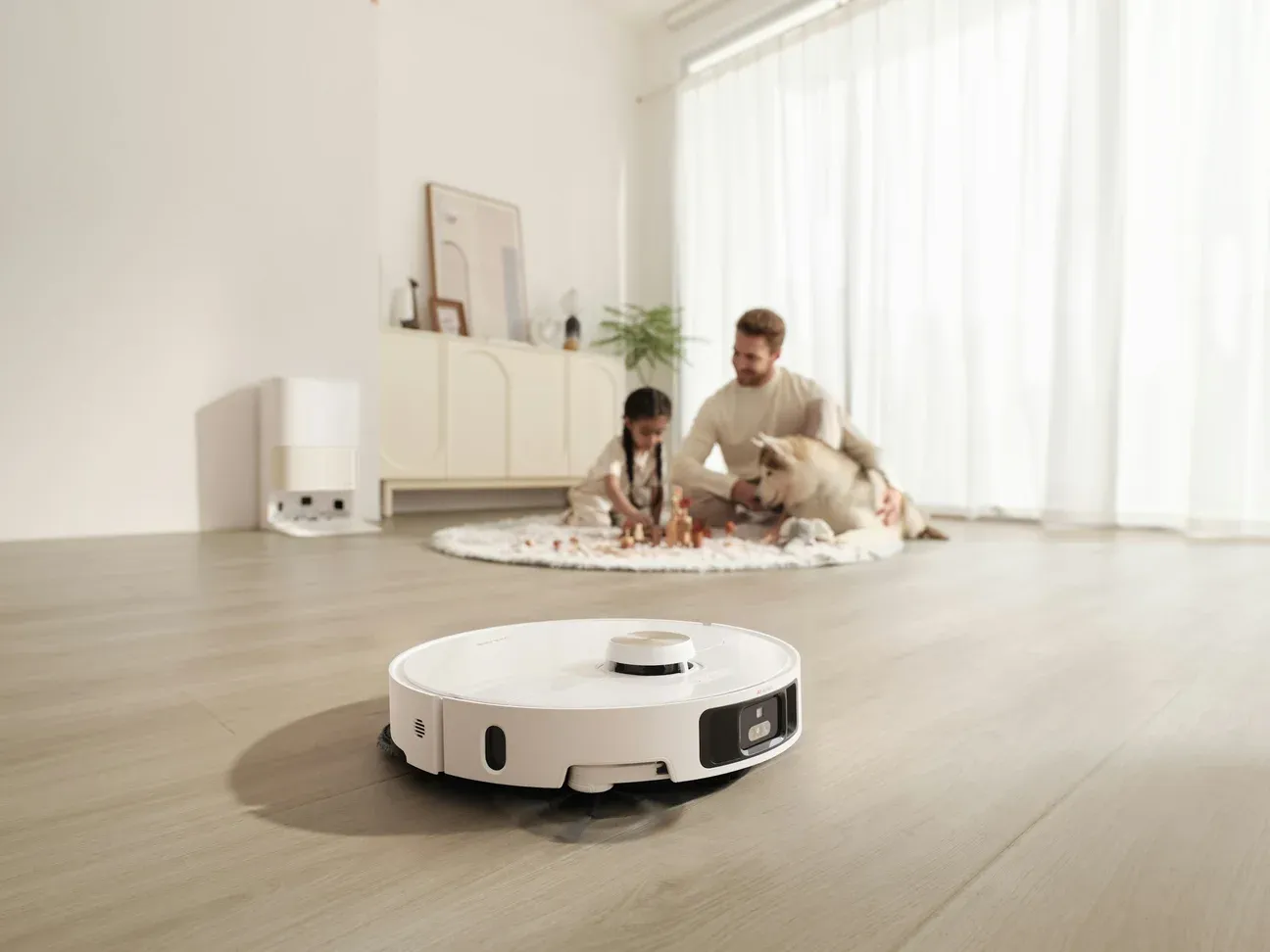
The single biggest change a robot vacuum makes isn't cleaner floors. It's never thinking about floors at all. In our flat, a Roomba Combo j7+ has taken over the chore that used to eat a Saturday morning, and it happens while nobody is watching. That shift, from a task you manage to a thing that just runs, is the whole point of building smart home cleaning routines instead of just buying gadgets.
What Does a Smart Cleaning Routine Actually Look Like?
A smart home cleaning routine is a set of scheduled or triggered cleaning tasks that run with little or no input from you. The core is usually a robot vacuum, but the real gains come from chaining devices together: a vacuum that runs when the house empties, an air purifier that kicks in when dust rises, and a smart plug that tells you when something stops drawing power.
Here's a routine worth copying:
- Robot vacuum runs every weekday morning, 20 minutes after the last phone leaves
- Mop pass twice a week on the kitchen and bathroom tile
- Air purifier ramps up automatically when the particle sensor reads above 35 micrograms per cubic meter
- A weekly notification reminds you to check the dustbin and rinse the mop pads
None of that needs a subscription. The vacuum schedule lives in its app, and the conditional logic runs locally through a hub like the Home Assistant platform guide. The beauty is that these routines stack. Once you automate one chore reliably, adding the next one is a five-minute job, not another weekend project.
Why does this matter more than just owning the devices? Because a robot vacuum sitting on a charging dock you forgot to schedule is just an expensive paperweight. The routine is the part that does the work.
Which Robot Vacuum Should Anchor the Routine?
The vacuum is where most of the budget goes, so it's worth getting right. I've lived with only one robot, a Roomba Combo j7+, so the shortlist below comes from manufacturer specs rather than my floors. I still lean toward self-emptying combo units for one reason: they remove the most common failure point, which is a full dustbin stopping the next clean.
The Roborock S8 MaxV Ultra is the kind of unit to look at if you want it to just work. According to Roborock, it mops with a vibrating pad, empties itself into a dock rated for about seven weeks without emptying, and washes the mop with hot water. The eufy X10 Pro Omni covers similar ground with dual rotating mop pads and a station that washes and dries them. If you want budget, a basic Roomba still vacuums daily, you just empty it yourself. Street prices for the big combos swing hard through the year, so check what they cost the week you buy.
What matters more than the brand is suction matched to your floors. Pile carpet asks far more of a robot's suction than bare floors do, and most robots that struggle are being asked to clean rugs they were never built for. If you're mostly on hard floors, a mid-range model is plenty. If you've got deep shag, set your expectations lower and keep an upright handy.
One detail nobody mentions in the marketing: dock placement decides reliability. iRobot's own guidance for the Clean Base asks for about 1.5 ft (0.5 m) of clear space on each side and 4 ft (1.2 m) in front, and other makers ask for similar room. Tucked-away docks cause docking errors, and a robot that can't find home won't run tomorrow. For more on picking the right unit, our robot vacuums overview breaks down the categories.
Mopping: Where the Hype Outruns Reality
Robot mops are better than they were, but set expectations. They damp-wipe. They will not scrub dried-on spaghetti sauce. For daily dust-and-footprint maintenance on tile and sealed wood, the mop pass is genuinely useful and saves the swiffer routine. For a real deep clean, you're still doing that by hand every few weeks. I won't pretend otherwise.
The flip side is that a light daily mop prevents the buildup that makes deep cleaning necessary in the first place. Floors that get a quick wipe every other day rarely reach the grimy state that demands a scrub. So the robot mop isn't replacing your effort, it's spacing it out.
How Do You Trigger Cleaning at the Right Time?
The difference between a robot vacuum and a smart cleaning routine is the trigger. A fixed schedule works, but it runs even when you're home sick on the couch.
Presence-based cleaning is the upgrade. In Home Assistant, the logic is short: when everyone's phone has left the house and stays gone for 20 minutes, start the vacuum. When the first phone comes back, send the robot to dock. That single automation means the floor gets cleaned during the gap you'd never have scheduled manually.
A motion sensor adds a fallback for anyone without their phone on them. If the living room reads no motion for 45 minutes during the day, that's a safe window to run. You can wire these conditions together by following our getting started with Home Assistant walkthrough, which covers triggers and conditions in plain language.
Want one more layer? Tie cleaning to your calendar. The night before a workday with guests coming over, the routine can run an extra evening pass. Small touch, but it means the place is presentable without you lifting a finger.
Why Run It Every Other Day, Not Every Week?
Two years in with an iRobot Roomba Combo j7+, the thing that changed my mind about robot vacuums wasn't the mapping or the app or the dock that empties itself. It was cadence.
Ours runs every one or two days. Not because the floor looks dirty, it never gets the chance to. And that's the whole point: you stop feeling grit under your bare feet. Ever notice how that sensation always shows up two days before you'd actually got round to vacuuming? With a robot on a 48-hour cycle it simply never arrives.
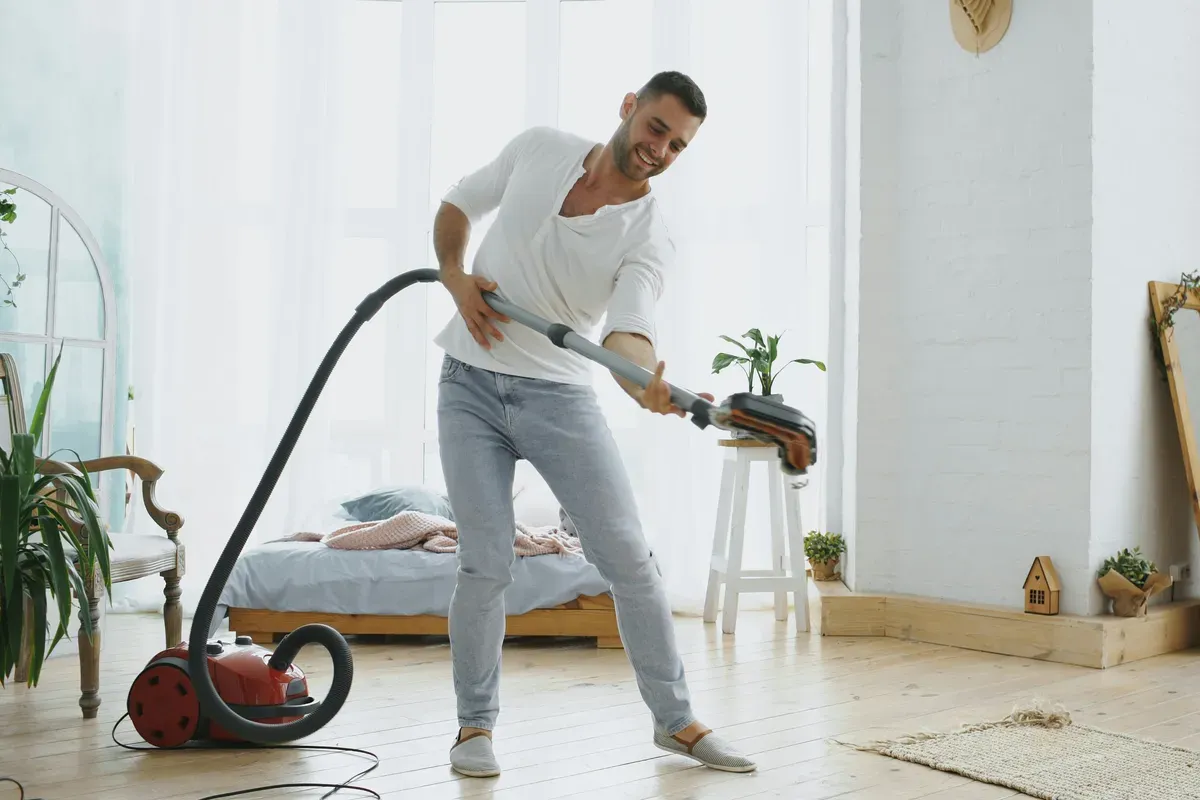
You cannot get there by hand. I don't mean it's hard, I mean nobody does it. Dragging a corded vacuum around the whole floor every second evening, indefinitely, isn't a routine anyone sustains, and pretending otherwise is how people end up disappointed by what a robot is for. The robot isn't better at cleaning than you are. It's better at doing it forty times more often than you ever would.
That frequency is also what won over the household skeptic. She was against the robot at first, same as she was against everything else with a chip in it. Two years later she can't imagine going back. Cleaning quality was never the argument that landed. Consistency was.
One practical note, and it's the one the marketing never leads with. At this cadence the dirt bin isn't my problem, because the dock empties it. What still needs a human is the clean water and detergent tank, and it needs one often. That single reservoir is the only reason the robot isn't genuinely self-servicing.
Think about what that means when you're comparing models. The industry sold self-emptying docks as the thing that frees you, and they were solving the half of the job I wasn't complaining about. Emptying a bin once a fortnight was never the chore. Carrying a tank to the tap every few runs is. If a dock refills water as well as swallowing dust, that's the feature worth paying for, and it's the one buried at the bottom of most spec comparisons.
How Do You Clean the Air, Not Just the Floor?
Half of what makes a room feel dirty is airborne dust settling on every surface. A robot vacuum does nothing for that. This is where a smart air purifier earns its place in the routine.
Tie a purifier with a true HEPA filter to a particulate sensor that reads PM2.5. (A TVOC sensor won't do, it measures gases, not dust.) The automation is simple: when fine-particle readings climb above 35 micrograms per cubic meter, which happens to be the US EPA's 24-hour PM2.5 standard, the purifier jumps to high; when air clears, it drops back to quiet mode. The EPA's guidance on indoor air cleaners backs the basic point that portable HEPA cleaners measurably reduce indoor particulate matter.
The payoff should be less dusting. When fine particles get captured before they land, the shelves and the TV stand stay clean longer. I haven't measured that in my own rooms, so treat it as the expected effect rather than a result.
How Does a Smart Plug Catch the Quiet Failures?
Here's a trick that costs very little and can save a lot of frustration. Put a smart plug with power metering under the vacuum's charging dock and track its power draw. A robot that has just finished a run pulls current while it charges. If a scheduled day passes with no charging bump at all, something's wrong: the robot is stuck under the couch, off the dock, or the dock came unplugged.
That single energy alert can catch "why didn't it clean today" mysteries earlier than an in-app notification does. The same plug logic works for a humidifier or a second purifier you want to keep an eye on. It turns a silent failure into a phone notification, which is the difference between catching a problem on day one and noticing it a week later.
How Do You Keep the Cleaning Devices Clean?
The irony of a hands-off cleaning routine is that the machines doing the work need a little care of their own. Skip it and performance drifts down. The good news is the smart setup can remind you, so it never becomes a chore you forget.
A maintenance schedule works best as a set of Home Assistant notifications or calendar reminders, and it's short:
- Change the auto-empty bag when the app prompts you (iRobot rates one bag at about 60 days of dirt)
- Cut tangled hair off the brush roll monthly, this is the single biggest cause of weak suction
- Rinse the mop pads after every wash cycle and replace them every two months
- Swap the HEPA filter in the purifier every six to nine months, sooner if you have pets
- Wipe the robot's drop sensors with a dry cloth monthly so it stops bumping furniture
A clogged brush or a saturated filter quietly cuts how well everything works. Ten minutes a month keeps the whole routine running at full strength, and a calendar reminder means you never have to track it in your head. All those spent filters, auto-empty bags, and worn-out batteries add up, so it's worth pairing this maintenance habit with smart home recycling tools rather than letting the consumables pile up in the bin.
What Does This Cost and What Does It Save?
A solid starter routine has three parts: a self-emptying vacuum-mop combo (the big spend), an air quality sensor, and a smart plug with metering. You can go far cheaper with a basic Roomba, the same sensor, and a free hub you might already run on a Raspberry Pi.
The real return isn't money, it's time. A robot on a short cycle takes over the long weekend floor session and leaves you with edge work. For us that trade is worth more than the hardware.
So is it worth it? If you only care about saving cash, maybe not, a broom is cheap. But if you measure in reclaimed weekends and chores that quietly handle themselves, this is one of the few smart home upgrades that pays you back every single day.
Frequently Asked Questions
Can a robot vacuum really replace regular vacuuming?
For daily maintenance, yes. A robot vacuum running every morning keeps dust and crumbs from ever building up, which is most of what regular vacuuming deals with. What it can't do is deep-clean a thick rug or get into tight corners the way an upright can. Keep a corded or stick vacuum around for the edges and the stairs. Think of the robot as the thing that handles the daily maintenance so your weekend cleaning shrinks to edge work.
How do I schedule cleaning around my actual day?
The simplest approach is a fixed daily schedule set in the vacuum's own app, usually mid-morning after everyone leaves. The smarter approach is a presence-based trigger in Home Assistant: start the clean only when the house is empty, using phone location or a motion sensor that's been quiet for 30 minutes. That avoids the robot bumping around your feet during a work call, and it means a skipped day on the weekend doesn't leave the floor dirty for long.
Do smart air purifiers actually help with cleaning?
They help with the dust you can't see, which is the part that resettles on every surface a day after you wipe it. A purifier with a real HEPA filter pulls fine particles out of the air before they land. Tie it to a cheap air quality sensor and it only runs when particle counts climb, which keeps the noise and energy use down. It won't sweep your floor, but it noticeably cuts how often you're dusting shelves.
Is it worth automating cleaning if I rent?
Absolutely, because nothing here is permanent. A robot vacuum, a plug-in air quality sensor, and a smart plug all travel with you. The automations live on a Raspberry Pi or a cheap hub, not in your walls. You get the full hands-off routine without drilling a single hole or touching the electrical, which is exactly why this setup suits apartments so well.
Sources & References
- Home Assistant - Vacuum home-assistant.io
- Home Assistant - Roborock home-assistant.io