Introduction to Smart Homes: Everything to Know


This post may contain affiliate links. As an Amazon Associate we earn from qualifying purchases. Disclosure.
New to the whole smart home idea and drowning in jargon? This introduction cuts through it. What a smart home actually is, the pieces that matter, what it costs, and how to start without wasting money on gadgets you won't use.
If you've just started looking into smart homes, the first thing you notice is the noise. Every brand promises to change your life, every forum uses acronyms you've never seen, and the price range runs from $10 to your entire savings. This introduction to smart homes strips all that away. By the end you'll know what a smart home actually is, the handful of pieces that matter, what it really costs, and exactly how to start without buying junk.
TL;DR: A smart home is simply a home with internet-connected devices you control from your phone or voice, and ideally that act on their own through automation. The core pieces are smart lights, plugs, speakers, sensors, and optionally a hub. You can start for under $50 with a couple of plugs and a bulb. Everything you need to know fits into three questions: what to control, how devices talk to each other, and how much to spend.
So what do you actually need to know before spending a cent? Less than the marketing wants you to think. If you ask me, the smart speaker everyone rushes to buy first is the wrong starting point, a $12 plug teaches you more about how automation actually works than a $100 Echo ever will. Let's walk through it. For a grounded sense of the day-to-day, our piece on what to expect from a real smart home sets the right expectations before you buy.
What a Smart Home Actually Is
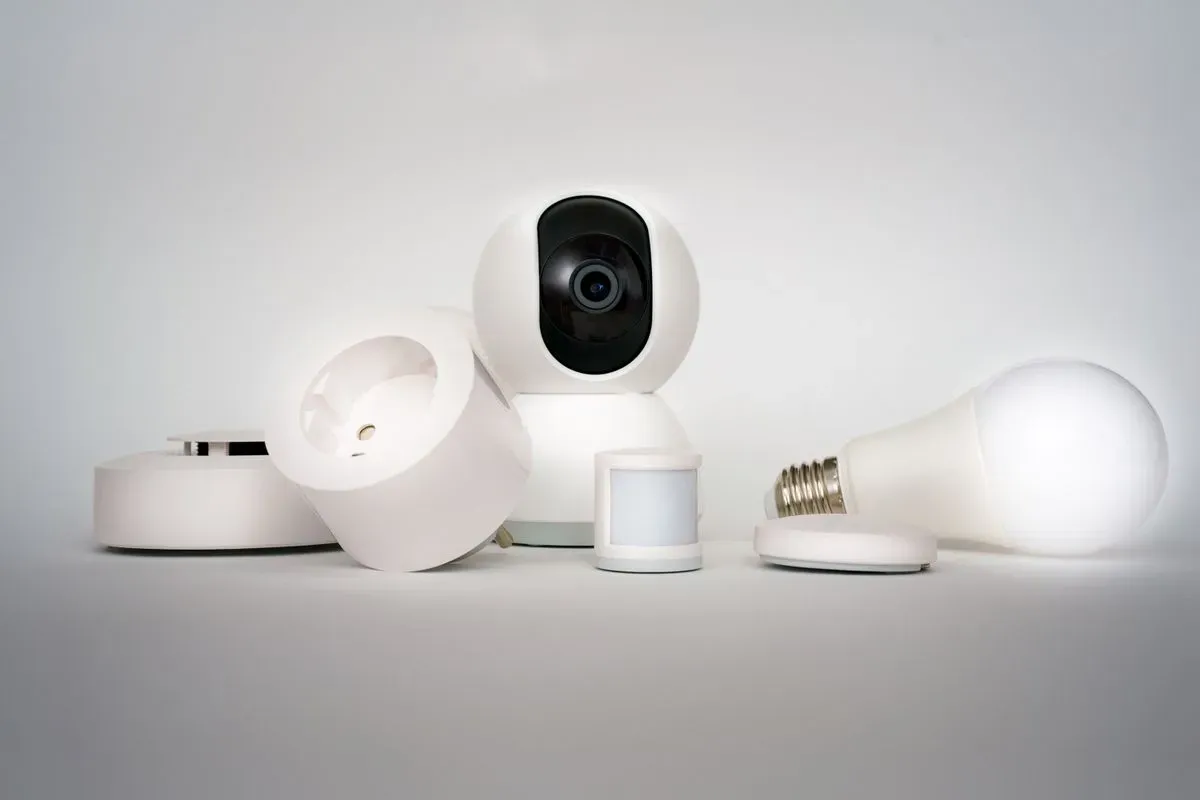
Strip away the hype and a smart home is straightforward: it's a home where everyday devices connect to a network so you can control them remotely and, better still, have them respond automatically. A bulb you dim from your phone is smart. A bulb that turns itself on at sunset because a sensor said the room got dark is automated. That second step is where the magic lives, and it's the moment most people stop thinking of these devices as toys and start relying on them. The jump from "I can control it" to "it handles itself" is the whole reason the category exists, and it's smaller and cheaper to reach than the marketing suggests.
You don't need everything connected to qualify. A single smart plug on a lamp is a legitimate start. According to ENERGY STAR, the practical appeal comes down to three things: convenience, security, and energy savings. Keep those three in mind and you'll never buy a gadget that doesn't earn its place.
The Core Devices Worth Knowing
You'll meet dozens of product categories, but the useful starter set is short:
- Smart plugs. The cheapest entry point, around $12 each. They make any lamp or appliance schedulable and voice-controllable. The best smart plugs of 2026 roundup is a good place to see what to look for.
- Smart bulbs. Dimmable, tunable, sometimes color. Great for ambiance and automation, though they need the wall switch left on to work.
- Smart speakers. The Echo or Nest devices that give you voice control and act as a friendly front door to the whole system.
- Sensors. Motion, contact, temperature, and leak sensors are the triggers that make automation actually smart rather than just remote.
- A hub (eventually). Ties everything together and unlocks the more advanced protocols. Not needed on day one.
That's genuinely most of it. The rest, locks, cameras, thermostats, robot vacuums, are just specialized versions of the same idea. Once smart plugs click for you, the guide to smart plugs in home automation shows how far that single humble device can stretch.
How Devices Talk to Each Other
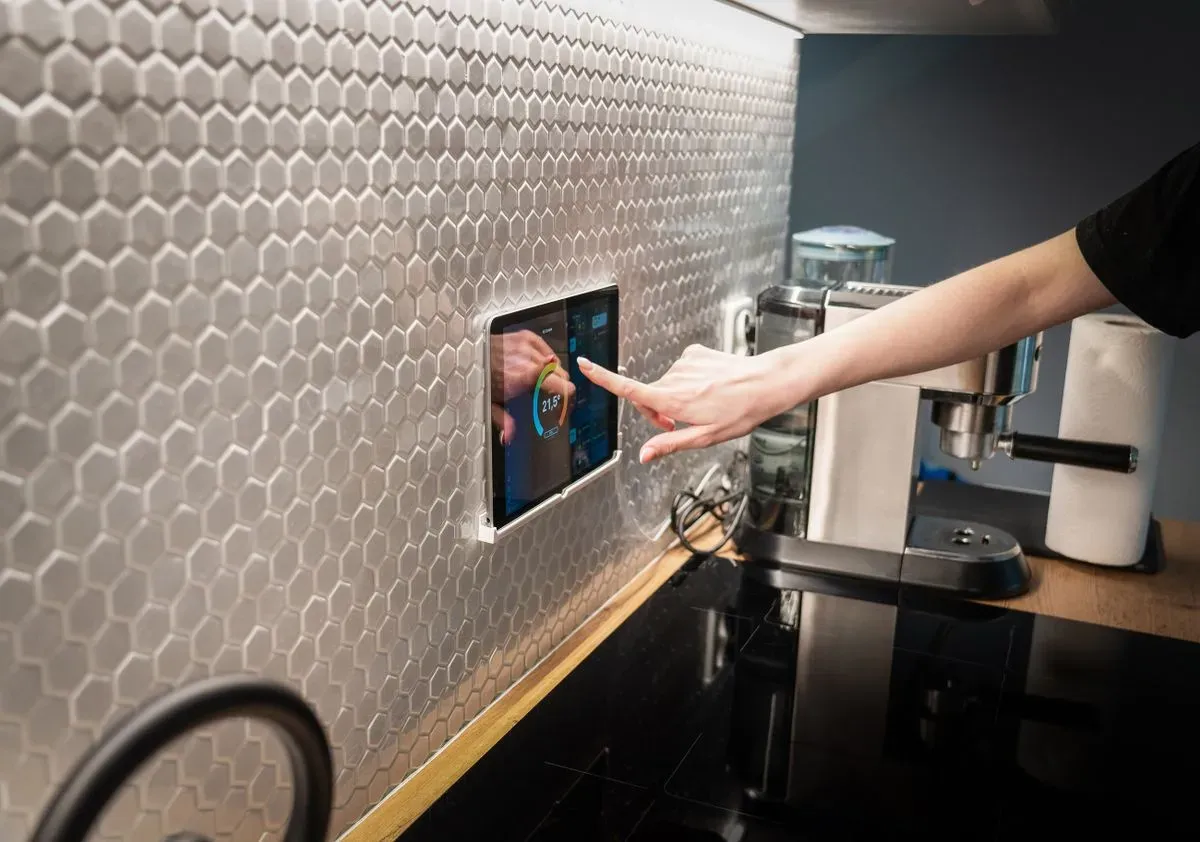
Here's the part that scares beginners, and it shouldn't. Smart devices communicate over a few different protocols, and you only need the gist:
Wi-Fi devices connect straight to your router. Easiest to start, but a big pile of them can clutter your network. Zigbee and Z-Wave are low-power mesh protocols that need a hub but don't touch your Wi-Fi, ideal for lots of small sensors. Matter and Thread are the newer cross-brand standards designed to make everything work together regardless of manufacturer.
Here's the same thing in a table:
| Protocol | Needs a hub? | Best for | Notes |
|---|---|---|---|
| Wi-Fi | No | Getting started fast | Can clutter your router at scale |
| Zigbee | Yes | Lots of cheap sensors | Low power, local mesh |
| Z-Wave | Yes | Interference-prone homes | Fewer devices, strong range |
| Matter / Thread | Sometimes | Future-proof, cross-brand | Newer standard, growing support |
You don't have to memorize this. But if you want the deeper version, this protocol comparison lays out which one suits which job. The short advice for a beginner: start with Wi-Fi devices for simplicity, and lean toward Matter-compatible gear when you buy new, so you're not locked into one brand later.
What It Actually Costs
The honest answer is: as much or as little as you want. You can build a genuinely useful smart home for under $50, two smart plugs, a bulb, and an old phone or a cheap speaker for voice. Or you can spend thousands on whole-home systems. Neither is wrong; they're just different starting points.
The trap to avoid is buying a big expensive hub-and-sensor kit before you know what problems you're solving. Start with the annoyance that bugs you most, the lamp with no reachable switch, the iron you're never sure you turned off, and solve that one thing. The full breakdown of smart home costs helps you plan a budget that grows with your actual needs instead of the marketing's.
These basics reach well beyond the living room, too. Schools and campuses are adopting the same gear, and I dug into smart home tech in educational institutions to see what's paying off in real classrooms.
Security and Energy: the Real Payoffs
Beyond the cool factor, two benefits keep people invested. The first is security. Motion-activated lights, cameras, door sensors, and simulated occupancy while you travel add real peace of mind, and the guide to smart home security covers how the pieces fit into an actual defense rather than a gimmick.
The second is energy. Smart plugs that kill phantom power, thermostats that set back when you leave, and lights that never get left on all trim the bill quietly month after month. The efficient energy management guide shows where the real savings hide, and they're bigger than most beginners expect. These two payoffs, not the novelty, are what turn a curious first purchase into a house full of connected devices.
If there are students in the house, these same devices can support learning without much extra spend. My guide to smart home tools for home education shows how a display and a few automations carve out real study time.
Common Beginner Mistakes to Dodge
Almost everyone makes at least one of these early on. Knowing them upfront saves money and frustration:
- Buying the mega starter kit first. It looks like a deal, but half the sensors end up in a drawer because you never had a use for them. Buy for a specific problem instead.
- Mixing incompatible ecosystems by accident. A device that only works with Apple Home is useless if the rest of your house runs on Alexa. Check compatibility before you buy, every single time.
- Ignoring the wall switch problem. Smart bulbs go dumb the moment someone flips the physical switch off. Either train the household or use smart switches for those fixtures.
- Forgetting about your partner. If the smart home only works when you're home to fix it, it's a liability, not an upgrade. Keep the everyday controls simple enough for anyone.
- Chasing gadgets over problems. The best smart home solves real annoyances. The worst is a museum of half-used devices bought because they were on sale.
None of these are fatal, and you'll probably make one anyway. The point is to make them cheaply, on a $12 plug, not on a $300 kit you regret. The best defense is a simple rule: never buy a device until you can name the exact daily annoyance it removes. If you can't finish the sentence "this will fix the time I always...", put the wallet away and wait.
How to Start Without Wasting Money
Here's the plan I give everyone who asks. Pick one annoyance and solve it with one cheap device. Live with it for a week. Notice how often you actually use it. Then, and only then, add the next piece.
This slow approach beats the "buy the starter kit" instinct every time, because you learn what you value before you spend. If you want a structured version of this path, smart home for beginners walks through a sensible first-purchase order. Renting? Nothing here requires owning the place, and smart home ideas for renters leans on removable, no-rewire devices that pack up and move with you.
Over 1 million homes now run the popular Home Assistant platform alone according to the Nabu Casa State of the Smart Home survey (2024), and the vast majority of those people started exactly the same way: one cheap device, one solved annoyance, then curiosity did the rest. You don't need to know everything to begin. You just need to know enough to buy your first smart plug wisely, and now you do.
One reassurance before you go: you cannot fall irreversibly behind. The smart home world moves fast, and it's tempting to wait for the next standard or the next big release before you start. Don't. The cheap devices you buy today still work tomorrow, and Matter is specifically designed so that new gear plays nicely with old. Waiting for the perfect moment just means living with the same annoyances longer for no benefit.
Start where you are, with what bugs you, on a budget that doesn't sting. Add the next piece only when the last one earned its keep. That single discipline separates the people who build a smart home they love from the people who build a drawer full of abandoned gadgets.
The introduction ends here, but your smart home starts the moment you solve that first small problem. Keep it simple, buy for a reason, and let the system grow around your life instead of the other way around.
Frequently Asked Questions
What is the difference between a smart home and home automation?
They overlap but aren't identical. A smart home is any home with internet-connected devices you can control remotely, a single smart bulb counts. Home automation is the next step: those devices acting on their own based on rules, schedules, or sensors, without you pressing anything. Most people start with smart control and grow into automation once they see the appeal.
Do I need a hub to start a smart home?
Not to start. Wi-Fi devices like smart plugs and bulbs connect straight to your router and app, no hub required. You'll want a hub once you add Zigbee or Z-Wave gear, or once you have enough devices that tying them into shared automations matters. Plenty of people run a satisfying smart home on Wi-Fi devices alone for a year before adding one.
Is a smart home worth it for a small apartment?
Yes, and arguably more so. Small spaces get quick wins from a few smart plugs, a bulb or two, and a smart speaker, with no rewiring needed. Renters benefit because everything is removable and comes with you when you move. You don't need a big house to get real convenience out of the basics.
Sources & References
- ENERGY STAR, Smart Home Tips Government
- Home Assistant State of the Smart Home 2024 (Nabu Casa) Research
- Connectivity Standards Alliance, What Is Matter Reference