Yale Linus Smart Lock 2.0: Keyless Retrofit Deadbolt
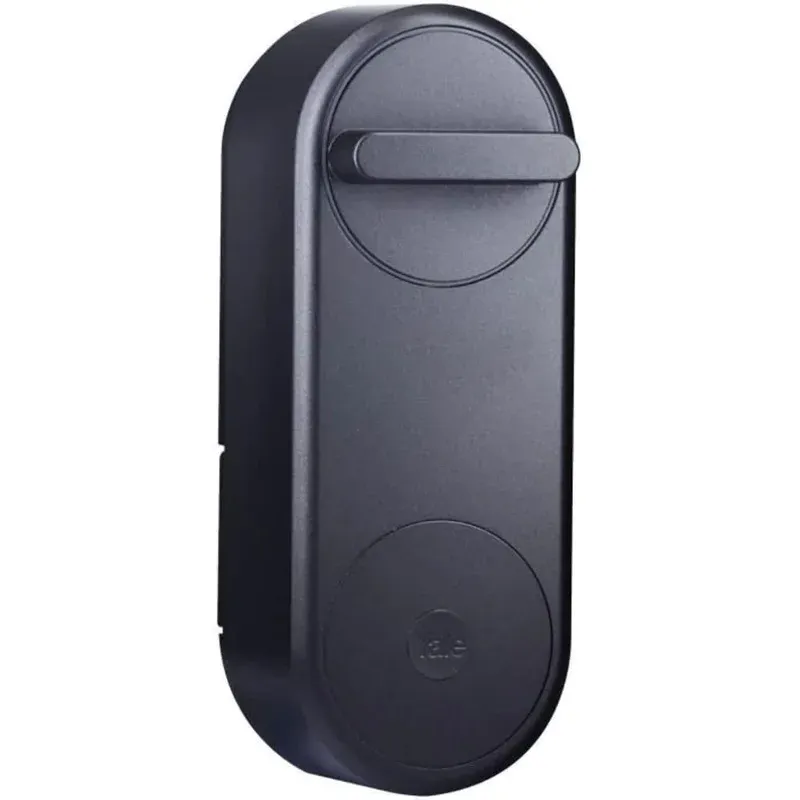
Product Details
🏭 Manufacturer: Yale
🔌 Plug Format: Battery (4 AA)
📄 Specification Met: Bluetooth, Wi-Fi
📏 Dimensions: 150 x 58 x 50 mm
🆔 Model Number: Linus L2
📐 Size: Compact retrofit
🎨 Style: Modern
🧲 Mounting Type: Retrofit
🔧 Usage: Indoor/Outdoor
🧩 Included Components: Smart Lock, Batteries, Mounting Hardware
🔋 Batteries Included: Yes
🔋 Batteries Required: Yes
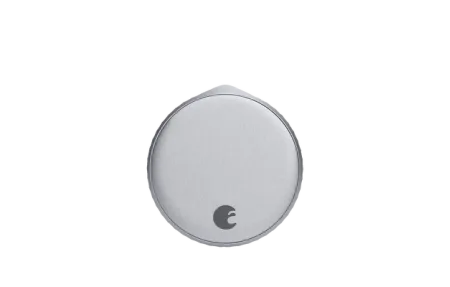
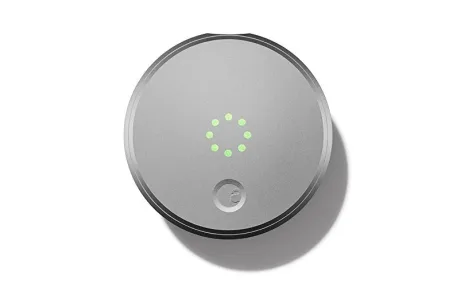
The Yale Linus Smart Lock 2.0 is a retrofit deadbolt upgrade that fits over your existing Euro cylinder without replacing it. You keep your current key and add app control, auto-lock, and voice assistant support on top.
Product Overview
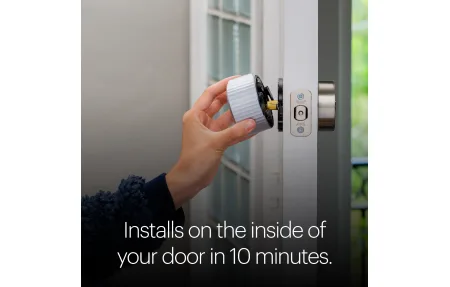
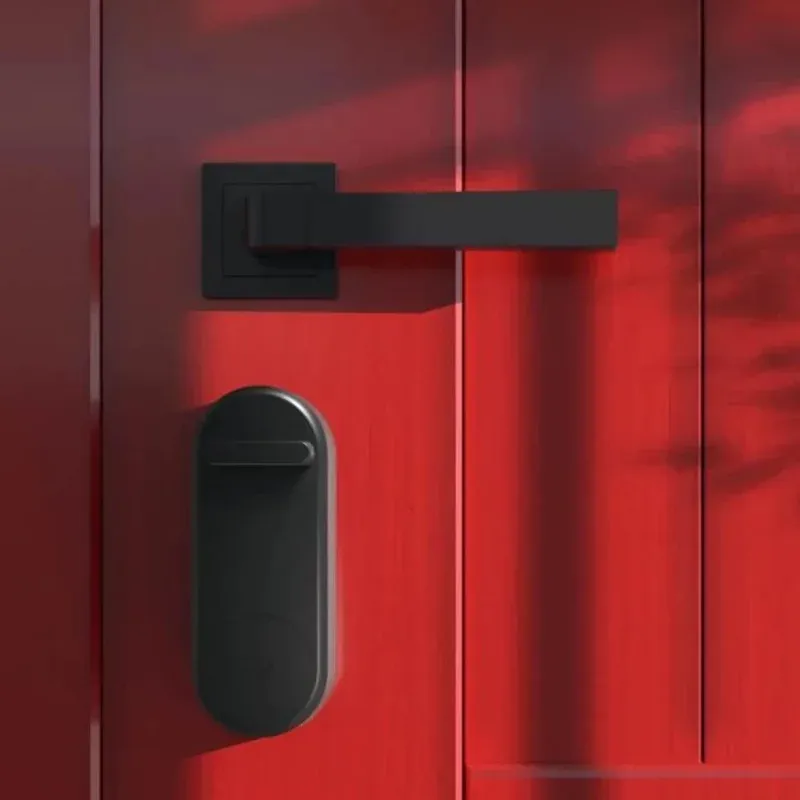
This lock clips onto the inside of your door. Installation takes around 10 minutes with no drilling. The keyless entry works through the Yale Access app on iOS and Android. You can share digital keys, track who came and went, and set auto-lock schedules.
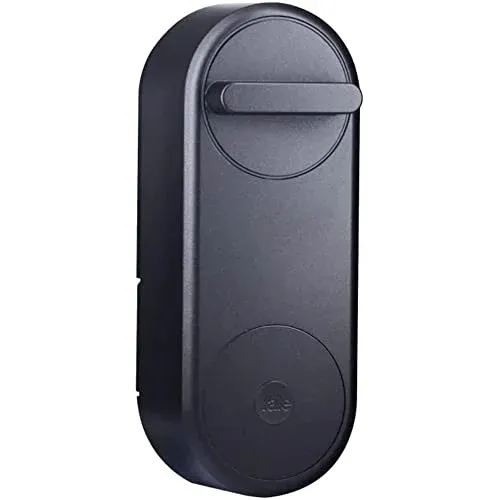
The Linus 2.0 improved on its predecessor with enhanced motor durability and better battery life. Yale redesigned the clutch mechanism to reduce wear on the thumb turn, which extends the product's lifespan noticeably on doors with heavy daily use. Expect around 6 months of use on 4 AA batteries with daily auto-lock cycles. That is a solid run compared to older retrofit smart locks that needed monthly battery swaps.
Connectivity and Integration
The lock uses Bluetooth for local control and Wi-Fi through the optional Yale Connect bridge for remote access. Alexa and Google Assistant support lets you check lock status and lock the door by voice. Unlocking by voice requires a PIN for security. Apple HomeKit is supported via the Yale Access Bluetooth module on compatible setups. Home Assistant users can reach the lock through the Yale cloud API for status and lock commands.
Key integration options at a glance:
Key Points
- Bluetooth direct: works without internet, range around 5 meters
- Yale Connect bridge: adds remote access and cloud event history
- Alexa and Google Assistant: lock, status check, and PIN-protected unlock
- Apple HomeKit: via Yale Access Bluetooth module
- Home Assistant: through Yale cloud API
Technical Specifications
Dimensions are 150 x 58 x 50 mm, which fits most Euro-profile doors common in Europe and the UK. The motor runs quietly at around 40 dB, a noticeable improvement over the first generation that ran at roughly 55 dB and could be heard through the door. The app shows battery level and event logs with user tags and timestamps so you always know who entered and when. Auto-lock delay is adjustable from 15 seconds to 5 minutes depending on your door use pattern.
The lock uses Bluetooth 4.0 for direct phone pairing within about 5 meters. Add the optional Yale Connect bridge to get Wi-Fi remote access and cloud-backed event history. The bridge plugs into any USB-A socket and connects to your 2.4 GHz network. Battery life on 4 AA alkaline cells runs to about 6 months with daily use and auto-lock enabled. The EN 14846 certification applies to the Euro cylinder it mounts over, not the lock module itself, so your cylinder's security grade still matters.
Setup and Getting Started
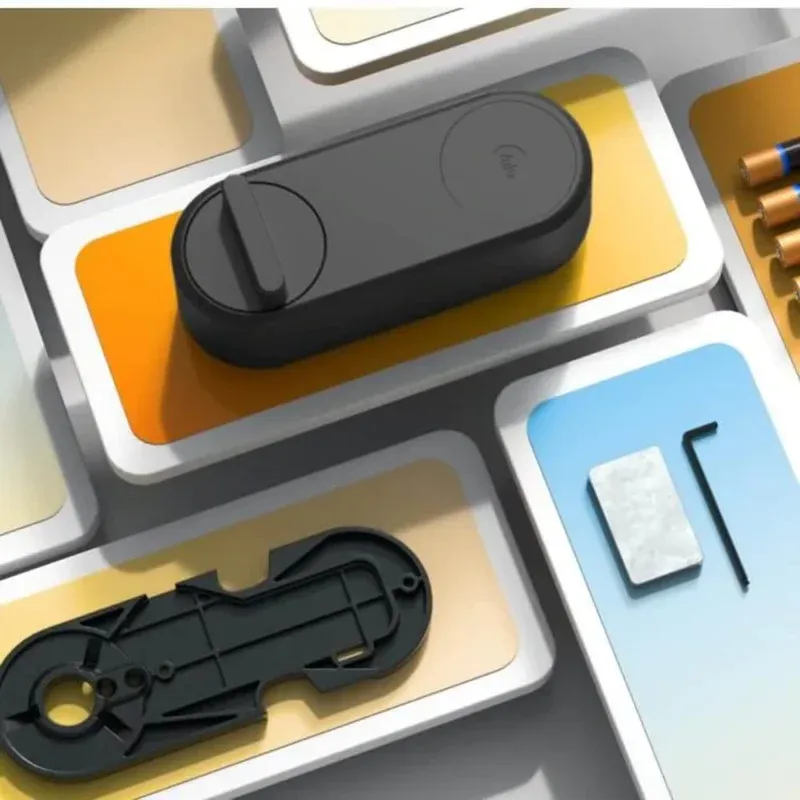
Install the backplate first, making sure it aligns flush with your cylinder. Then slide the smart module onto your thumb turn and tighten the clamp screw. Pair it in the Yale Access app using Bluetooth. The app walks you through alignment and motor torque adjustment, which is worth spending 5 minutes on to reduce motor strain on doors that require more force to turn.
Add the Yale Connect bridge for remote features. Plug it into any USB outlet and connect it to your 2.4 GHz network. The bridge handles cloud sync and keeps the lock reachable when you are away from home. Total setup time is around 20 minutes including app configuration, less if you have installed a smart lock before.
Final Thoughts
The Yale Linus Smart Lock 2.0 suits renters and homeowners who want smart access without a full lock swap. It keeps your keys, adds app control and auto-lock, and works with major voice assistants. Battery life is solid, and the retrofit design means no locksmith needed. If you are on a Euro cylinder and want a low-friction upgrade, this is one of the cleaner options available.
One limitation to note: the Yale Connect bridge is sold separately if you need remote access outside your home. Without it, the lock works over Bluetooth only, which means you must be within range of your phone to control it. For most people inside their home this is fine, but remote locking while traveling requires the bridge. The bridge costs around 30 to 50 EUR depending on where you buy it, which is worth factoring into the total budget. For a fully local setup with no cloud, the Bluetooth-only mode is perfectly stable and does not depend on Yale's servers at all.
The app itself is clean and does not push unnecessary notifications. Access sharing is handled through invite links, and you can set expiry dates on guest access. That makes it practical for short-term rentals or house-sitters without the friction of managing physical keys.
Should you buy it? If you live in a Euro cylinder market, primarily the UK and continental Europe, and you want smart access without swapping the whole lock body, the Yale Linus Smart Lock 2.0 is a straightforward recommendation. The retrofit design works well, the motor is quiet, and the Yale Access app is polished enough to use daily. Bring a budget for the Yale Connect bridge if remote access matters to you, and plan on replacing the batteries every six months. Everything else is solid.
Frequently Asked Questions
Does the Yale Linus Smart Lock 2.0 work without a hub?
Yes. Without the optional Yale Connect bridge, the lock pairs directly to your phone over Bluetooth within about 5 meters. You can lock, unlock, and view event logs locally. The Yale Access app also runs Apple HomeKit via Bluetooth on compatible setups. Remote access outside your home, cloud-backed event history, and Alexa or Google commands require the Yale Connect bridge connected to your 2.4 GHz Wi-Fi.
Is the Yale Linus Smart Lock 2.0 compatible with Apple HomeKit?
Yes. The Yale Linus L2 supports Apple HomeKit through the Yale Access Bluetooth module. No hub is needed for local HomeKit control within Bluetooth range. Siri lock and status commands work from your Home app. For remote HomeKit access when away, you need a home hub such as an Apple TV or HomePod acting as a HomeKit hub on your local network.
What cylinders does the Yale Linus Smart Lock 2.0 fit?
The Yale Linus 2.0 fits standard Euro-profile cylinders common in Europe and the UK. Installation takes around 10 minutes with no drilling. The backplate mounts to the cylinder, and the smart module slides over the thumb turn. Check your cylinder protrusion from the door surface, as very long cylinders may need an adapter. Yale publishes a compatibility guide on their site with cylinder dimensions and known compatible models.
How long do the batteries last in the Yale Linus Smart Lock 2.0?
Yale rates the four AA alkaline batteries at around 6 months with daily auto-lock use. In my test on a door with normal resistance, the battery indicator stayed above 50 percent after two months of twice-daily cycling. Cold weather and high motor force settings reduce battery life. The Yale Access app sends a push alert at low battery. Use fresh alkaline cells rather than rechargeables, as lower voltage can cause early low-battery warnings.
Can I share access to the Yale Linus Smart Lock 2.0 with guests?
Yes. The Yale Access app lets you send invite links to guests as digital keys. Each key can be set as permanent, time-limited, or restricted to specific hours or days. Guest keys expire automatically at the time you choose. You receive a push notification each time a key is used. For short-term rentals or house-sitters, this lets you give and revoke access without ever managing physical keys.