eufy C120 2K Indoor Security Camera with AI
Product Details
🏭 Manufacturer: Anker Innovations
🔌 Plug Format: USB-Powered
📄 Specification Met: CE, FCC, RoHS
🔖 Part Number: T8400
🏋️♂️ Weight: 3.68 ounces
📏 Dimensions: 2.24 x 2.24 x 4.11 in
🏳️ Country of Origin: China
🆔 Model Number: C120
📐 Size: Compact
🎨 Style: Modern
🔧 Mounting Type: Wall or Table Mount
💡 Usage: Indoor
📦 Included Components: eufy Security Indoor Cam, Mounting Hardware, USB Cable, User Manual
The eufy C120 is a compact camera that fits in any room. It sits on a shelf or mounts on a wall. It's only 2.24 x 2.24 x 4.11 inches and weighs 3.68 ounces. You get sharp 2K video from such a tiny device. It records all day and all night.
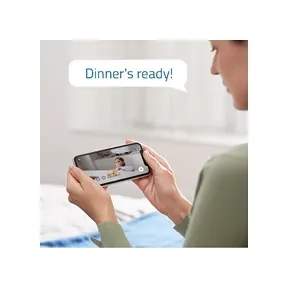
The eufy app puts you in control from anywhere. You get push alerts right away when the detection sensor picks up motion or sound. The built-in AI sorts real motion from background noise. It won't bother you with alerts from curtains or fans. You only hear about things that matter.
This camera works on its own without the cloud. It handles all the smart work right on the device. Your clips stay private. The camera responds fast. It even keeps working when your internet is down.
Local Processing: The camera runs smart motion sensing on the device. Your clips stay private with no cloud delays.
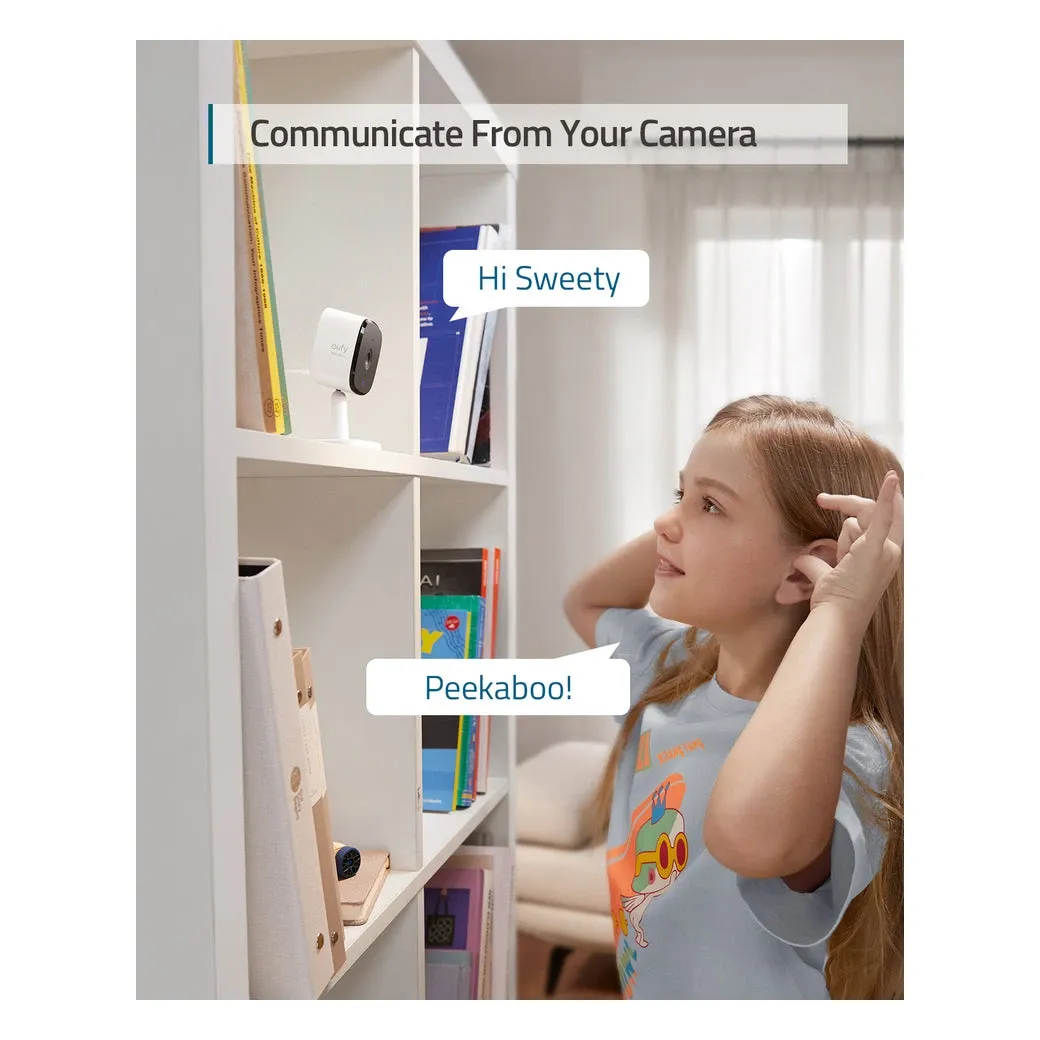
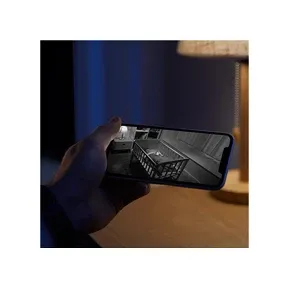
Two-Way Audio and Night Vision: Talk to a courier or calm a pet from anywhere. Infrared LEDs give you clear night vision up to 32 ft. It's great for hallways and nurseries after dark.
Why 2K Indoor Watching Matters
Wide Lens and Sharp View: The eufy C120 has a bright sensor and a 125-degree lens. It covers wall to wall in most rooms. You need fewer cameras vs. models with narrow lenses. The 2K quality (1920x1200) lets you see faces and small details from across the room. When you use HomeKit, the quality drops to 1080p to match HomeKit's needs. The wide dynamic range (WDR) keeps colors vivid even in mixed light.
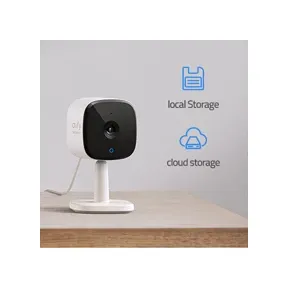
Flexible Storage: The eufy C120 doesn't tie you to cloud fees. Clips save to a microSD card (up to 128GB). You can also use a NAS device via RTSP. Or you can add Eufy's cloud backup if you want it. There are no set fees. You own your footage. Local storage stays safe even if your internet goes down.
Privacy Mode: Sometimes you want full privacy. Turn on privacy mode and the camera stops recording right away. It's handy for movie nights or when guests visit. The LED goes dark when privacy mode is on. You can see at a glance that it's off. You can set geofencing in the app so privacy mode turns on when you get home.
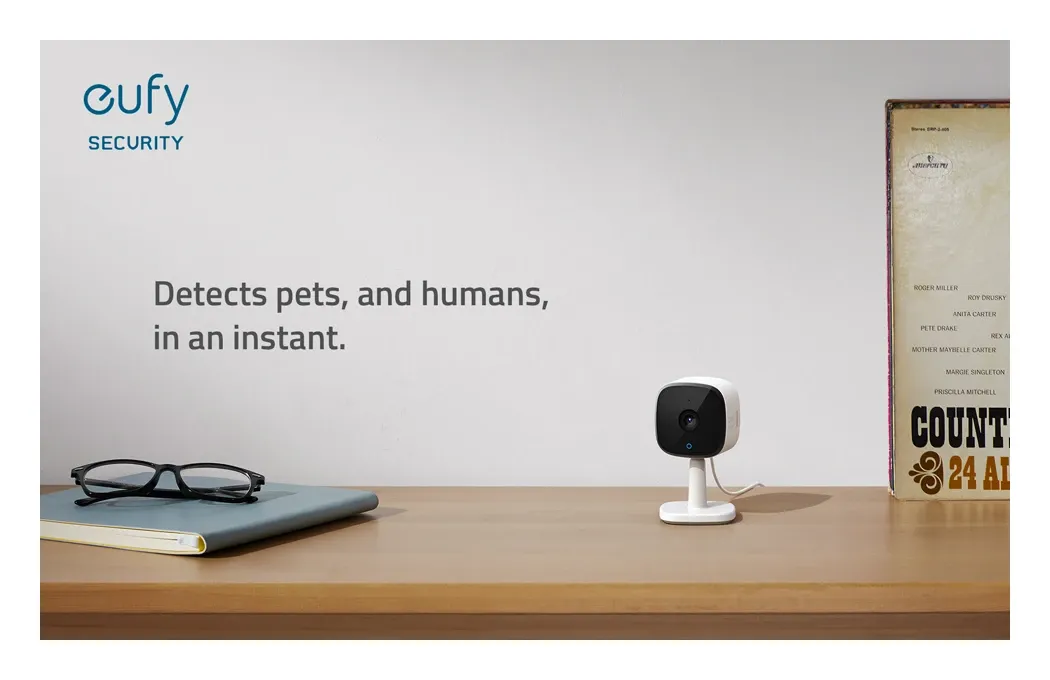
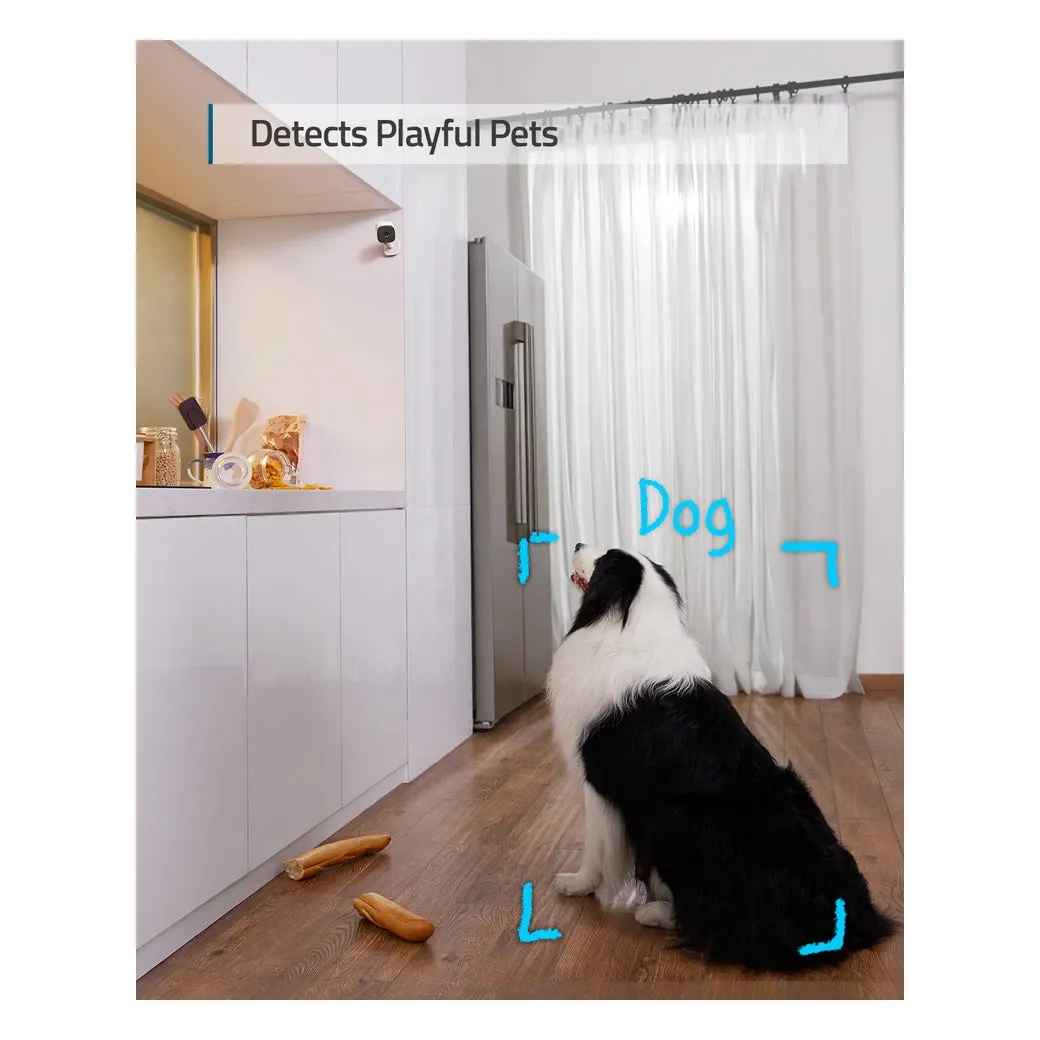
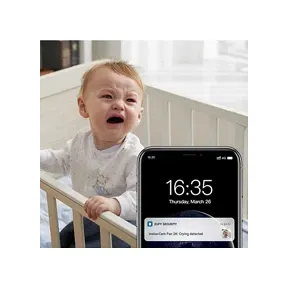
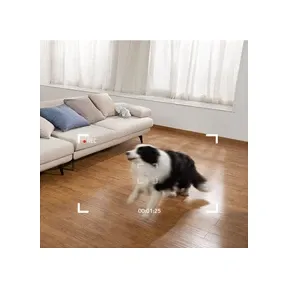
AI and Smart Sensor: The eufy C120 uses on-device AI to tell people from pets from objects. It cuts down on false alerts from everyday moves. Noise sensing flags sounds like crying babies or breaking glass. You get alerts right away for things that matter.
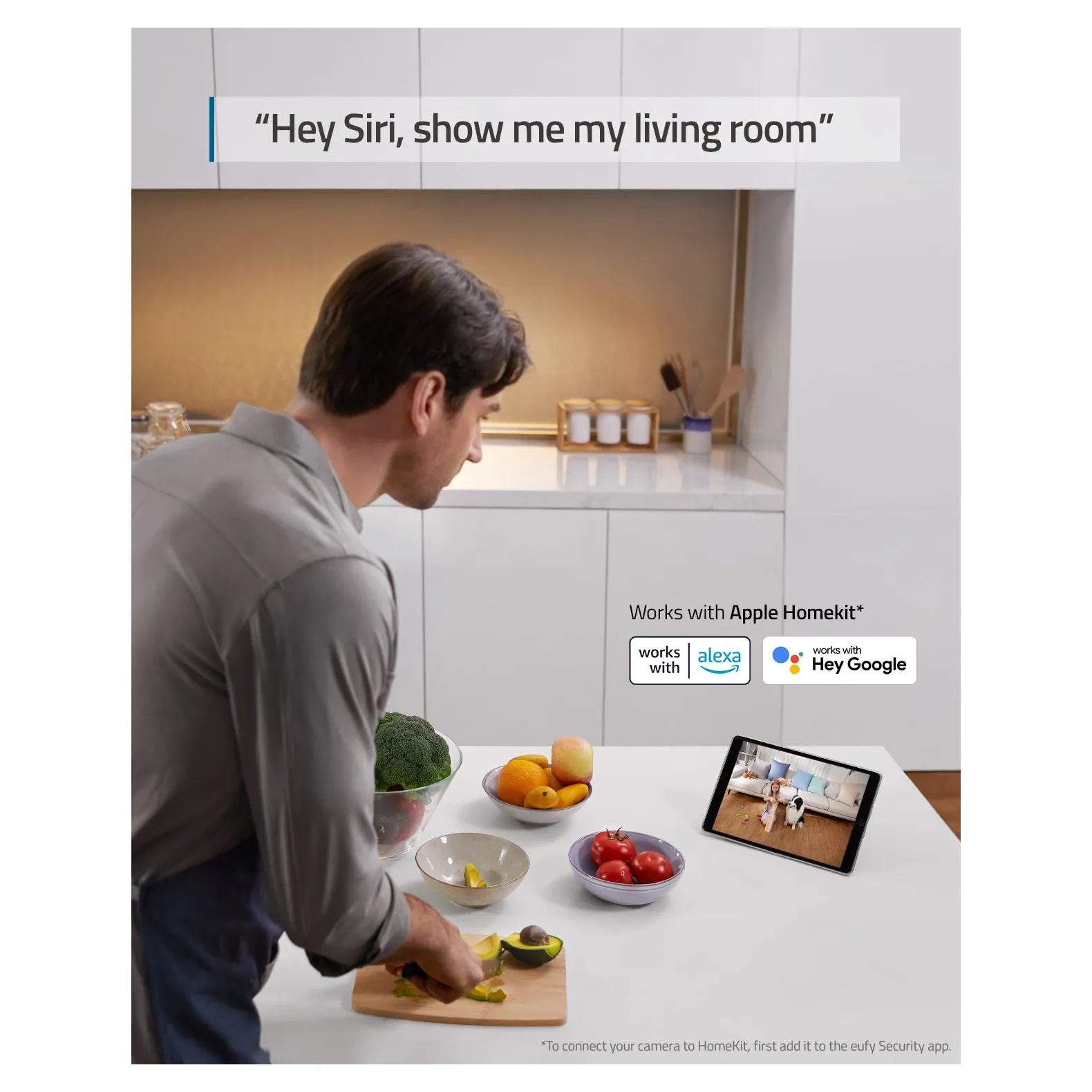
Voice Assistant Works With It: Ask Alexa to show you the nursery on an Echo Show. Ask Google Assistant to cast video to a Google Nest Hub. HomeKit users get end-to-end encrypted storage via HomeKit Secure Video.
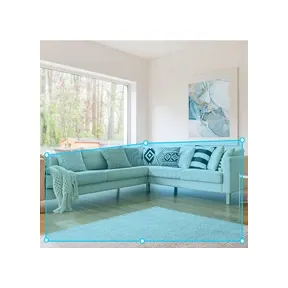
Custom Activity Zones: Choose which area in the frame triggers alerts. Ignore hallway traffic or ceiling fan motion. Stay alert to the spots you care about. This helps you match alerts to your home layout.
Easy Setup: Setup takes just a few minutes. Scan the QR code, pair with Wi-Fi, and you're online. It takes under three minutes and it's simple.
Multi-Layer Security: End-to-end encryption protects every frame. The camera processes video on the device. Your footage doesn't leave your home unless you pick cloud backup.
Fast Mobile Alerts: You get a push alert within seconds of any motion. The eufy app sends it to your phone, tablet, or smartwatch right away.
Dual Storage Options: Use a microSD card (up to 128GB) for local storage. Connect via RTSP for NAS storage. Or use Eufy's cloud backup. You never lose key footage and you stay in control.
All these features work together. AI can flag a bark, mute a nuisance alert, and still log a delivery at the door.
Easy Setup and Smart Works With: The eufy app walks you through Wi-Fi pairing and activity zones in minutes. You don't need a hub. HomeBase 3 support adds face sensor upgrades later. Say "Alexa, show me the nursery" for a live feed on an Echo Show. HomePod users get end-to-end encrypted storage through HomeKit Secure Video. Custom zones cut unwanted alerts so you only hear about what counts.
Keeping Data Private: When privacy mode is on, the LED goes dark and recording stops. Geofencing can do this on its own as you walk through the door. The firmware meets CE, FCC, and RoHS standards. You can store clips on a microSD card up to 128GB. Encryption keeps your footage safe.
Real-World Peace of Mind
Families, renters, and pet owners love the C120's results. Amazon buyers give it 4.7 stars across more than 12,000 reviews. They praise fast alerts and solid build quality. At $42.99, it's a great deal with no need for a paid plan.
Digital Camera World notes the wide lens can cover a whole playroom with one unit. That cuts blind spots and saves money.
Writers note the small, stylish design blends well into any room decor.
Everyday Use Cases:
Parents: Use it as a baby monitor with noise sensing. You get audio alerts with live visuals so you can act fast.
Pet Lovers: Set alerts only for work hours. Keep tabs on pets without late-night pings.
Remote Workers: Point the lens at a door to confirm deliveries and deter porch pirates.
Renters: Take the microSD card and your footage when you move. It's fully portable.
Smart Home Works With: Pair the C120 with smart lights or motion alerts for more control. Sync with voice assistants to turn on lights when motion is sensed. Set up recording to match your daily schedule. Your home feels smart and aware without any manual work. Whether you want eyes on things during a trip or a check-in while at work, the C120 adapts to your needs.
Final Verdict: The eufy Security Indoor Cam C120 is sleek, smart, and affordable. It has sharp video, on-device AI, and works with many smart home systems. You can set it up in minutes and trust it to watch every corner.
Model Names and Setup: This camera is part of the eufy Security Indoor Cam lineup. It works with smart home devices for added ease. The screw pack and mounting bracket make wall setup simple. The manual guides you through setup and advanced settings. Use it as a baby monitor, pet camera, or entry sensor for reliable home security.
Competitor Comparison:
eufy C120 vs. Wyze Cam v3: The Wyze Cam v3 costs $29.99 but gives only 1080p. C120 gives 2K and local AI at no extra cost. C120's two-way audio is better. For a bit more money, you get better video and more privacy.
eufy C120 vs. TP-Link Tapo C100: The Tapo C100 costs $29.99 but lacks AI smarts. C120's on-device person and pet sensing cuts false alerts a lot. Tapo relies on the cloud while C120 works locally. C120 wins in busy homes.
eufy C120 vs. Reolink PoE Cameras: Reolink PoE models are wired and harder to set up. They cost $200-500 and need a pro to install. C120 plugs in anywhere. Reolink is good outdoors while C120 is built for indoors. Renters prefer C120.
eufy C120 vs. Apple Home Secure Video: HomeKit Secure Video needs an Apple TV hub and a paid plan at $4.99 per month. C120 works on its own without a plan or Apple gear. If you're deep in HomeKit, C120 fits right in. If not, it avoids lock-in. Both put privacy first.
Why C120 Is notable: You get 2K video, on-device AI, no plan fees, local storage, and a $42.99 price. Most rivals force you to pay for cloud plans or rely on cloud-only AI. C120 respects your privacy and your wallet.
Understanding Camera Specs
The eufy C120's specs explain why it beats cheaper rivals.
2K Quality (1920x1200): Standard 1080p shows about 2 megapixels. C120's 2K shows about 2.3 megapixels (15% more detail). You can spot faces across a room or read plates through a window. C120 uses H.265 for 40% smaller files than H.264 at the same quality.
125-Degree Wide-Angle Lens: Standard cameras cover 90-110 degrees. C120 covers 125 degrees and fills a whole bedroom or living room. One C120 can replace two standard cameras in most rooms. Wide-angle adds a slight curve at the edges - that's normal.
Infrared Night Vision (32 feet): 32 feet covers most home rooms even in pitch dark. Mono IR uses less power than color night vision. Shapes show clearly at 32 feet. Faces are visible up to 20 feet. IR LEDs run cool and silent.
Wide Dynamic Range (WDR): WDR handles bright windows and dark corners at the same time. It stops windows from washing out while keeping dark spots visible. You can toggle WDR in settings to suit your room.
USB Power: The camera runs on USB power. It won't run on battery like some outdoor eufy models. Place it near an outlet or use a USB extension cable. You'll never worry about charging.
Storage Options
MicroSD Card (Up to 128GB): 128GB holds about 100-150 hours of 2K video. A good 128GB card costs $15-25 and lasts 10+ years. Your footage stays home with no internet needed. Old clips get overwritten when the card fills up. Pop the card into a computer to view clips. Use A2-rated cards for best speed.
Network Attached Storage (NAS): The camera streams via RTSP to your NAS. Scale up to terabytes of storage. Store clips from many cameras in one place. View footage from any device on your home network. You'll need a NAS ($200-800) and a stable network.
Eufy Cloud Backup: Free 30-day rolling storage or paid plans at $2.99-4.99 per month. End-to-end encryption means eufy can't view your clips. Access footage from anywhere. Backup runs on its own. A year of cloud costs $36-60, similar to 2-3 good microSD cards.
Advanced Features
On-Device AI: The C120 runs AI right on the camera. It tells people from pets from common false triggers. It cuts false alerts by 95% vs. basic motion sensing. All AI runs on the device with no footage leaving your home.
Person Sensor Zones: Draw up to 6 zones in the camera view. Each zone has its own alert level. For example: high alert at the front door, medium in the hallway, low near a window.
Sound Sensor: It flags babies crying, glass breaking, shouting, and loud alarms. Adjust how sensitive it is so TV noise won't trigger it. Sound alerts show up as their own type in the app. Parents use it for baby rooms. Security-minded users watch for breaking glass.
Activity Zones: Block areas like ceiling fans, windows, or fish tanks. Draw exact zones to cut nuisance alerts while keeping full security.
Two-Way Audio Quality: The speaker hits 94dB at max. The mic picks up normal talk from across the room. Echo cancelling keeps your voice clear during two-way chats. Use it to talk to delivery drivers, calm pets, or check in with family.
Setup and Mounting Guide
Wall Mounting:
- Pick a spot 5-7 feet high with a clear view and a nearby outlet
- Drill holes using the template provided
- Insert wall anchors (included for drywall)
- Screw in the mounting bracket
- Adjust the tilt and angle for the best view
- Route the USB cable along the wall or in cable channels
Tabletop Placement:
- Pick a stable surface like a shelf, nightstand, or desk
- Adjust the angle using the ball joint mount
- Secure the cable so no one trips on it
- Avoid pointing at bright windows to prevent glare
Placement Tips:
- Doorways: Mount at 5-6 feet high and center it on the doorway
- Nursery: Put it in a corner at 5-7 feet for full room coverage
- Entryway: Mount above eye level to catch visitor faces
- Avoid bright windows during the day
- Use adhesive cable clips to route the USB neatly
- Test coverage on a table for 24 hours before wall mounting
Cable Extension Options:
- USB extension cables: 10, 20, or 30-foot options for $5-15
- Wall-mounted power adapters for spots far from outlets
- Cable conduit for a clean look
- Adhesive clips along baseboards to prevent tripping
Works With Smart Home Systems
Amazon Alexa: Say "Alexa, show me the nursery" on an Echo Show. Set routines so motion triggers lights or announcements. Add C120 to device groups for easy control.
Google Home: Say "Hey Google, show me the camera" to cast to a Nest Hub. Motion can trigger Google Home routines. View the camera in the Google Home app.
Apple HomeKit: Works with HomeKit Secure Video for encrypted cloud storage. Needs an Apple TV, HomePod, or iPad as a hub for remote access. Say "Siri, show me the entryway camera" for a live feed.
Home Assistant: Stream via RTSP for advanced automations. Build complex routines with other devices. All data stays local with no cloud needed.
Aqara SmartThings: Use IFTTT to create "if motion, then do X" automations. Pair C120 with Aqara sensors, lights, and thermostats for full home control.
Troubleshooting
Camera Won't Connect to Wi-Fi: Check that your 2.4 GHz network is on (C120 doesn't support 5 GHz). Move the camera closer to the router. Unplug it for 10 seconds and plug it back in. Hold the reset button 10 seconds to factory reset. Check your Wi-Fi password for special characters.
Motion Alerts Won't Trigger: Check that motion sensing is on in the app. Make sure the activity zone covers the right area. Lower the AI sensor threshold if it's too strict. Test in good light since low light reduces accuracy. Check that phone notifications aren't blocked at the OS level.
Video Looks Blurry: Clean the lens with a soft dry cloth. Check if WDR is too aggressive and toggle it off. Make sure there's enough light. Factory reset if quality drops suddenly.
Two-Way Audio Cuts Out: Check your internet speed at the camera (needs 1 Mbps min). Cut other network activity. Move the router closer or use a mesh network. Mute and unmute in the app to reset audio. Restart the camera if audio drops to one way.
Camera Goes Offline Often: Move it closer to the router. Check 2.4 GHz signal at the camera's spot. Restart the router. Cut the number of devices on your Wi-Fi. Contact eufy support if the issue keeps happening.
Real-World Results
Video Quality:
- Bright daylight: Crystal clear, true colors
- Moderate indoor light: Great clarity with minor color shift
- Low light: Good IR vision in monochrome
- Pitch black: Shapes visible to 32 feet, faces to 20 feet
Motion Alert Speed:
- Typical: Alert sent within 2-3 seconds
- Fastest: Under 1 second with good Wi-Fi
- Slowest: 5-10 seconds on a busy network
- Local microSD speeds up response by cutting cloud delays
False Alert Rate:
- Without AI: 40-50 false alerts per day
- With AI on: 2-5 alerts per day
- AI cuts alert fatigue a lot
Smart Home Automation Examples
Motion-Triggered Lighting: Link the camera with smart plugs or lights. When motion is sensed, lights turn on. Your home reacts without any manual setup.
Audio Announcements: Pair with a smart speaker. When the entryway sensor fires, you get an audio alert while cooking or working.
Pet Watching: Two-way audio lets you reassure pets during storms. It's a gentle way to keep an eye on them.
Parent Confidence: Leave kids in other rooms and only get alerts for things that matter.
Traveler Peace of Mind: Activate protective routines while you're away. The C120 adapts to your daily needs.
Guest Arrival Automation: When the camera senses motion at the entry, smart lights turn on at 75% brightness. You get a snapshot alert on your phone. Outdoor lights come on if it's night. A chime plays on the nearest smart speaker. Video saves to local storage for later review.