Smart Video Doorbell Reviews: Ring, Roku, and Setups
Quick take: Video doorbells let you see and speak to whoever rings, whether you're home or across town. First decision: wired (continuous power, recording, no battery swaps) vs battery (installs anywhere, charges every 1-6 months depending on motion volume). Ring integrates tightly with Alexa and the Ring Protect plan; Nest Doorbell lives in Google Home alongside other Nest cameras and thermostats; Roku suits existing Roku TV households. Subscriptions unlock video history, without one, you get live view but can't review footage from an hour ago. Reviews, comparisons, and installation guides below.
A video doorbell does something a traditional doorbell can't: it lets you see, speak to, and record whoever's at your door, whether you're on the couch, at work, or traveling abroad. The market has matured fast. Today's options range from basic battery-powered cameras under $50 to hardwired models with continuous recording, package detection, and 4K video. This section covers reviews, head-to-head comparisons, and setup guides for every major brand and installation scenario.
What Should You Check Before Buying a Smart Doorbell?
Power source is the first fork in the road. Hardwired doorbells take power from the existing doorbell transformer and don't need battery swaps. Battery-powered models install anywhere but need charging every one to six months depending on motion volume. If your existing doorbell wiring is compatible (typically 8-24V AC), hardwired is cleaner long-term. The smart home security basics guide covers what to audit at your entry point before committing to any wired install.
Field of view determines how much of your entry you actually see. A 160-degree diagonal view sounds wide but often distorts the edges. Look at the horizontal angle specifically, 120 to 140 degrees horizontal captures most approaches without the fish-eye effect.
Night vision quality separates budget models from mid-range ones faster than almost any other spec. Infrared night vision creates a black-and-white image. Color night vision uses ambient light to maintain color, which is more useful for identifying people and vehicles. Floodlight models add active lighting for the best clarity but require more wiring.
Resolution matters less than you might think below 1080p, but above that, the detail differences show up in two specific situations: reading license plates and identifying faces at a distance of more than 10 feet. If either matters for your entry, look for 2K or higher. The night vision camera comparison review benchmarks infrared versus color night vision across current models at different price points.
What Smart Platform Compatibility Should You Check?
Which app your doorbell lives in matters more than most reviews admit. In direct comparisons of platform integration:
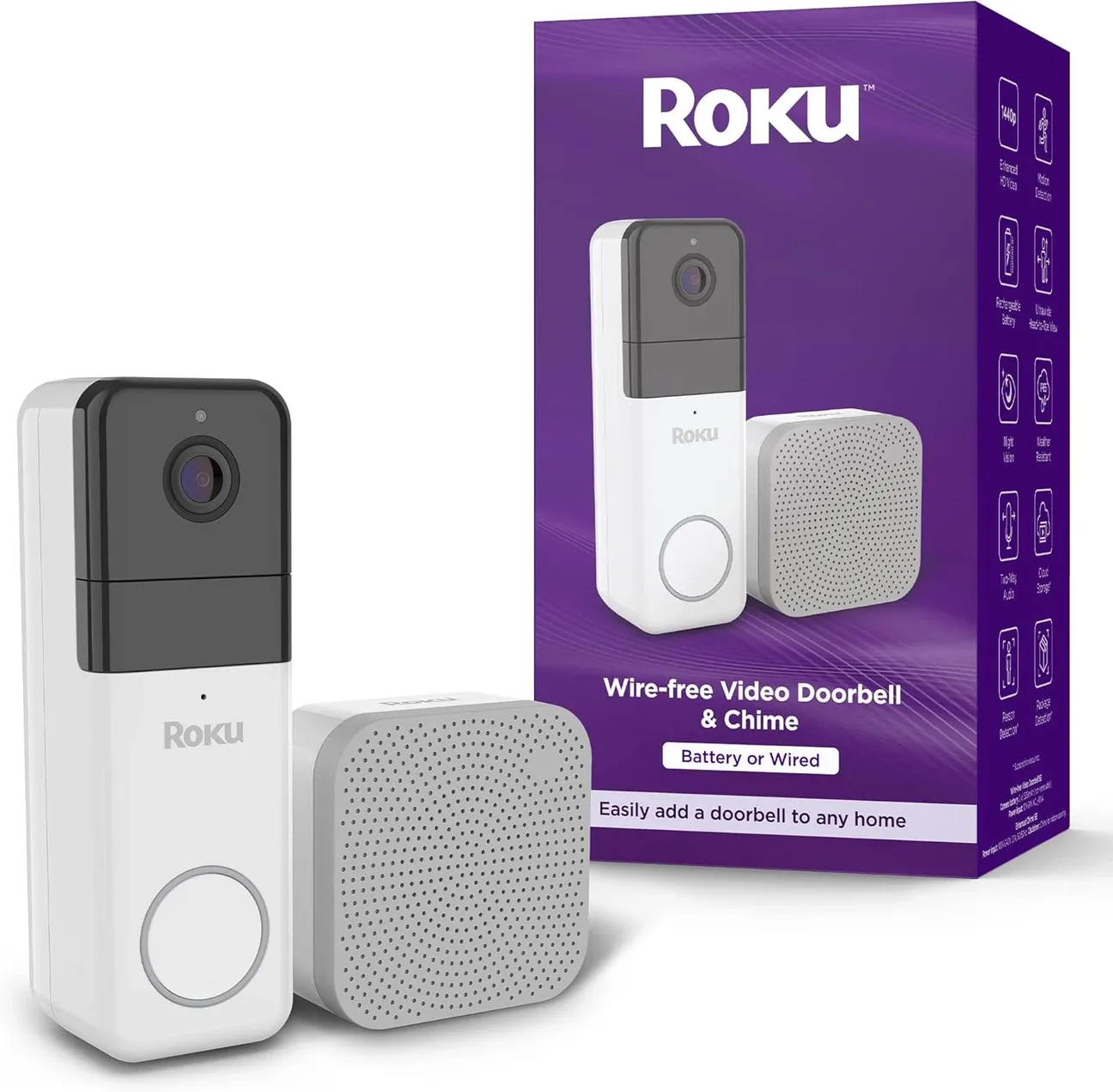
- Roku Smart Home doorbells integrate with the Roku app you already use for streaming, low friction if you're already a Roku household
- Ring works best with Amazon Alexa and offers deep integration with the Ring Protect subscription for cloud storage and alerts
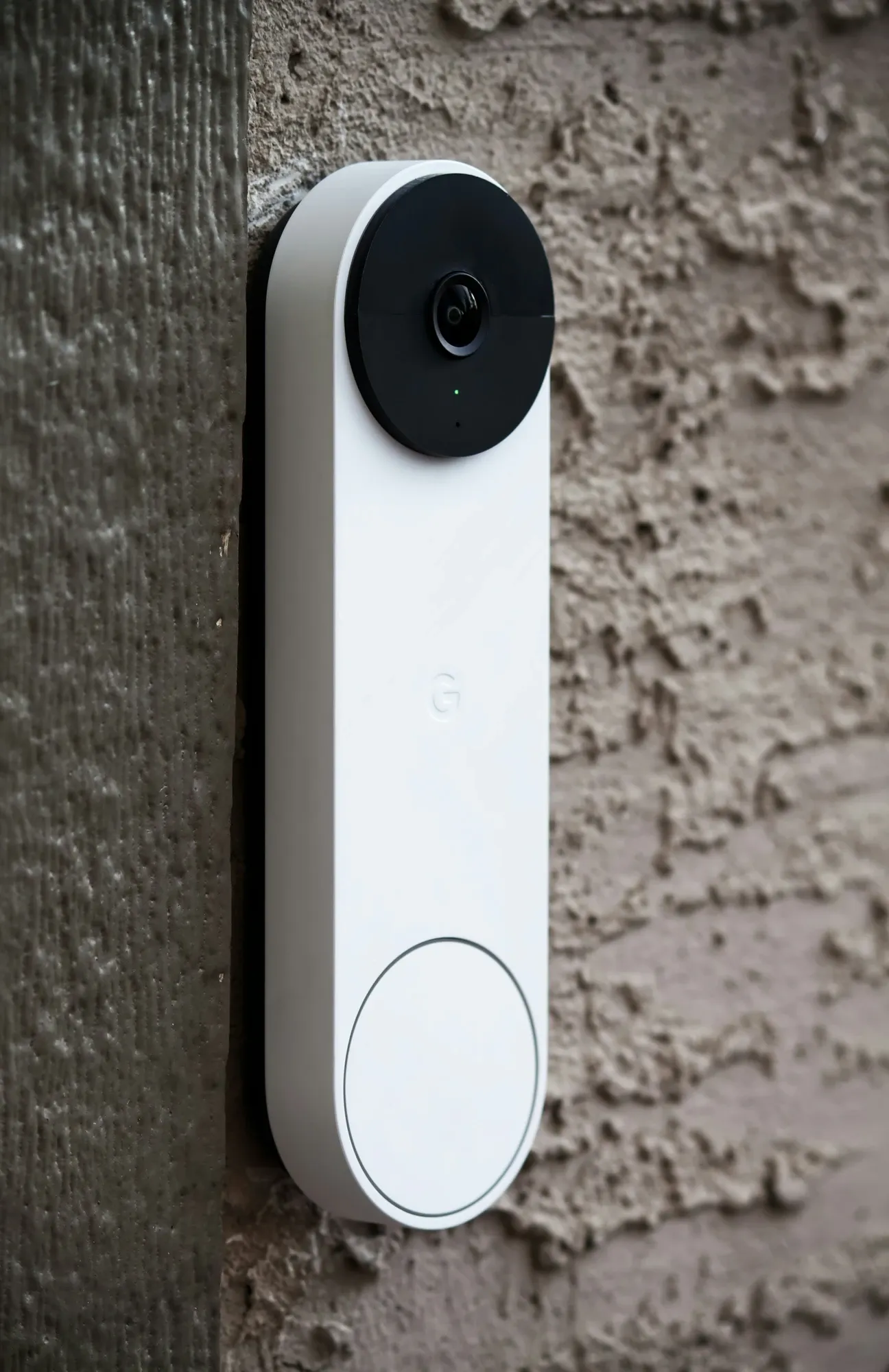
- Nest Doorbell is native to Google Home and integrates with other Nest cameras and thermostats in the same app
- Arlo works across Google Home, Alexa, and SmartThings simultaneously
- Eufy offers local storage via HomeBase so you're not forced into a subscription for recorded video
The Matter over Thread standard is starting to change platform comparisons for the better. A few 2025 and 2026 doorbell models support Matter, which means they can work across Google Home, Amazon Alexa, and Apple HomeKit simultaneously without a separate bridge. If you're building a mixed-ecosystem home, this is worth checking before buying. For a side-by-side look at every current model, the doorbell comparison guide covers specs and real-world performance in one place.
What Should You Expect from Smart Doorbell Setup?
Most video doorbell setup and installation takes 15 to 30 minutes. The typical steps:
- Remove the old doorbell button from the wall plate
- Photograph the existing wiring before disconnecting anything
- Connect the two wires from your doorbell transformer to the terminals on the new device
- Mount the mounting plate with the provided screws and anchors
- Attach the doorbell to the mounting plate
- Download the app and follow the in-app setup wizard
- Name the device, assign it to a room or location in the app, and configure alert settings
The genuine complications in a setup come from old wiring (too low voltage below 8V), digital-only chimes (which don't work with most doorbells without an included adapter), and non-standard mounting angles when your door faces a corner rather than straight ahead.
If your existing wiring tests below 8V AC, most doorbells won't function reliably. Some brands include a transformer upgrade in the box; others require you to buy one separately (typically $15-20 at a hardware store). The complete smart home setup guide covers wiring checks and transformer upgrades as part of a full security device install.
Should You Choose Hardwired or Battery Setup for Your Doorbell?
The installation process differs meaningfully between hardwired and battery models:
Hardwired setup requires:
- Turning off the breaker for your existing doorbell (usually a 10-16V AC transformer in a basement or utility closet)
- Connecting two low-voltage wires to the terminals on the doorbell
- Mounting and powering up
- The doorbell charges through the wires continuously, so the battery (if it has one) never depletes
Battery setup requires:
- Mounting the mounting plate with plastic anchors if your door frame is brick or stucco
- Inserting the charged battery pack into the doorbell body
- No wiring required at all
Battery Maintenance Cycle
Battery doorbells install faster but have a recurring maintenance step. How often depends on motion volume. A busy front door with many deliveries and pedestrians might drain a battery in four to six weeks. A quiet rural property might go six months.
What Smart Doorbell Comparisons Actually Matter?
Most doorbell comparisons focus on spec sheets. The real differences show up in daily use:
App reliability: Ring's cloud infrastructure is the most mature. Nest benefits from Google's reliability but had a rocky few years during the Nest-to-Google transition. Roku is newer but has performed well in testing.
False alert rate: Person detection that fails to filter out cars, shadows, and blowing leaves gets notifications turned off fast. The mid-range models from Ring ($150-$200) and Nest ($180-$230) have better false-positive filtering than most budget options. The Arlo vs Ring home security comparison puts both platforms through the same false-alert test scenarios.
Local storage options: Ring requires a subscription for any recorded video. Eufy stores video locally on a HomeBase hub with no monthly fee. Arlo offers both cloud and local storage depending on the model.
Subscription costs: Ring Protect Basic is $4/month per camera. Ring Protect Plus covers all Ring devices for $10/month. Nest Aware starts at $6/month. Arlo's subscription is $5-10/month depending on resolution and features. The budget smart home cameras guide lists which camera and doorbell models skip the subscription fee entirely.
What Actually Justifies the Smart Doorbell Price Difference?
Budget doorbells under $80 get you basic motion alerts and two-way audio. Mid-range models from $100 to $200 add package detection, person-versus-motion differentiation, and better night vision. Above $200, you're typically paying for 4K resolution, a physical doorbell chime, and subscription-free local storage.
For most households, the $100 to $150 range hits the right balance. The higher tiers matter if you have a high-traffic entry or if false motion alerts from budget models would frustrate you into turning notifications off entirely, which defeats the purpose.
The guides in this section cover the Roku doorbell installation specifically, plus the general process that applies to most hardwired models. The comparison guide covers what each brand does well and where they make compromises. Whether you're doing your first doorbell setup or replacing a model that's let you down, the reviews and side-by-side specs here cover the full market as it stands in 2026.
What Actually Varies in Smart Doorbell Two-Way Audio?
Two-way audio is a standard feature across all video doorbells, but the quality gap between budget and mid-range models is noticeable.
Budget doorbells often have half-duplex audio, you can either talk or listen, not both simultaneously. That creates an awkward walkie-talkie dynamic when speaking to delivery drivers. Mid-range models use full-duplex audio, which sounds like a normal phone call. Ring's Pro models and Nest Doorbell use full-duplex. At $150 and above, you should expect it.
Speaker volume is the other issue. If your door faces a busy street, a quiet speaker means visitors can't hear your response even when you can hear them clearly. Check reviewer feedback specifically on outdoor speaker volume before purchasing a model for a noisy environment.
Noise cancellation also varies. In heavy wind or rain, budget microphones pick up enough ambient noise to make conversations difficult. Arlo's newer models and Ring's Pro line both include active noise cancellation that makes outdoor conversations clearer in bad weather. The Arlo smart home security features guide covers noise cancellation specs and audio quality across the current Arlo lineup.
How Does Smart Home Automation Work with Your Doorbell?
A video doorbell connected to a smart home platform unlocks automations that go beyond simple motion alerts.
Here are practical automation setups that make a real difference:
- Porch lights on arrival: When the doorbell detects motion after sunset, a connected smart plug triggers outdoor lights to full brightness automatically
- Away mode alerts: When location detection shows everyone has left home, any doorbell motion triggers an immediate push notification, no alerts needed when you're home to see it in person
- Lock integration: When someone rings the doorbell, a compatible smart lock can display a prompt in the app asking if you want to unlock the door for a trusted guest, all without leaving the couch. The smart lock installation guide explains which lock models support remote unlock prompts from Ring and Nest
- Camera recording chain: A doorbell motion event can trigger a secondary indoor camera to start recording, covering the interior side of the same entry. The outdoor cameras hub guide covers how to pair cameras with doorbell events for full perimeter coverage
- Package alerts: Ring's package detection sends a different alert type than person detection, so you can mute person alerts during hours when you're home but keep package alerts active all day
Google Home Routines and Amazon Alexa Routines both support doorbell events as triggers, Google's Home Routines documentation lists every supported trigger type including doorbell presses, motion alerts, and time-based conditions. For more complex multi-condition automations, "alert me only if motion is detected and I'm more than 5 miles away", Home Assistant handles these natively with its device_tracker and mobile companion app integration.
How Do You Choose a Smart Doorbell Based on Your Entry Layout?
Entry layout affects which doorbell works well in practice, and most buying guides skip this entirely.
Corner-mounted entries where the door faces at an angle need an angled wedge mount. Most brands sell these as accessories for $10-15. Without one, the field of view misses the approach path and you're left with a camera that only sees someone who's already standing at the door.
Recessed entries where the doorbell sits inside a covered alcove have poor Wi-Fi signal in many homes. The wall depth between the router and the doorbell drops signal strength. Battery models in recessed entries often show weak signal in the app. A Wi-Fi range extender placed near the entry solves this for most setups. The home alarm and security systems guide covers how to design a perimeter that keeps signal strength reliable across multiple entry points.
Apartment and rental installations need a no-drill mounting option. Several brands offer adhesive or clamp mounts that don't require screws. These work fine for most battery models but won't hold a heavier hardwired doorbell securely.