Apple Home Hub With A18 Chip, Face ID, and Thread Support
Product Details
🏭 Manufacturer: Apple
🔌 Plug Format: AC Power
📄 Specification Met: FCC, CE
🏋️♂️ Weight: 350 g
📏 Dimensions: Approximately 6-inch display (exact TBA)
🆔 Model Number: TBA
📐 Size: Compact
🎨 Style: Freestanding
🔧 Mounting Type: Desktop or Wall Mount
💡 Usage: Indoor Use
📦 Included Components: Apple Home Hub, Power Adapter, Quick Start Guide
The Apple Home Hub is a dedicated smart home control center with a touchscreen display, expected to launch in 2026. It combines an A18 processor with Face ID, Thread networking, and deep HomeKit integration in a compact form factor. Reports from Bloomberg indicate the device features approximately a 6-inch display and runs a customized version of iPadOS designed specifically for smart home control and Siri interactions.
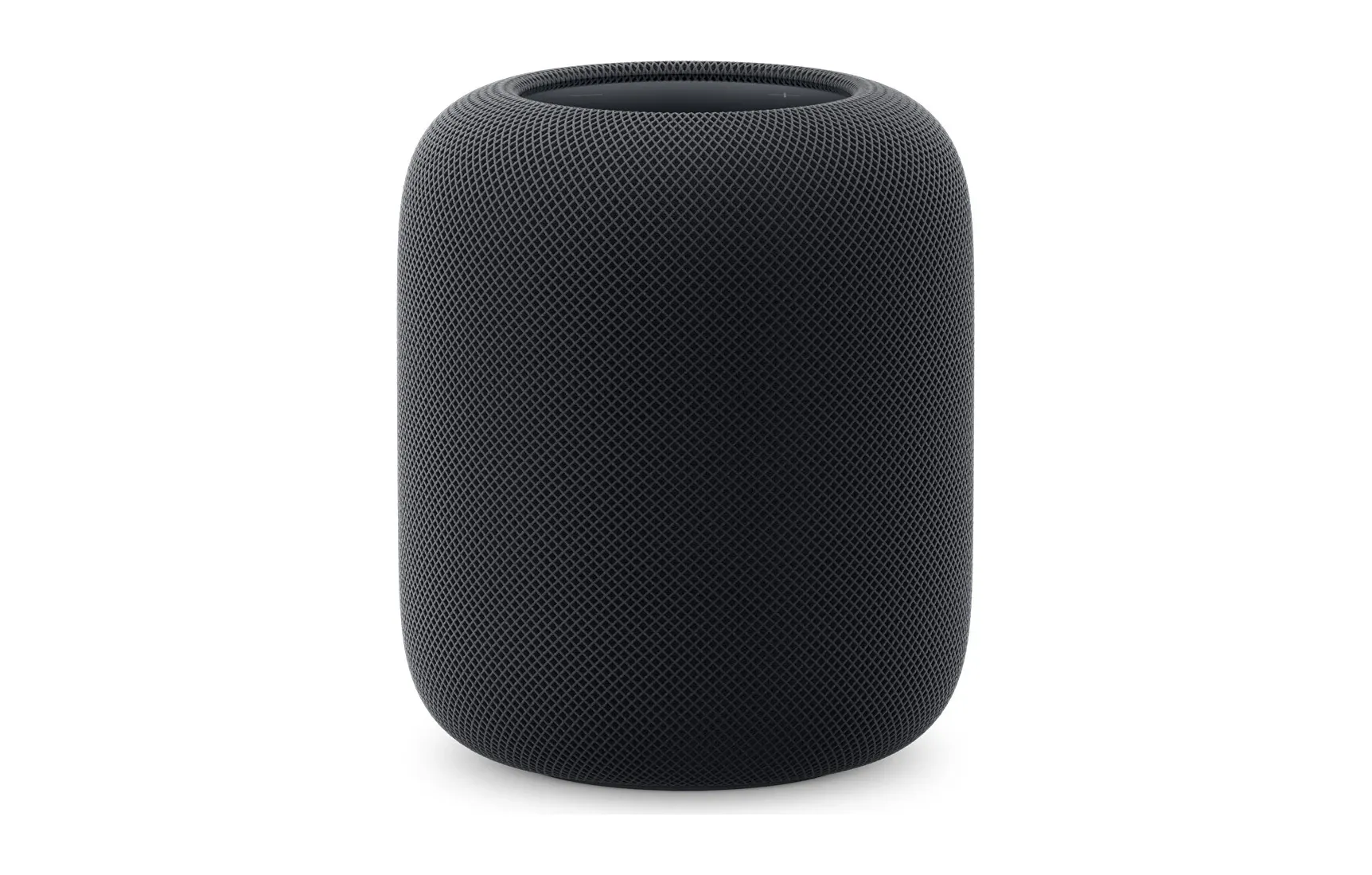
For Apple users, this fills the gap between using an iPhone as a HomeKit remote and the voice-only experience of HomePod. The Home Hub provides a persistent, always-visible dashboard for your entire smart home.
Expected Hardware and Processor
The Apple Home Hub is built around the A18 chip, the same processor family used in recent iPhones. This provides enough processing power to handle HomeKit Secure Video analysis locally, run Siri on-device, and drive a responsive touchscreen interface without lag.
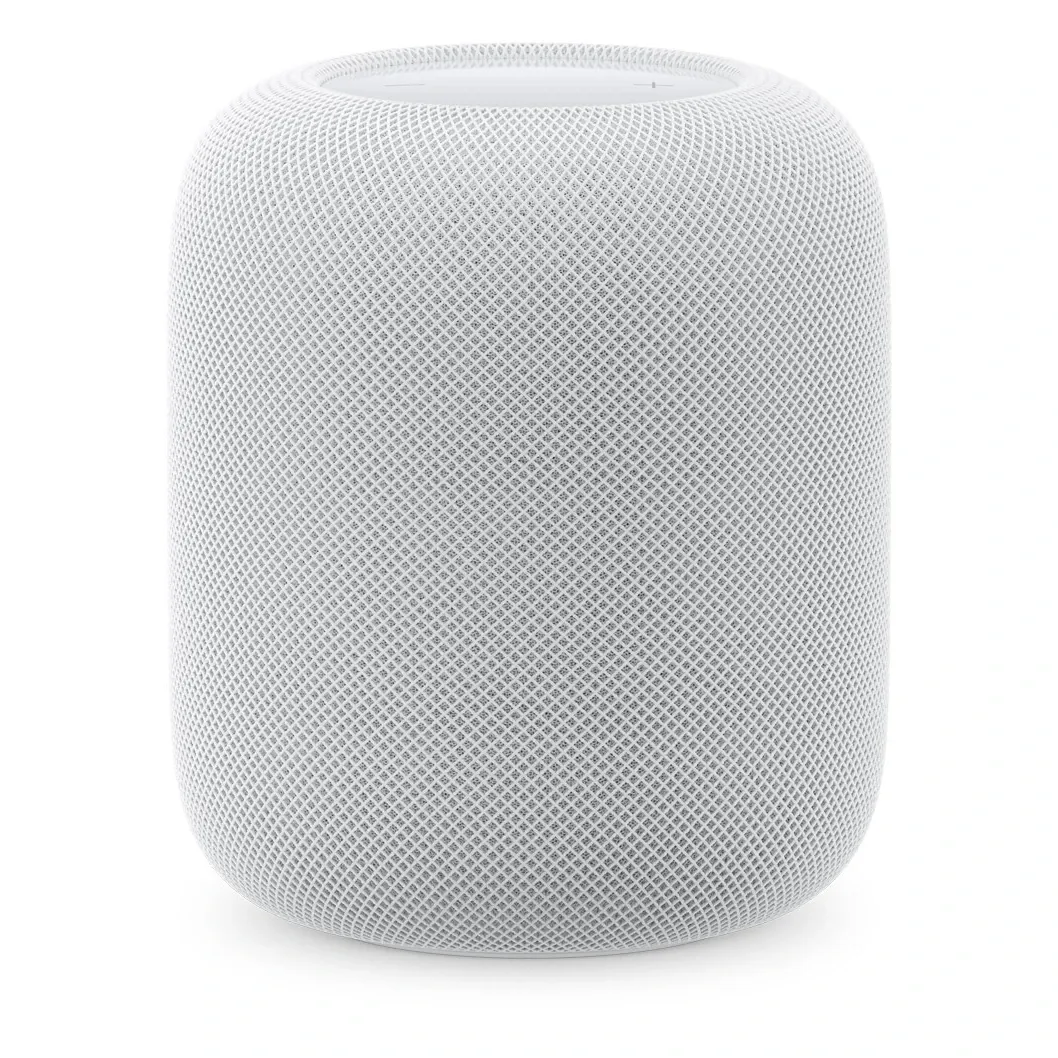
The display is reported at approximately 6 inches, making it suitable for wall mounting near an entryway or placing on a kitchen counter. Connectivity includes Wi-Fi 6 for fast network communication, Bluetooth 5.0 for accessory pairing, and Thread for low-latency mesh networking with compatible sensors, locks, and lights. The device runs on AC power through an included adapter.
Face ID and Personalized Control
The inclusion of Face ID sets the Apple Home Hub apart from competing displays like Amazon Echo Show and Google Nest Hub. Face ID enables the hub to recognize individual household members and present personalized dashboards, music preferences, and notification settings for each person.
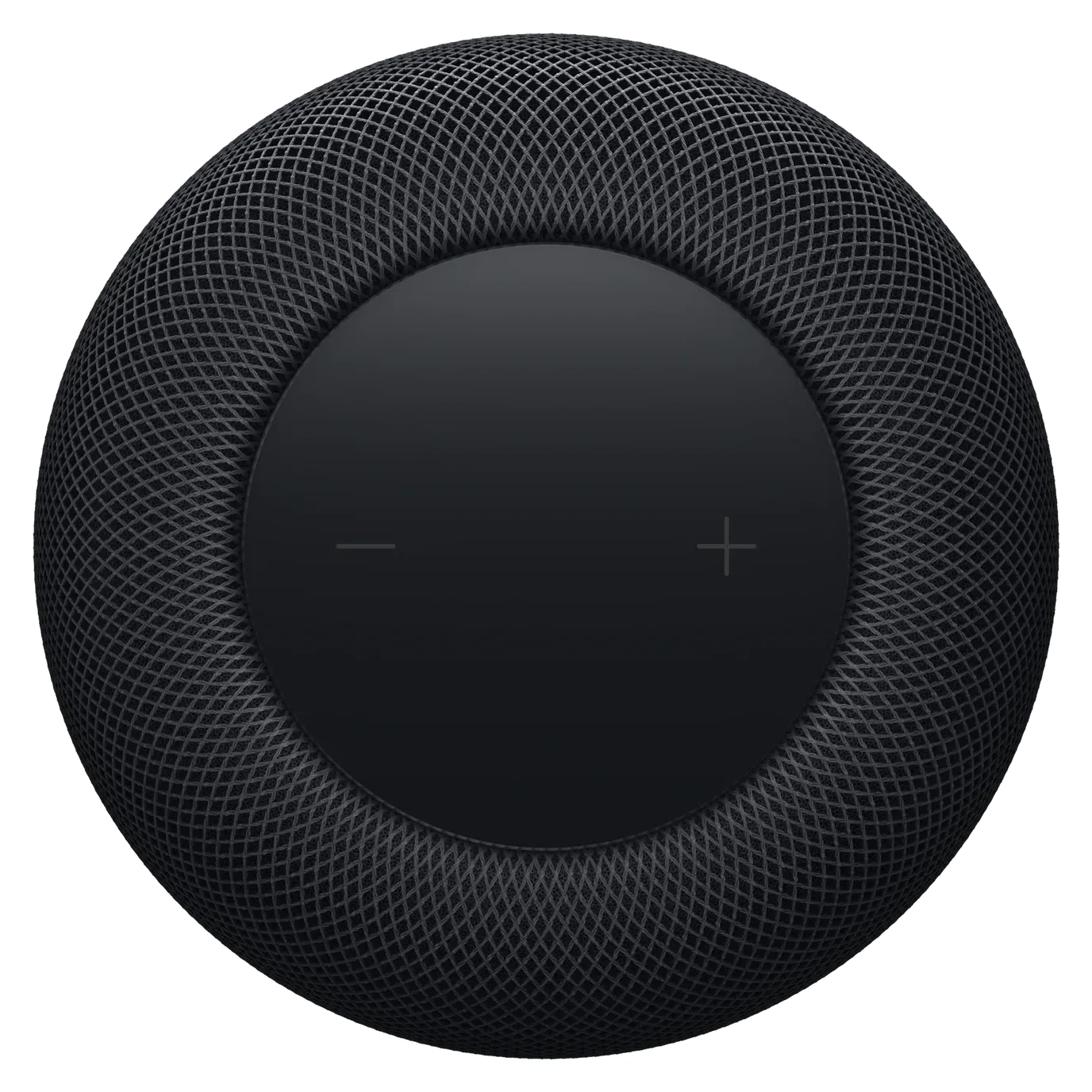
When combined with Apple's upcoming Face ID doorbell camera, the Home Hub could serve as a complete entry management system. The hub recognizes who is at the door and can trigger automations specific to that person, such as adjusting lighting, disarming security, or playing their preferred music.
HomeKit Integration and Thread Support
The Home Hub acts as the central coordinator for all HomeKit accessories in your home. Through the Home app interface on its touchscreen, you can view and control every connected device, create automations, and monitor camera feeds. Siri voice commands work hands-free from across the room.
Thread support provides significant advantages over pure Wi-Fi or Bluetooth setups. Thread creates a mesh network where compatible devices relay signals to each other, extending range and reducing response times. This protocol already works with accessories from Eve, Nanoleaf, and Aqara.
The hub also serves as a border router for Thread, meaning Thread-enabled accessories can communicate with the internet through the hub without requiring additional hardware.
Smart Home Use Cases
The Apple Home Hub enhances daily routines with a visible, always-on control surface:
Key Points
- View live security camera feeds and recorded clips on the display
- Control lighting, thermostats, and blinds with touch or voice commands
- Set morning and evening routines that activate with a single tap
- Monitor energy usage across connected smart plugs and thermostats
- Use Face ID to present personalized dashboards for each family member
- Receive delivery and visitor notifications with camera snapshots
The wall-mount option makes it particularly useful as a dedicated control panel near the front door or in a hallway.
Setup and Configuration
Setup is expected to follow the standard Apple approach through the Home app on your iPhone or iPad. You power on the hub, bring your iPhone nearby for automatic detection, and follow the on-screen pairing wizard. The hub then syncs your existing HomeKit accessories, rooms, and automations.
Adding the hub to your HomeKit setup gives all accessories access to Thread networking and enables HomeKit Secure Video processing locally on the A18 chip. This means faster camera analysis, reduced cloud dependency, and more responsive automations.
Final Thoughts
The Apple Home Hub addresses the most common complaint about HomeKit: the lack of a dedicated control surface. Currently, Apple users must pull out their iPhone or ask Siri through a HomePod to interact with their smart home. The Home Hub puts a touchscreen dashboard on your counter or wall that anyone in the household can use.
Face ID personalization is a meaningful differentiator that Amazon and Google have not matched. The A18 processor ensures the device handles HomeKit Secure Video and complex automations without performance issues. Thread support future-proofs the hub for the growing number of Thread-enabled accessories.
The main limitation is ecosystem exclusivity. This hub works only with Apple HomeKit and does not support Alexa Skills, Google Home routines, or SmartThings. For multi-platform households, this creates a barrier. However, for homes fully committed to Apple, the Home Hub could become the single most useful HomeKit accessory available. Pricing has not been confirmed, but given Apple's premium positioning, expect it to cost more than the Echo Show or Nest Hub Max.
Long-term, the Apple Home Hub represents a natural evolution of the HomeKit ecosystem. As Thread device adoption grows and Matter matures as a universal standard, the hub's local processing capabilities and open protocol support position it well for the next generation of smart home hardware. Apple users who have held back from building a serious smart home setup due to the lack of a dedicated control surface now have a compelling reason to invest.