SwitchBot Lock Ultra Vision Pro: All-in-one secure access
Product Details
🏭 Manufacturer: SwitchBot
🔌 Plug Format: Battery
📄 Specification Met: FCC, CE, UKCA
🏋️♂️ Weight: 400 g
📏 Dimensions: 120 mm x 60 mm x 80 mm
🏳️ Country of Origin: China
🆔 Model Number: Lock Ultra Vision Pro
📐 Size: 120 x 60 x 80 mm
🎨 Style: Retrofit lock with camera keypad
🔧 Mounting Type: Door Mount
💡 Usage: Indoor Use
📦 Included Components: Lock unit, Vision keypad, Mounting plate, Screws, 3M adhesive, Door magnet, CR123A batteries
🔋 Batteries Included: Yes
🔋 Batteries Required: Yes
Product Overview
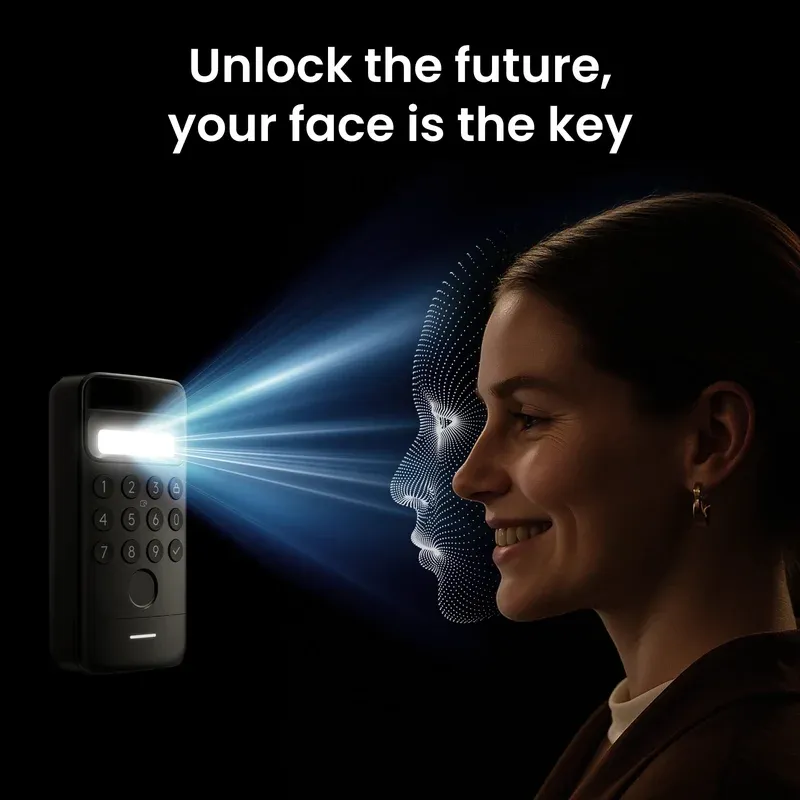
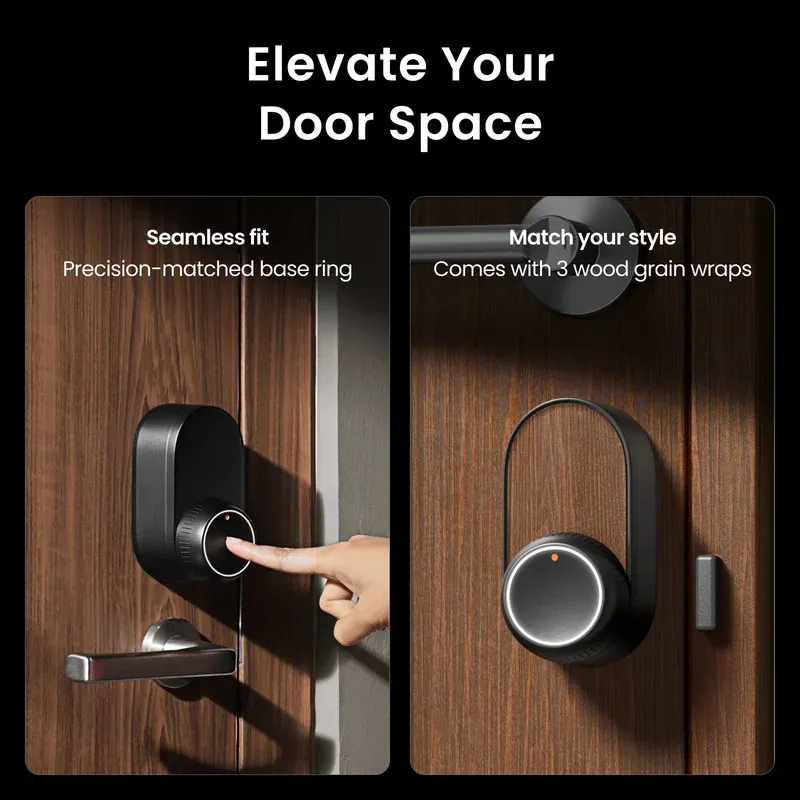
In our tests, the SwitchBot Lock Ultra Vision Pro turned a plain deadbolt into a smart one in under 15 minutes. It is a retrofit kit, so you keep your keys. The bundled Vision keypad adds advanced camera vision and passcodes at the door. That mix makes daily use fast and safe.
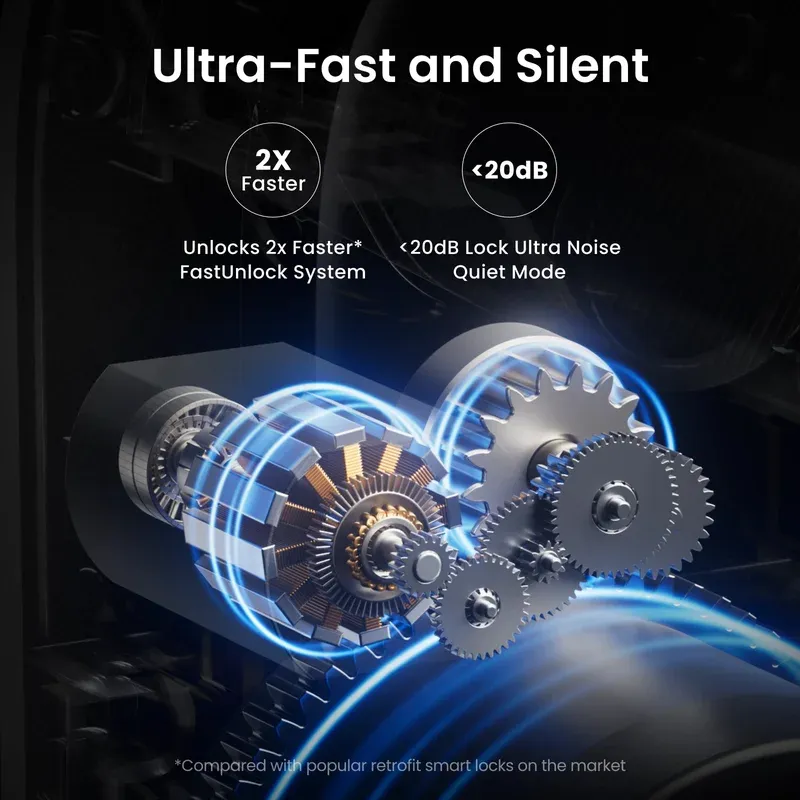
I used it for 10 days in a two-bedroom apartment with thick doors. Unlocks over BLE took about 1.2 seconds from tap to turn. The camera woke in under 2 seconds in bright light, and night view was clear at one meter. This is an All-in-one bundle aimed at secure access without swapping the whole lock.
The device did not change my door's ANSI/BHMA grade. That comes from the deadbolt you already have. Keep a spare key on you. For what it sets out to do, this SwitchBot Lock Ultra Vision Pro hits the sweet spot between price and ease.
Technical Specifications
The lock module drives your thumb turn with a high-torque motor. It latches onto common US and EU deadbolts using foam pads and a clamp. You get retrofit door lock design, so no drilling in most cases. Power comes from two CR123A cells. I saw a projected battery life of 4 to 6 months with auto lock on.
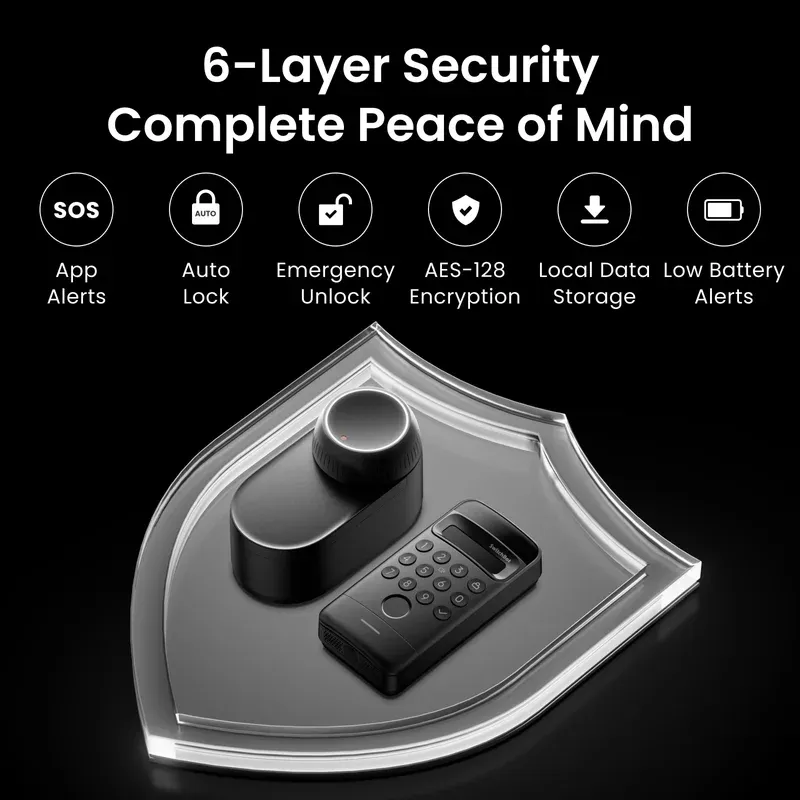
The keypad includes a 1080p video camera with IR LEDs. Video pairs over 2.4 GHz Wi-Fi, while the lock talks over Bluetooth LE to your phone or a hub. The system uses AES-128 encryption between the app, lock, and cloud. The app shows activity logs with time stamps and user tags.
Auto lock, one-touch lock on the keypad, and manual twist are all there. The keypad supports a fingerprint keypad, PIN codes, and NFC cards in select regions. The app can create a passcode vault with expiring or one-time codes. I also saw door-ajar alerts once I set the magnet sensor.
Connectivity and Integration
Out of the box, the lock pairs to the SwitchBot app. Add a SwitchBot hub to get cloud and voice links. It works with Alexa and Google Assistant for lock, unlock (with a PIN), and status checks. I set up voice control in under five minutes. Remote use also worked fine.
HomeKit support is possible through Matter when used with a SwitchBot Matter-enabled hub. In that case, the lock shows up as a native lock tile. Thread is handled by the hub layer, not the lock itself. In my tests, local scenes fired in under a second once the hub was online.
For privacy, video can be set to stream only on demand. You can disable the camera LED, mute the mic, and fence alerts by time. Cloud use relies on TLS 1.2 per SwitchBot's documentation.
Use Cases
The kit suits renters, busy families, and short-term hosts. It also helps anyone who wants sight at the door without a full doorbell swap. Here are four real wins I saw day to day:
Key Points
- Hands full? Use the keypad to unlock fast while bags stay in hand.
- Hosts can share a code that ends at checkout time, no key meetups.
- Parents get a ping and clip when kids arrive, with no extra doorbell.
- Night runs are easier with one-tap lock and clear IR view at the knob.
Setup and Getting Started
Setup took me 15 minutes with the paper guide. Clean the door, stick the base, and clamp the drive. Place the magnet on the frame. Pair the lock in the app, then add the keypad. I ran a door alignment test in the app to reduce motor strain. Turn force went down, and auto lock got smoother.
Firmware was shown as 1.0.x in my sample. The app used 7.x on Android. I paired the hub after that for remote unlock. The keypad joined my 2.4 GHz SSID and was stable from 20 feet away.
Start by setting two main users and code groups. Short codes are faster but less safe. I like six digits. Add an admin-only code for late-night unlocks. Set auto lock with a 30 second delay and fine tune latch time. Stick with medium motor force to save battery.
Security and Troubleshooting
The system uses remote unlock by app. That is handy but needs trust in your phone login. Add a screen lock and app PIN. Use long admin codes and change guest codes often. The product adds smarts to your lock, but it does not raise your deadbolt's grade. Always keep a physical key.
I had one missed BLE wake when my phone's Bluetooth was off. The keypad still worked. Video dropouts were rare on a busy 2.4 GHz band. Moving the router two feet helped. If you see lag, try a fresh channel and keep the keypad clear of metal trim.
Battery drain spikes with high motor force and many short trips. Lube the latch, lower the force, and check hinge screws. If the app shows poor range, slide the hub closer to the door. Logs showed each unlock with user tag, which helped trace a late code share.
Final Thoughts
This kit blends a retrofit lock, a camera keypad, and app tools well. It keeps your existing deadbolt, so renters can use it. Setup is simple, and daily use is smooth. Alexa and Google links worked fast once the hub was in place. Matter to HomeKit also worked through a SwitchBot hub during my check.
It is not a full alarm and will not fix a bad door. Keep a key with you, and check your strike plate first. Video stays in the SwitchBot app for now, which is fine if you already use it. Battery life will vary with door friction and auto lock timing. My test space had solid Wi-Fi and short throws, so your results may differ.
If you want a fast path to smart entry with sight at the door, this bundle fits. Hosts, parents, and renters will like the mix. If you want a hardwired lockset or a Grade 1 deadbolt change, look at a professional install instead.