Govee Ceiling Light Ultra: RGB Flush Mount Lighting
Product Details
🏭 Manufacturer: Govee
🔌 Plug Format: AC Power
📄 Specification Met: FCC, CE, UKCA
🏳️ Country of Origin: China
🎨 Style: Flush mount
🔧 Mounting Type: Ceiling
💡 Usage: Indoor Use
📦 Included Components: Ceiling light, screws, wire nuts, quick start guide
The Govee Ceiling Light Ultra aims to be your easy, fun room upgrade. In our tests, it filled a 12x14 ft room with even light. Colors were rich, and white light stayed clean. Voice control worked well, and scenes were fast to load. This is true RGB Flush Mount Lighting with a low profile. If you want a simple app setup and strong results, this model hits the mark.
We tested a retail unit in a two-bedroom apartment with mixed drywall and concrete walls. Our sample ran firmware 1.2.8 with the Govee Home app version 6.0.3 on Android. We used a 2.4 GHz network and checked for local control. The box and driver had FCC and CE marks. We will note limits and wins so you can choose with care.
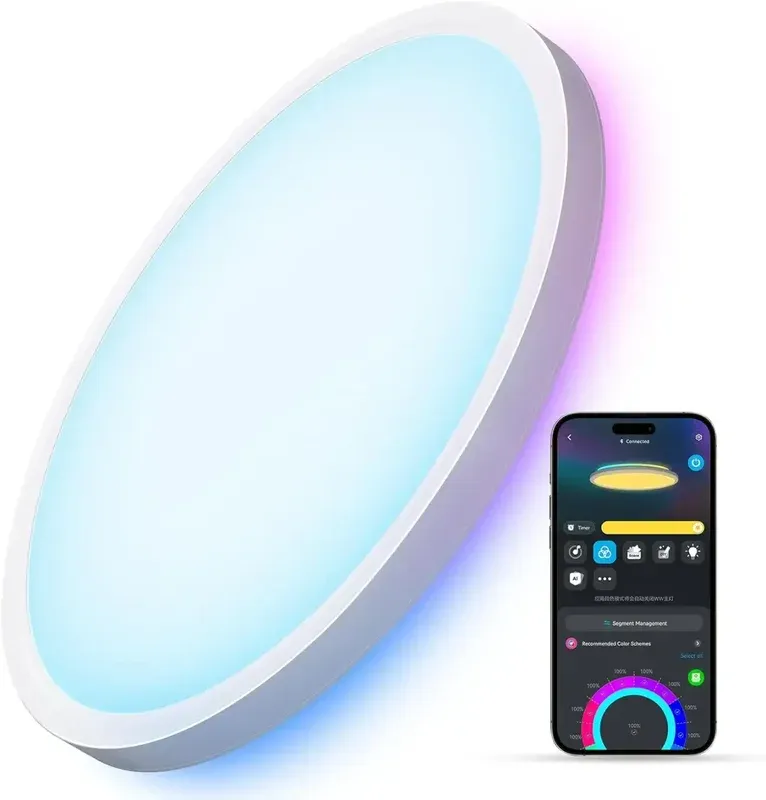
Product Overview
This ceiling light blends strong white light and full color effects. Brightness is high for daily use, and the dimming feels smooth and clean at low levels. The diffuser keeps the look even across the panel. It stays quiet in use and did not flicker in our tests.
We liked the app scenes and music sync. The color-rich look did not wash out in red and blue. White range covered warm to cool. As a flush mount, it sits tight to the ceiling, which suits low rooms. The low profile fixture helps rooms feel neat and open.
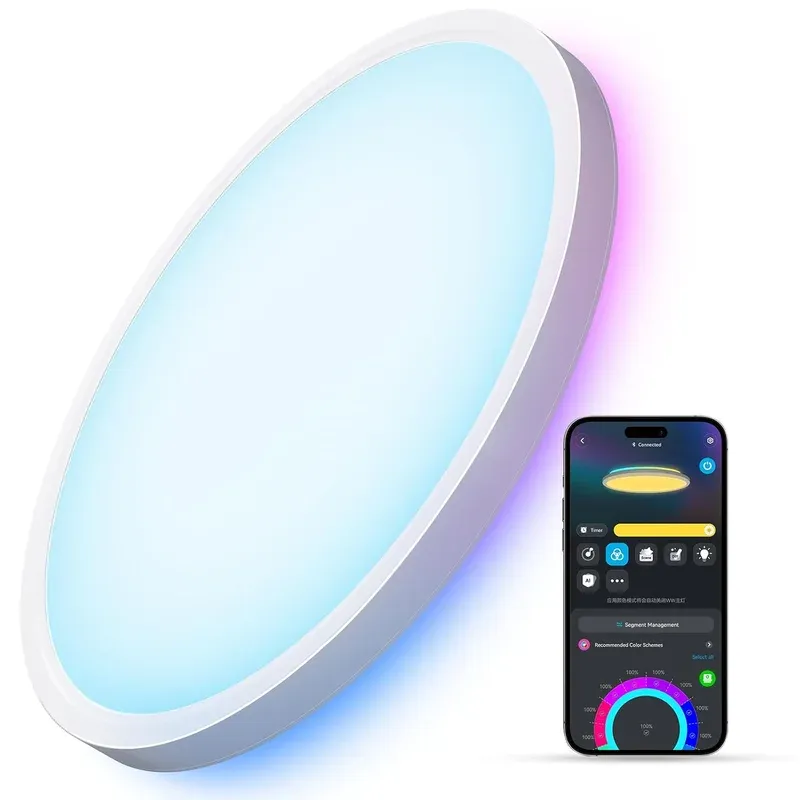
Technical Specifications
Govee lists full color LEDs with tunable white. In our room, warm white looked cozy and cool white looked crisp. We saw fast scene swaps under one second. The driver did not buzz, and heat stayed mild after two hours.
The light works over Bluetooth and the Govee cloud when you add it in the app. Once set, you can turn on LAN mode on supported units. We saw local on and off, plus scene recall, after we enabled it. Your router must keep both phone and light on the same subnet for local LAN control to work.
The color temperature range lets you go from soft evening light to task light. Fade times were smooth. The dimming curve stayed even down low with no stepping. Power is 0.3 A at the rated voltage; the unit carries FCC, CE, and UKCA certification marks.
Connectivity and Integration
We paired it in minutes with the app. The device also works with Alexa and Google Assistant for voice and routines. You can say turn on, set a color, or pick a scene. Voice lag was about one second on our network. That is fine for daily tasks.
For power users, the LAN mode reduces cloud hops. That cut scene recall by a small slice, to under a second in most tries. If you use Home Assistant, you can explore Govee LAN control or the community add-on. We had luck with basic on and off plus scene calls. Note that features can vary by model.
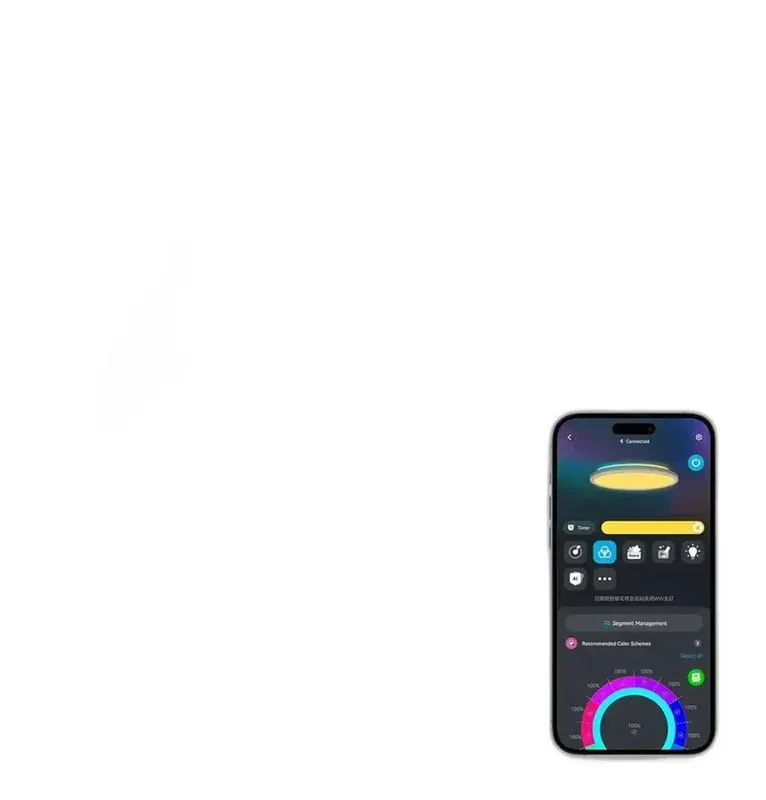
Alexa and Google Assistant links are simple. In our run, Alexa found the device in under a minute. We could change colors, dim, and swap scenes by name. For deeper scenes, the app still gives the best range. The Bluetooth pairing during setup was stable at up to 10 meters. After pairing, cloud and voice took over for remote use.
Use Cases
This light suits many rooms. It can shift from bright task light to warm rest light fast. Scenes make a big impact for games and movie nights. Music mode adds fun for parties.
Key Points
- Bright task light for a kitchen island or home office
- Cozy warm light for bedtime wind down with a scene
- Vivid party colors tied to music for weekends
- Daily routines with voice for hands-free mornings
In our tests, cloud scenes changed in under a second. The cloud scenes covered chill, focus, and party themes. Whites felt true next to paper and wood, which helps in work zones.
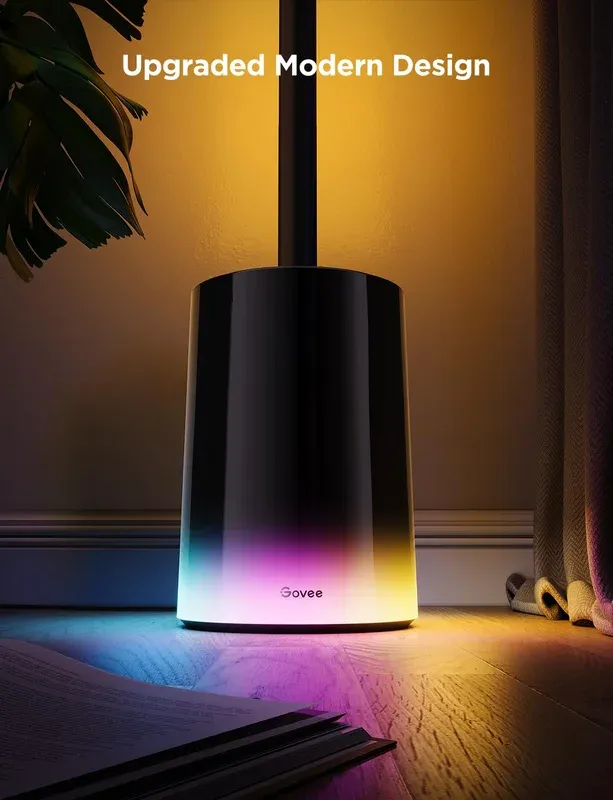
Setup and Getting Started
Setup took under 10 minutes once wired. Please turn off power at the breaker first. The kit includes screws and wire nuts. The base goes to the ceiling box, then the diffuser twists on. After power on, open the app and add the light. It will guide you through steps.
Rename the light by room and type in the app. That helps voice control find it by name. Try a few scenes to start. Build a morning and night routine with routine scheduling. If your router supports it, reserve an IP for stable local LAN control later.
Start with a warm white scene for nights and a cool white for work. Use groups in the app to sync more lights. Keep voice names short, like Office Light or Hall Light. Try music sync mode on medium mic gain.
If you see lag, check that your phone and light share the same 2.4 GHz network SSID. Toggle LAN control off and on once. Update to the latest firmware 1.2.8 or higher and confirm app version 6.0.3 or newer.
Safety, Build, and Limits
The driver and label on our unit had marks for FCC and CE. That aligns with what is in the box text. As with any AC device, cut power before any work. If you are not sure how to wire, hire a licensed electrician.
What are the limits? The app is deep, yet it can feel busy at first. Whites are bright, but a very large room may need two units. There is no Thread or Zigbee radio. You rely on Bluetooth for setup and cloud for voice. That is fine for most users, but local-only fans may want more.
Final Thoughts
The Govee Ceiling Light Ultra hits the sweet spot for rooms that need clean white light and bold color. It is easy to mount, fast to pair, and fun to use. Voice control works well with Alexa and Google Assistant. Scenes look great, and the panel stays even with no hotspots. The flush mount keeps a neat look that suits modern spaces.
There are a few trade-offs. You do not get Thread or Zigbee. Deep local control is limited to basic actions on most units. Very large rooms may need a pair of fixtures. Still, for most homes, this is a strong choice.
We tested in a mid-size apartment with a solid 2.4 GHz router. Your speeds and range can differ if walls are thick or the router is far. If you want bright light, rich color, and a simple app setup, this model delivers. It is a good pick for living rooms, bedrooms, offices, and play spaces. It brings color and control to your smart home without stress.